

Minecash Ressourcenpaket für Minecraft 26.30
💸 MineCash verwandelt wertvolle Minecraft-Gegenstände und Barren in realistische Banknoten im Dollar-Stil und verleiht deiner Welt ein sauberes und hochwertiges Geld-Erlebnis.
💵 MineCash – Turn Your Items Into Money!
Welcome to MineCash, a unique Minecraft Bedrock texture pack that transforms important items and ingots into realistic dollar-style banknotes. 💸
This pack changes valuable items such as Copper Ingot, Iron Ingot, Gold Ingot, Lapis Lazuli, Emerald, Diamond, and Netherite Ingot as well as Copper, Lapis Lazuli, Gold, Emerald, Diamond, and Netherite Blocks, into beautifully designed money notes inspired by real dollar bills.
Each texture is carefully designed to give your inventory a rich and premium cash-themed look while still keeping the Minecraft style clean and easy to recognize.
💰 Whether you are playing survival, making custom maps, or creating an economy-based world, MineCash adds a fresh and realistic money vibe to your gameplay.
💵 Item Values
- 🟫 Copper Ingot ⟶ $1
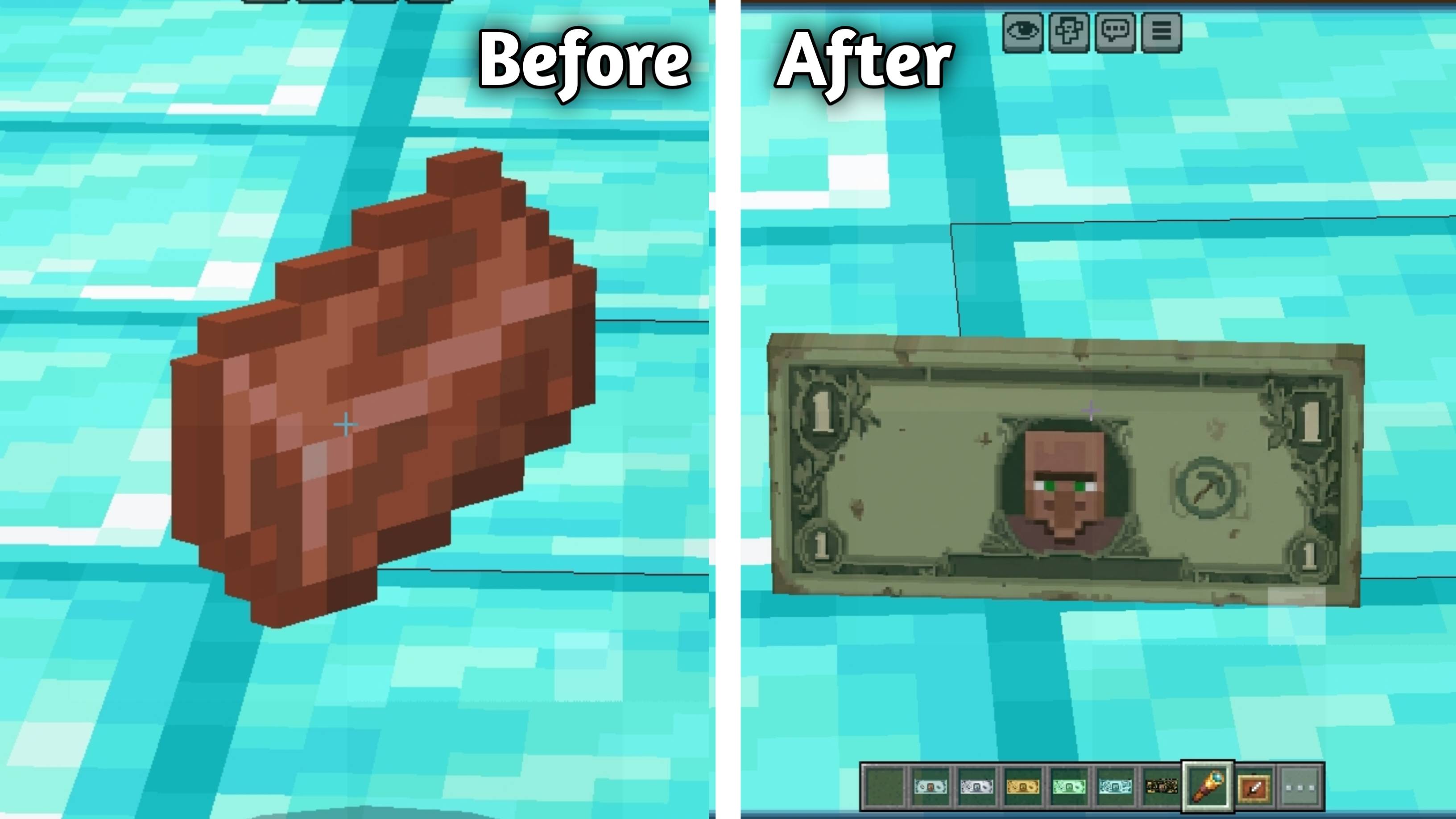
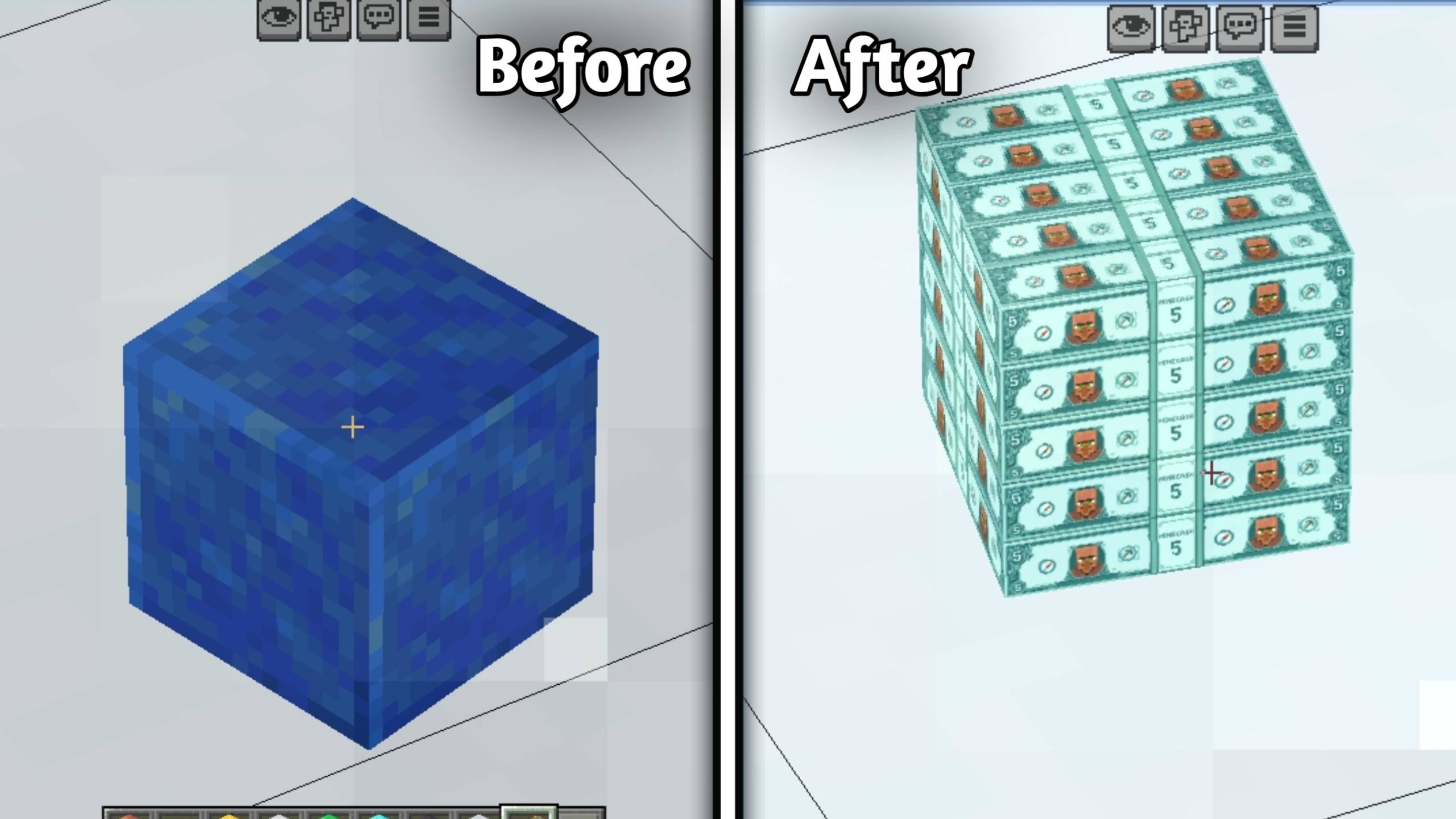
- 🔵 Lapis Lazuli ⟶ $5
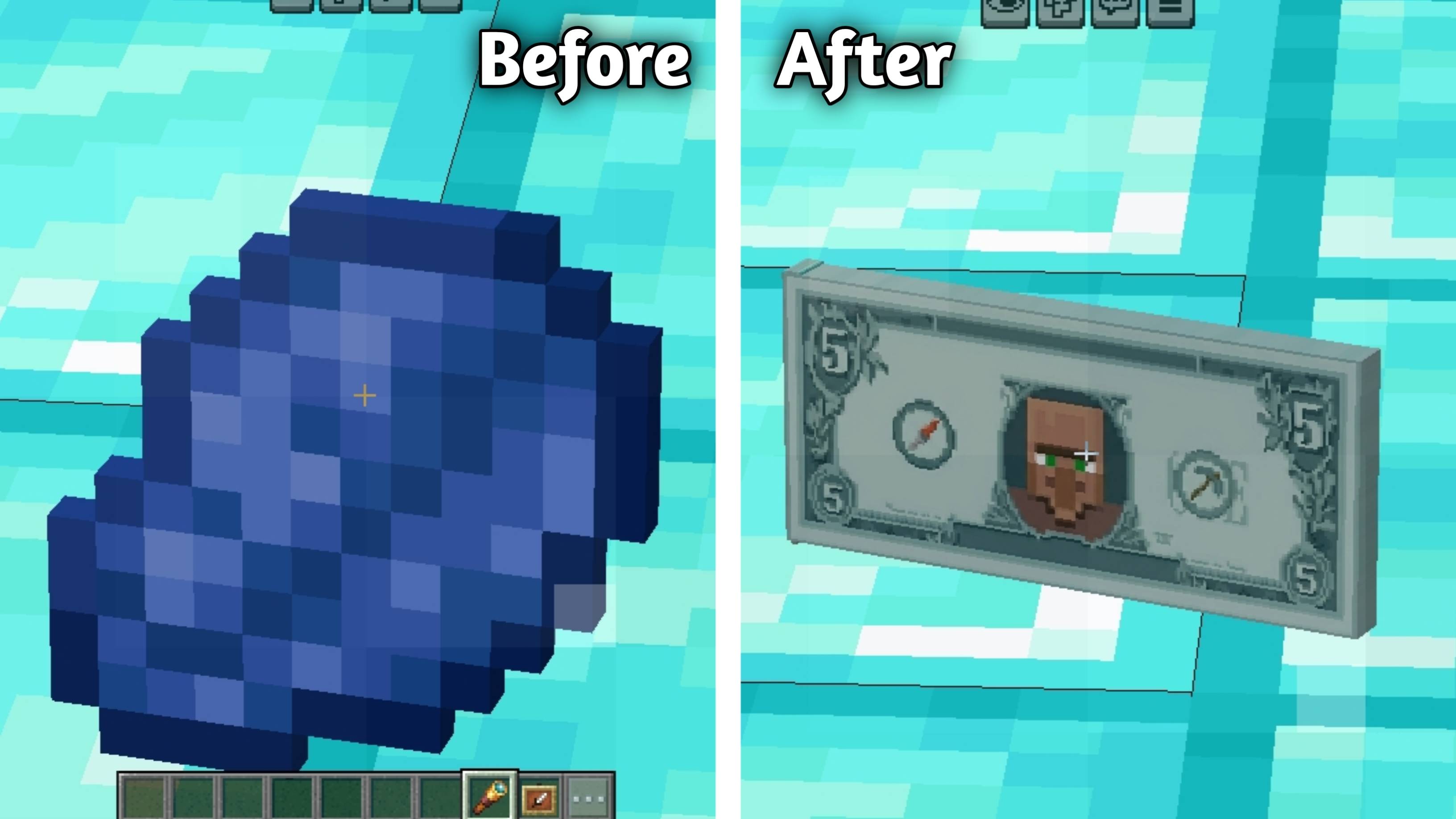
- 🟡 Gold Ingot ⟶ $10
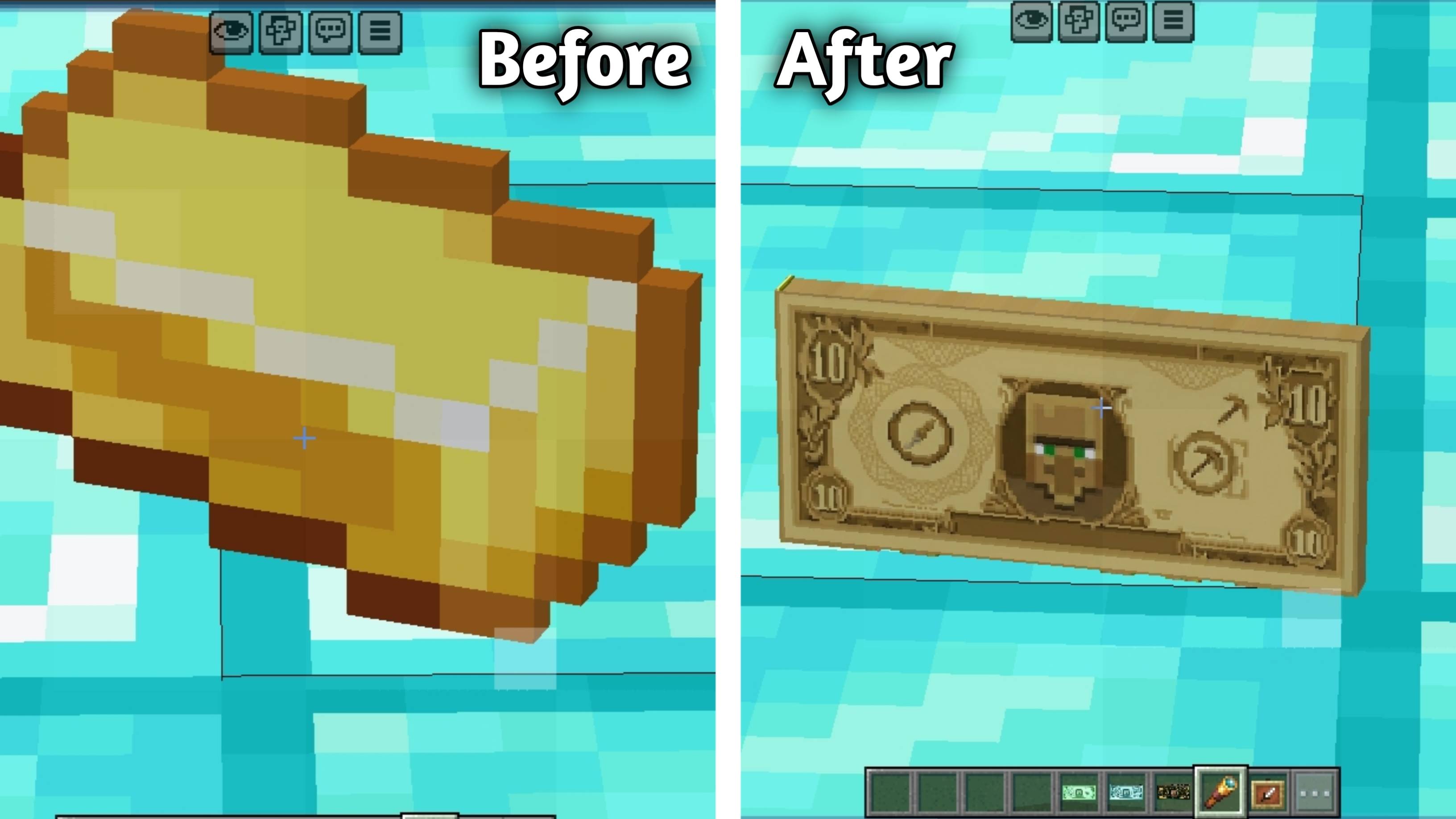
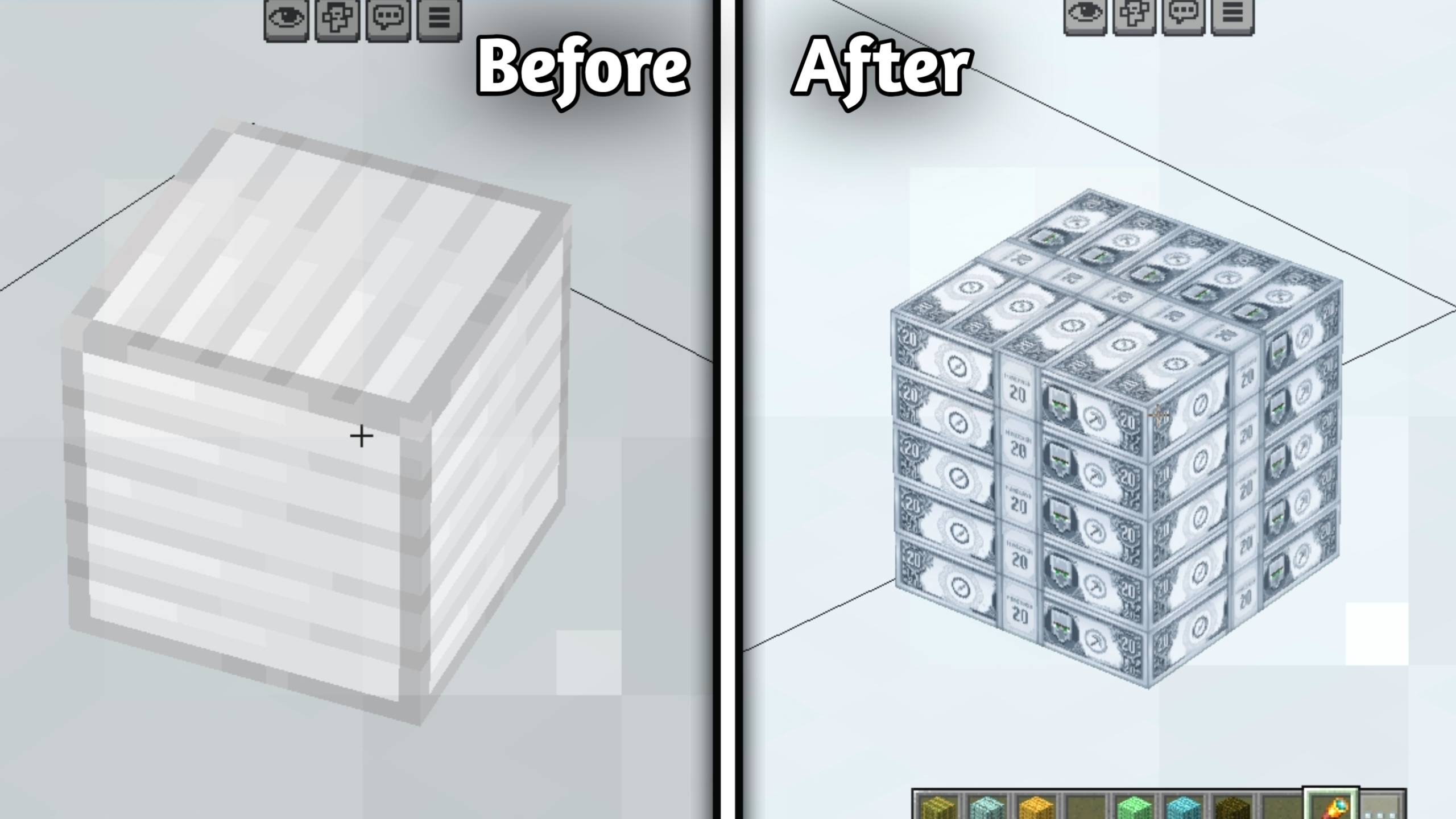
- ⚪ Iron Ingot ⟶ $20
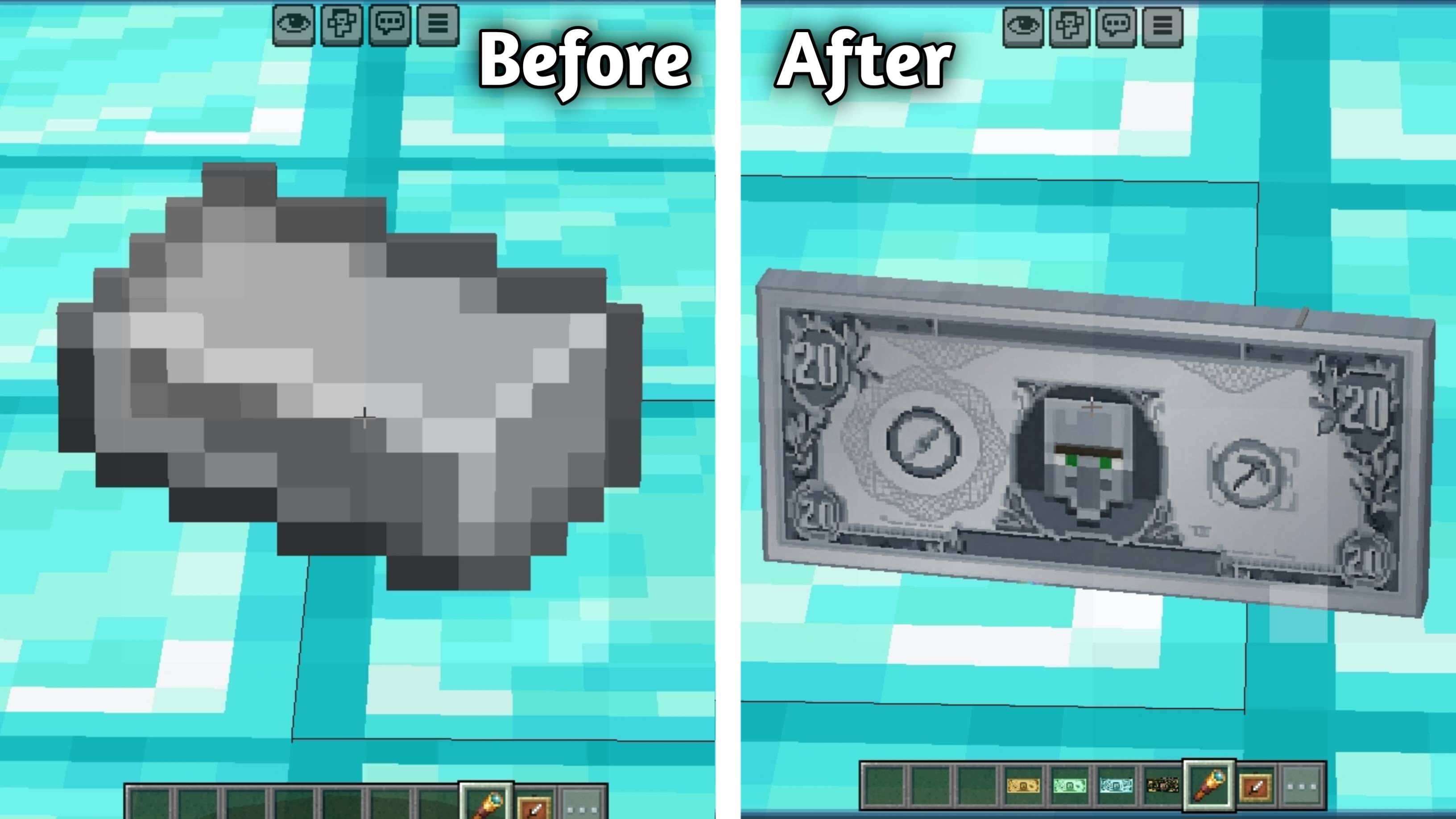
- 🟢 Emerald ⟶ $50
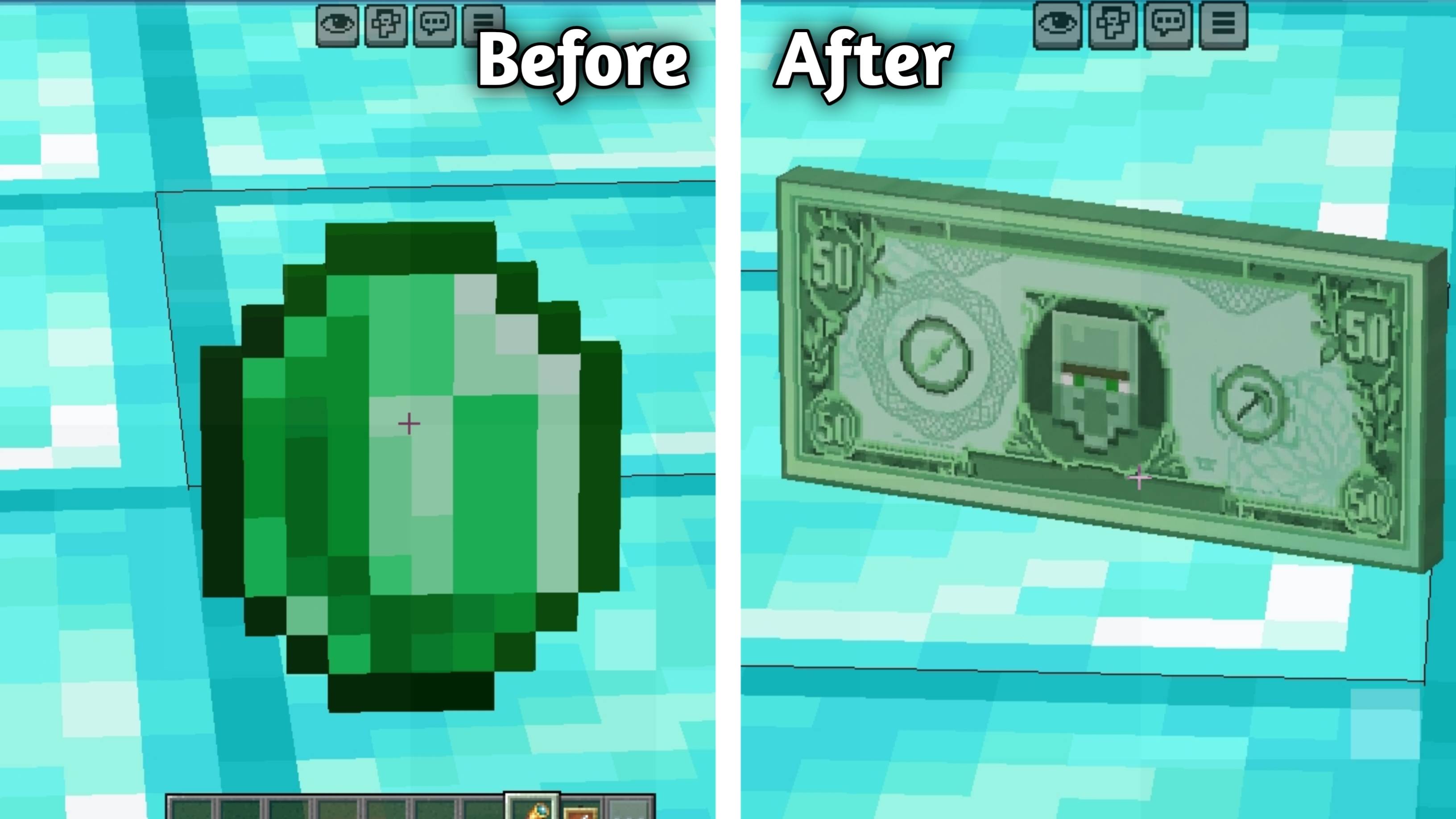
- 🔷 Diamond ⟶ $100
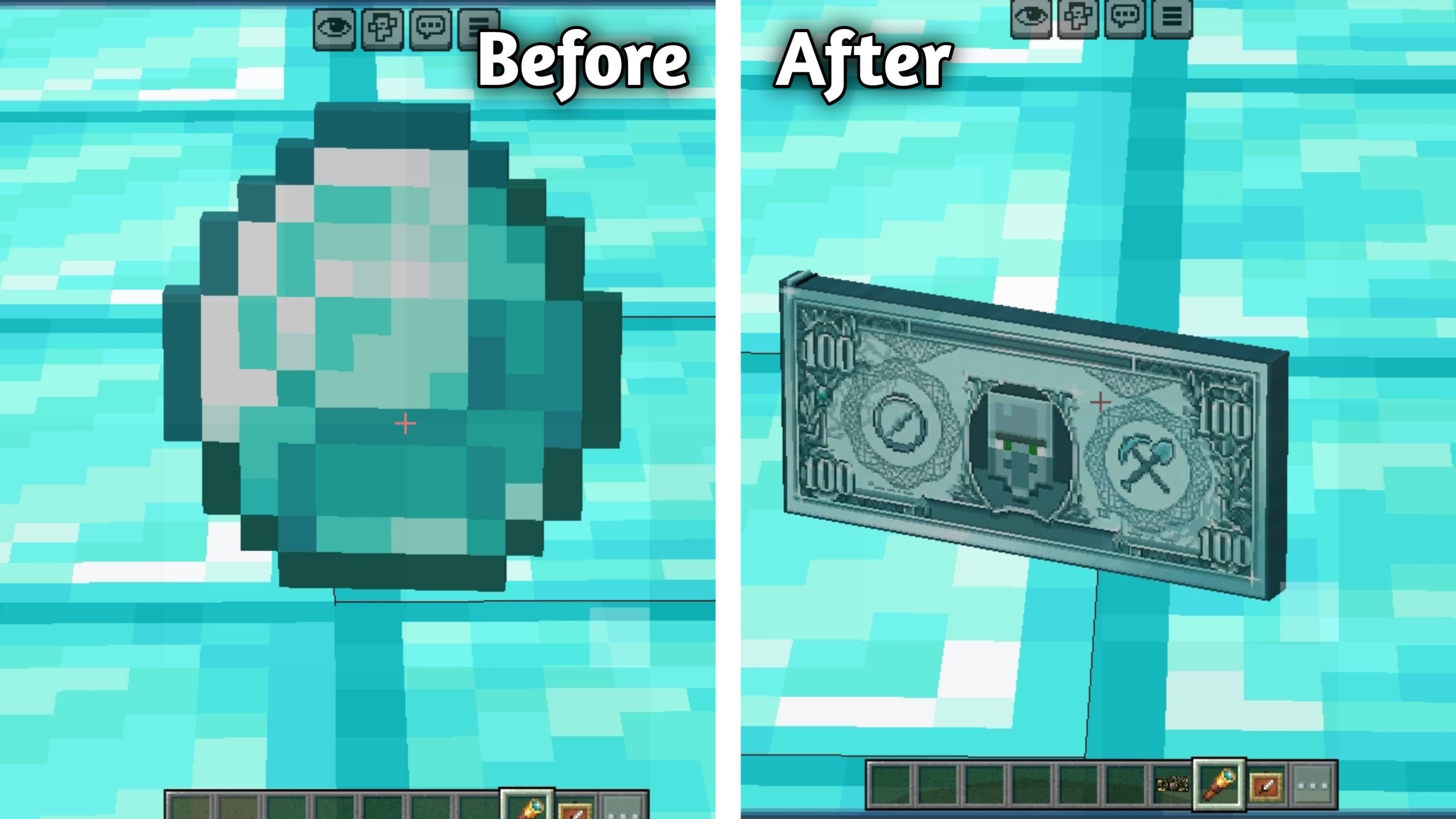
- 🟣 Netherite Ingot ⟶ $1000
🪙Coins:(New Add)
Gold Nugget → $1 Coin
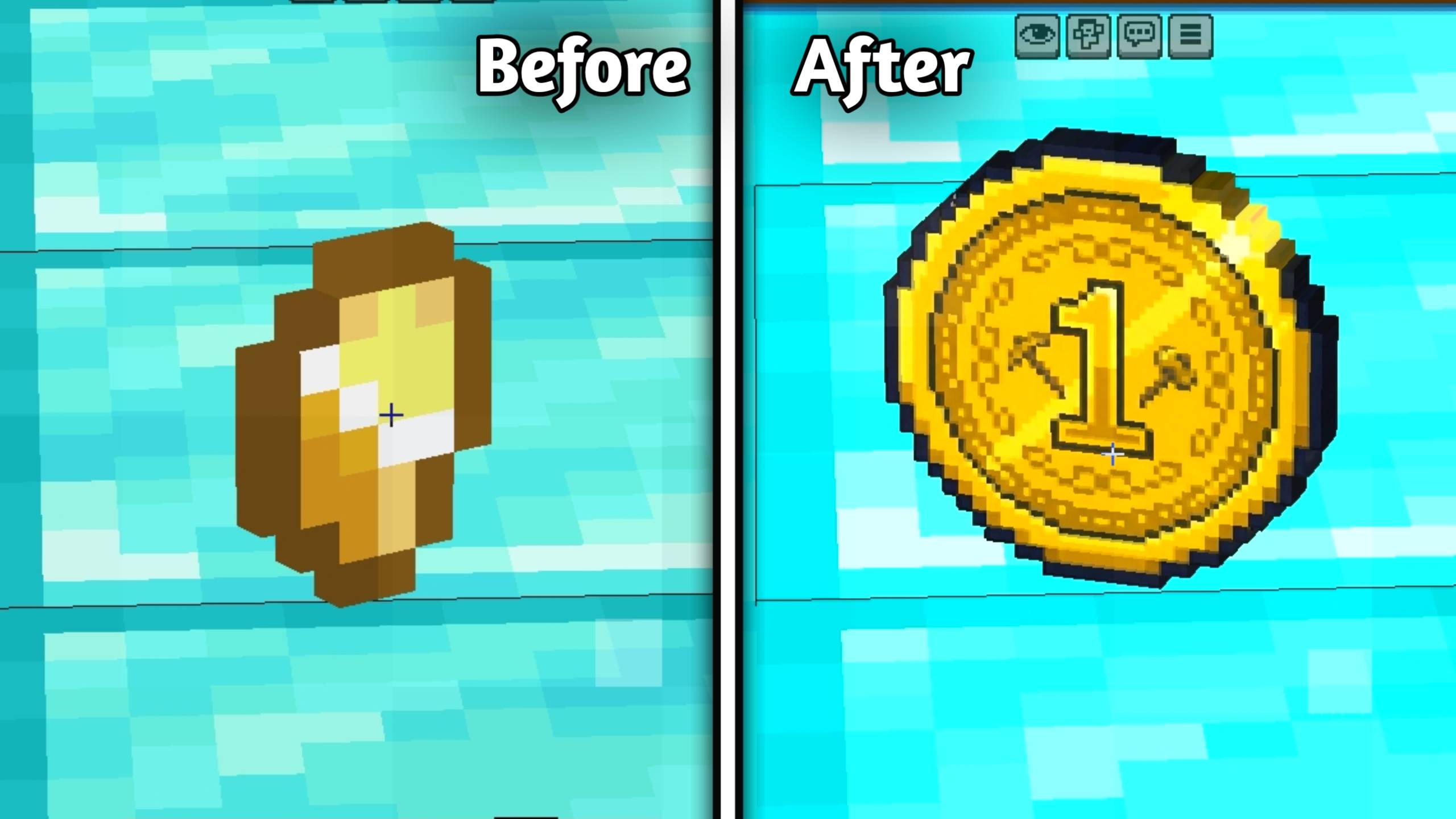
Copper Nugget → $2 Coin
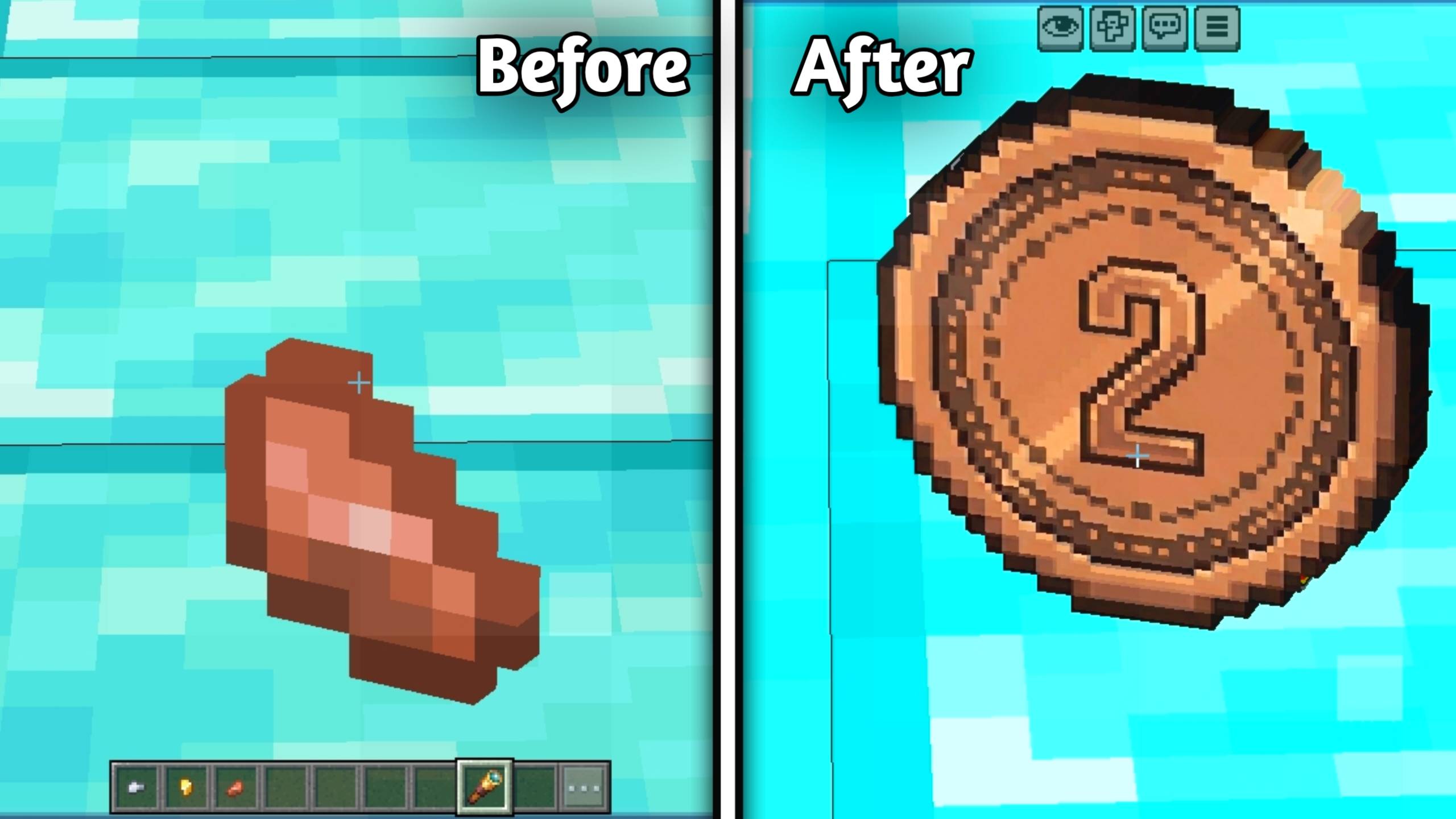
Iron Nugget → $5 Coin
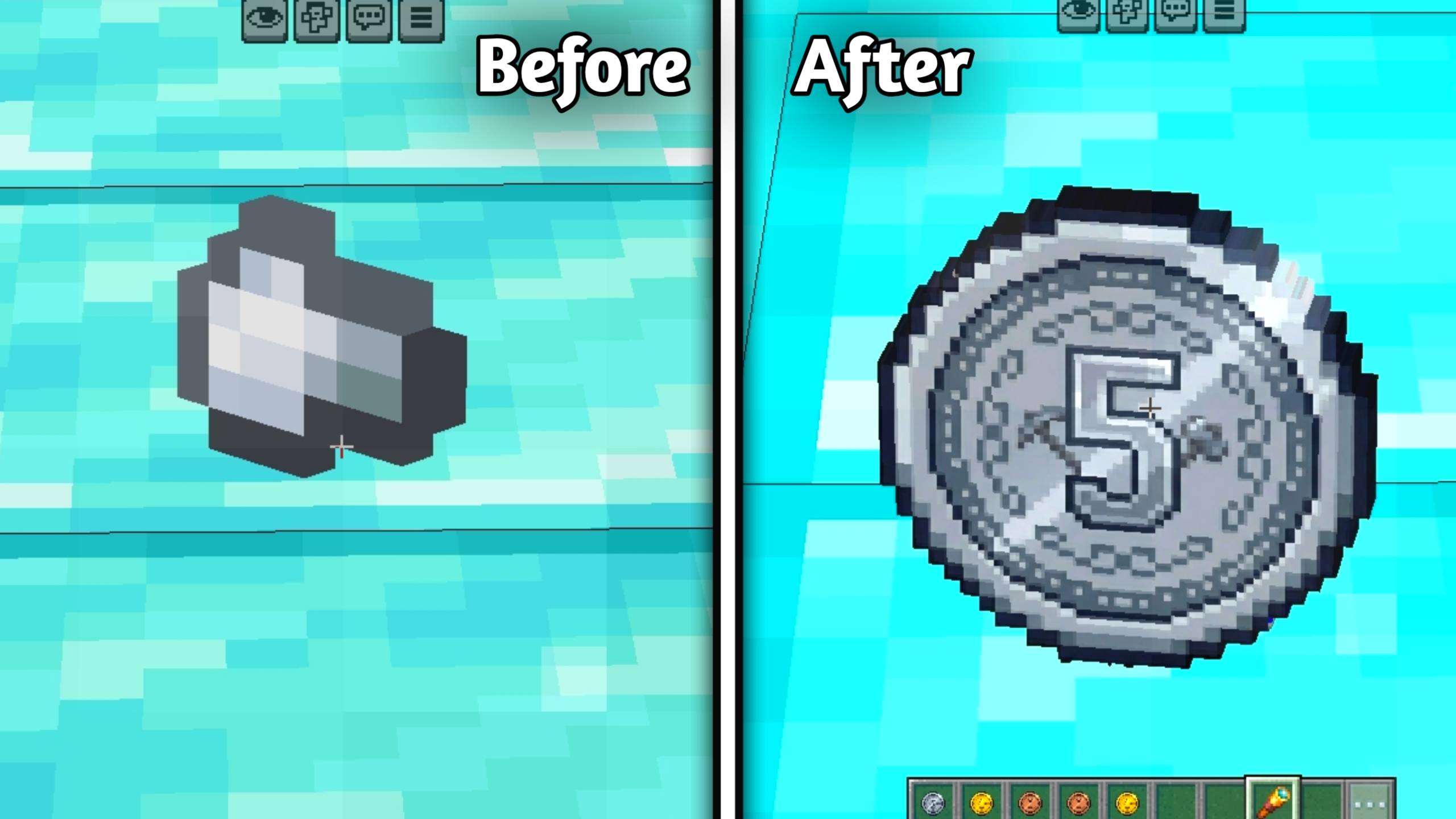
💰 Money Blocks (New)
Storage blocks have also been transformed into massive stacks of bundled MineCash!
🟫 Copper Block ⟶ Stack of $1 Cash Bundles
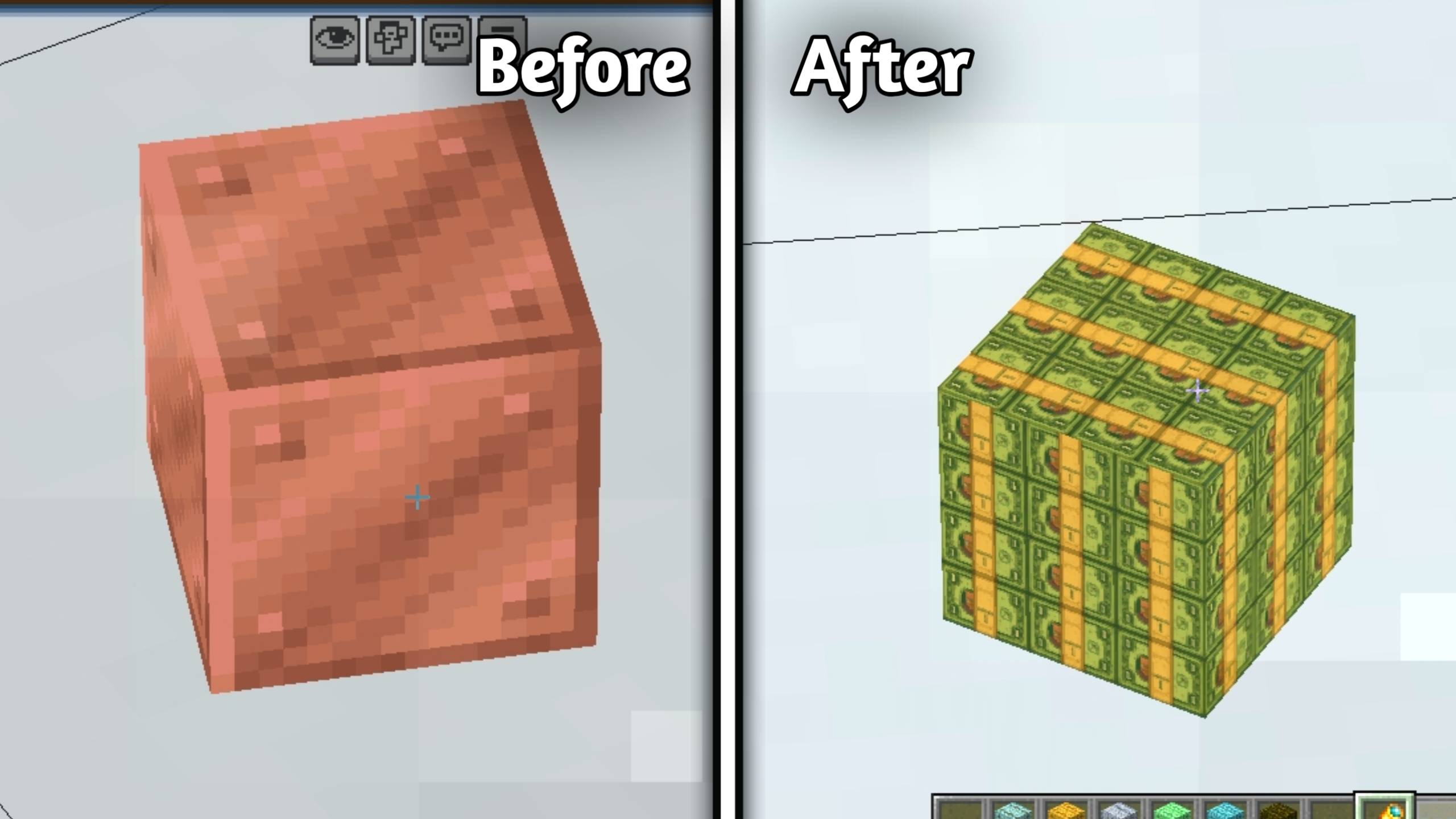
🔵 Lapis lazuli ⟶ Stack of $5 Cash Bundles
⚪ Iron Block ⟶ Stack of $20 Cash Bundles
🟡 Gold Block ⟶ Stack of $10 Cash Bundles
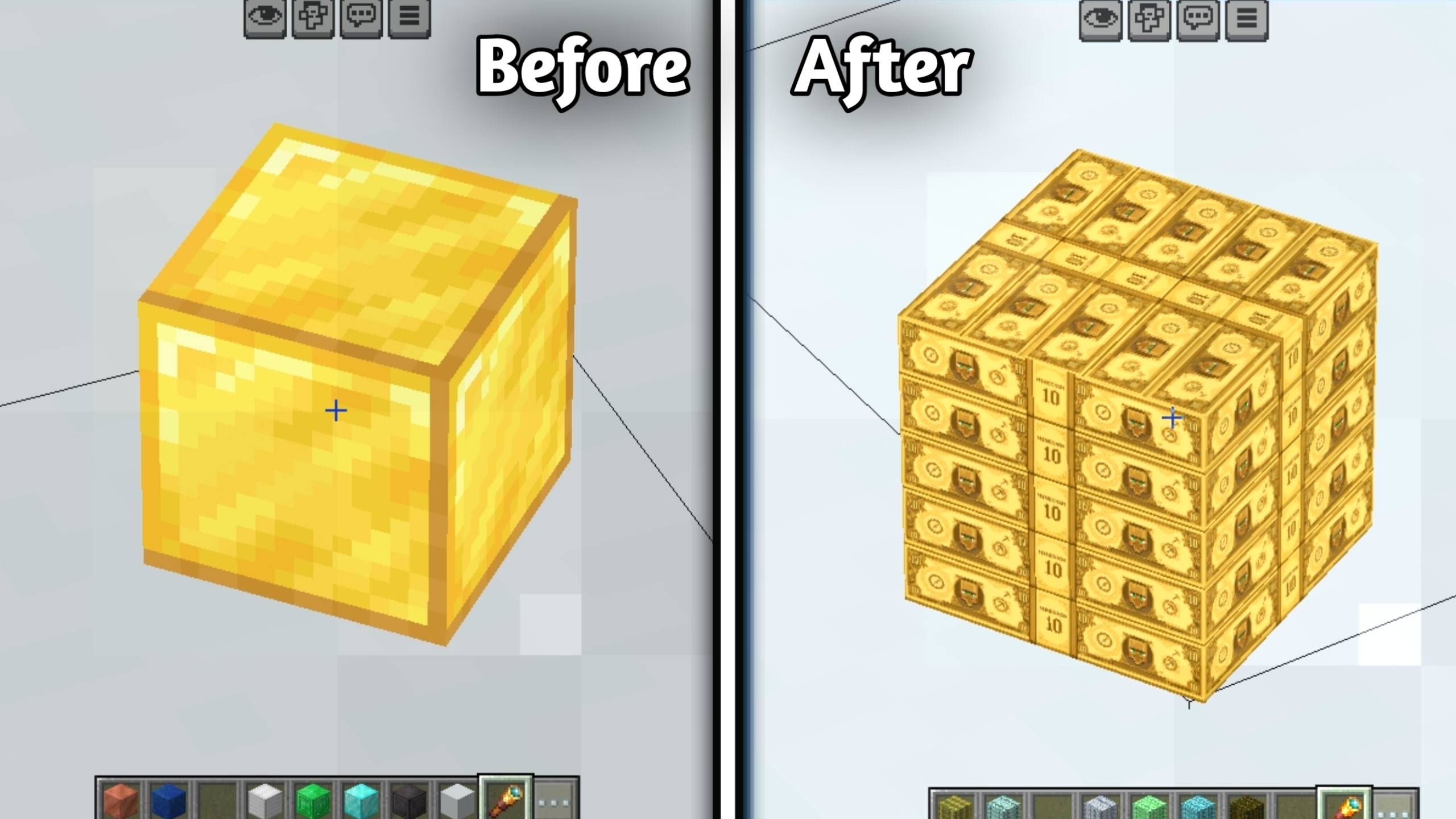
🟢 Emerald Block ⟶ Stack of $50 Cash Bundles
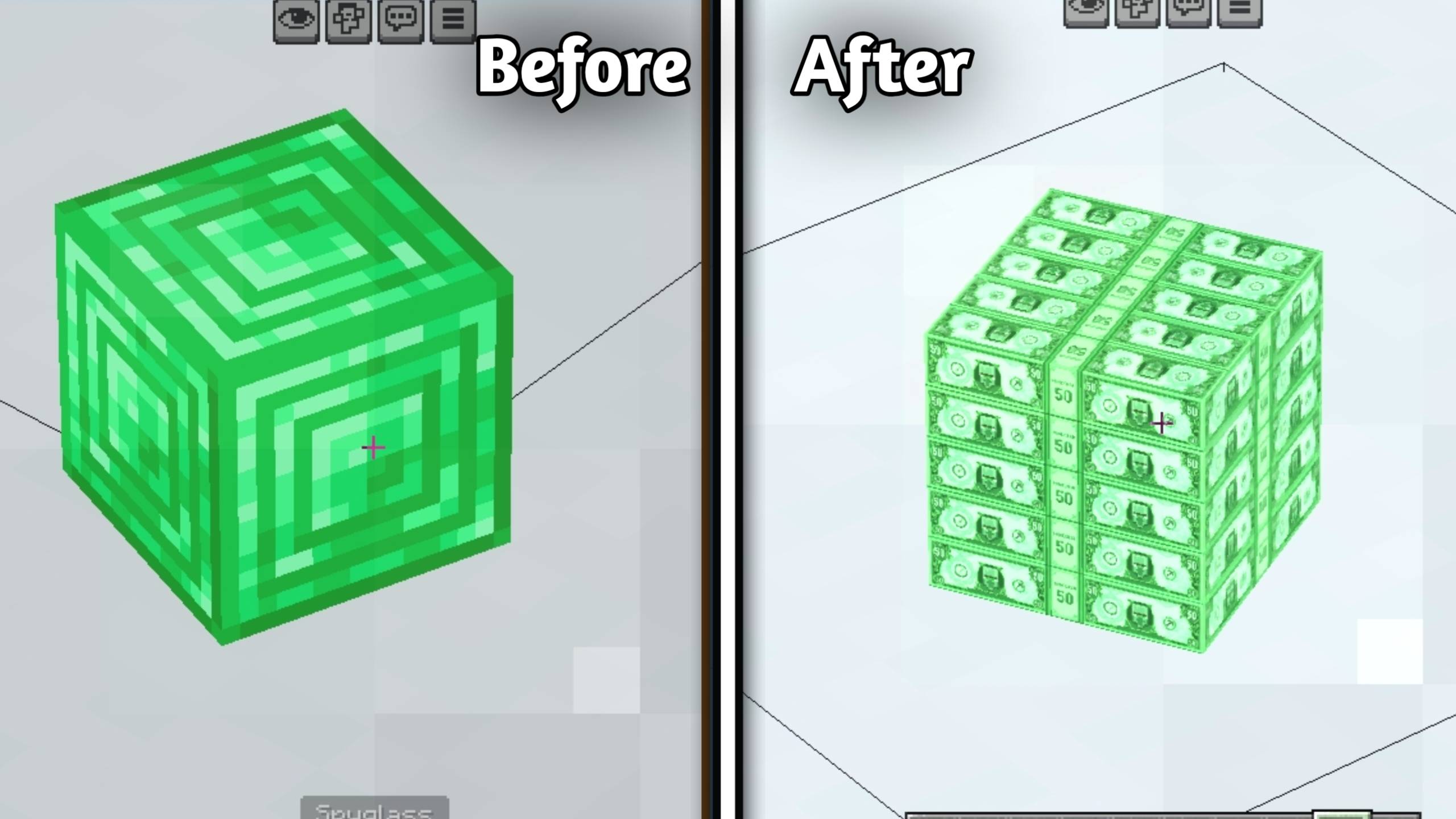
🔷 Diamond Block ⟶ Stack of $100 Cash Bundles
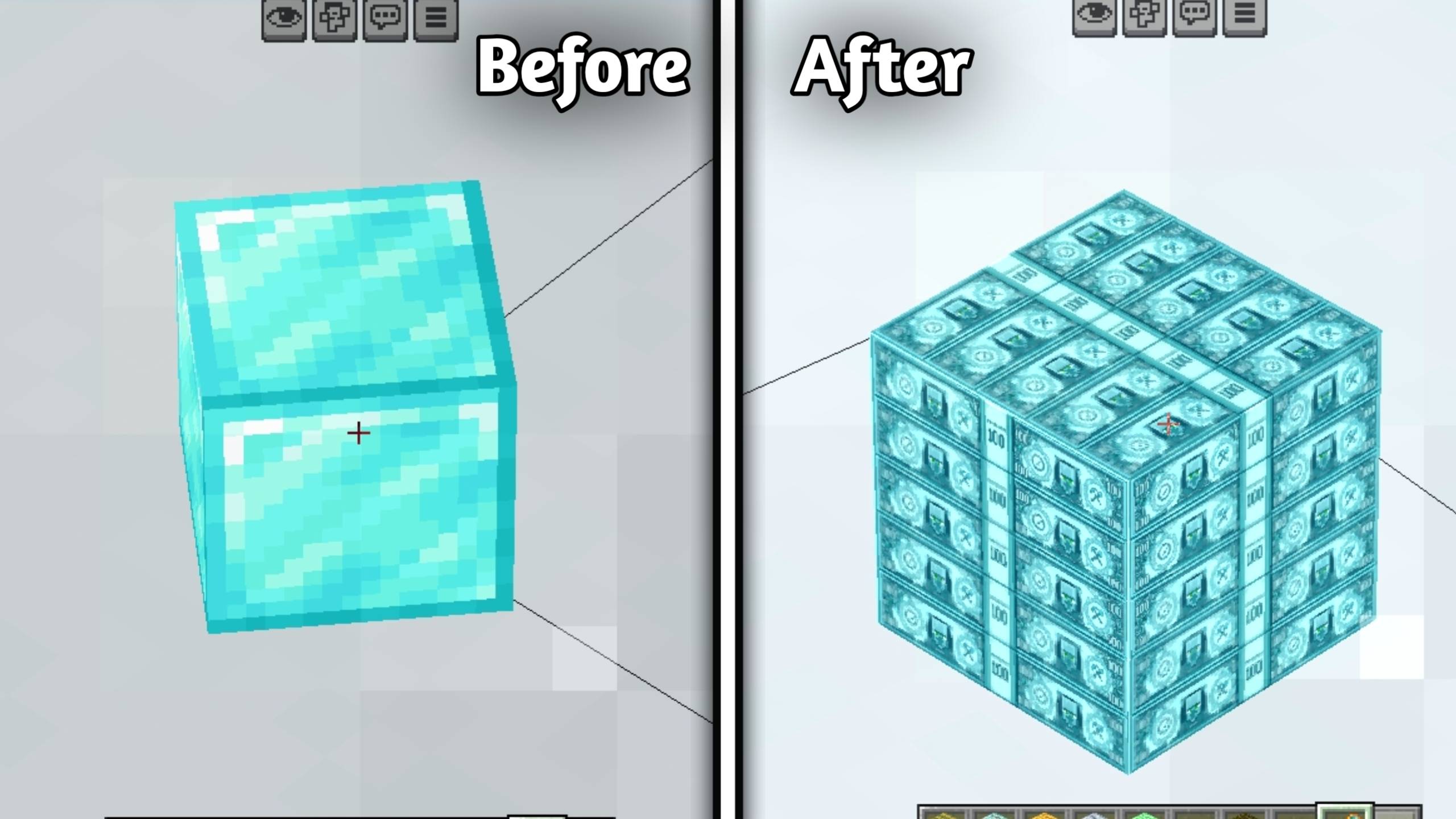
🟣 Netherite Block ⟶ Luxury Stack of $1000 Cash Bundles
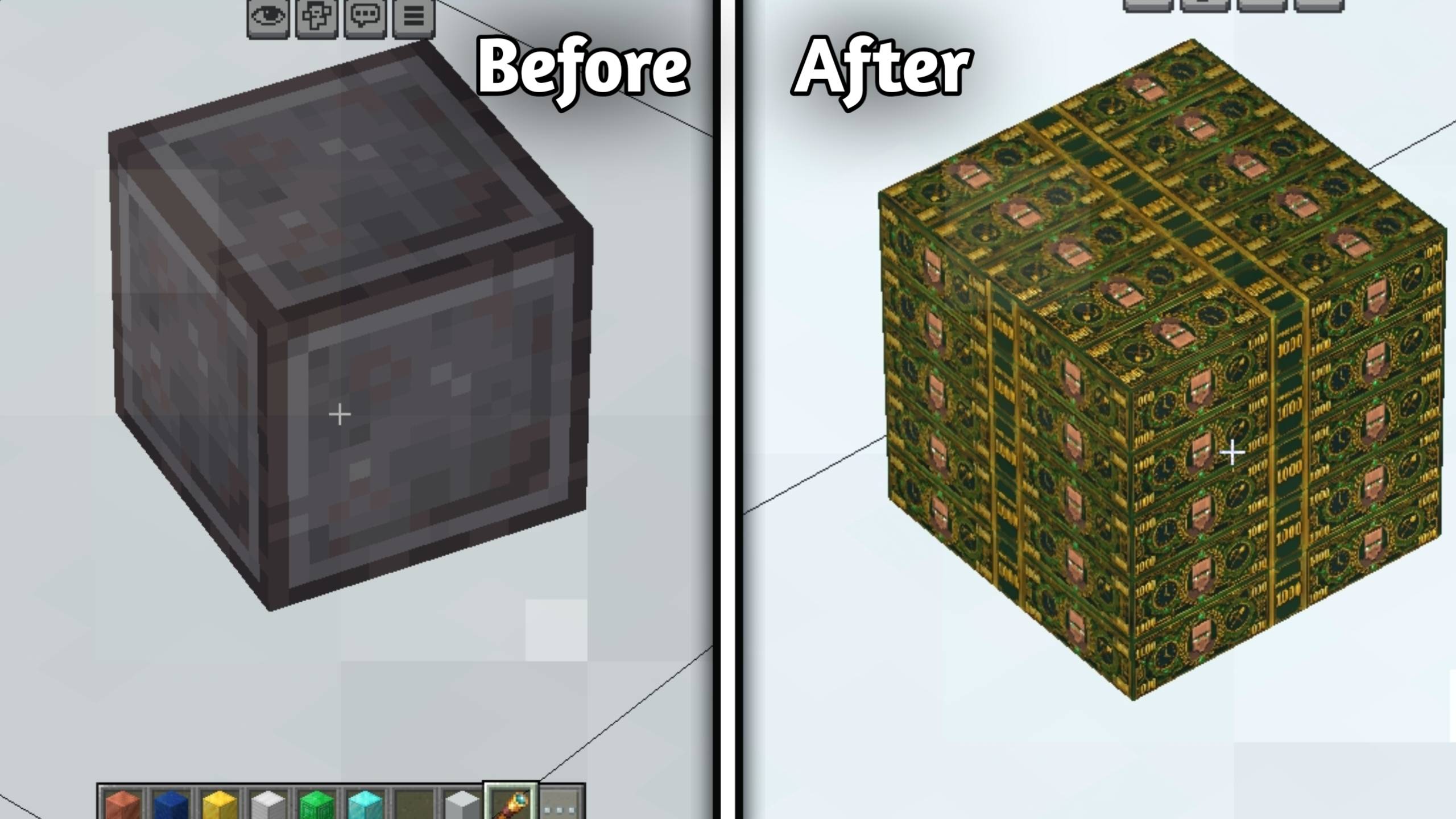
✨ Features
- 💵 Realistic dollar-style banknote textures • 🪙 Coin textures for nuggets • 💰 Storage Blocks transformed into stacked cash bundles • 💎 Premium luxury currency theme • 🏦 Perfect for economy servers, banks & roleplay • 🎮 Great for survival and adventure maps • ⚡ Multiple high-quality resolution subpacks • 📸 Includes before & after screenshots • 💵 Custom names for every currency item and block
📦 Available Resolutions
- 32x
- 64x
- 128x
- 256x

Choose the best resolution according to your device performance and enjoy a smooth experience. 🔥
🛠️ How to Use
📥 Download and import the MineCash pack.
🎮 Open Minecraft Bedrock Edition.
🌍 Go to Global Resources or your world settings.
✅ Activate the pack.
⚡ Select your preferred subpack resolution (32x / 64x / 128x / 256x).
💸 Open your inventory and enjoy the money-themed textures.
👑 Creator
Kareo Gamerz
📜 License
All Rights Reserved This addon was created by Kareo Gamerz.
You are not allowed to redistribute, modify, or reupload this addon on any other platform without the creator’s permission.
You may, however, make videos or showcase this addon on YouTube or social media — please provide credit and a link to the original CurseForge or MCPEDL page.
Installation von Minecash
Install Millida Launcher
The launcher is free: download it at millida.net/launcher and sign in with any nickname.
Click “Install” on this page
The launcher opens and installs the resource pack for Minecraft 26.0–26.30 automatically.
Launch the game
A profile with it appears in the launcher: click “Play”.
Versionen
Mit Abhängigkeiten
| Minecraft | Loader | Datei | Datum | Aktionen |
|---|---|---|---|---|
| 26.0.02 | — | Minecash V_1.1.2.mcpack2.2 MB |
FAQ
Which Minecraft versions does Minecash work on?
There are files for 26.0–26.30, 9 versions in total. The newest is 26.30.
How do I download Minecash?
With Millida Launcher: it installs Minecash into a modpack by itself, for the right game version and loader. The launcher is free.
Bewertungen
Bewerten Sie Minecash als Erster



