
Improved+ Ressourcenpaket für Minecraft 1.21, 1.21.101
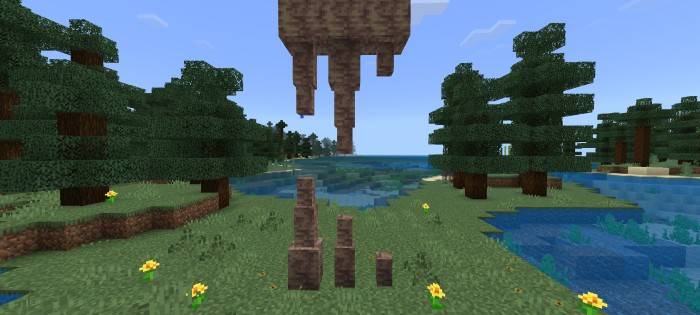
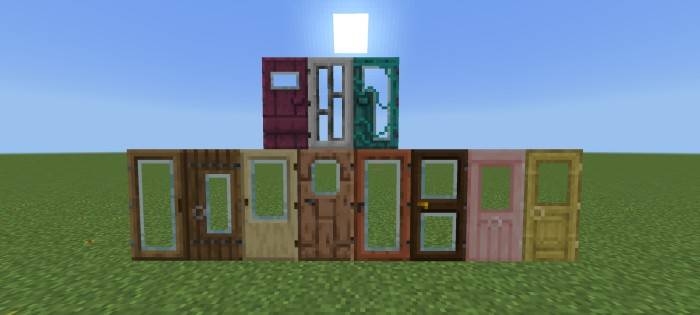
Dieses Pack verbessert einige Texturen und Formen von Blöcken, damit sie besser aussehen und deine Welt verschönern. Animierte Umrisse von Erzen, 3D-Tropfstein und Zuckerrohr, Glastüren, Glasfalltüren, variierte Blöcke und mehr!
Showcase Video
https://youtu.be/8i0ooe1c3aw?si=a96v7qOxfNQUTs9z
Blocks
Variated Blocks
- Brick Block
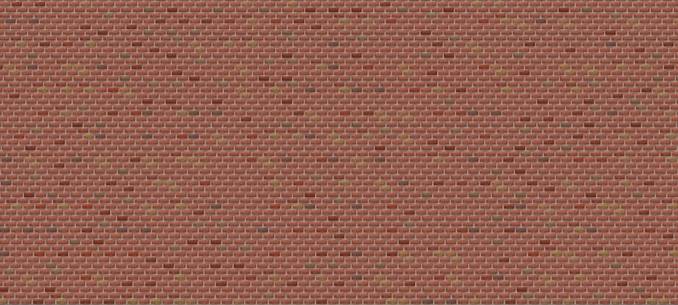
- Cobblestone
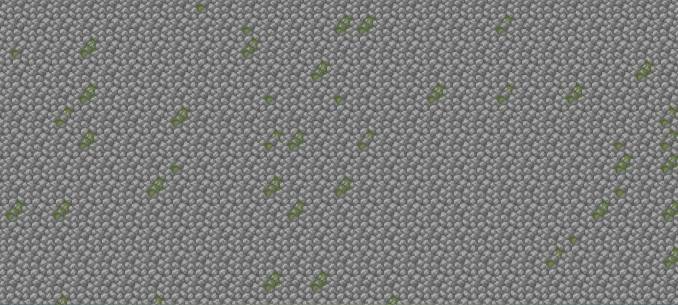
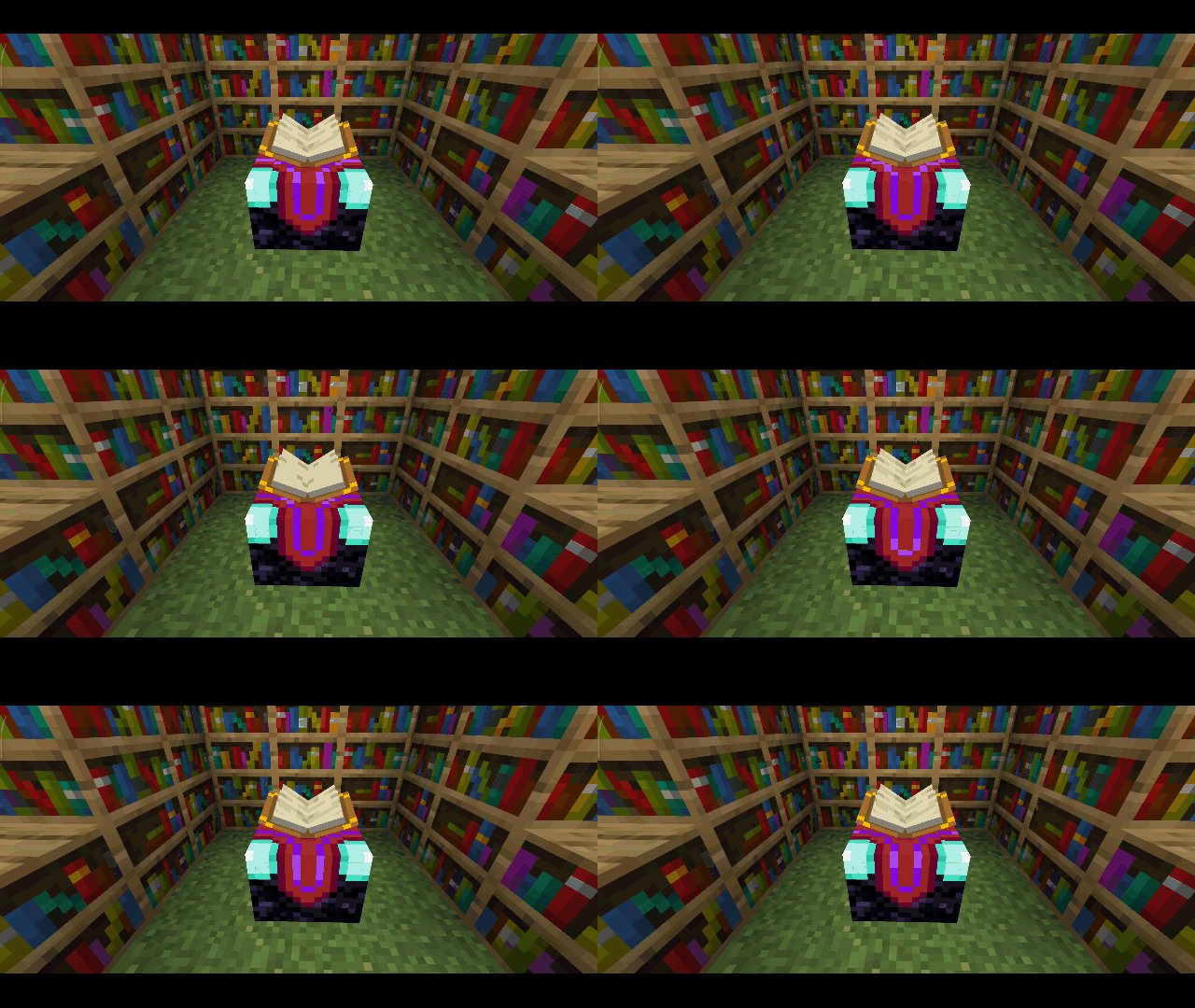
- Bookshelf
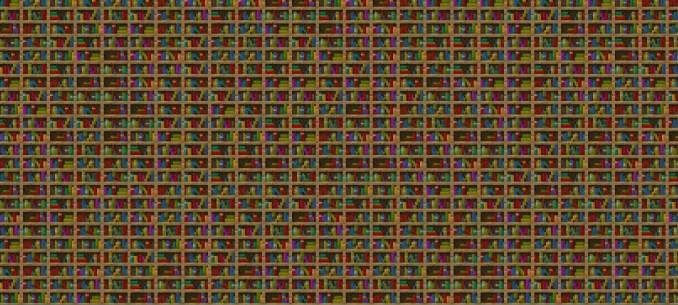
- Cake
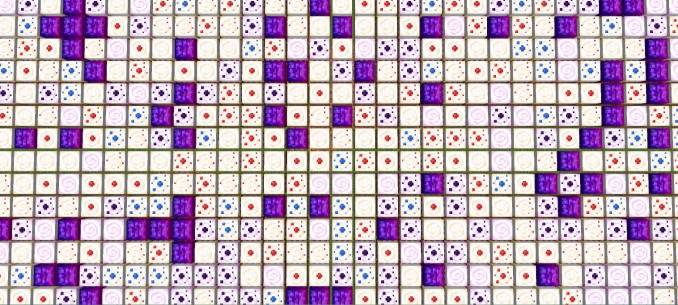
- Coarse dirt
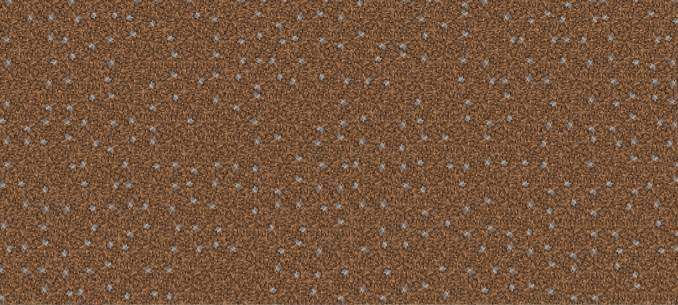
- Dirt
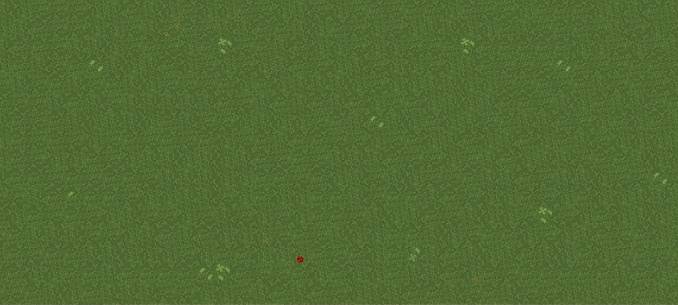
- Grass block
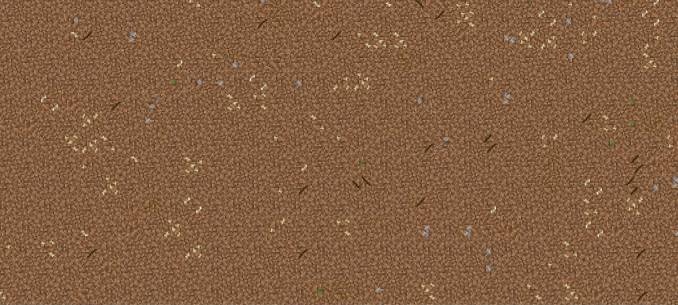
- Gravel
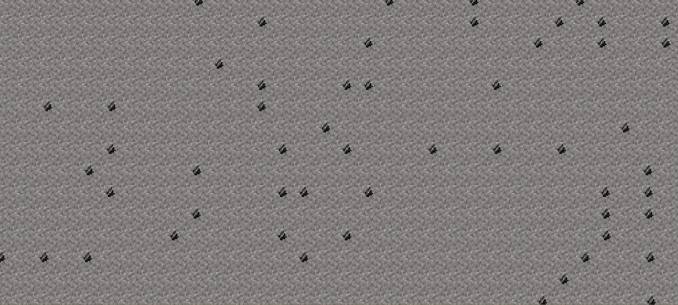
- Flower pot
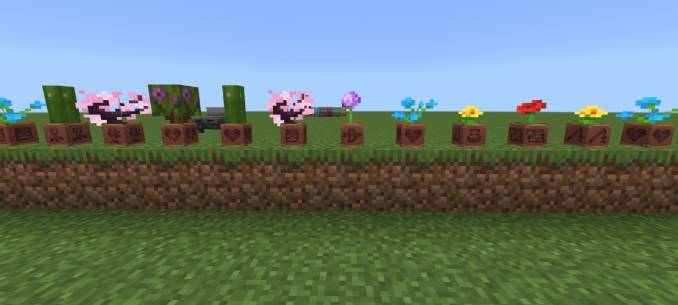
- Deadbush
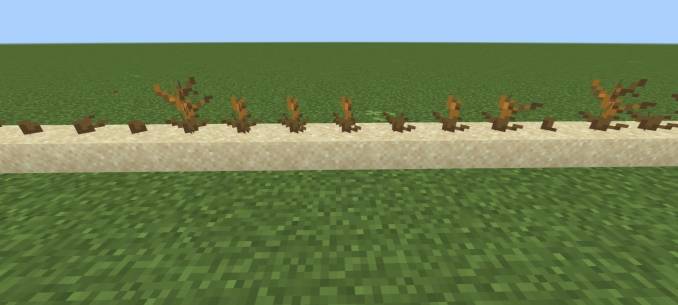
- Wildflower

- Vine
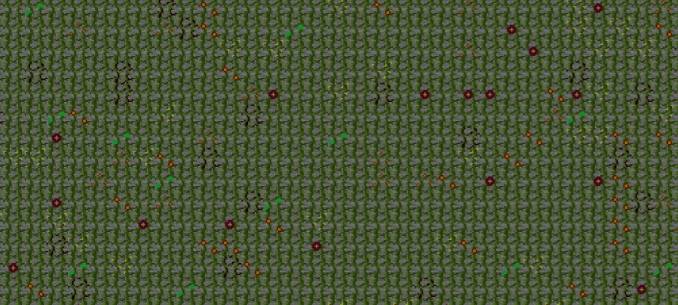
Animated Blocks
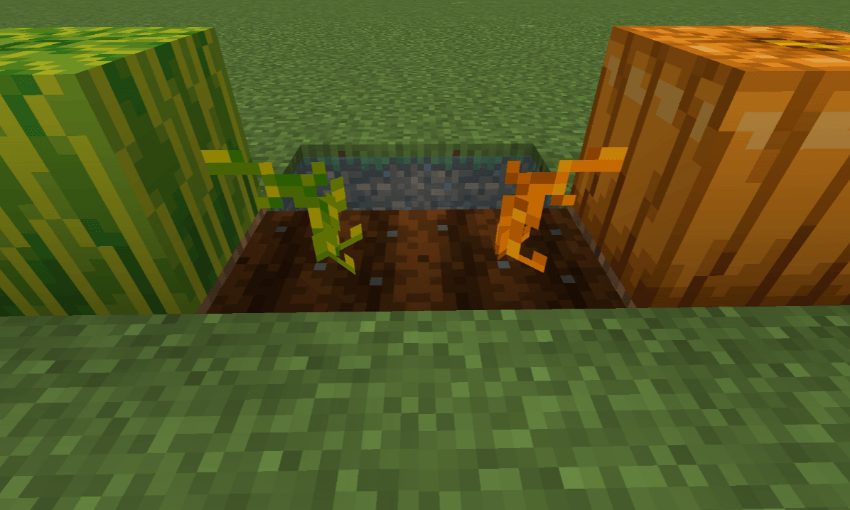
Different Stems
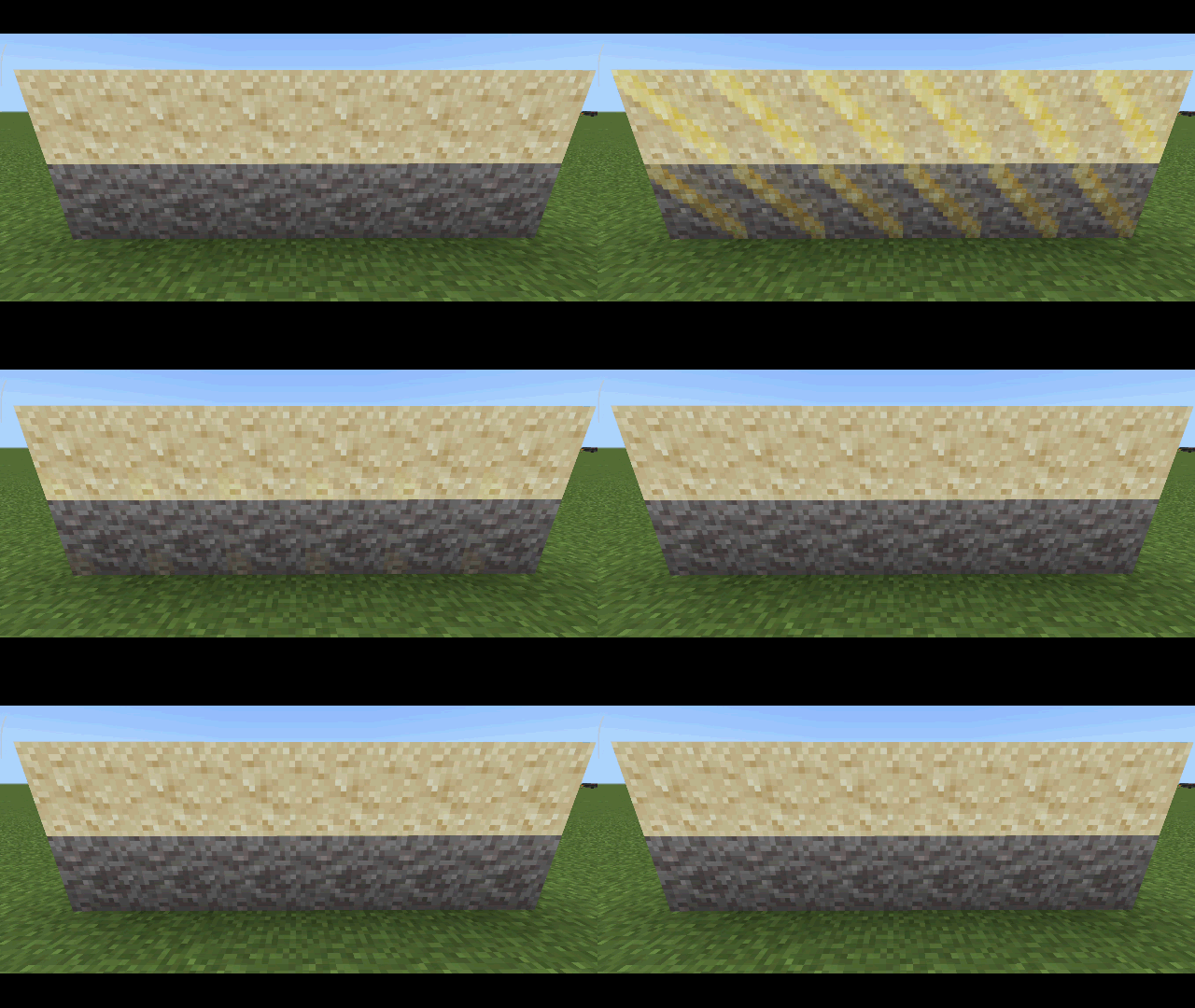
Suspicious Sand & Gravel Indicator
Powder Snow Indicator

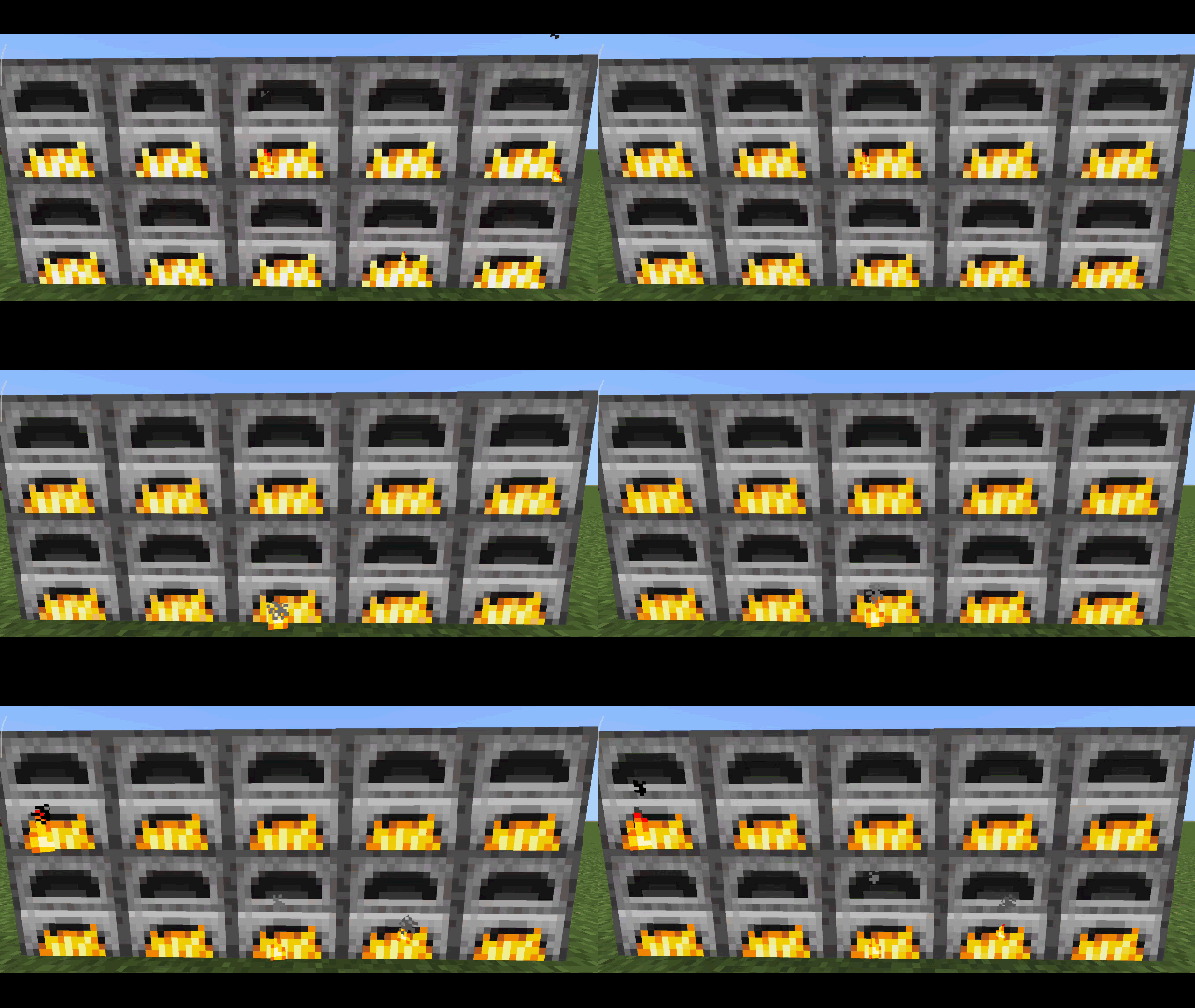
Soul Campfire & Torch
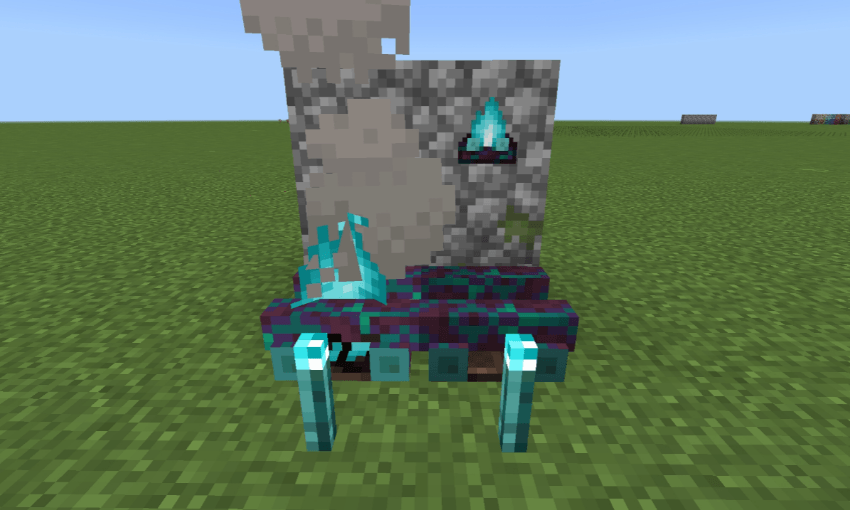
3D Blocks
- Sugarcane
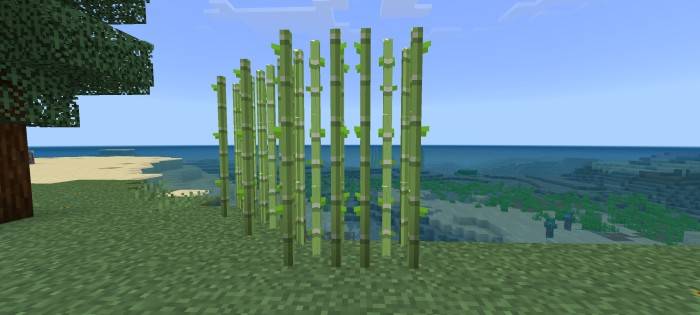
- Pointed dripstone
Glass Doors and Trapdoors
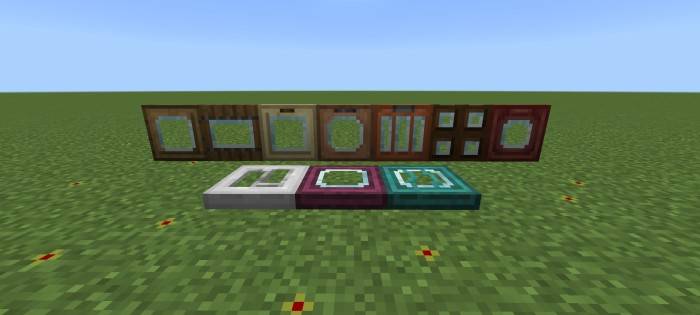
Full Grown Marker
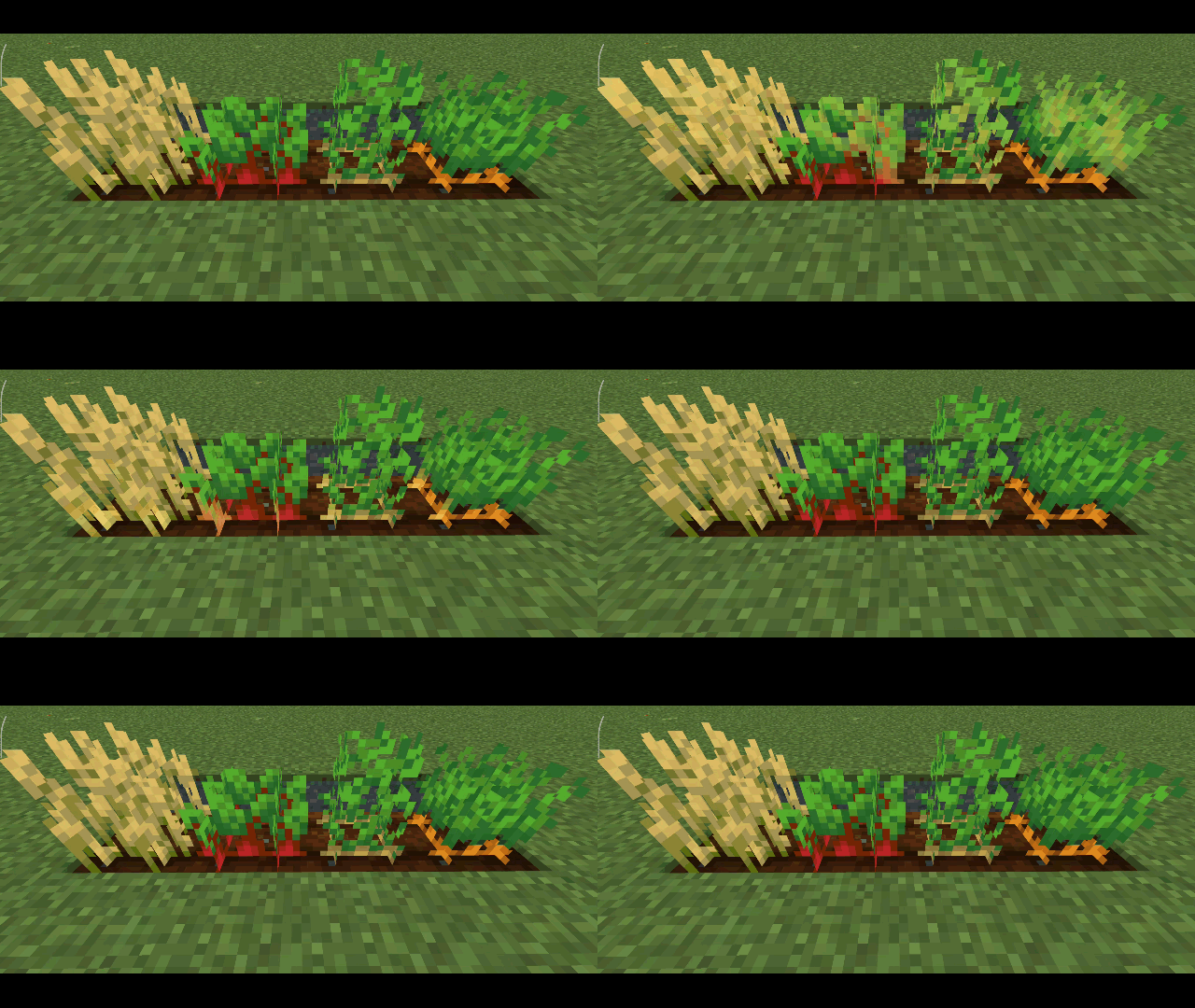
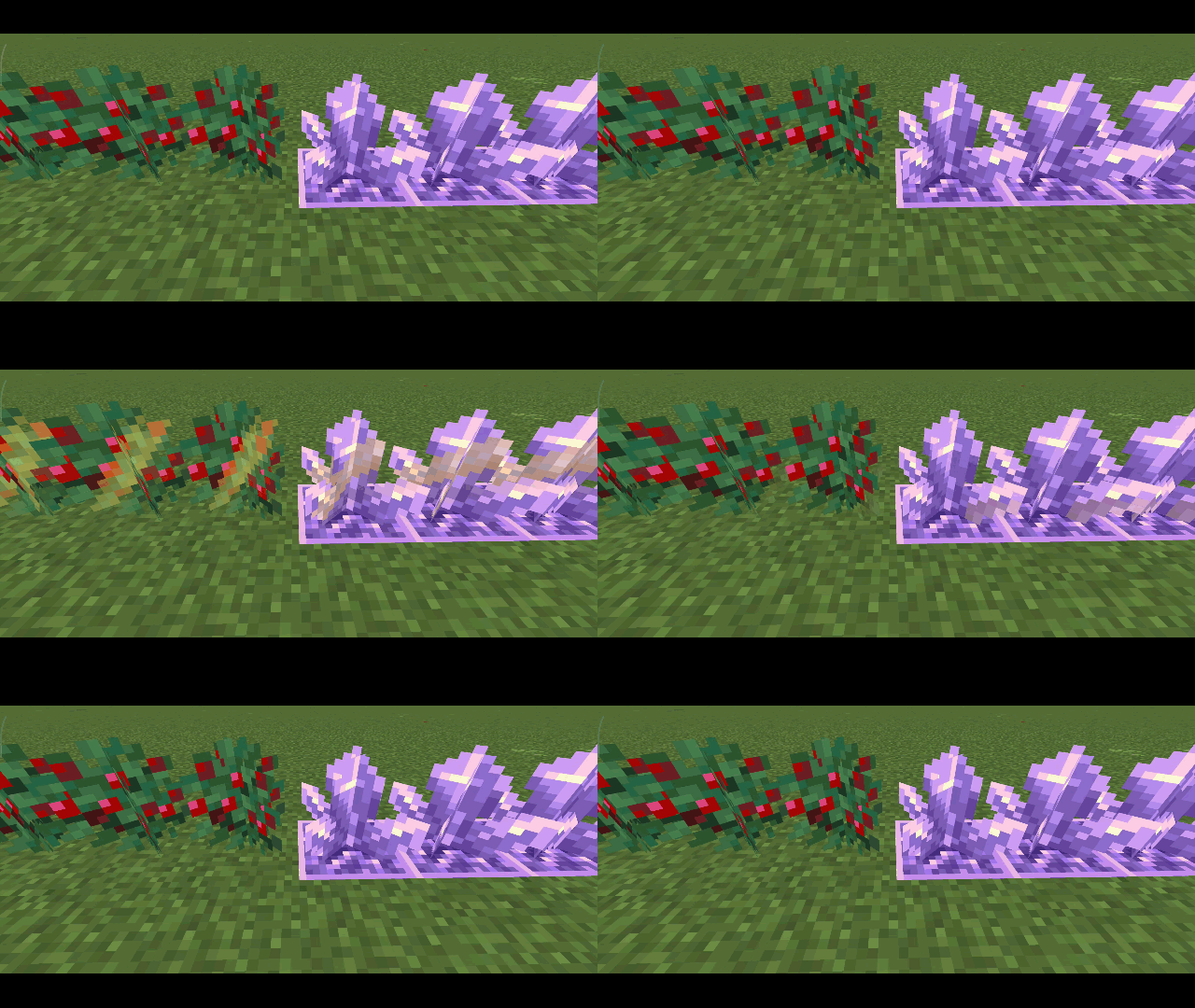
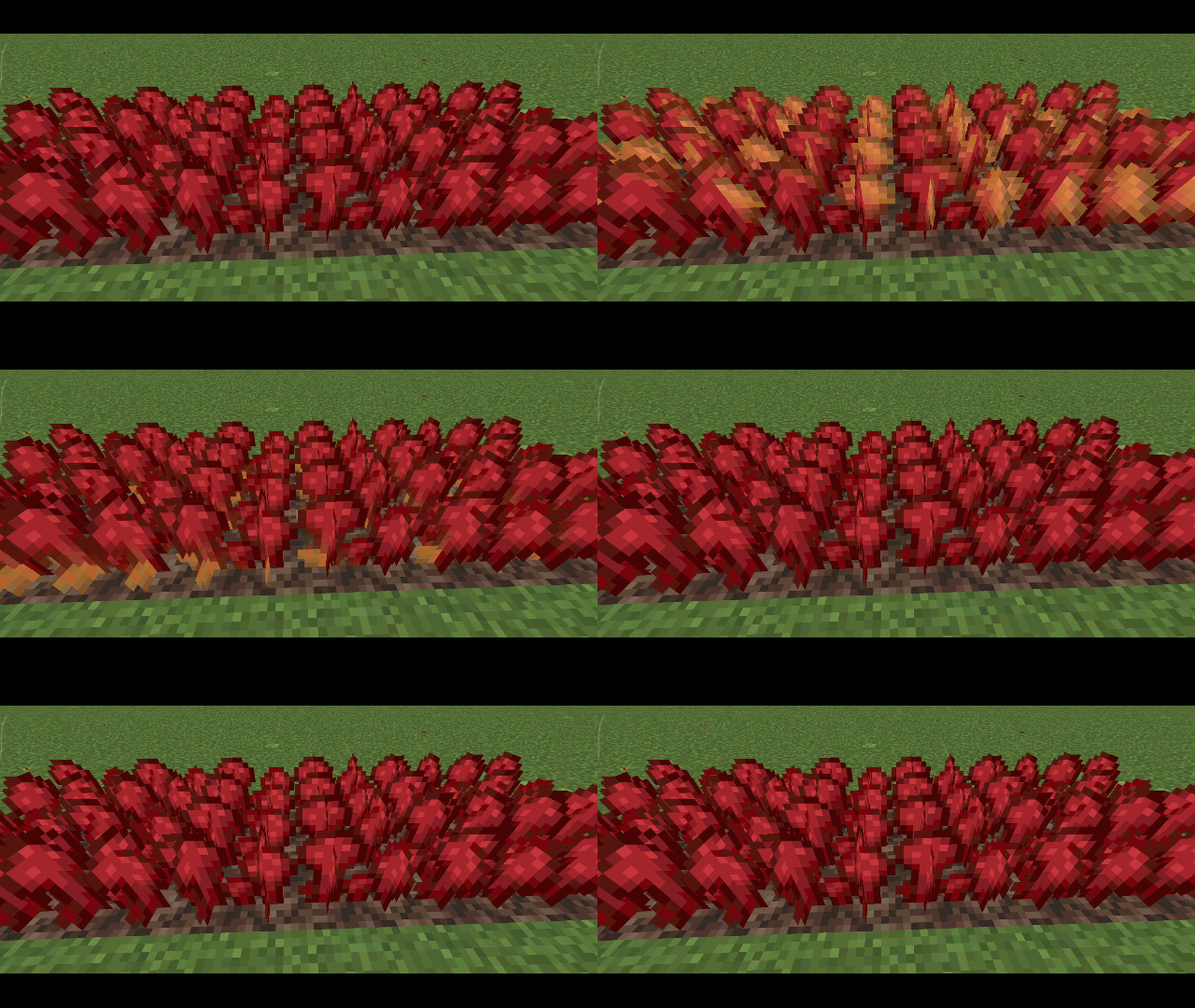
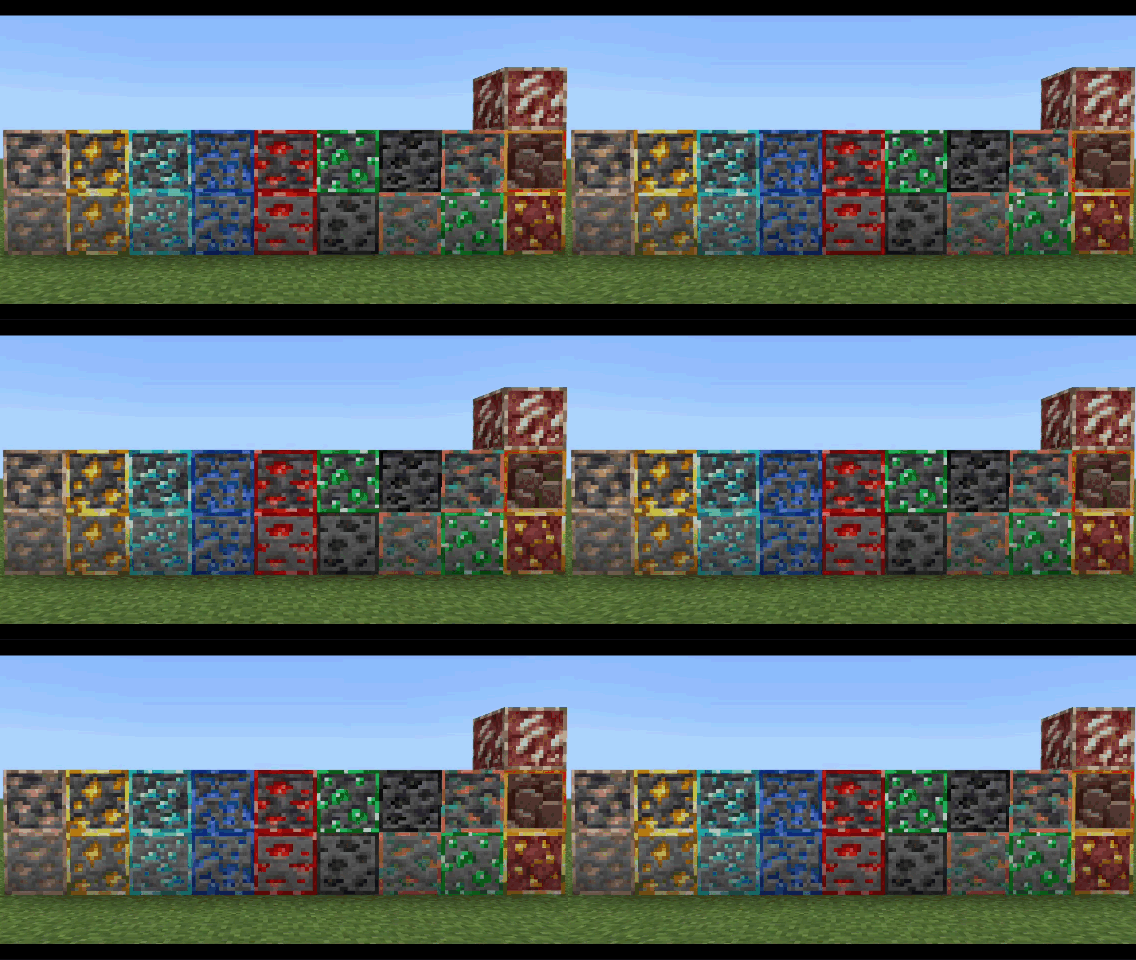
Animated Outline Ores
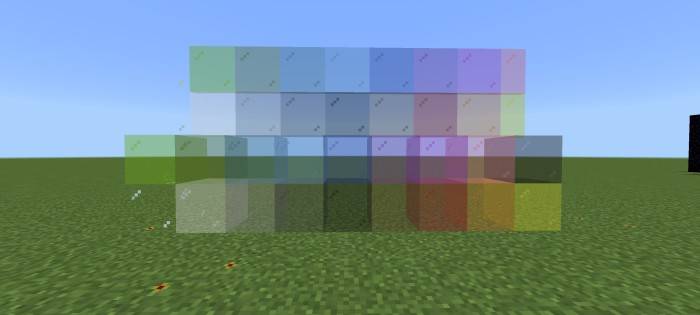
Clear Glass
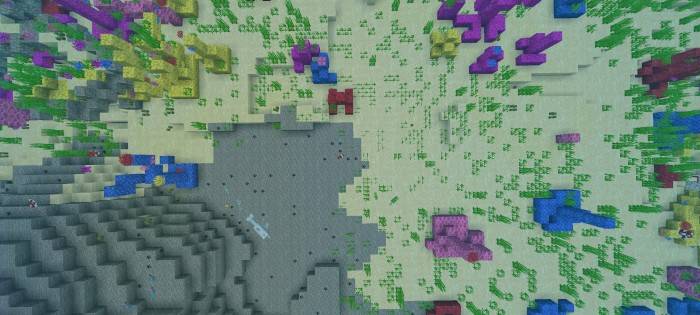
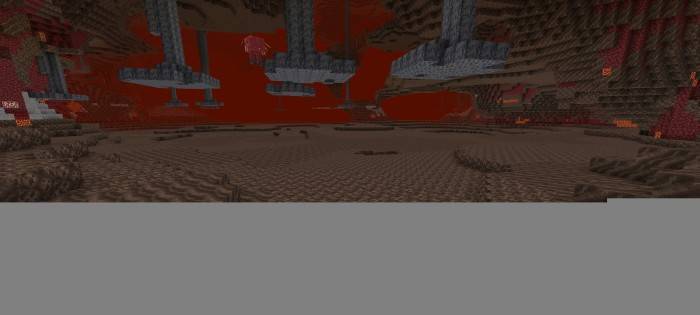
Environment
No Lava & Water Fog

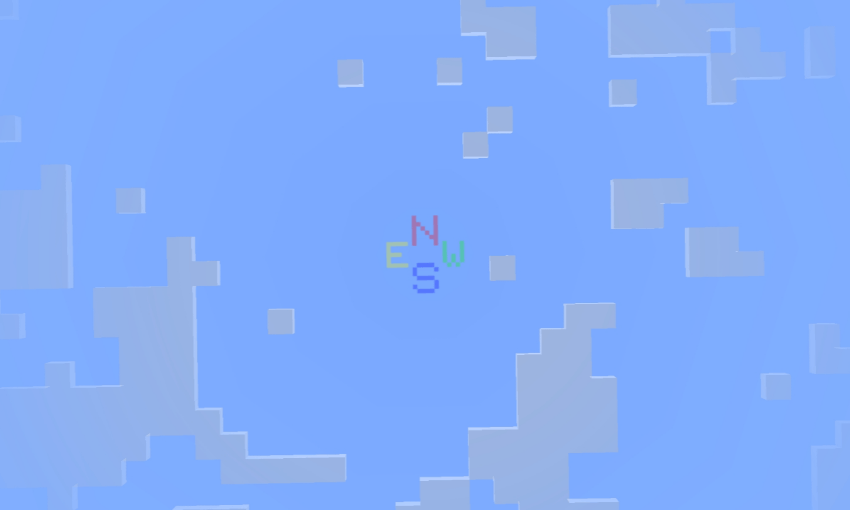
Sky Direction
- Look up at the sky to see the direction
- N = North
- E = East
- S = South
- W = West
Items
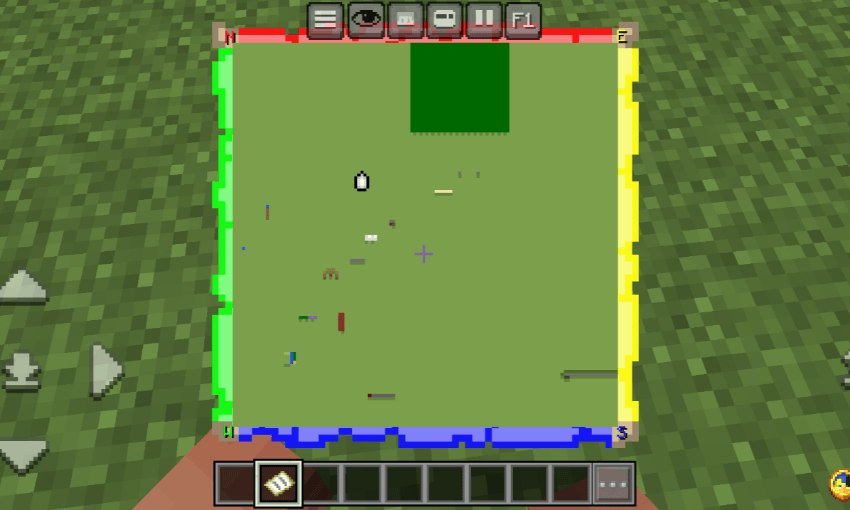
Locator Map and Direction
- Green = West
- Red = North
- Yellow = East
- Blue = South
Installation von Improved+
With Millida Launcher
Install Millida Launcher
The launcher is free: download it at millida.net/launcher and sign in with any nickname.
Click “Install” on this page
The launcher opens and installs the resource pack for Minecraft 1.20–1.21.101 automatically.
Launch the game
A profile with it appears in the launcher: click “Play”.
Manually
Download the archive
Pick the file Improved+ Beta v0.3.7.mcpack (701 KB) for your game version. No need to unpack it.
Put it in the resourcepacks folder
The easiest way: “Options”, then “Resource Packs”, then “Open Pack Folder”, and drag the archive there.
Enable the pack
In the same window, move the pack to the right-hand “Selected” column and click “Done”.
Versionen
Mit Abhängigkeiten
| Minecraft | Loader | Datei | Datum | Aktionen |
|---|---|---|---|---|
| 1.21.30 | — | ._projects701 KB |
FAQ
Which Minecraft versions does Improved+ work on?
There are files for 1.20–1.21.101, 27 versions in total. The newest is 1.21.101.
Where can I download Improved+ safely?
On this page: the file Improved+ Beta v0.3.7.mcpack (701 KB) is stored on Millida’s server, with no link shorteners. SHA-1 checksum: d88f9a461d81c714f29917c98d4cf86261cdffb6.
Bewertungen
Bewerten Sie Improved+ als Erster



