

Hyper Visuals Pack für Minecraft 26.40
Hyper Visuals ist ein kühnes und realistisches Ressourcenpaket, das deine Minecraft-Welt mit Energie zum Strahlen bringen soll. Mit verbesserter Beleuchtung, realistischen Farben und PBR-Texturen verwandelt dieses Paket die Grafik des Spiels in ein echtes, kontrastreiches Erlebnis...
Über das Hyper Visuals Pack-Ressourcenpaket
Hyper Visuals is a bold and realistic resource pack designed to make your Minecraft world pop with energy. Featuring enhanced lighting, realistic colors, and PBR textures, this pack transforms the game's visuals into a real, high-contrast experience without straying too far from the original Minecraft charm.
Screenshots (V1.0)
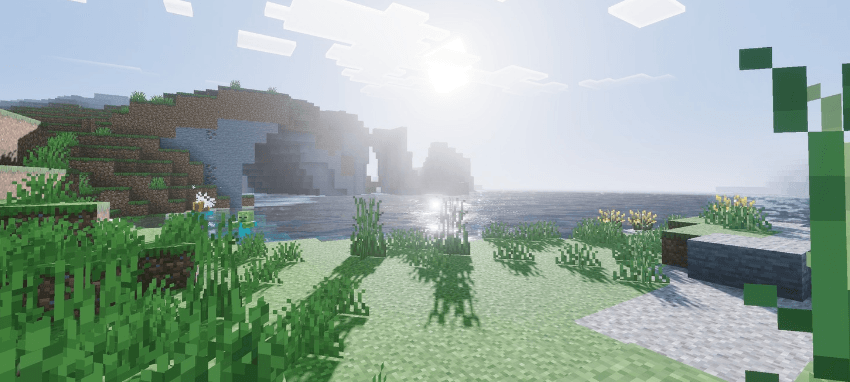
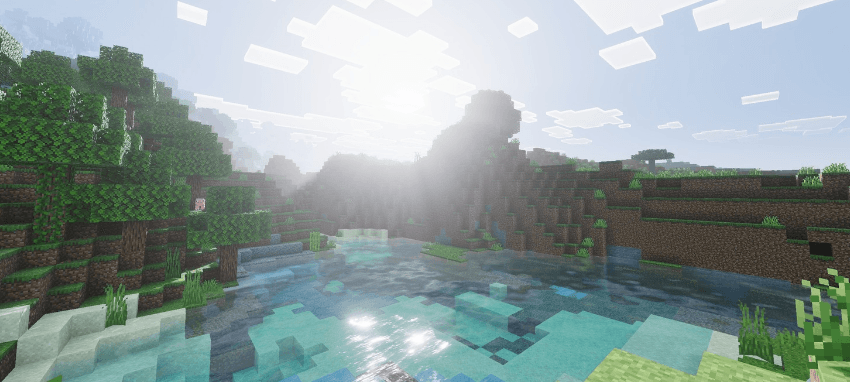
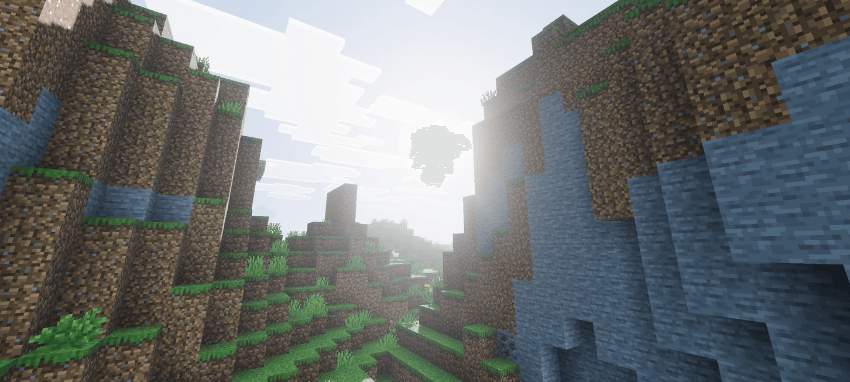
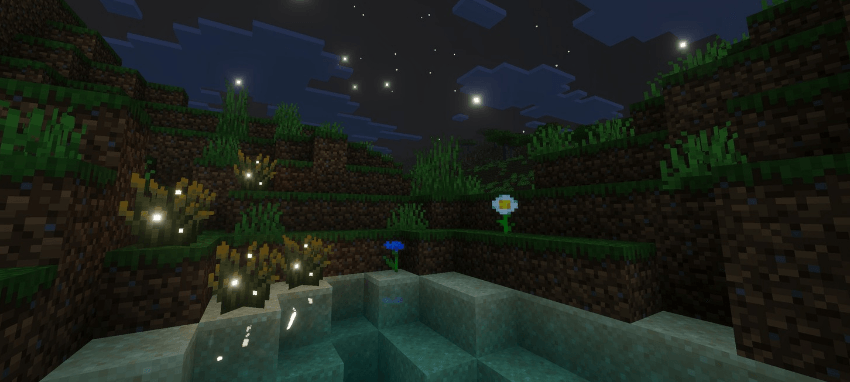
Inbuilt Features:-
- Realistic Lightning
- Realistic Colors
- PBR Included
- Custom water
- Emissive Working
- Realistic theme
- New fog colors
- And more....
Screenshots (V1.5)
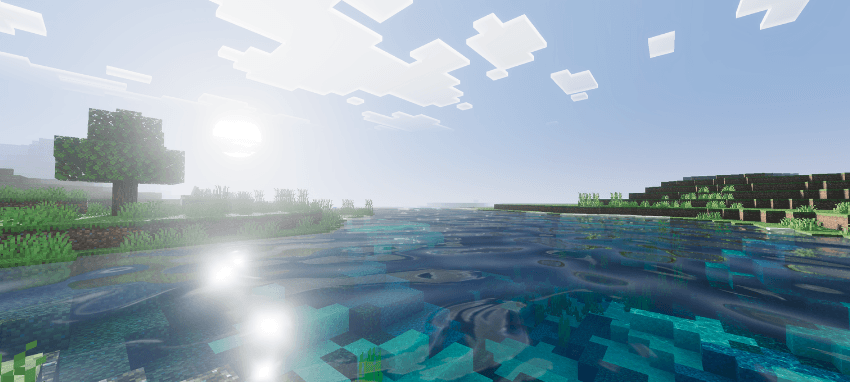
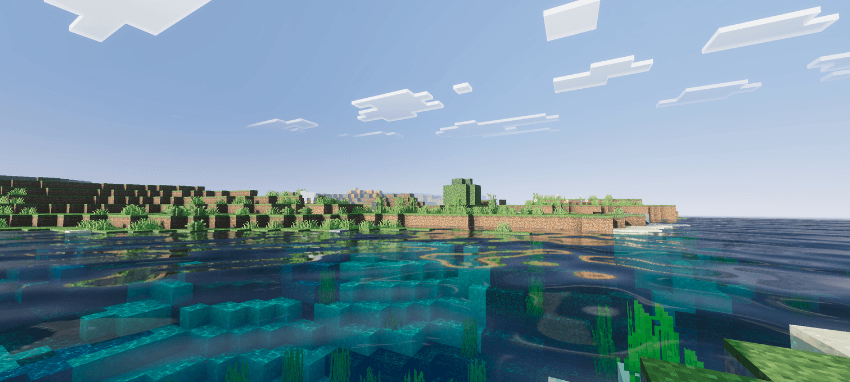
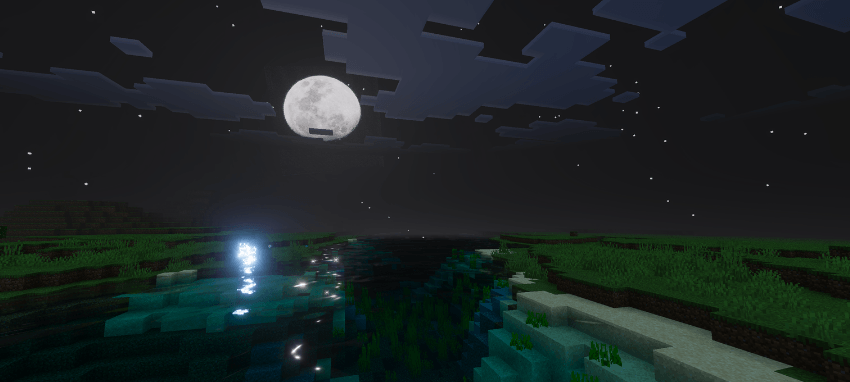
What's new?
- New Sun
- New Moon Phases
- Improved Water and Fog
- Better Colours
- Now supports latest version
Installation:-
Just download the pack and import in your game (Your device should support Vibrant Visuals).
Installation von Hyper Visuals Pack
With Millida Launcher
Install Millida Launcher
The launcher is free: download it at millida.net/launcher and sign in with any nickname.
Click “Install” on this page
The launcher opens and installs the resource pack for Minecraft 1.21.81–26.40 automatically.
Launch the game
A profile with it appears in the launcher: click “Play”.
Manually
Download the archive
Pick the file Hyper VV V1.5.mcpack (6.1 MB) for your game version. No need to unpack it.
Put it in the resourcepacks folder
The easiest way: “Options”, then “Resource Packs”, then “Open Pack Folder”, and drag the archive there.
Enable the pack
In the same window, move the pack to the right-hand “Selected” column and click “Done”.
Versionen
Mit Abhängigkeiten
| Minecraft | Loader | Datei | Datum | Aktionen |
|---|---|---|---|---|
| 1.21.81 | — | Hyper VV V1.5.mcpack6.1 MB 15 |
FAQ
Which Minecraft versions does Hyper Visuals Pack work on?
There are files for 1.21.81–26.40, 28 versions in total. The newest is 26.40.
Where can I download Hyper Visuals Pack safely?
On this page: the file Hyper VV V1.5.mcpack (6.1 MB) is stored on Millida’s server, with no link shorteners. SHA-1 checksum: 32240dea0ee01a2ee46f239891de8bd3c189a718.
Bewertungen
Bewerten Sie Hyper Visuals Pack als Erster



