
Über das Highlighted Ores-Ressourcenpaket
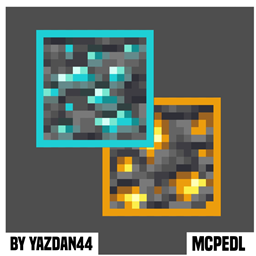
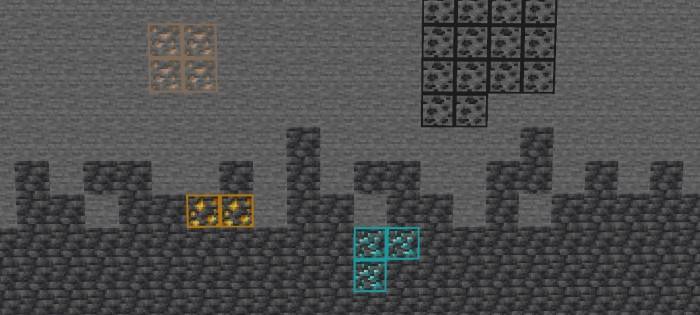
This texture pack improves ore visibility by adding clean, high-contrast outlines around every overworld and Nether ore while preserving their original vanilla textures. The outlines use carefully chosen colors that stand out against surrounding blocks like stone, deepslate, and netherrack without clashing with the environment.
Key features include:
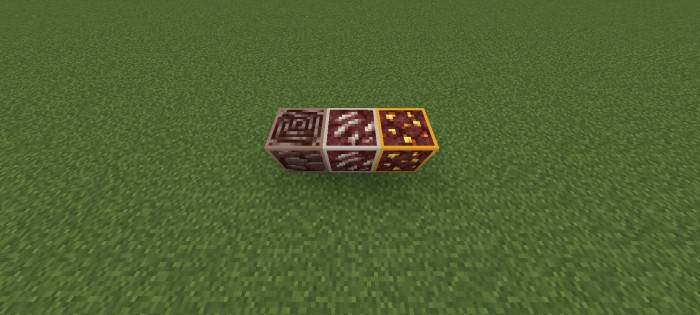
- Consistent outlining for all ores (coal, iron, copper, gold, redstone, lapis, diamond, emerald, ancient debris, quartz)
- Subtle but effective borders visible even in low-light conditions
- No texture alterations beyond the added outlines
- Works seamlessly in both overworld caves and Nether tunnels
The visual enhancement allows players to:
- Spot ores faster while mining or exploring, reducing overlooked deposits
- Maintain better awareness of their surroundings without excessive visual noise
- Quickly distinguish between similar-looking ores
The pack offers a practical quality-of-life improvement for all playstyles, from casual mining to speedrunning, while staying true to Minecraft's original aesthetic. The outlines provide just enough visual guidance to be helpful without feeling like an unfair advantage or distracting from gameplay.
Installation von Highlighted Ores
With Millida Launcher
Install Millida Launcher
The launcher is free: download it at millida.net/launcher and sign in with any nickname.
Click “Install” on this page
The launcher opens and installs the resource pack for Minecraft 26.3–26.40 automatically.
Launch the game
A profile with it appears in the launcher: click “Play”.
Manually
Download the archive
Pick the file Highlightedores.mcpack (201 KB) for your game version. No need to unpack it.
Put it in the resourcepacks folder
The easiest way: “Options”, then “Resource Packs”, then “Open Pack Folder”, and drag the archive there.
Enable the pack
In the same window, move the pack to the right-hand “Selected” column and click “Done”.
Versionen
Mit Abhängigkeiten
| Minecraft | Loader | Datei | Datum | Aktionen |
|---|---|---|---|---|
| 26.3 | — | MainFile_26201 KB |
FAQ
Which Minecraft versions does Highlighted Ores work on?
There are files for 26.3–26.40, 8 versions in total. The newest is 26.40.
Where can I download Highlighted Ores safely?
On this page: the file Highlightedores.mcpack (201 KB) is stored on Millida’s server, with no link shorteners. SHA-1 checksum: 7f4e46b9ce6de19874fd9f7f68440a146d2bb46d.
Bewertungen
Bewerten Sie Highlighted Ores als Erster


