

Glowing 3D Tools Ressourcenpaket für Minecraft 26.2
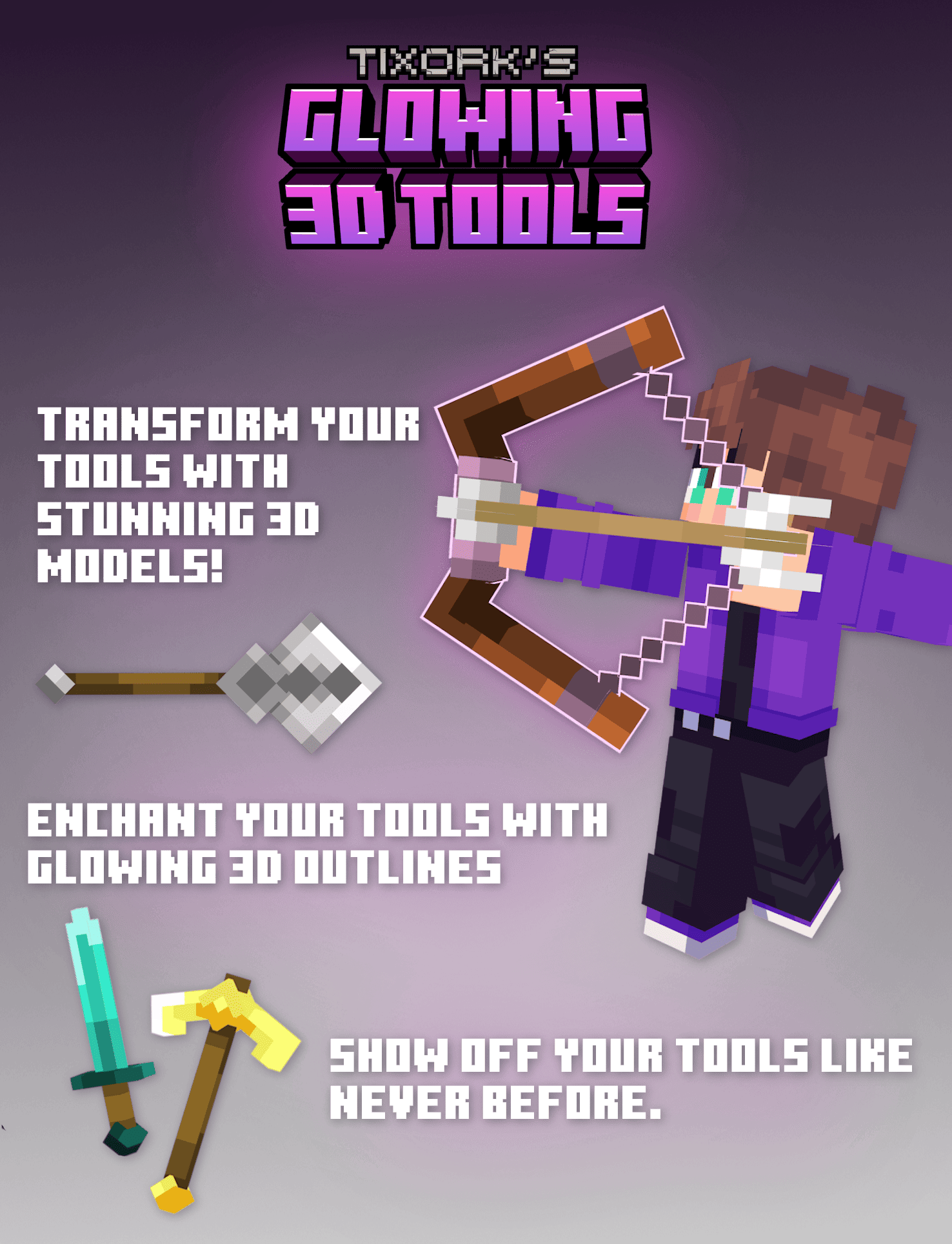
Überarbeitete 3D-Werkzeuge! 3D-Modelle für alle Werkzeuggegenstände, einschließlich verschiedener Gegenstände wie den Pinsel, die Angelrute und die Karotte an einem Stock!
- Downloads
- 67 Downloads
- Aufrufe
- 217 Aufrufe
- Aktualisiert
- Aktualisiert 01.07.2026
- 1.21.9 — 26.2
 Vanilla-Spiel
- Client
IMPORTANT:
THIS PACK WILL NOT WORK ON ANY VERSIONS BELOW 1.21.11, IF YOU REPORT IT IN MY DISCORD YOU WILL BE REMOVED
Feel free to use this project in any modpacks published on Modrinth & CurseForge.
Accessibility
25% off minecraft server hosting! Use code "DANI" for 25% off.

Tixul's Glowing 3D Items. Transform your items with stunning 3D models! Enchant your tools with glowing 3D outlines. Show off your tools like never before.
Credits
- DemonjoeTV : Took gallery images

Installation von Glowing 3D Tools
With Millida Launcher
Install Millida Launcher
The launcher is free: download it at millida.net/launcher and sign in with any nickname.
Click “Install” on this page
The launcher opens and installs the resource pack for Minecraft 1.21.9–26.2 automatically.
Launch the game
A profile with it appears in the launcher: click “Play”.
Manually
Download the archive
Pick the file Glowing 3D Tools.zip (517 KB) for your game version. No need to unpack it.
Put it in the resourcepacks folder
The easiest way: “Options”, then “Resource Packs”, then “Open Pack Folder”, and drag the archive there.
Enable the pack
In the same window, move the pack to the right-hand “Selected” column and click “Done”.
Versionen
Mit Abhängigkeiten
| Minecraft | Loader | Datei | Datum | Aktionen |
|---|---|---|---|---|
| 26.2 | — | 26.2517 KB 66 | ||
| 26.1 | — | 26.1517 KB |
FAQ
Which Minecraft versions does Glowing 3D Tools work on?
There are files for 1.21.9–26.2, 7 versions in total. The newest is 26.2.
Does Glowing 3D Tools need mods?
No, the resource pack works in the plain game without loaders: put it into the resourcepacks folder and enable it in the options.
Where can I download Glowing 3D Tools safely?
On this page: the file Glowing 3D Tools.zip (517 KB) is stored on Millida’s server, with no link shorteners. SHA-1 checksum: 9f916f8599ac139723059065e1b91c2137733ce5.
Bewertungen
Bewerten Sie Glowing 3D Tools als Erster



