

Glow Trims Ressourcenpaket für Minecraft 1.21.122
Glow Trims ist ein Texturpaket, das Rüstungsverzierungen einen hellen, leuchtenden Effekt verleiht und deiner Ausrüstung lebendige Farben und einen kontrastreichen Glanz für einen auffälligeren, stylischeren Look verleiht.
✨ Glow Trims
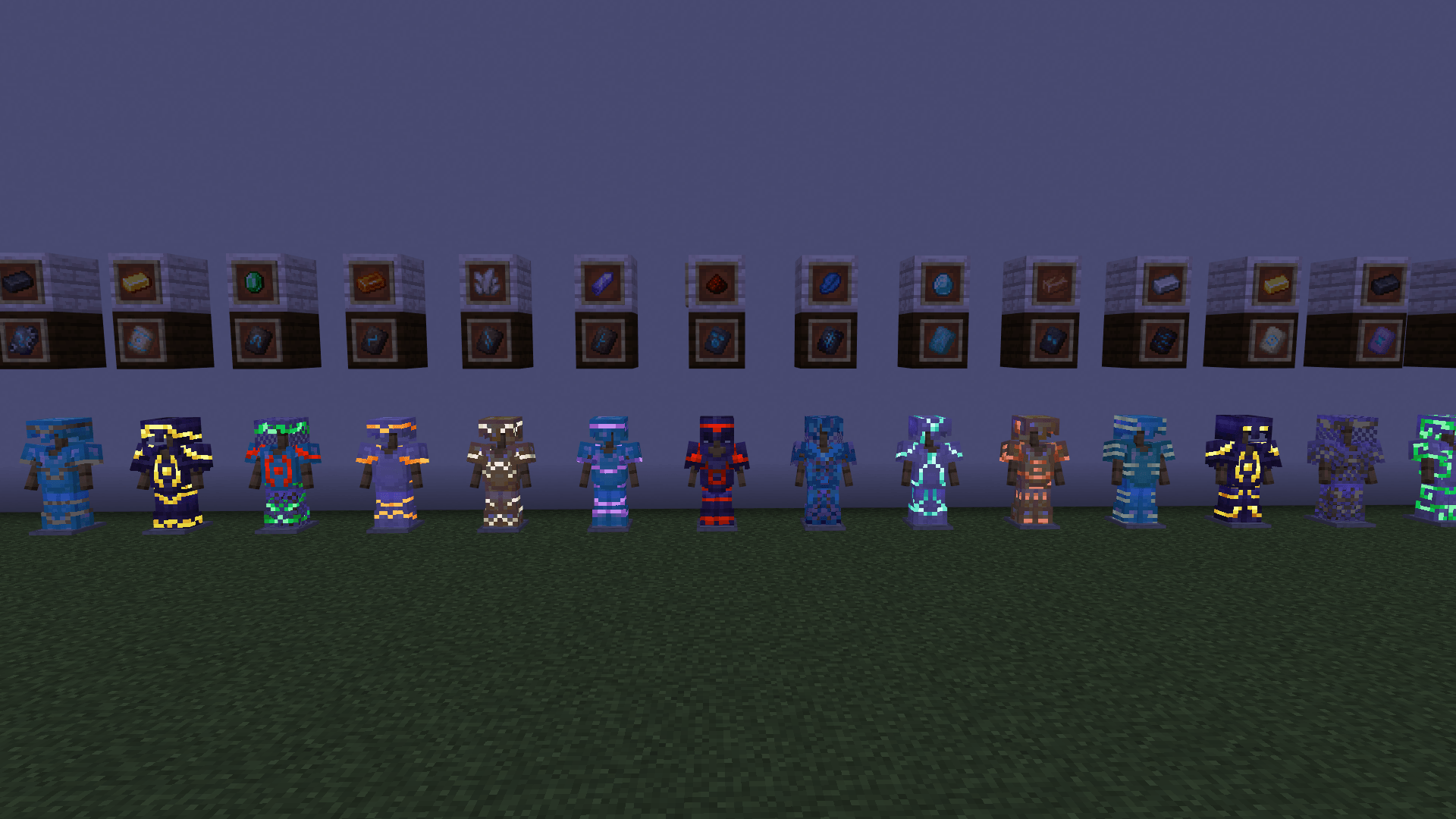
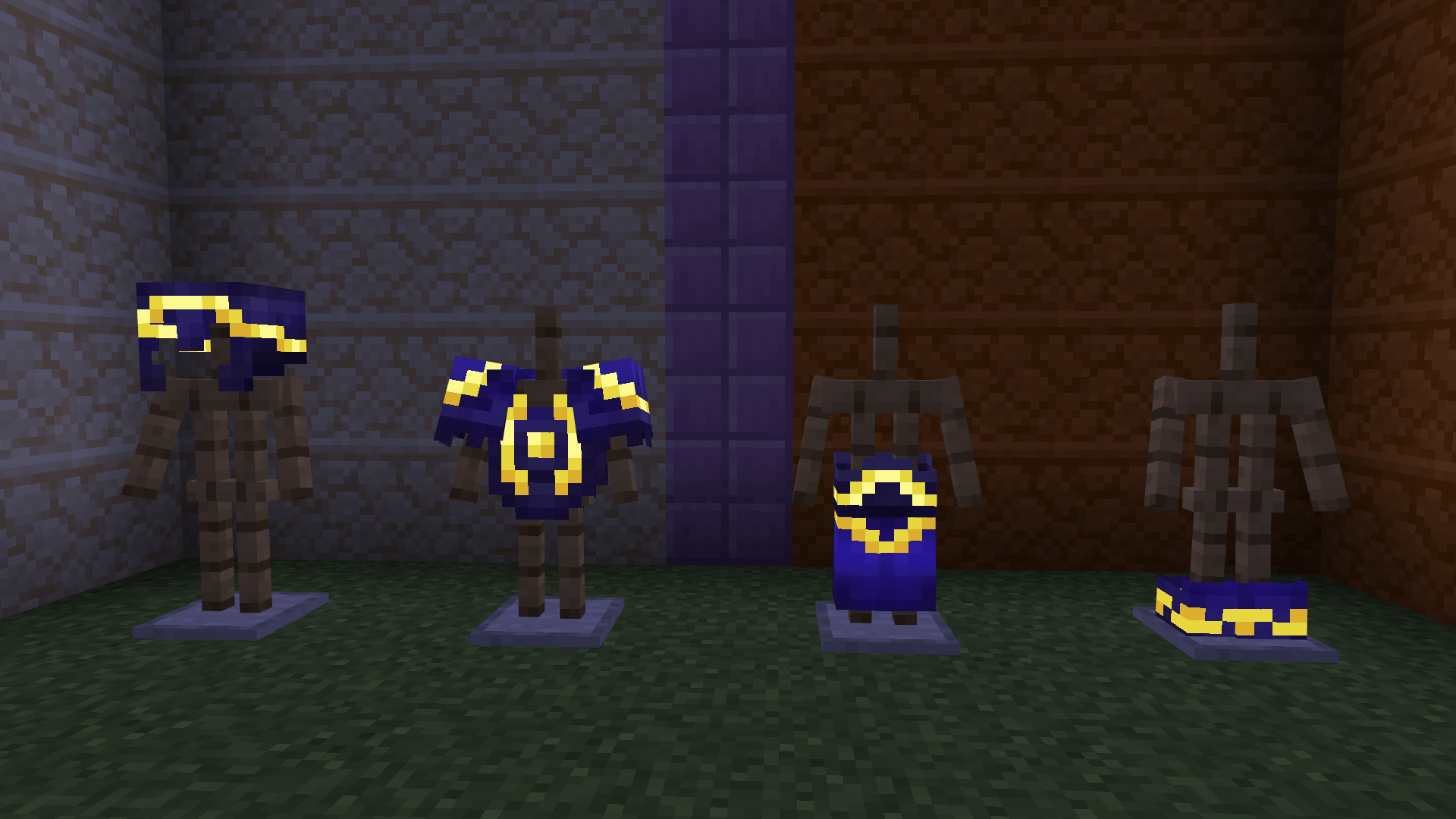
Glow Trims enhances every armor trim with a bright, glow-in-the-dark effect, making your gear stand out in any environment.
🔹 Features
- 🌟 Glow-in-the-dark armor trims for all armor types
- ✨ Does not affect or weaken enchantment glint
- 🛡️ Keeps all trimmed armor item textures fully vanilla
- 🎨 Vibrant, clean visuals that remain faithful to Minecraft’s style
Perfect for players who want their armor to shine—literally—without losing the original aesthetic.
Installation von Glow Trims
With Millida Launcher
Install Millida Launcher
The launcher is free: download it at millida.net/launcher and sign in with any nickname.
Click “Install” on this page
The launcher opens and installs the resource pack for Minecraft 1.21.40–1.21.122 automatically.
Launch the game
A profile with it appears in the launcher: click “Play”.
Manually
Download the archive
Pick the file Glowtrims.mcpack (12 KB) for your game version. No need to unpack it.
Put it in the resourcepacks folder
The easiest way: “Options”, then “Resource Packs”, then “Open Pack Folder”, and drag the archive there.
Enable the pack
In the same window, move the pack to the right-hand “Selected” column and click “Done”.
Versionen
Mit Abhängigkeiten
| Minecraft | Loader | Datei | Datum | Aktionen |
|---|---|---|---|---|
| 1.21.50 | — | Glow Trims11.8 KB 1 |
Bewertungen
Bewerten Sie Glow Trims als Erster


