
FullBright RD Ressourcenpaket für Minecraft 26.50
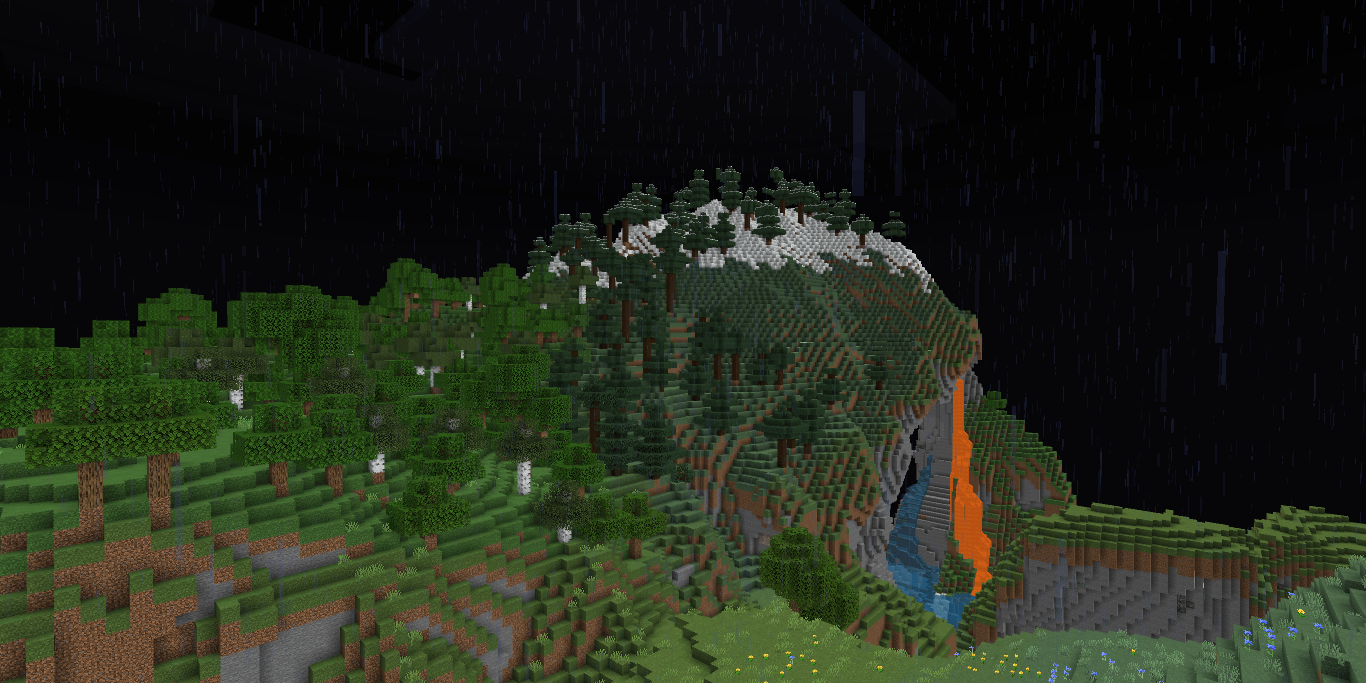
Ein Utility-Shader für RenderDragon, der das Spiel hell wie Nachtsicht macht und Nebel entfernt.
Über das FullBright RD-Ressourcenpaket
A utility shader for RenderDragon that makes the game bright like night vision.
Installation
Disclaimer: Minecraft Bedrock does not officially support loading custom shaders. The following are unofficial ways to load shaders.
Android
- Install MB Loader app from playstore.
- Import the resource pack to Minecraft and activate it in global resources.
- Launch Minecraft through MB Loader app.
Windows 1.BetterRenderDragon
- Guide
2.Matject
- Guide
3.Manual Replacement
- Extract the .mcpack
- Go to renderer/materials
- Copy the files
- Go to "C:\XboxGames\Minecraft for Windows\Content\data\renderer\materials". Note: Most people have Minecraft installed in C:, if you have it elsewhere then go there.
- Back up the files in a safe place.
- Paste the files you copied from the mcpack in "C:\XboxGames\Minecraft for Windows\Content\data\renderer\materials"
- To go back to vanilla, paste the backed up materials or files back.
iOS
- Sorry. There isn't an easy method to install shaders on iOS devices. You either require jailbreak or would have to install an untrusted IPA.
If you are having trouble following this guide, you can ask for support in Newb discord server.
Installation von FullBright RD
With Millida Launcher
Install Millida Launcher
The launcher is free: download it at millida.net/launcher and sign in with any nickname.
Click “Install” on this page
The launcher opens and installs the resource pack for Minecraft 26.40–26.50 automatically.
Launch the game
A profile with it appears in the launcher: click “Play”.
Manually
Download the archive
Pick the file FullBright v26.50+ [Merged].mcpack (415 KB) for your game version. No need to unpack it.
Put it in the resourcepacks folder
The easiest way: “Options”, then “Resource Packs”, then “Open Pack Folder”, and drag the archive there.
Enable the pack
In the same window, move the pack to the right-hand “Selected” column and click “Done”.
Versionen
Mit Abhängigkeiten
| Minecraft | Loader | Datei | Datum | Aktionen |
|---|---|---|---|---|
| 26.50 | — | FullBright v26.50+ [Merged].mcpack415 KB 6 | ||
| 26.40 | — | FullBright v26.40+.mcpack381 KB |
FAQ
Which Minecraft versions does FullBright RD work on?
There are files for 26.50, 26.40. The newest is 26.50.
Where can I download FullBright RD safely?
On this page: the file FullBright v26.50+ [Merged].mcpack (415 KB) is stored on Millida’s server, with no link shorteners. SHA-1 checksum: cd5f0af927f4317589fe1919f77a702b6b3c93e3.
Bewertungen
Bewerten Sie FullBright RD als Erster


