

Elytra (Black) Ressourcenpaket für Minecraft 1.12.2, 26.3
Ändert die Elytra-Texturen zu einer schönen schwarzen Farbe.
- Downloads
- 5 Downloads
- Aufrufe
- 40 Aufrufe
- Aktualisiert
- Aktualisiert 26.09.2026
- 1.12.2 — 26.3
 Vanilla-Spiel
- Client
Elytra (Black)
This resource pack changes the elytra textures to be a nice black color.
If you want to support us and our work, please consider checking out our similar resource packs or all of our resource packs!

Installation
To install this resource pack, select your Minecraft version in the download menu, and copy the downloaded file into Minecraft's resourcepacks folder. Alternatively, if you are using the Modrinth App, you can easily add this resource pack to an instance by selecting "Install with Modrinth App" in the download menu.

For more detailed installation instructions, see the Minecraft Wiki.
Screenshots
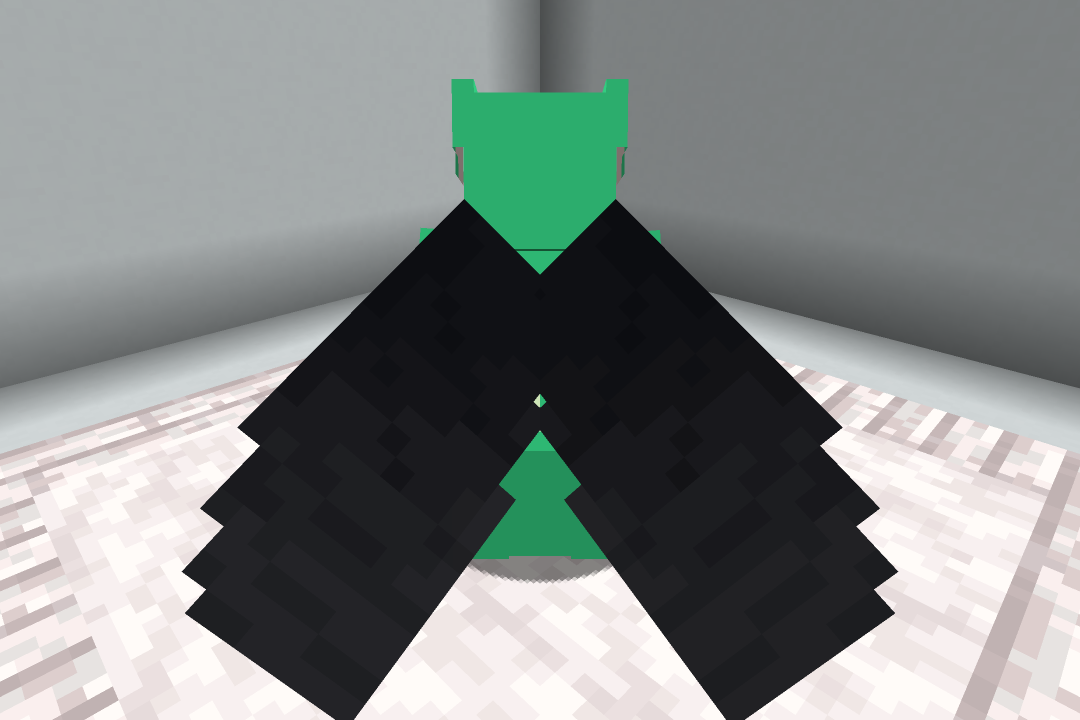
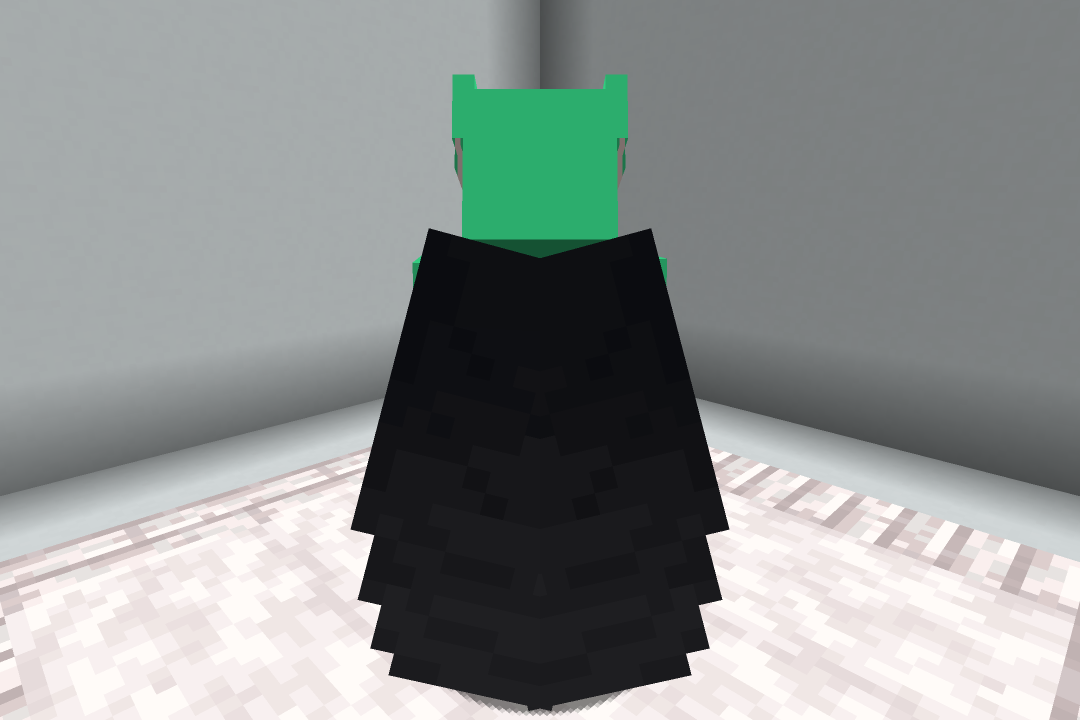
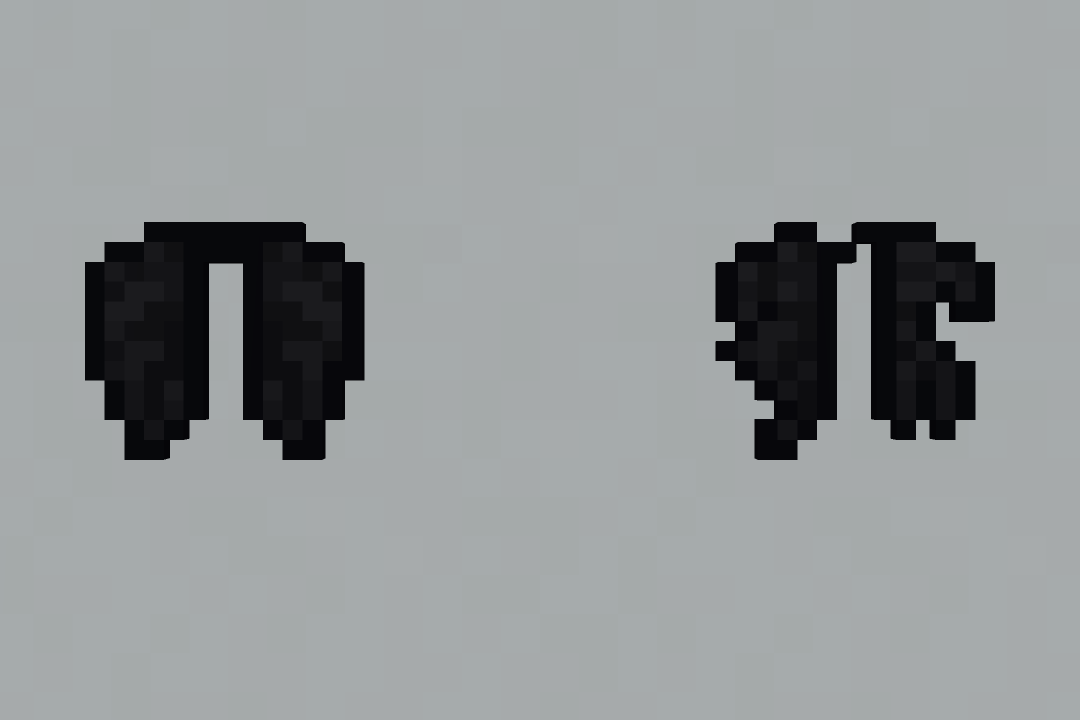
Installation von Elytra (Black)
With Millida Launcher
Install Millida Launcher
The launcher is free: download it at millida.net/launcher and sign in with any nickname.
Click “Install” on this page
The launcher opens and installs the resource pack for Minecraft 1.12.2–26.3 automatically.
Launch the game
A profile with it appears in the launcher: click “Play”.
Manually
Download the archive
Pick the file elytra_black-1.0.1-mc26.3.zip (7 KB) for your game version. No need to unpack it.
Put it in the resourcepacks folder
The easiest way: “Options”, then “Resource Packs”, then “Open Pack Folder”, and drag the archive there.
Enable the pack
In the same window, move the pack to the right-hand “Selected” column and click “Done”.
Versionen
Mit Abhängigkeiten
| Minecraft | Loader | Datei | Datum | Aktionen |
|---|---|---|---|---|
| 26.3 | — | 26.37.3 KB 1 | ||
| 26.1.2 | — | 26.1.27.3 KB | ||
| 26.1.1 | — | 26.1.17.3 KB | ||
| 26.2 | — | 26.27.3 KB 2 | ||
| 26.1 | — | 26.17.3 KB | ||
| 1.12.2 | — | 1.12.26.9 KB 1 | — |
Bewertungen
Bewerten Sie Elytra (Black) als Erster



