
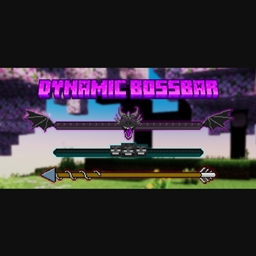
Dynamic Bossbar Ressourcenpaket für Minecraft 1.21, 1.21.101
Bist du gelangweilt von der Vanilla-Bossbar, die nur eine einfarbige magenta Farbe ist? Dann bist du hier genau richtig, dieses Paket verwandelt die alte Bossbar in etwas Cooleres und hat je nach Boss, gegen den du kämpfst, eine andere Textur
Showcase Video
https://youtube.com/embed//s4fX1C8hdB8
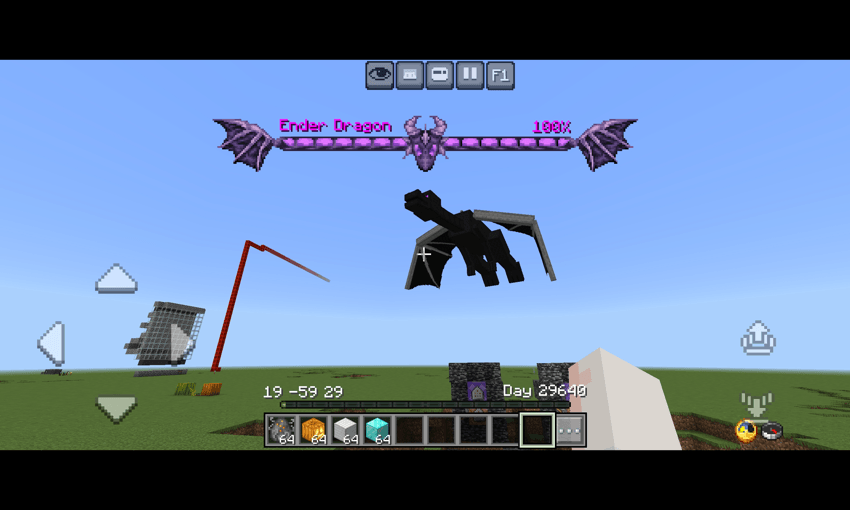
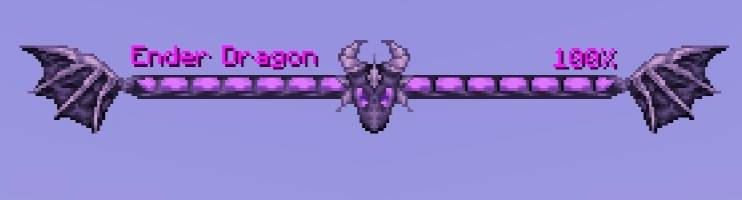
- Ender dragon bossbar
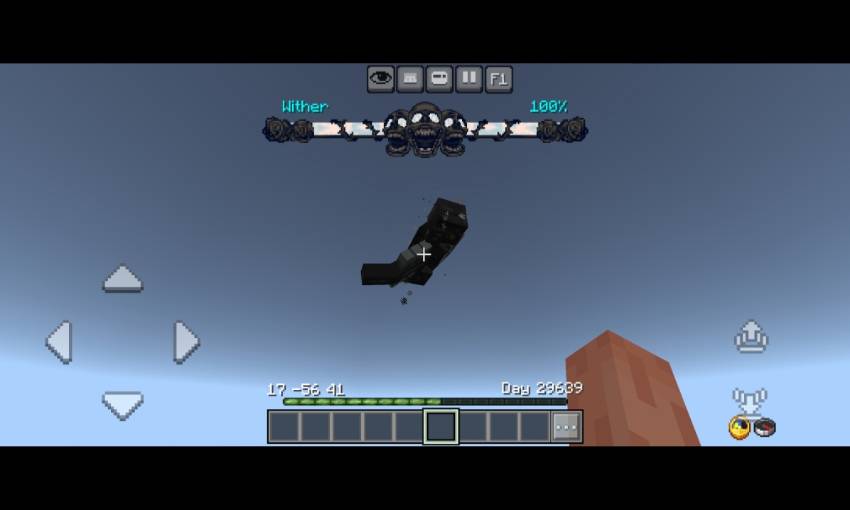
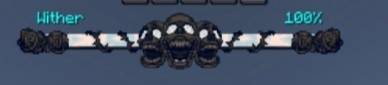
- Wither bossbar
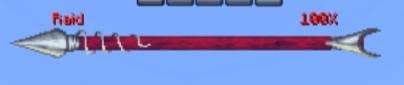
- Raid Bossbar
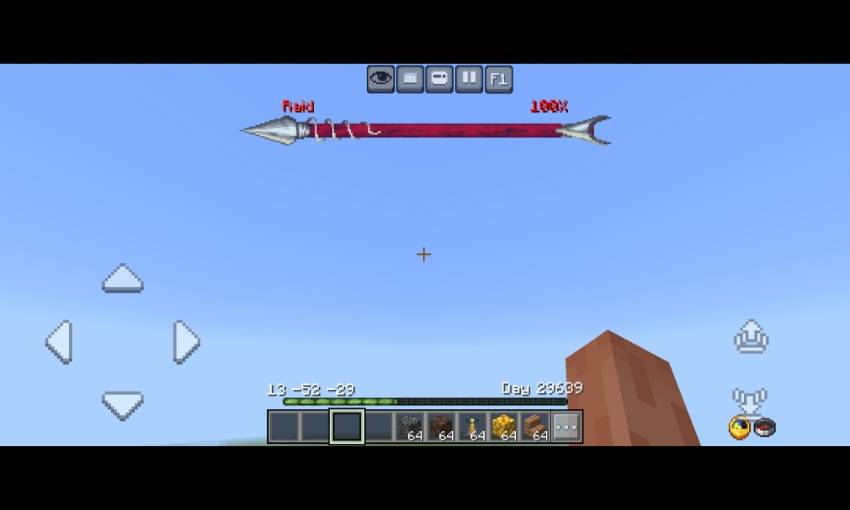
- Moved the boss name to left and added boss heath percentage on the right (shows boss remaining health)
Credits
- Dal4y (https://youtube.com/@dal4y) - bossbar texture
Installation von Dynamic Bossbar
With Millida Launcher
Install Millida Launcher
The launcher is free: download it at millida.net/launcher and sign in with any nickname.
Click “Install” on this page
The launcher opens and installs the resource pack for Minecraft 1.20–1.21.101 automatically.
Launch the game
A profile with it appears in the launcher: click “Play”.
Manually
Download the archive
Pick the file Dynamic Bossbar Texture v2.1.0.mcpack (28 KB) for your game version. No need to unpack it.
Put it in the resourcepacks folder
The easiest way: “Options”, then “Resource Packs”, then “Open Pack Folder”, and drag the archive there.
Enable the pack
In the same window, move the pack to the right-hand “Selected” column and click “Done”.
Versionen
Mit Abhängigkeiten
| Minecraft | Loader | Datei | Datum | Aktionen |
|---|---|---|---|---|
| 1.21.30 | — | Dynamic Bossbar Texture v2.1.0.mcpack27.6 KB |
FAQ
Which Minecraft versions does Dynamic Bossbar work on?
There are files for 1.20–1.21.101, 27 versions in total. The newest is 1.21.101.
Where can I download Dynamic Bossbar safely?
On this page: the file Dynamic Bossbar Texture v2.1.0.mcpack (28 KB) is stored on Millida’s server, with no link shorteners. SHA-1 checksum: cd3b994fcb5284e19e838388ba6747ad8129f001.
Bewertungen
Bewerten Sie Dynamic Bossbar als Erster



