

Über das Dark Mode Ui-Ressourcenpaket
📝 First Release: Dark Mode ui
- 💬 Implemented advanced chat for improved user experiencie
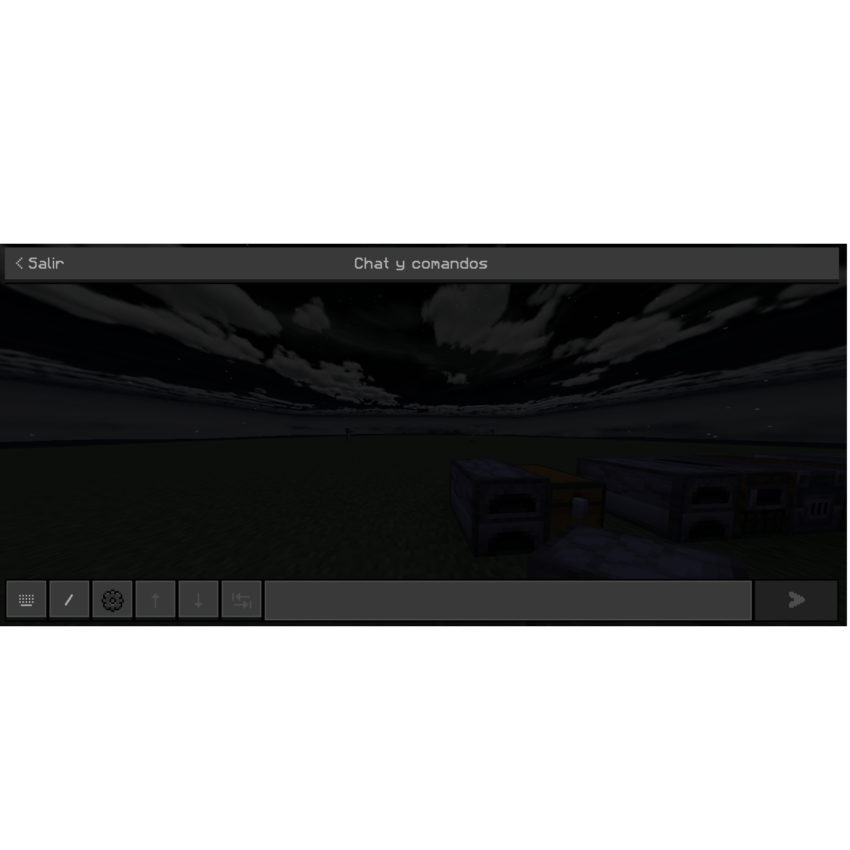
- 🎨 Dark theme applied across the entire interface for a consistent lo
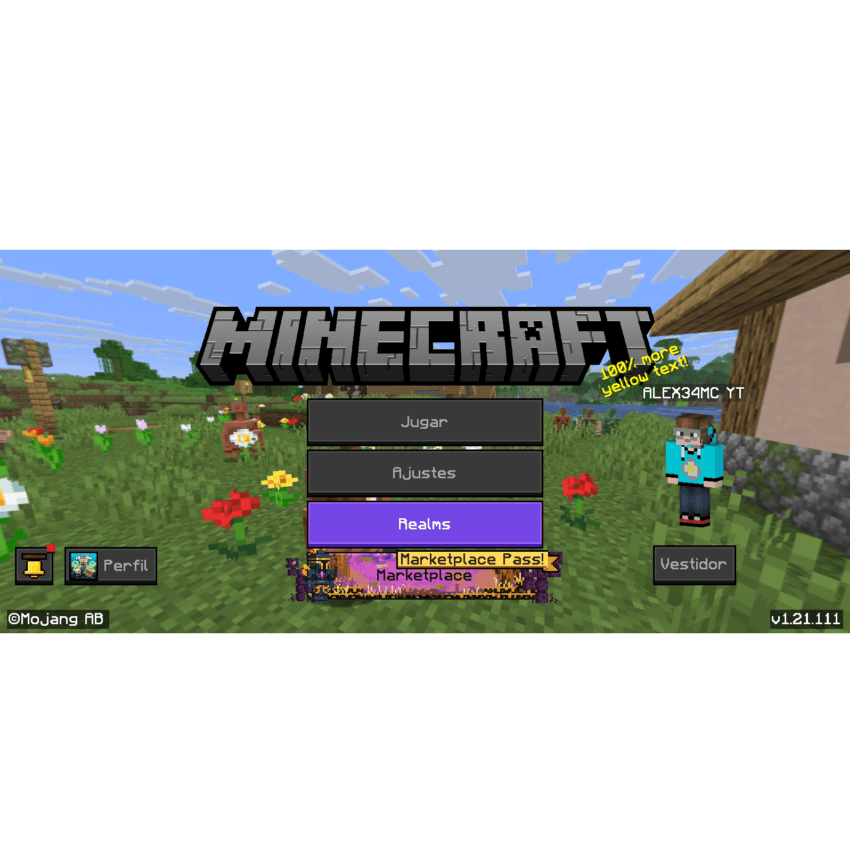
- 🔘 Redesigned buttons and panels with a modern style and rounded edg
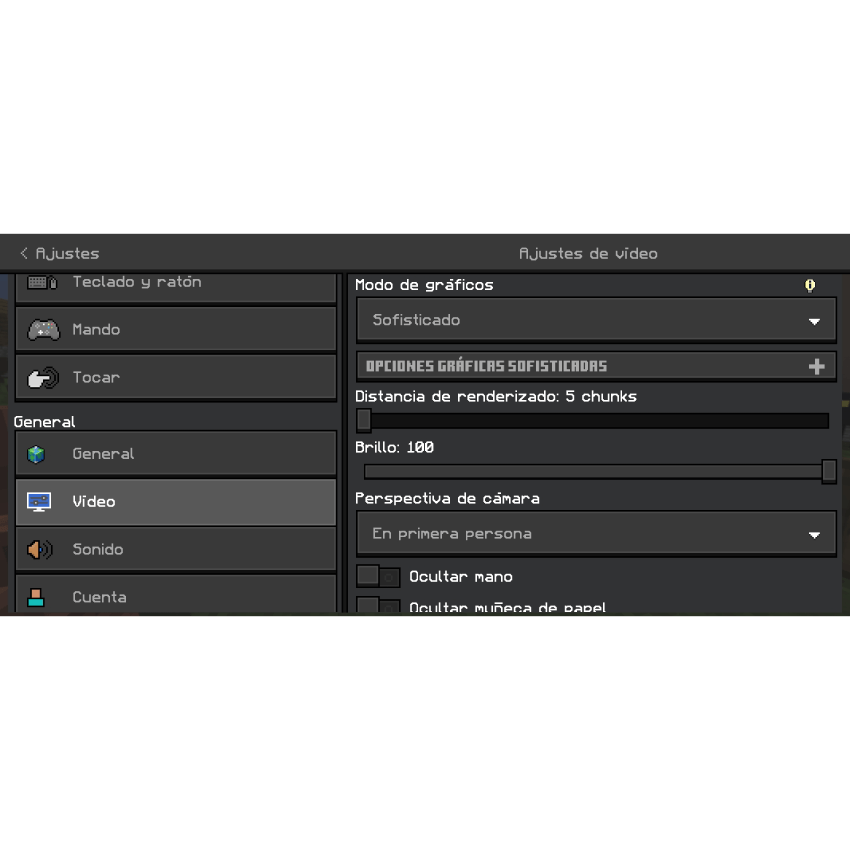
- 🖤 Optimized text and background colors for improved readability and contra
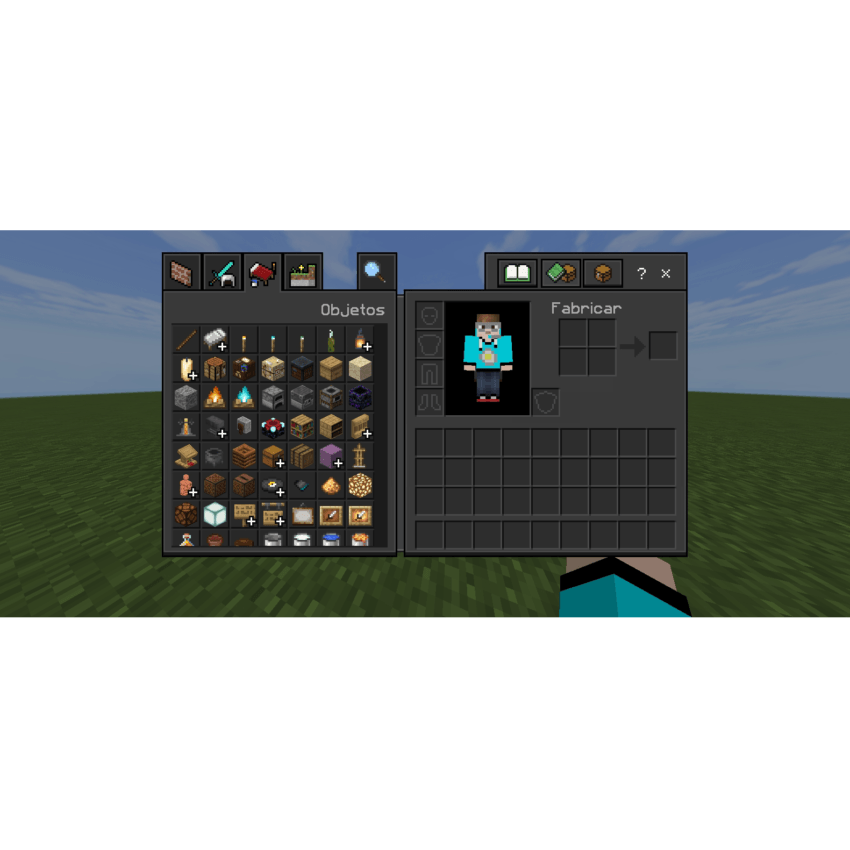
- ✨ Updated icons with a sleek, minimalist desi
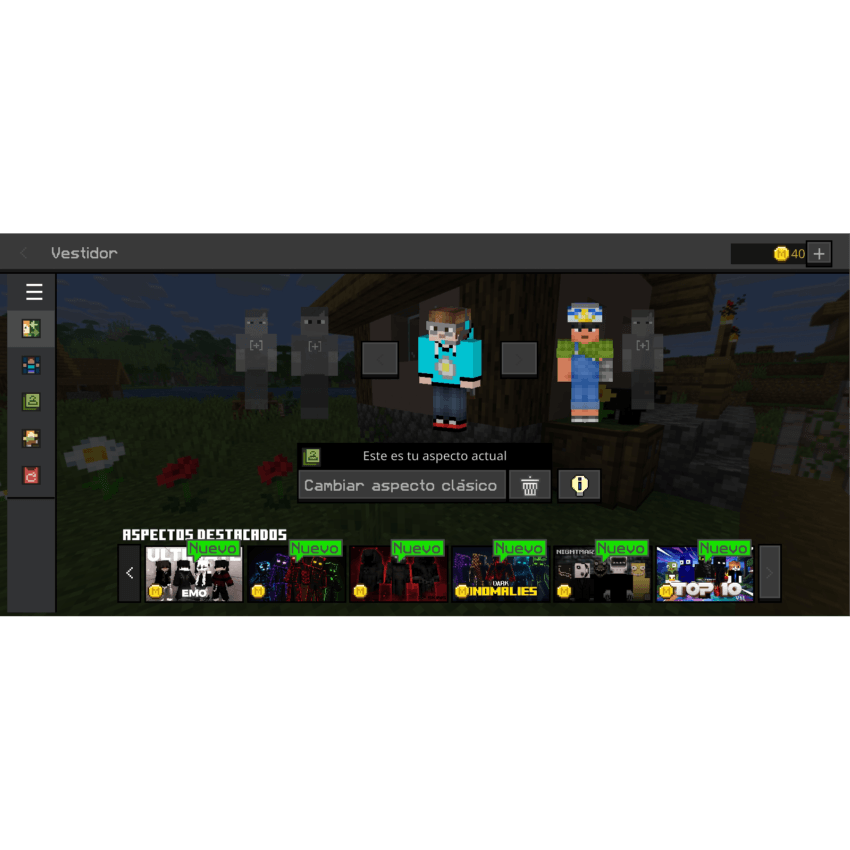
- 🖼️ Subtle transparency effect on windows and overla
- 🛠️ Improved padding and margins for a more balanced interface ysgnstesokce
NUEVAS FUNCION GRACIAS A:
BEDROCK TWEAKS ✨️
Installation von Dark Mode Ui
With Millida Launcher
Install Millida Launcher
The launcher is free: download it at millida.net/launcher and sign in with any nickname.
Click “Install” on this page
The launcher opens and installs the resource pack for Minecraft 26.40–26.50 automatically.
Launch the game
A profile with it appears in the launcher: click “Play”.
Manually
Download the archive
Pick the file Dark-Mode-Ui.mcpack (4.6 MB) for your game version. No need to unpack it.
Put it in the resourcepacks folder
The easiest way: “Options”, then “Resource Packs”, then “Open Pack Folder”, and drag the archive there.
Enable the pack
In the same window, move the pack to the right-hand “Selected” column and click “Done”.
Versionen
Mit Abhängigkeiten
| Minecraft | Loader | Datei | Datum | Aktionen |
|---|---|---|---|---|
| 26.40 | — | Dark-Mode-Ui4.6 MB 1 |
FAQ
Which Minecraft versions does Dark Mode Ui work on?
There are files for 26.50, 26.40. The newest is 26.50.
Where can I download Dark Mode Ui safely?
On this page: the file Dark-Mode-Ui.mcpack (4.6 MB) is stored on Millida’s server, with no link shorteners. SHA-1 checksum: 87dab9b0f04e6bad795fc351613926cdd30a08e1.
Bewertungen
Bewerten Sie Dark Mode Ui als Erster


