

Déesse UI Pack für Minecraft 26.50
Ein UI-Ressourcenpaket, das neue Funktionen, Anpassungen und UI-Designs hinzufügt, um dein Minecraft-Gameplay zu verbessern!
Über das Déesse UI Pack-Ressourcenpaket
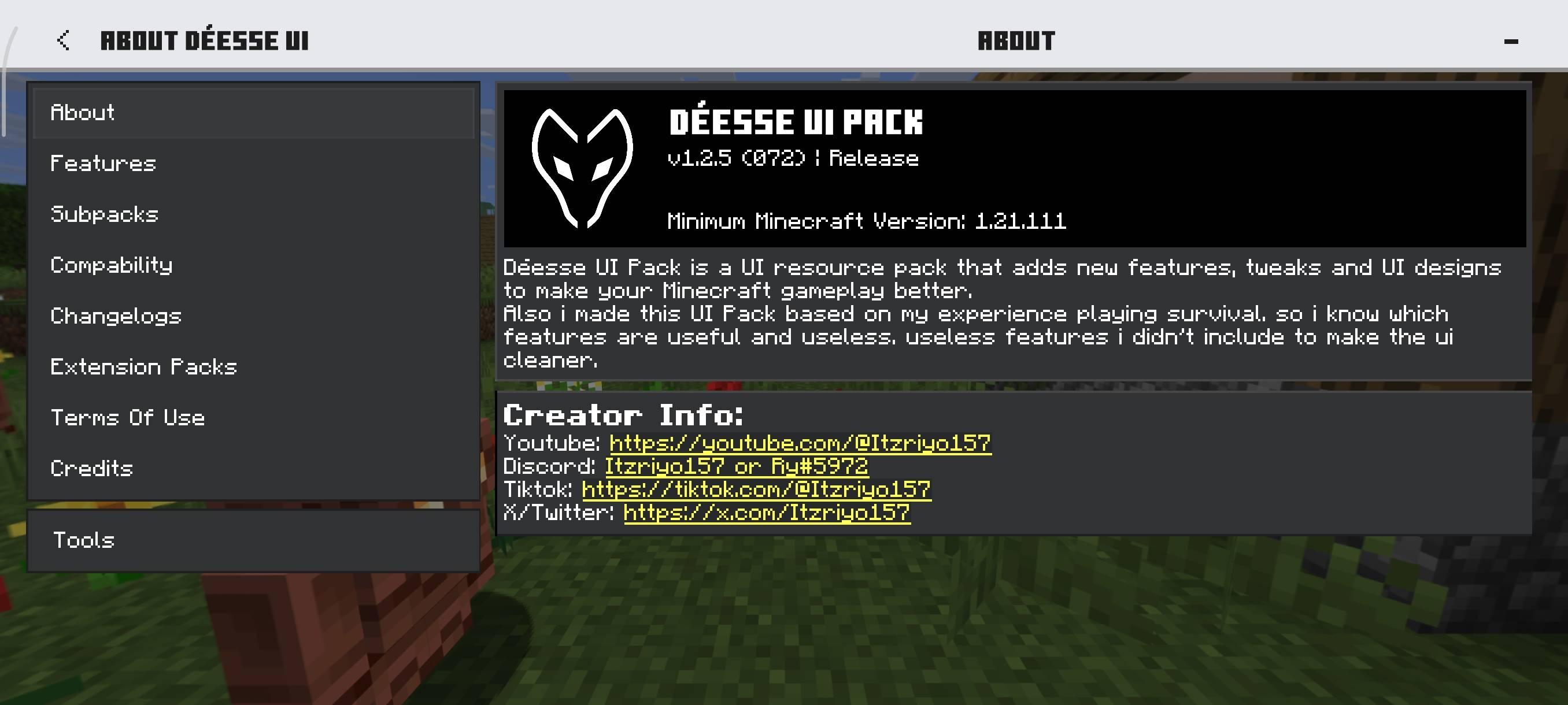
Déesse UI Pack is an UI resource pack that adds new features, tweaks and UI designs to make your Minecraft gameplay better!
Creator: @Itzriyo157 (https://youtube.com/@Itzriyo157)
Discord Server: https://discord.gg/n35gR2PXMb
Want to support my work? Feel free to support me using the link below. <3
https://ko-fi.com/itzriyo157
Video Showcase:
I highly recommend watching the video for a better explanation of the features.
Latest Showcase:
Features:
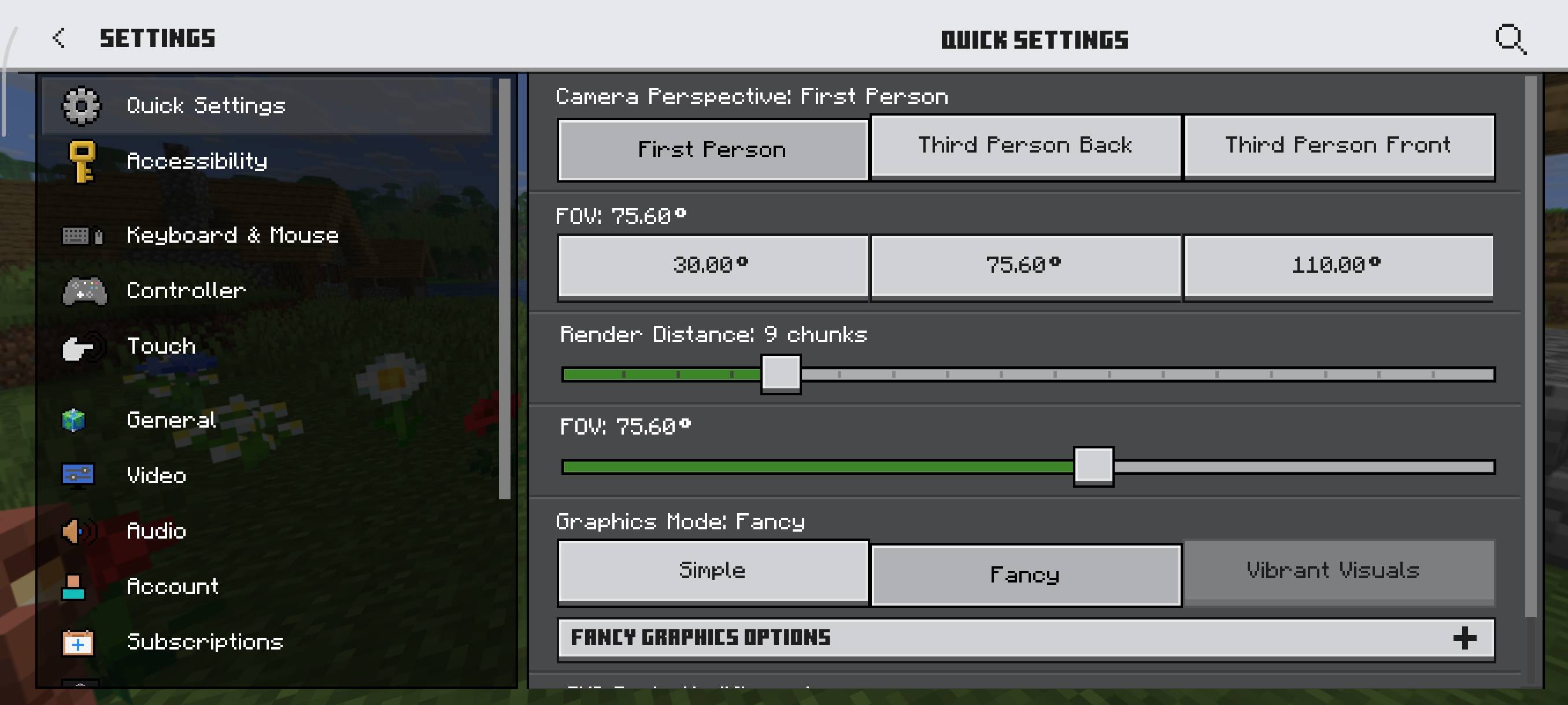
To see the features list, you can open About UI screen/Features inside this UI pack. I've provided some screenshots of this UI pack in the Images section to give you an idea of what to expect :)
Credits:
@tlgm2308 (X/Twitter):
- Some inspirations content and smithing armor preview idea.
@Dimzcraft (Curseforge):
- Chunk viewer and durability item text code.
@T1M0THY (Youtube):
- Toggle Night Vision (Curseforge)
The Andromedarius (Mcpedl):
- Dynamic Day Counter Idea.
drav0011 (bedrocktweaks.net):
Auto Complete Chat Buttons.
Compability:
Some of the features of this pack are a combination of other packs that I have made as follows:
- Quick Container
- Force Spectator
- Player List Hud
- Item Rarity Highlighter
- Temporary Notes
- Bundle Item Counter
- Trade Utils
- Hover Text Fixer
that means, this UI Pack is not compatible with the packs I mentioned above because those packs are already in this UI Pack.
Installation von Déesse UI Pack
With Millida Launcher
Install Millida Launcher
The launcher is free: download it at millida.net/launcher and sign in with any nickname.
Click “Install” on this page
The launcher opens and installs the resource pack for Minecraft 26.50 automatically.
Launch the game
A profile with it appears in the launcher: click “Play”.
Manually
Download the archive
Pick the file Déesse UI v1.3.95.mcpack (2.4 MB) for your game version. No need to unpack it.
Put it in the resourcepacks folder
The easiest way: “Options”, then “Resource Packs”, then “Open Pack Folder”, and drag the archive there.
Enable the pack
In the same window, move the pack to the right-hand “Selected” column and click “Done”.
Versionen
Mit Abhängigkeiten
| Minecraft | Loader | Datei | Datum | Aktionen |
|---|---|---|---|---|
| 26.50 | — | Déesse UI v1.3.95 MC 26.50+2.4 MB 20 |
FAQ
Which Minecraft versions does Déesse UI Pack work on?
Only Minecraft 26.50: there are no files for other versions.
Where can I download Déesse UI Pack safely?
On this page: the file Déesse UI v1.3.95.mcpack (2.4 MB) is stored on Millida’s server, with no link shorteners. SHA-1 checksum: 033daec4d6d8e5884f5d742c525bda02bdadd35f.
Bewertungen
Bewerten Sie Déesse UI Pack als Erster



