

Cyrus Shaders Ressourcenpaket für Minecraft 1.21, 26.50
Ein filmisches Shaderpaket zur goldenen Stunde für Bedrock – warm, neblig und immersiv, während es dem Vanilla-Stil treu bleibt. Bietet abgestimmten volumetrischen Nebel in jedem Biom, satte Sonnenuntergangsbeleuchtung und leuchtend umrandete Erze, alles läuft flüssig auf RenderDragon.
Über das Cyrus Shaders-Ressourcenpaket
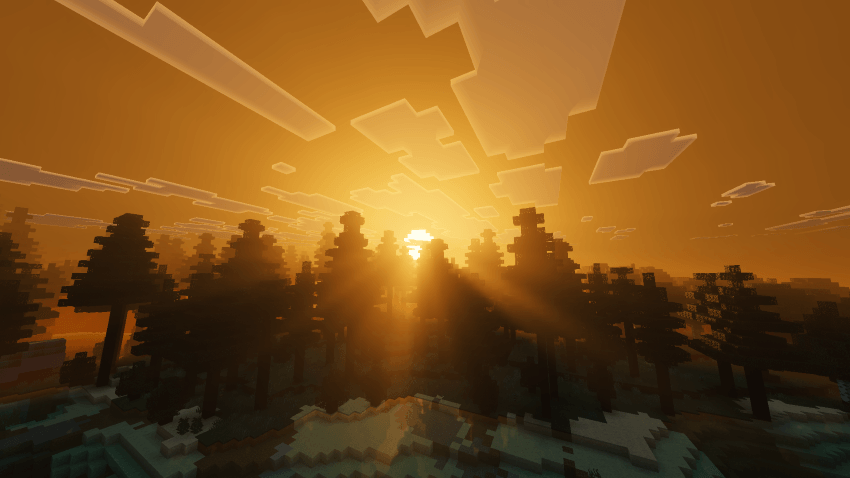
Step into a world bathed in warm, cinematic light. Cyrus Shaders reworks Bedrock's atmosphere, fog, and lighting to create a soft, sun-drenched look that feels like a permanent golden hour - without losing the vanilla identity you know.

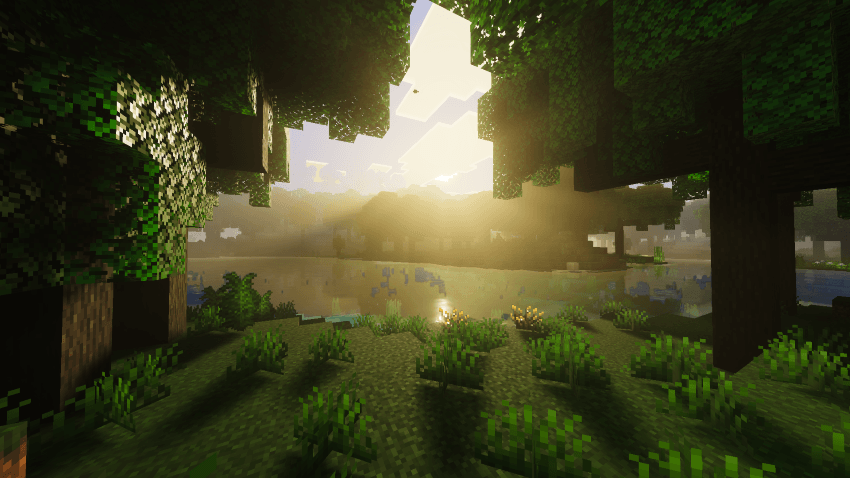
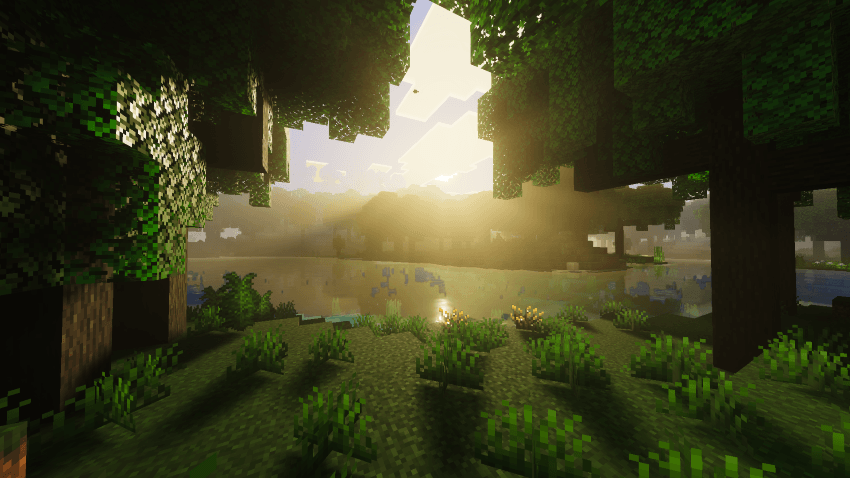
Volumetric fog rolls gently through forests and biomes, catching sunbeams as they filter through leaves. Every biome has been individually tuned for consistent, immersive fog density and color, so the transition from birch groves to cherry blossoms to open plains feels seamless and alive. Warm orange-yellow tones wash over water, foliage, and skies at sunrise and sunset, giving every moment a dreamy, peaceful quality.
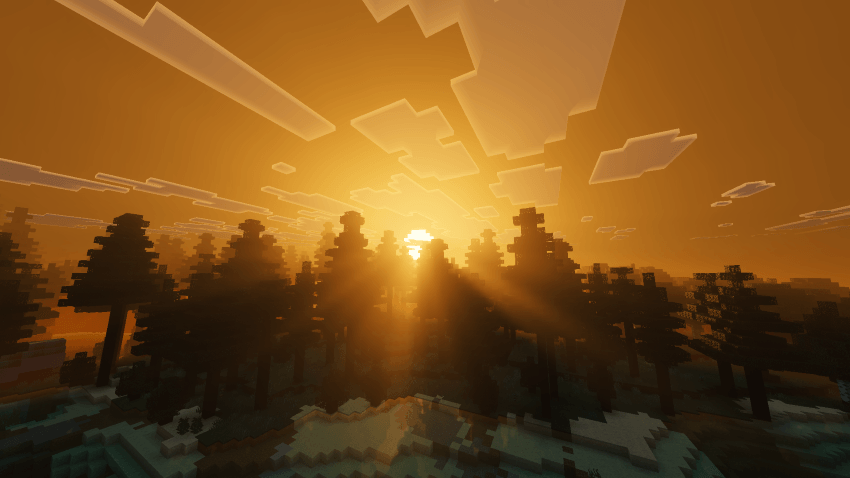
Whether you're wandering through misty woodlands, watching light ripple across still water, or catching the sun dip behind the treeline, Cyrus Shaders is built to make ordinary moments in your world feel cinematic - while keeping performance smooth and the vanilla charm fully intact.
Features:
- Custom volumetric fog presets tuned per biome
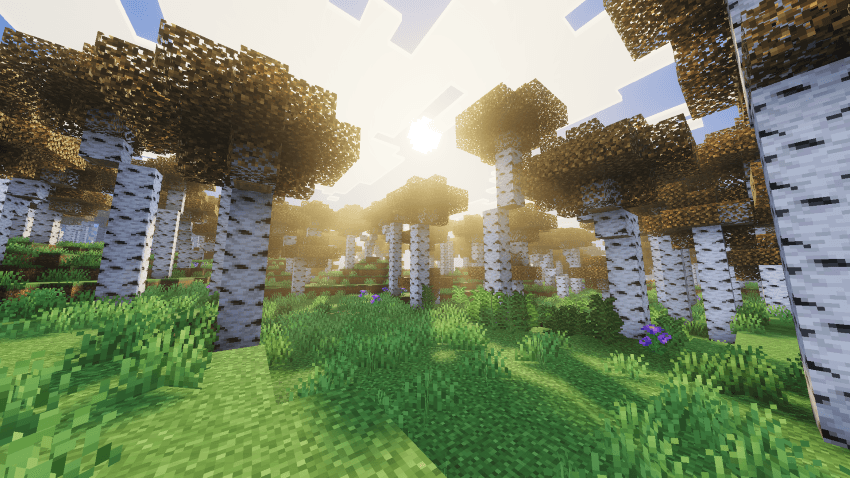
- Warm, golden-hour color grading across all lighting conditions
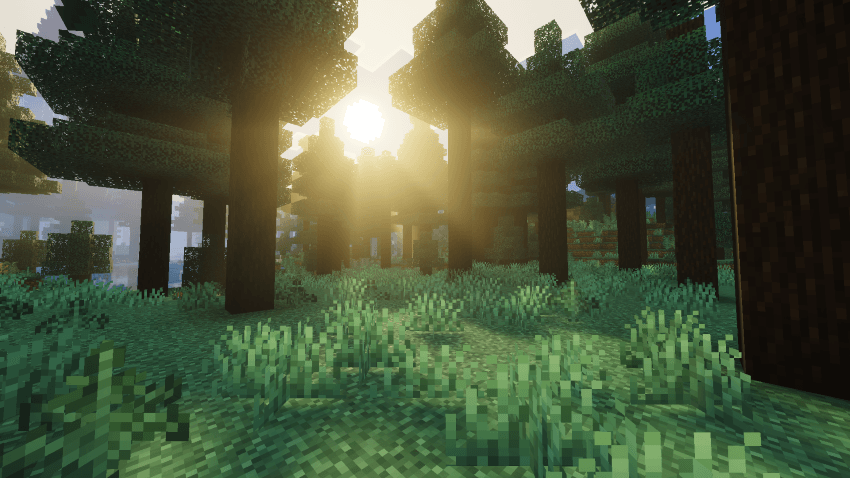
- Enhanced atmospheric depth and light shafts
- Fully vanilla-compatible - no visual overhaul, just enhancement
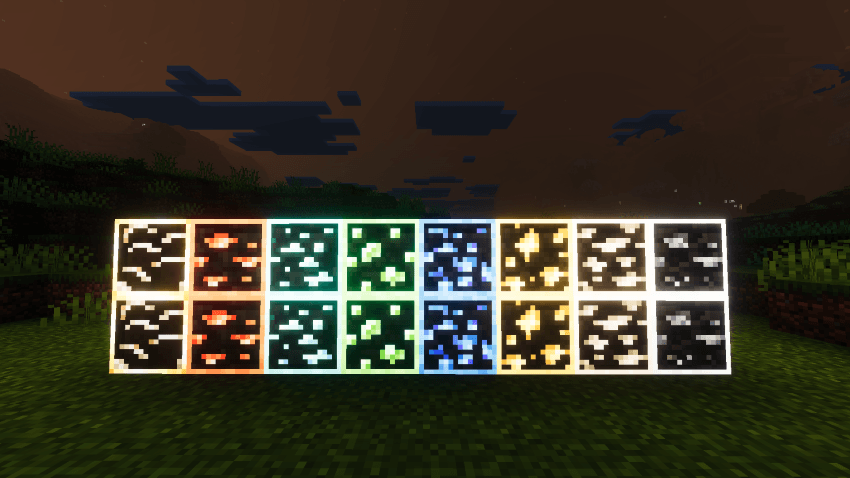
- Outlined, glowing ore blocks that stand out clearly even in dim or foggy lighting
Compatibility
- Minecraft Bedrock 1.21.80+
- RenderDragon rendering engine required
- Compatible with all game modes
- Works alongside other resource packs (no core file overrides - atmospheric and biome fog settings only)
Feel free to drop your feedback and suggestions - we'd love to hear from you.
- Cyrus Shaders Team
Installation von Cyrus Shaders
With Millida Launcher
Install Millida Launcher
The launcher is free: download it at millida.net/launcher and sign in with any nickname.
Click “Install” on this page
The launcher opens and installs the resource pack for Minecraft 1.21–26.50 automatically.
Launch the game
A profile with it appears in the launcher: click “Play”.
Manually
Download the archive
Pick the file Cyrus Shaders V1.4.mcpack (1.2 MB) for your game version. No need to unpack it.
Put it in the resourcepacks folder
The easiest way: “Options”, then “Resource Packs”, then “Open Pack Folder”, and drag the archive there.
Enable the pack
In the same window, move the pack to the right-hand “Selected” column and click “Done”.
Versionen
Mit Abhängigkeiten
| Minecraft | Loader | Datei | Datum | Aktionen |
|---|---|---|---|---|
| 1.21.50 | — | Cyrus Shaders V1.4.mcpack1.2 MB |
FAQ
Which Minecraft versions does Cyrus Shaders work on?
There are files for 1.21–26.50, 23 versions in total. The newest is 26.50.
Where can I download Cyrus Shaders safely?
On this page: the file Cyrus Shaders V1.4.mcpack (1.2 MB) is stored on Millida’s server, with no link shorteners. SHA-1 checksum: 82be887c1a85f0185751c27d5f2d0298c04bacb6.
Bewertungen
Bewerten Sie Cyrus Shaders als Erster



