
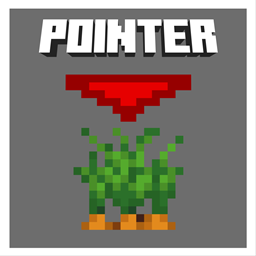
Crop Growth Pointer Ressourcenpaket für Minecraft 26.40
Fügt Pfeilindikatoren über ausgewachsenen Nutzpflanzen hinzu, damit du sie beim Ernten leicht erkennen kannst
Über das Crop Growth Pointer-Ressourcenpaket
This texture pack enhances farming in Minecraft by adding clear visual indicators above fully grown crops, helping players quickly identify which plants are ready for harvest. It displays customizable arrow pointers (in blue, red, gray, yellow, or orange) exclusively above mature crops, eliminating the need for manual inspection and reducing harvest time.
The key features include:
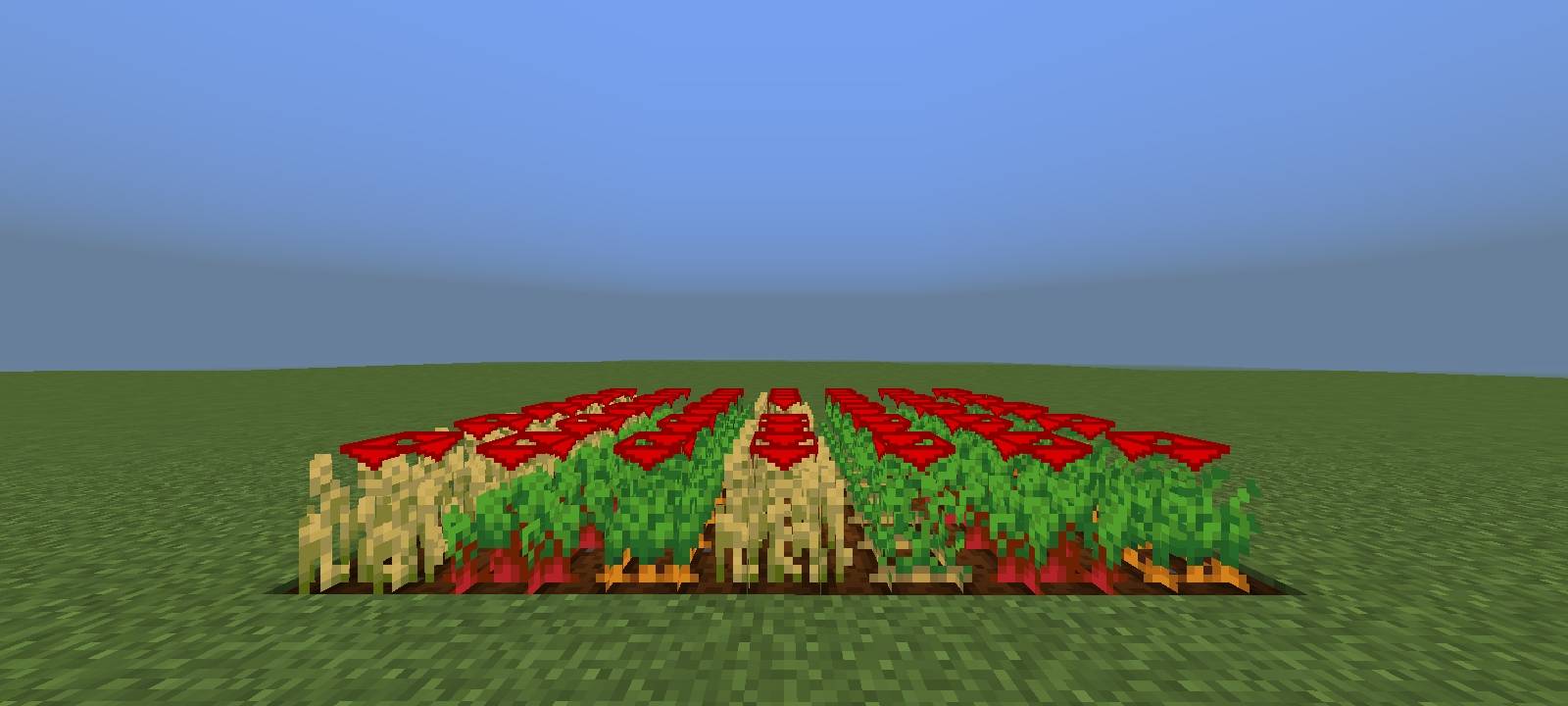
- Arrow Indicators - Only fully grown crops display an arrow above them, making harvesting more efficient.
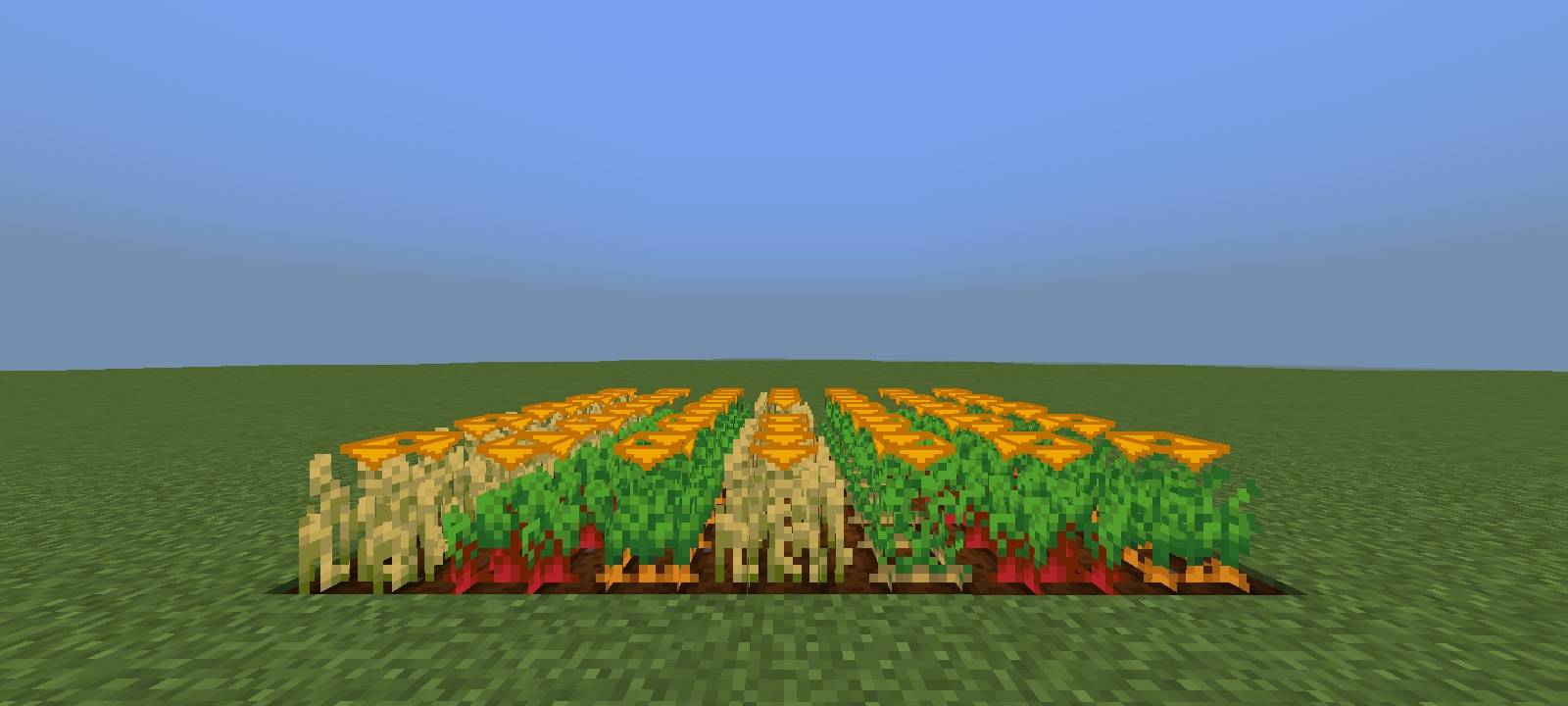
- Five Color Options - Choose between blue, red, gray, yellow, or orange arrows to match your preference or improve visibility in different biomes.
- No Guesswork - Instantly recognize which crops are ripe without checking growth stages, improving farming speed and convenience.
By providing an immediate visual cue, this pack streamlines farming, especially in large fields, and prevents accidental harvesting of immature crops. The color customization ensures the arrows remain visible regardless of terrain or lighting conditions, enhancing usability for both casual and dedicated farmers.
Installation von Crop Growth Pointer
With Millida Launcher
Install Millida Launcher
The launcher is free: download it at millida.net/launcher and sign in with any nickname.
Click “Install” on this page
The launcher opens and installs the resource pack for Minecraft 26.3–26.40 automatically.
Launch the game
A profile with it appears in the launcher: click “Play”.
Manually
Download the archive
Pick the file CropPointer.mcpack (71 KB) for your game version. No need to unpack it.
Put it in the resourcepacks folder
The easiest way: “Options”, then “Resource Packs”, then “Open Pack Folder”, and drag the archive there.
Enable the pack
In the same window, move the pack to the right-hand “Selected” column and click “Done”.
Versionen
Mit Abhängigkeiten
| Minecraft | Loader | Datei | Datum | Aktionen |
|---|---|---|---|---|
| 26.3 | — | MainFile_2671 KB 3 |
FAQ
Which Minecraft versions does Crop Growth Pointer work on?
There are files for 26.3–26.40, 8 versions in total. The newest is 26.40.
Where can I download Crop Growth Pointer safely?
On this page: the file CropPointer.mcpack (71 KB) is stored on Millida’s server, with no link shorteners. SHA-1 checksum: ca5d0403200a371a8353e31ae8d153eb8512e028.
Bewertungen
Bewerten Sie Crop Growth Pointer als Erster



