
Console graphics Ressourcenpaket für Minecraft 26.30
Grafikeffekt aus der Legacy Console Edition (Xbox 360 Edition)
Über das Console graphics-Ressourcenpaket
This is a reuploud from a deleted creator called " marcjones "
DO NOT ASK ME FOR A UPDATE OR COMPLAIN I CANNOT DO ANYTHING, IT MAY HAVE BUGS.
HOW DOES IT WORK?
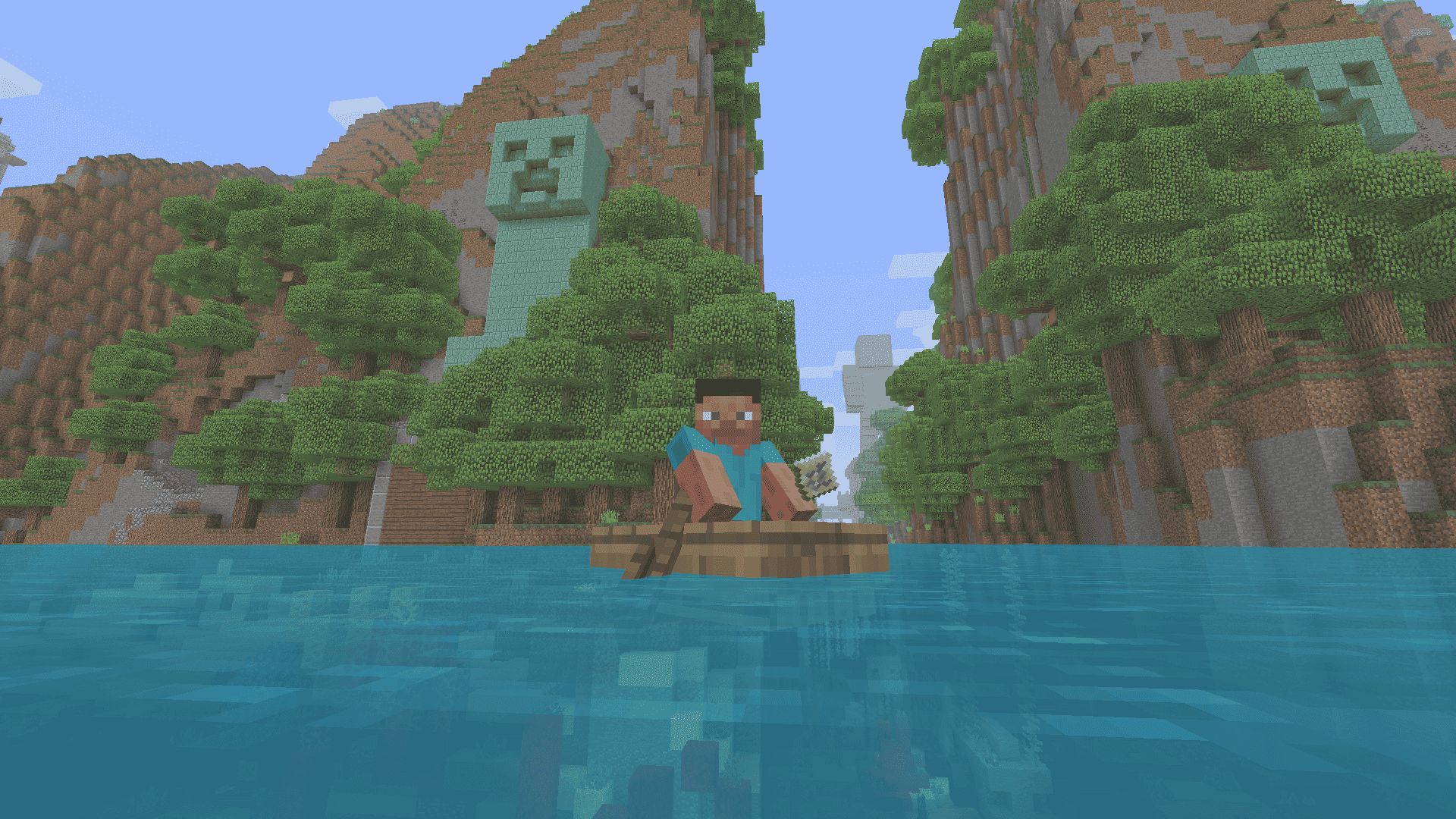
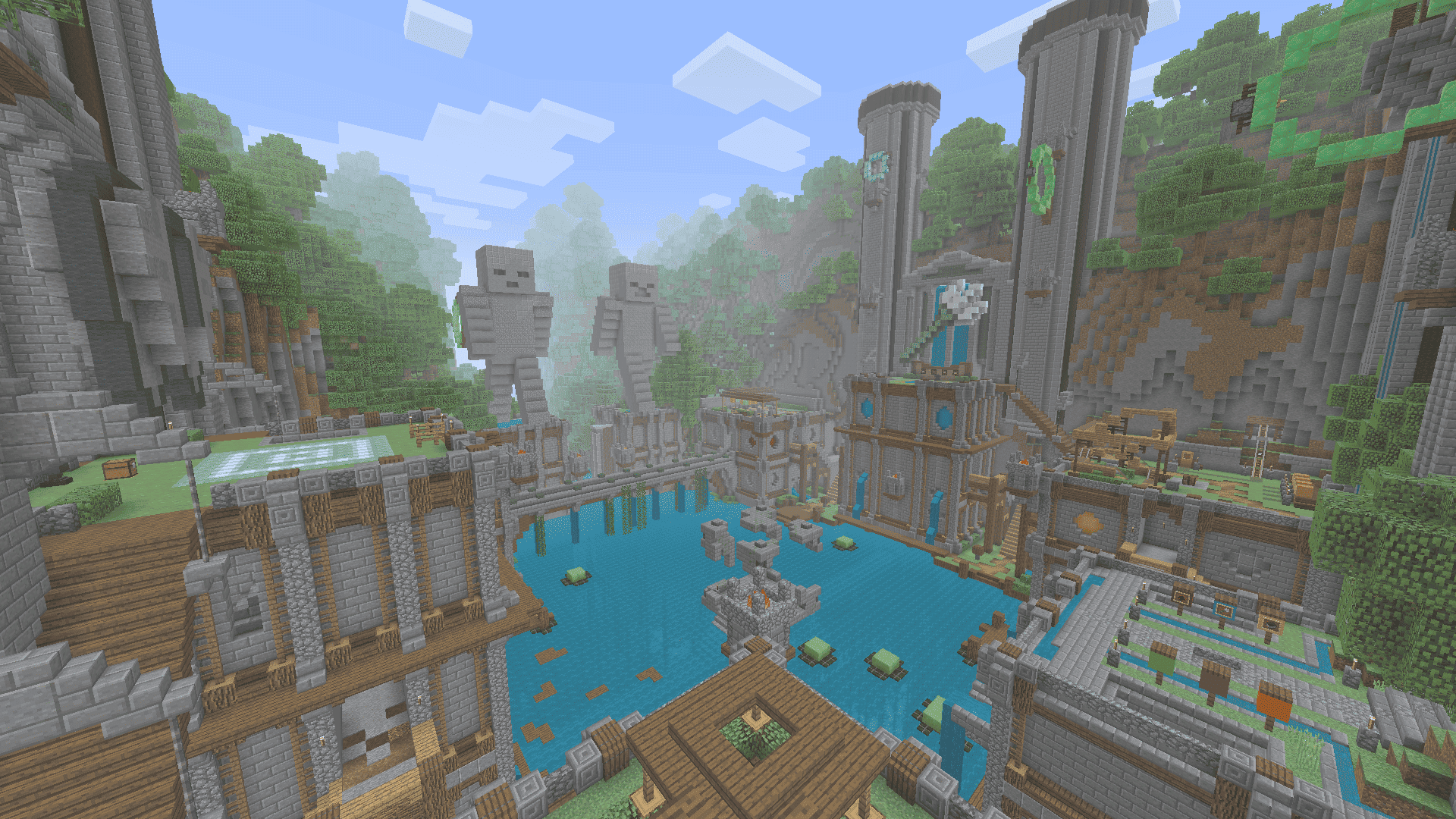
•Console Graphics Pack makes the graphics in Minecraft Bedrock more similar to what you might have seen in Legacy Console Edition. All aspects including fog, gamma, biome colors and water colors from TU69 have been collected in this resource pack for fans of legacy editions. Console Graphics Pack makes the graphics in Minecraft Bedrock more similar to what you might have seen in Legacy Console Edition. All aspects including fog, gamma, biome colors and water colors from TU69 have been collected in this resource pack for fans of legacy editions.
HOW TO INSTALL?
How to Install?
- Download Console Graphics Pack on your device
- Open the File Explorer once you’ve downloaded an Console Graphics Pack .mcpack
- Go to your Downloads folder
- Find the Console Graphics Pack .mcpack file and click it to import it to Minecraft Bedrock
- If you imported an Console Graphics Pack, don't forget to apply the Console Graphics Pack when creating a new world or editing an existing world
Cross-Compatibility
- Console Aspects
- Minecraft Classic Texture Pack
Installation von Console graphics
With Millida Launcher
Install Millida Launcher
The launcher is free: download it at millida.net/launcher and sign in with any nickname.
Click “Install” on this page
The launcher opens and installs the resource pack for Minecraft 26.0–26.30 automatically.
Launch the game
A profile with it appears in the launcher: click “Play”.
Manually
Download the archive
Pick the file consolegraphicspack.mcpack (109 KB) for your game version. No need to unpack it.
Put it in the resourcepacks folder
The easiest way: “Options”, then “Resource Packs”, then “Open Pack Folder”, and drag the archive there.
Enable the pack
In the same window, move the pack to the right-hand “Selected” column and click “Done”.
Versionen
Mit Abhängigkeiten
| Minecraft | Loader | Datei | Datum | Aktionen |
|---|---|---|---|---|
| 26.0.02 | — | consolegraphics v1.03.mcpack109 KB 1 |
FAQ
Where can I download Console graphics safely?
On this page: the file consolegraphicspack.mcpack (109 KB) is stored on Millida’s server, with no link shorteners. SHA-1 checksum: 1ff82fbc4233d6274c01dc79fb56cb0a1190b2d0.
Bewertungen
Bewerten Sie Console graphics als Erster



