

Climax Graphics for Minecraft Bedrock
Check out my personal website! :D https://honkit26113.com/
You must be on Preview 1.21.30.20 or above to use this pack.
Preview 1.21.30.22 is required for wavy water!
You cannot use the stable version.
Experimental Toggles
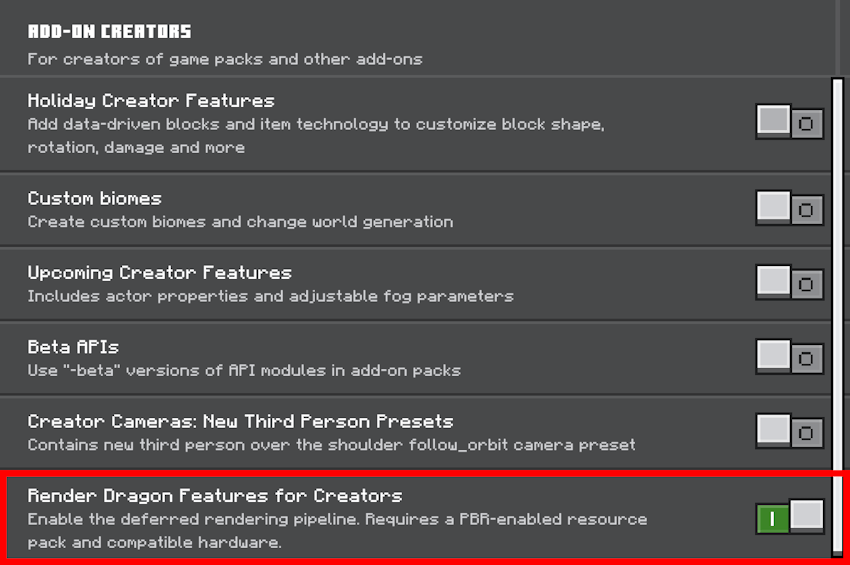
- You can find the toggle in World Settings under the Game section.
- This toggle must be turned on:
- Render Dragon Features for Creators
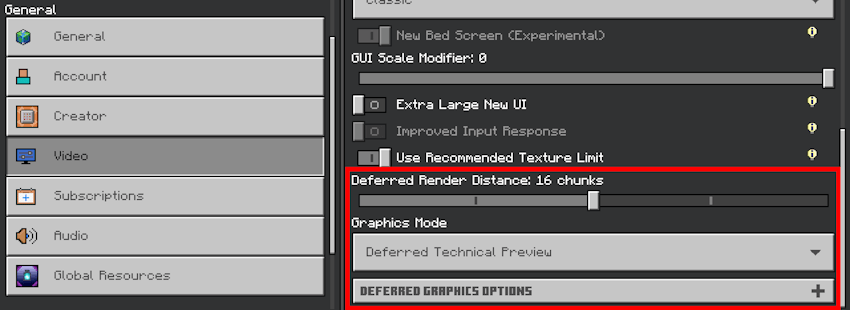
- After entering your world, go to video settings. Scroll down to the bottom and set Graphics Mode to Deferred Technical Preview.
Lighting & Atmospherics
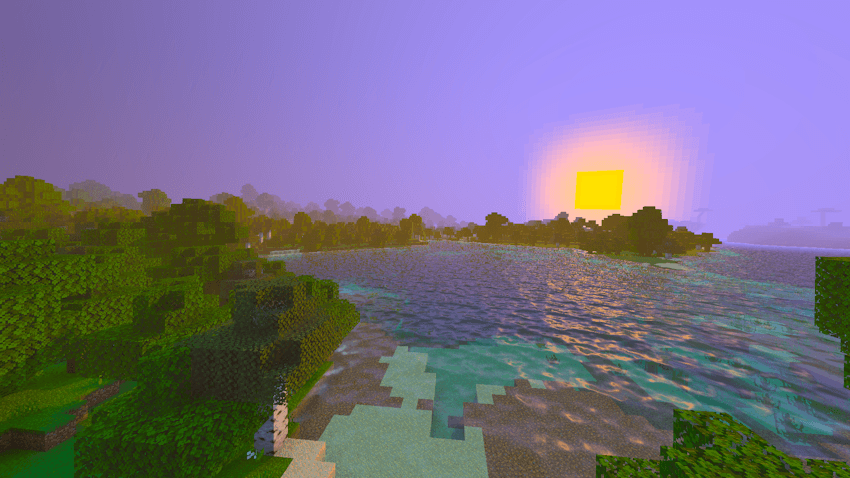
^ Sunrise at around 6:00 am in-game time.
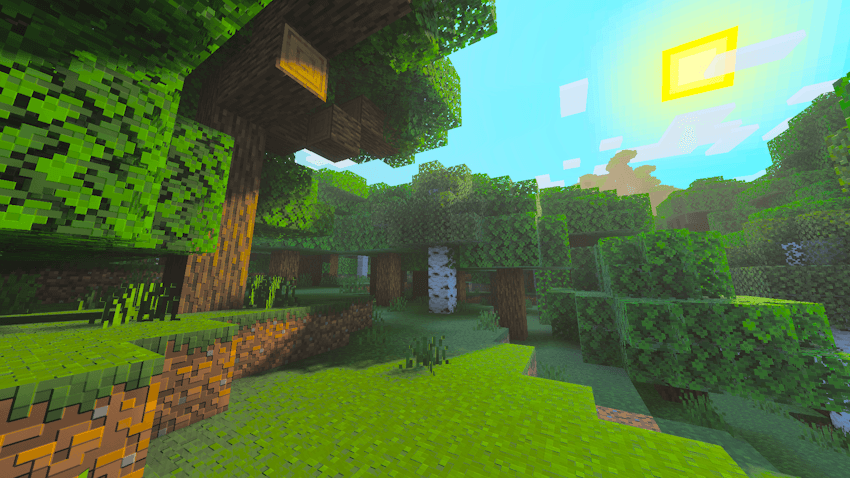
^ Daytime at around 10:00 am in-game time.
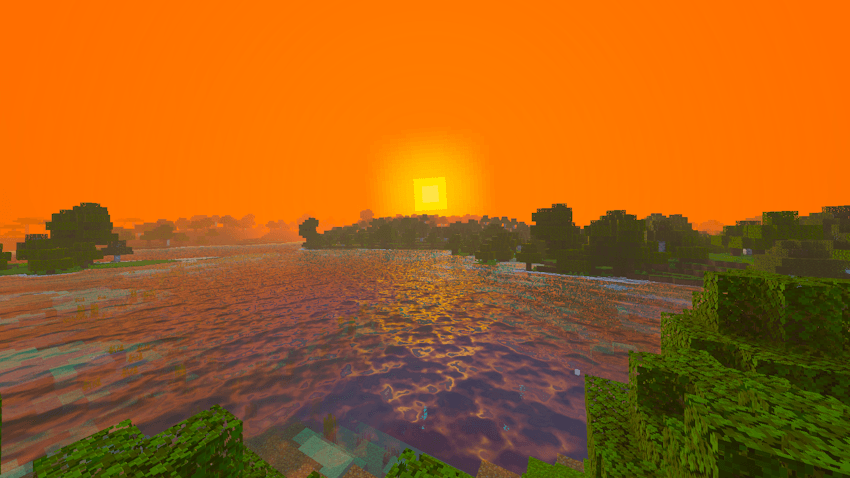
^ Sunset (6:00 pm). Block surfaces facing the sun all have a golden tint to them. Light also reflects on water.

^ Nighttime.
Main Features
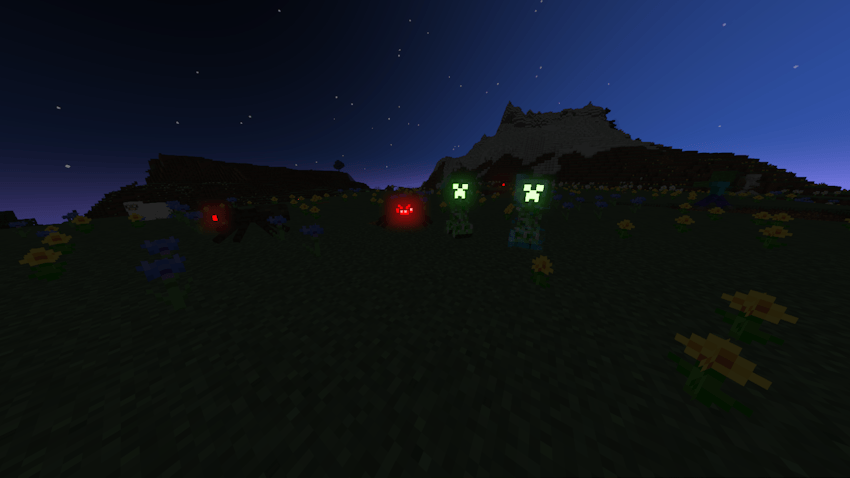
^ Some hostile mobs have glowing eyes. Charged Creepers also have a glowing charge effect.
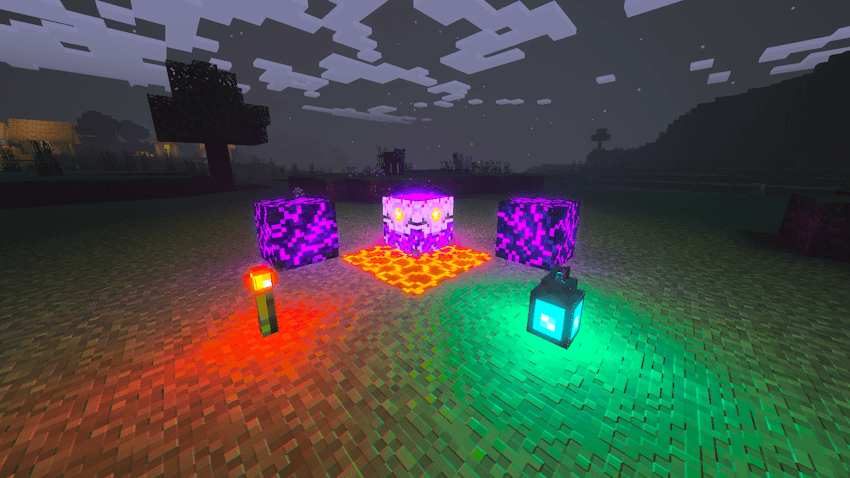
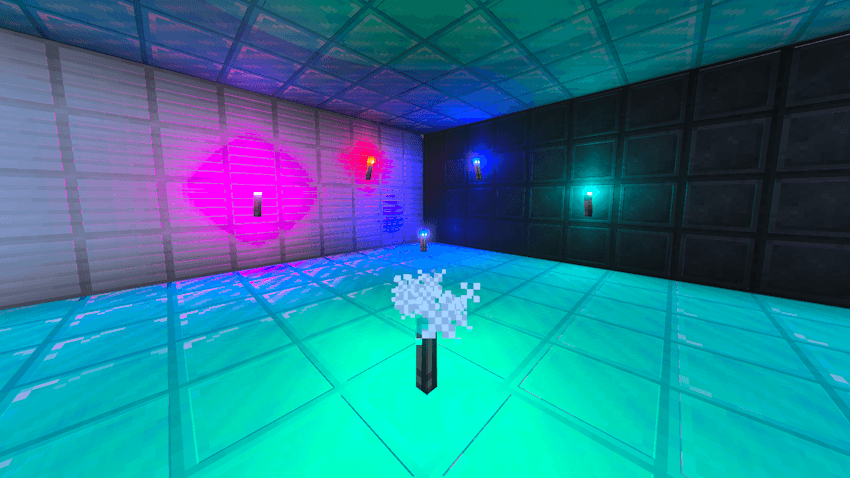
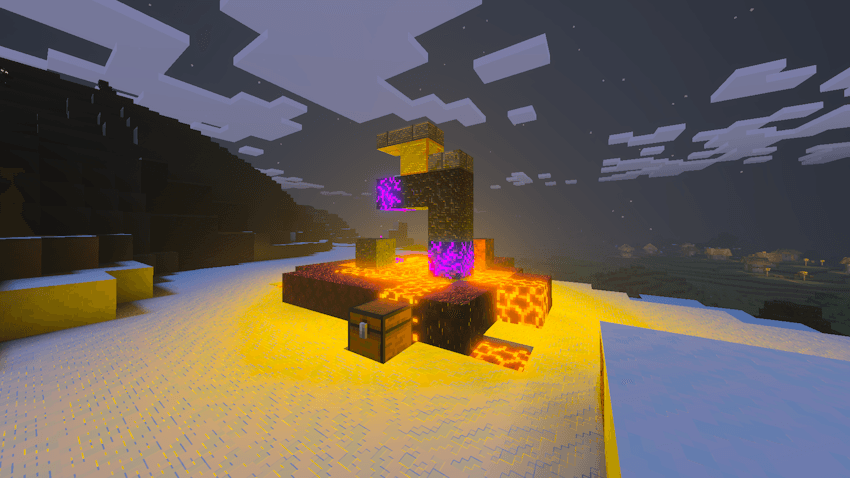
^ Added volumetric point lights to some blocks.
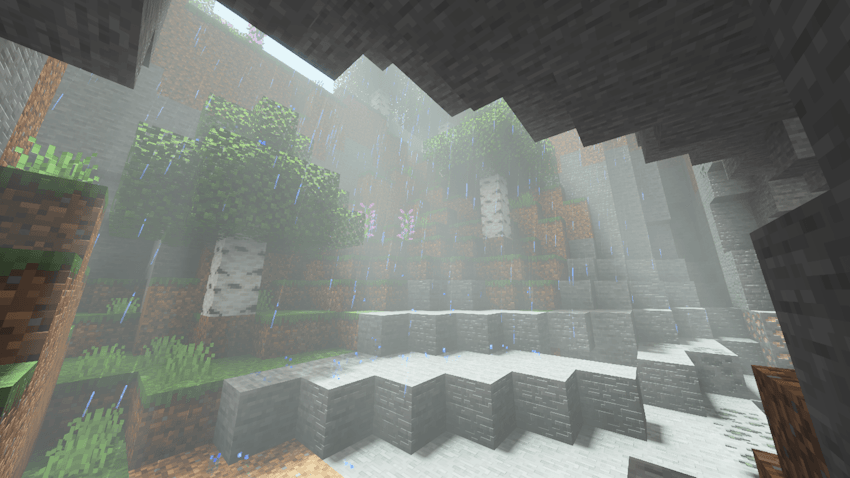
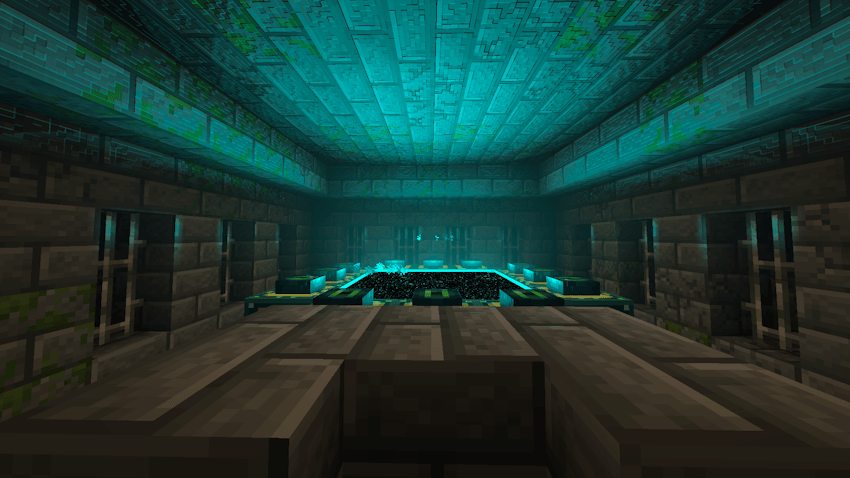
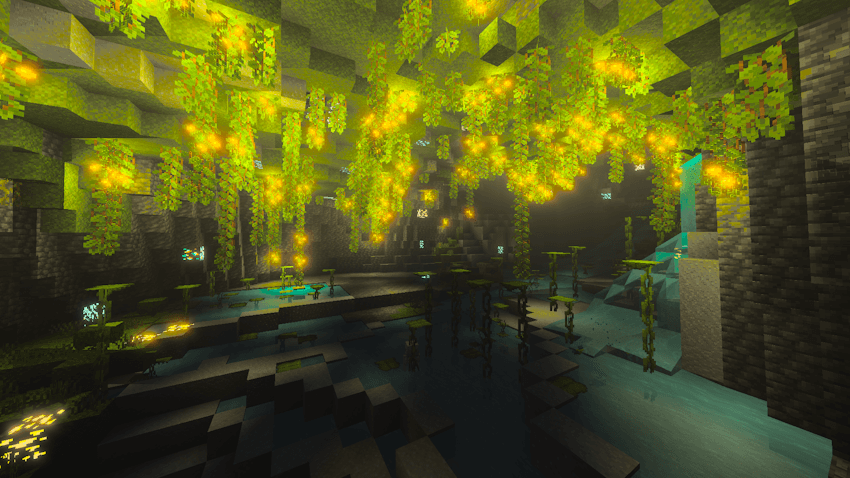
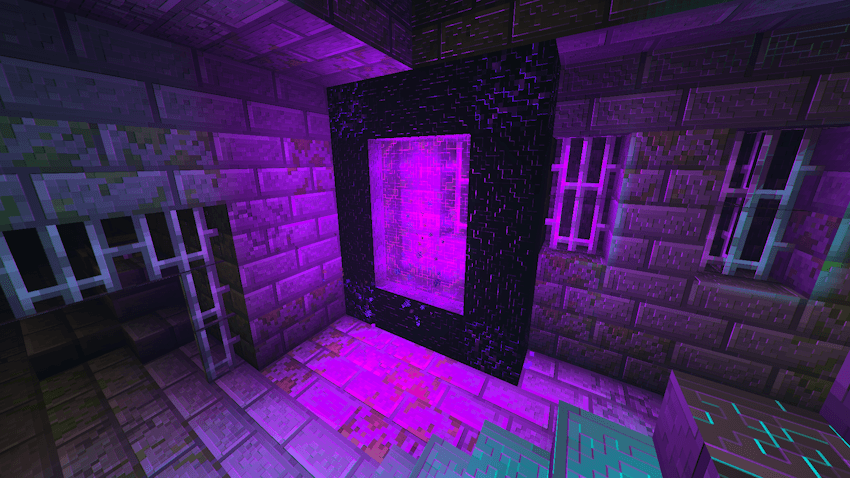
Some more images
You are allowed to:
- Edit the pack for personal use.
- Use the pack in your private modpack that you aren’t releasing publicly. You cannot use the pack in a public modpack.
- Make videos & media content with the pack if you leave the link to this page.
You are NOT allowed to:
- Distribute the pack using a new download link. Always share the link to to this page.
- Monetise the pack download. Doing so will result in a copyright takedown.
Installation von Climax Graphics [Deferred Rendering]
With Millida Launcher
Install Millida Launcher
The launcher is free: download it at millida.net/launcher and sign in with any nickname.
Click “Install” on this page
The launcher opens and installs the resource pack for Minecraft 1.21 automatically.
Launch the game
A profile with it appears in the launcher: click “Play”.
Manually
Download the archive
Pick the file Climax Graphics v0.8.mcpack (2.6 MB) for your game version. No need to unpack it.
Put it in the resourcepacks folder
The easiest way: “Options”, then “Resource Packs”, then “Open Pack Folder”, and drag the archive there.
Enable the pack
In the same window, move the pack to the right-hand “Selected” column and click “Done”.
Versionen
Mit Abhängigkeiten
| Minecraft | Loader | Datei | Datum | Aktionen |
|---|---|---|---|---|
| 1.21 | — | [PREVIEW ONLY] Climax Graphics v0.8.mcpack2.6 MB |
FAQ
Where can I download Climax Graphics [Deferred Rendering] safely?
On this page: the file Climax Graphics v0.8.mcpack (2.6 MB) is stored on Millida’s server, with no link shorteners. SHA-1 checksum: cfd6e4b6a2319df926ab7c7b3830143cb22bd4db.
Bewertungen
Bewerten Sie Climax Graphics [Deferred Rendering] als Erster


