

Chroma Shader Ressourcenpaket für Minecraft 1.21, 26.40
Bester Nicht-Patch-Shader für MCPE & Bedrock!
Über das Chroma Shader-Ressourcenpaket
Best Non-patch Shader for MCPE & Bedrock!. Realistic fog, waving leaves/water, smooth lighting , Better & No Lag on Low-End Devices. Renderdragon compatible. Boost visuals without hurting performance!.From enchanted foggy forests to improved particles, every biome feels alive and magical. Now featuring Aurora Borealis dancing across snowy night skies.
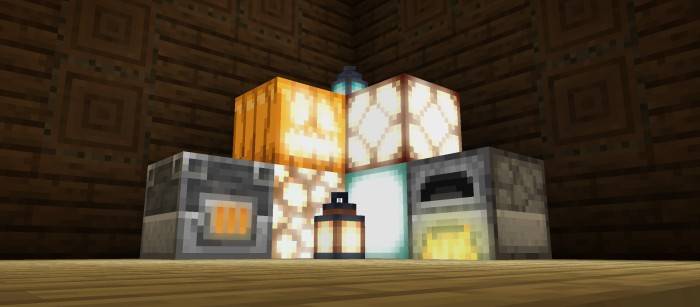
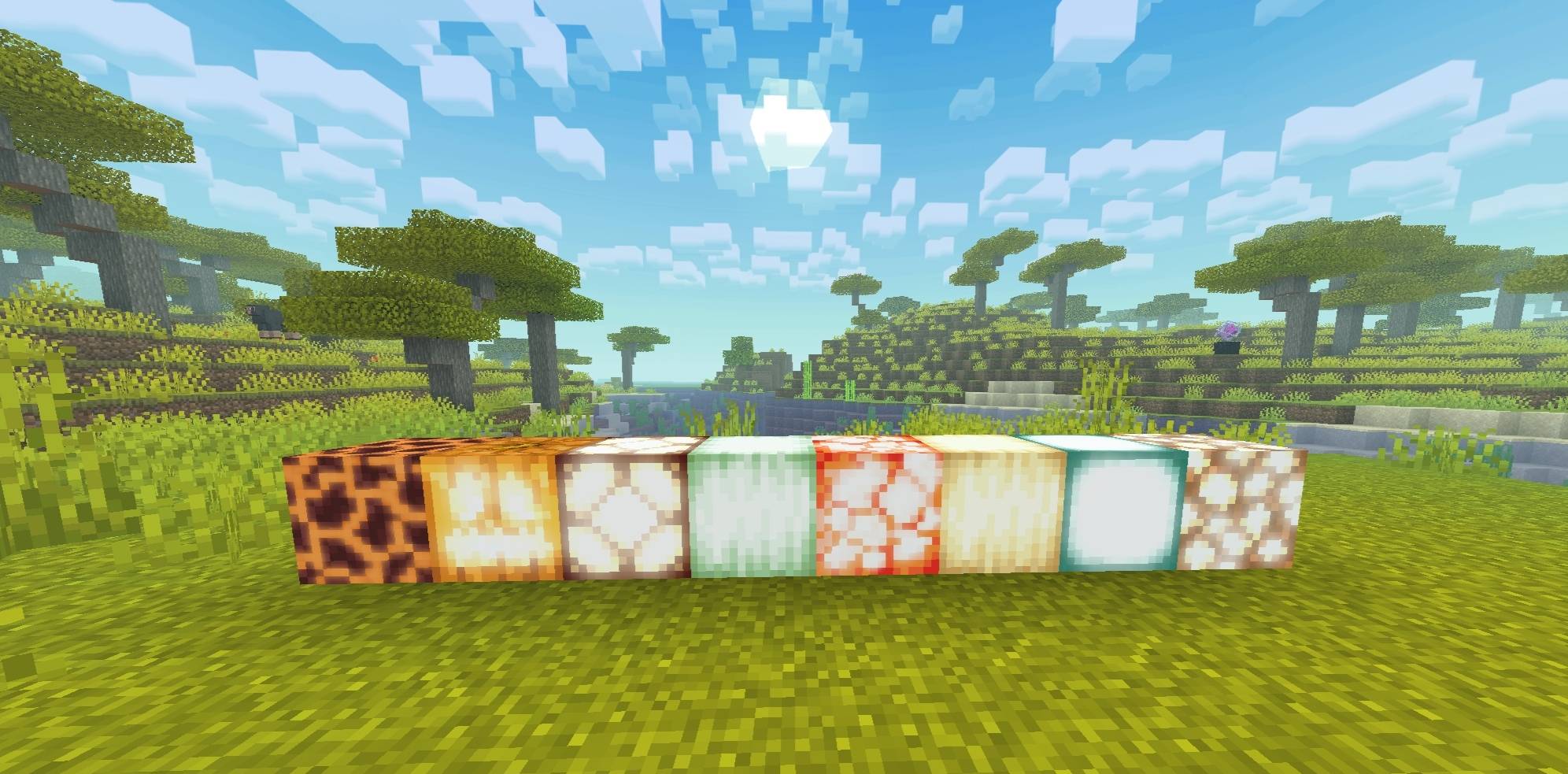
Light Source Blocks
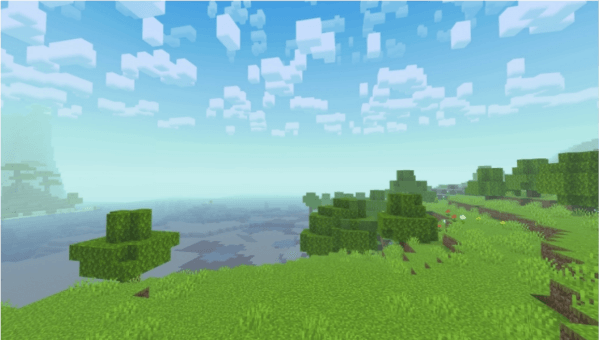
Day Time
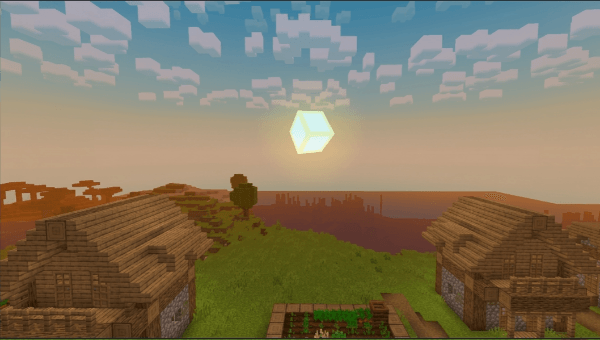
Sunrise
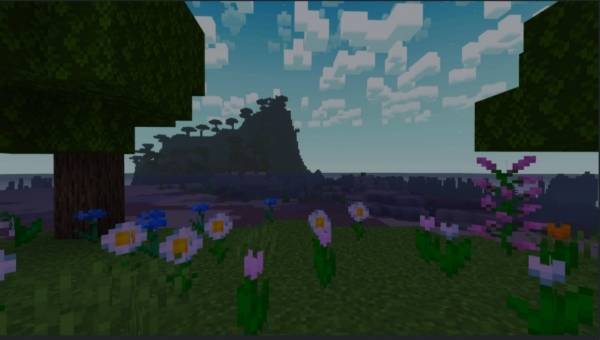
Night Time

Join Our Discord

If Any Bug Found So Comment Below
Installation von Chroma Shader
With Millida Launcher
Install Millida Launcher
The launcher is free: download it at millida.net/launcher and sign in with any nickname.
Click “Install” on this page
The launcher opens and installs the resource pack for Minecraft 1.21–26.40 automatically.
Launch the game
A profile with it appears in the launcher: click “Play”.
Manually
Download the archive
Pick the file Chroma Shader V1.0.8.mcpack (5.5 MB) for your game version. No need to unpack it.
Put it in the resourcepacks folder
The easiest way: “Options”, then “Resource Packs”, then “Open Pack Folder”, and drag the archive there.
Enable the pack
In the same window, move the pack to the right-hand “Selected” column and click “Done”.
Versionen
Mit Abhängigkeiten
| Minecraft | Loader | Datei | Datum | Aktionen |
|---|---|---|---|---|
| 1.21 | — | Chroma Shader V1.0.8.mcpack5.5 MB 1 |
FAQ
Which Minecraft versions does Chroma Shader work on?
There are files for 26.40, 26.30, 26.0, 1.21.132, 1.21. The newest is 26.40.
Where can I download Chroma Shader safely?
On this page: the file Chroma Shader V1.0.8.mcpack (5.5 MB) is stored on Millida’s server, with no link shorteners. SHA-1 checksum: a31b3f060607cf090a5bf501436526e490078025.
Bewertungen
Bewerten Sie Chroma Shader als Erster


