
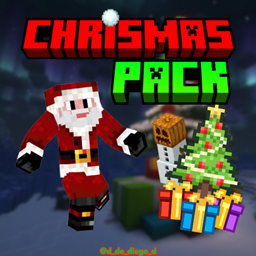
CHRISTMAS PACK für Minecraft 1.20.1, 1.21
Dieses Texturpaket taucht dich in die Weihnachtszeit ein und ändert Texturen zu einer festlicheren Note.
Über das CHRISTMAS PACK-Ressourcenpaket

CHRISTMAS PACK
ENGLISH
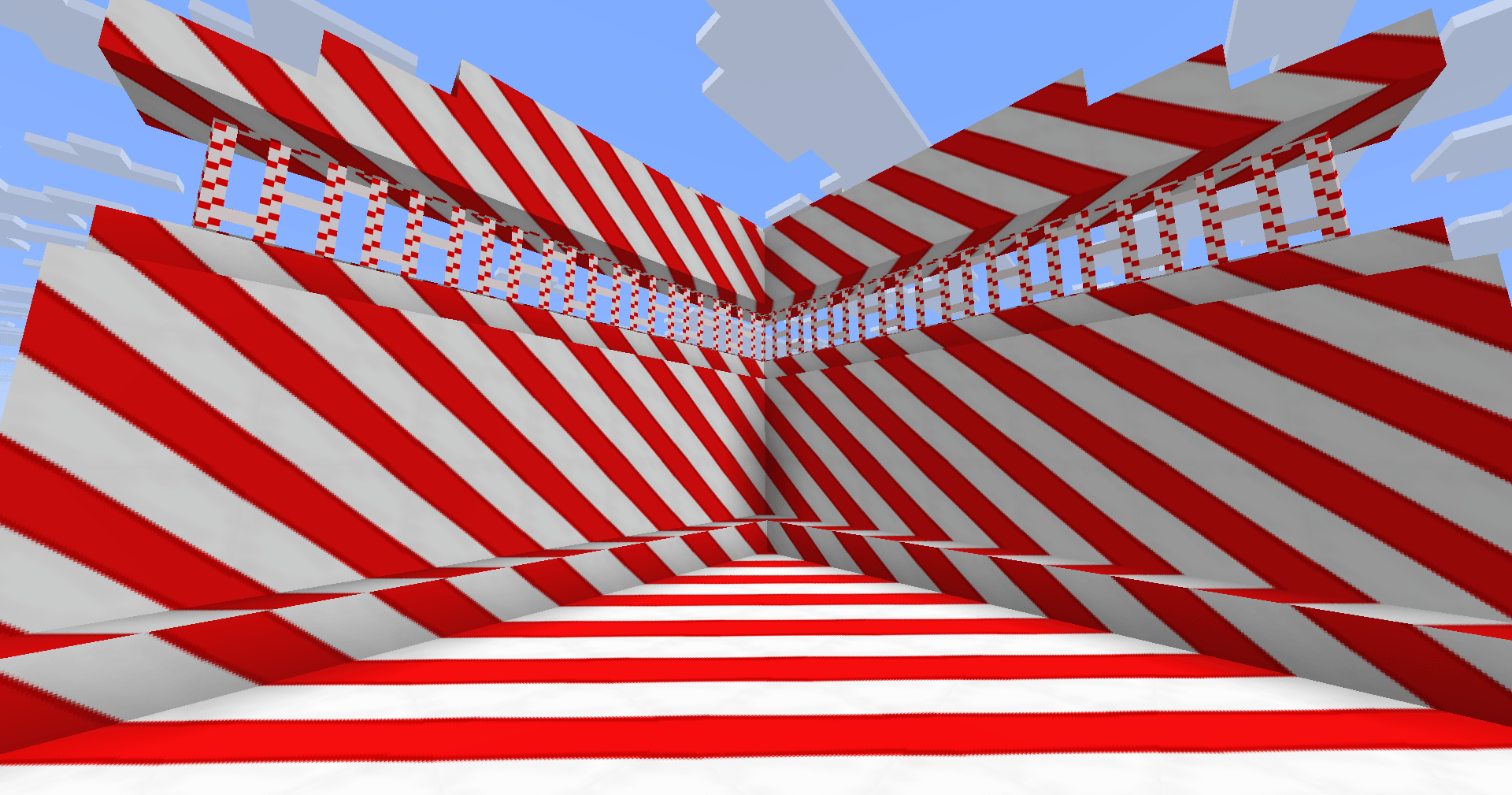
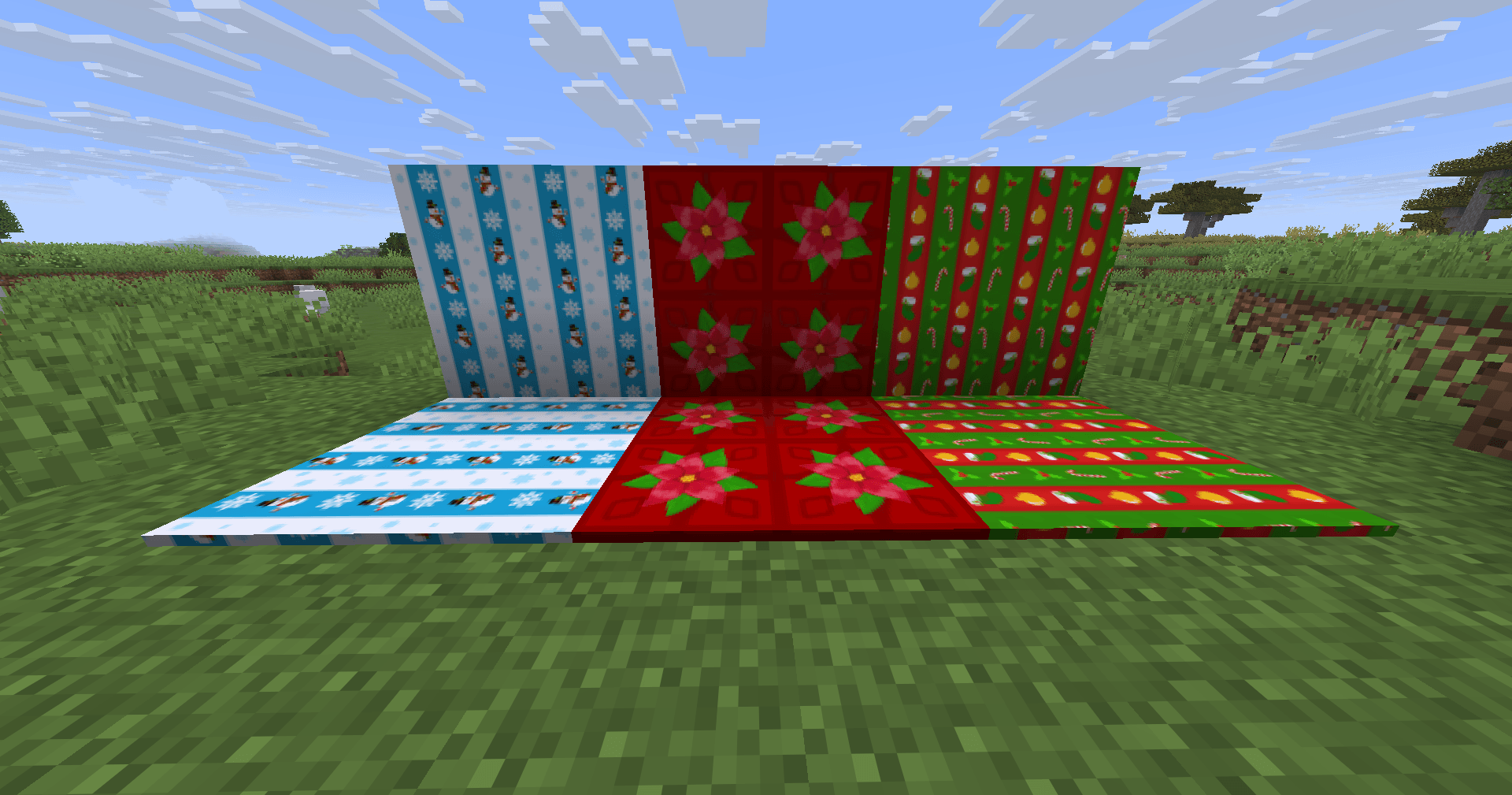
🎅 CHRISTMAS PACK completely immerses you in the Christmas spirit within Minecraft. This texture pack transforms the game's textures with a festive, cozy, and Christmassy touch, filling your world with colors, details, and a wintery atmosphere.
✨Features:
- Christmas-style textures.
- Warmer and more festive atmosphere.
- Perfect for survival, servers, and Christmas builds.
Celebrate Christmas in Minecraft and enjoy a magical world with CHRISTMAS PACK! 🎁❄️
By @d_de_diego_d
ESPAÑOL
🎅 CHRISTMAS PACK te sumerge por completo en el espíritu navideño dentro de Minecraft. Este paquete de texturas transforma las texturas del juego con un toque festivo, acogedor y navideño, llenando tu mundo de colores, detalles y ambiente invernal.
✨Características / Features:
- Texturas con estilo navideño.
- Ambiente más cálido y festivo
- Perfecto para supervivencia, servidores y construciones navideñas.
¡Celebra la Navidad en Minecraft y disfruta de un mundo lleno de magia con CHRISTMAS PACK! 🎁❄️
By @d_de_diego_d
❤️ Support Me ❤️


⭐ Our Projects⭐

(c) TRIDEX 2025 - All Rights Reserved
Installation von CHRISTMAS PACK
With Millida Launcher
Install Millida Launcher
The launcher is free: download it at millida.net/launcher and sign in with any nickname.
Click “Install” on this page
The launcher opens and installs the resource pack for Minecraft 0.16–1.21.130 automatically.
Launch the game
A profile with it appears in the launcher: click “Play”.
Manually
Download the archive
Pick the file CHRISTMAS PACK PLUS.mcpack (45 MB) for your game version. No need to unpack it.
Put it in the resourcepacks folder
The easiest way: “Options”, then “Resource Packs”, then “Open Pack Folder”, and drag the archive there.
Enable the pack
In the same window, move the pack to the right-hand “Selected” column and click “Done”.
Versionen
Mit Abhängigkeiten
| Minecraft | Loader | Datei | Datum | Aktionen |
|---|---|---|---|---|
| 1.20.40 | — | CHRISTMAS PACK PLUS44.8 MB |
FAQ
Which Minecraft versions does CHRISTMAS PACK work on?
There are files for 0.16–1.21.130, 90 versions in total. The newest is 1.21.130.
Where can I download CHRISTMAS PACK safely?
On this page: the file CHRISTMAS PACK PLUS.mcpack (45 MB) is stored on Millida’s server, with no link shorteners. SHA-1 checksum: 3f0d98b13c7d3c4a69efab14d80e446e30b085da.
Bewertungen
Bewerten Sie CHRISTMAS PACK als Erster



