
Brush Up! Ressourcenpaket für Minecraft 1.20.1, 1.21.1
Verbesserungen und Anpassungen bestimmter Texturen, um dem Spiel einen konsistenteren Artstyle zu verleihen!
Über das Brush Up!-Ressourcenpaket
This is Brush-Up! Brush-Up aims to improve and brush up many textures that felt either a bit outdated, or just a little out of line.
Modrinth Page
Changes
Items
- Brush has been tweaked
- All dye items (tweaked and retextured both to better help differentiate & to better match their dyed-block colours)
- Azalea, Dripleaves, & Spore Blossom have unique item textures
- Blaze Rod & Powder have been updated
- Enchanted Golden Apple (now called Enchanted Apples) uses its own item texture
- Glass Bottle, Potions, and Experience Bottle have been tweaked
- Music Discs have been updated
- Bowls, Buckets, & Flower Pot have been tweaked
- Nether Wart Item has been retextured
- Pink Petals' item has been retextured
- Spyglass (Handheld position now matches Bedrock Edition)
Blocks
- All coloured blocks (concrete, concrete powder, terracotta, glazed terracotta, wool)
- Banners have been tweaked
- All Stripped Logs have been retextured
- Chests have been retextured
- Sea Lantern has been retextured
- Fire, Lava, & Magma have been updated
- Nether Portal (including respawn anchor top texture) has been updated
- Water has been tweaked
- Torches have been updated
- Beacon has been remodelled and retextured
- Cherry Door, Trapdoor, Leaves, Sapling have been tweaked
- The models for pink petals has been tweaked
- All Dirt blocks have been updated
- Grass's top texture has been tweaked
- Infested Stones have slightly different textures
- Decorated Pot has been tweaked
- Flower pot has been updated
- Sculk, Sculk Sensor, Sculk Shrieker have been tweaked
- Moss has been tweaked
- Spore Blossom has been retextured
- Chorus Plant & Flowers have been remodelled & retextured
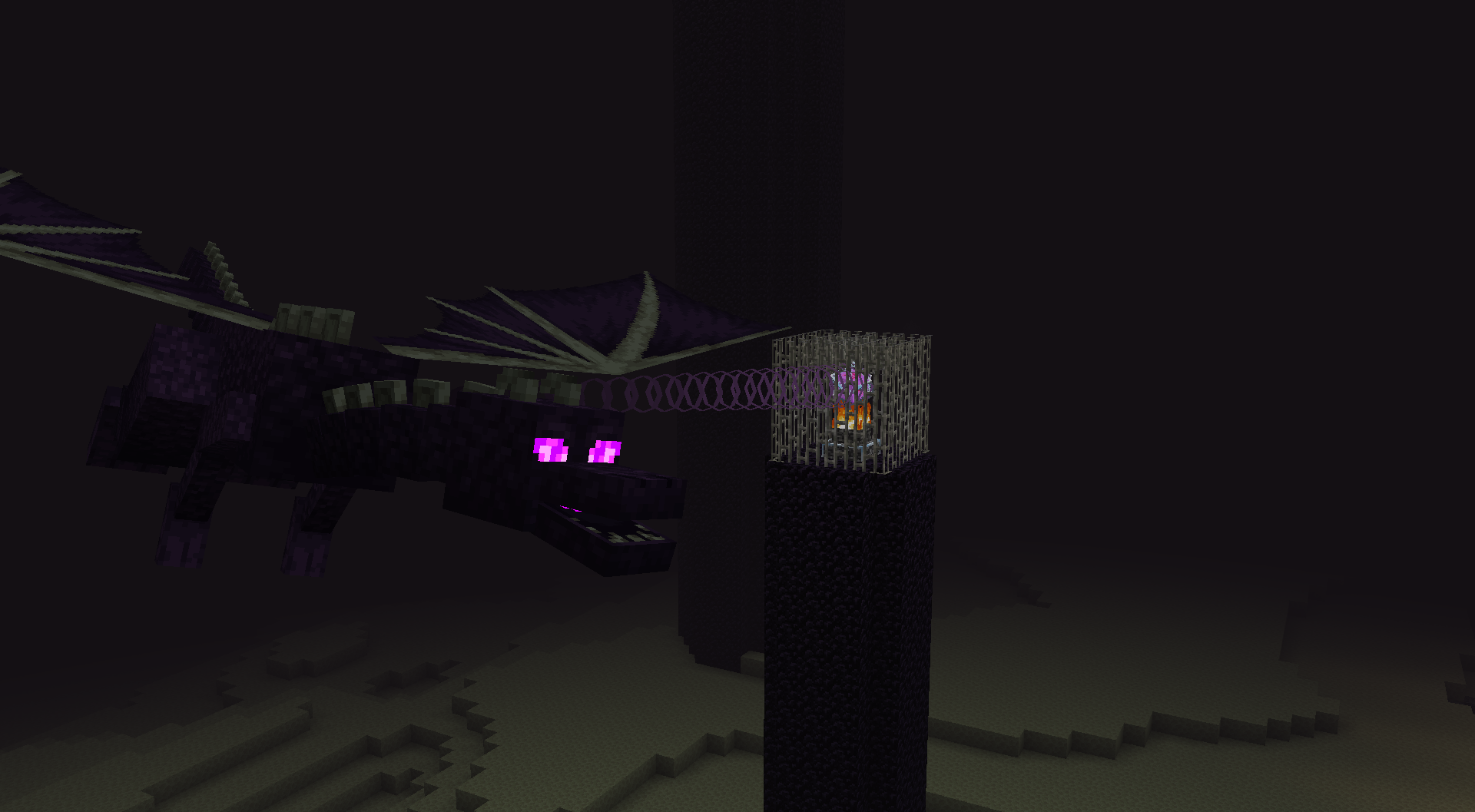
- Dragon Egg has been updated with a remodel & retexture
Entities
- Allay & Vex have been tweaked
- Cows have been tweaked
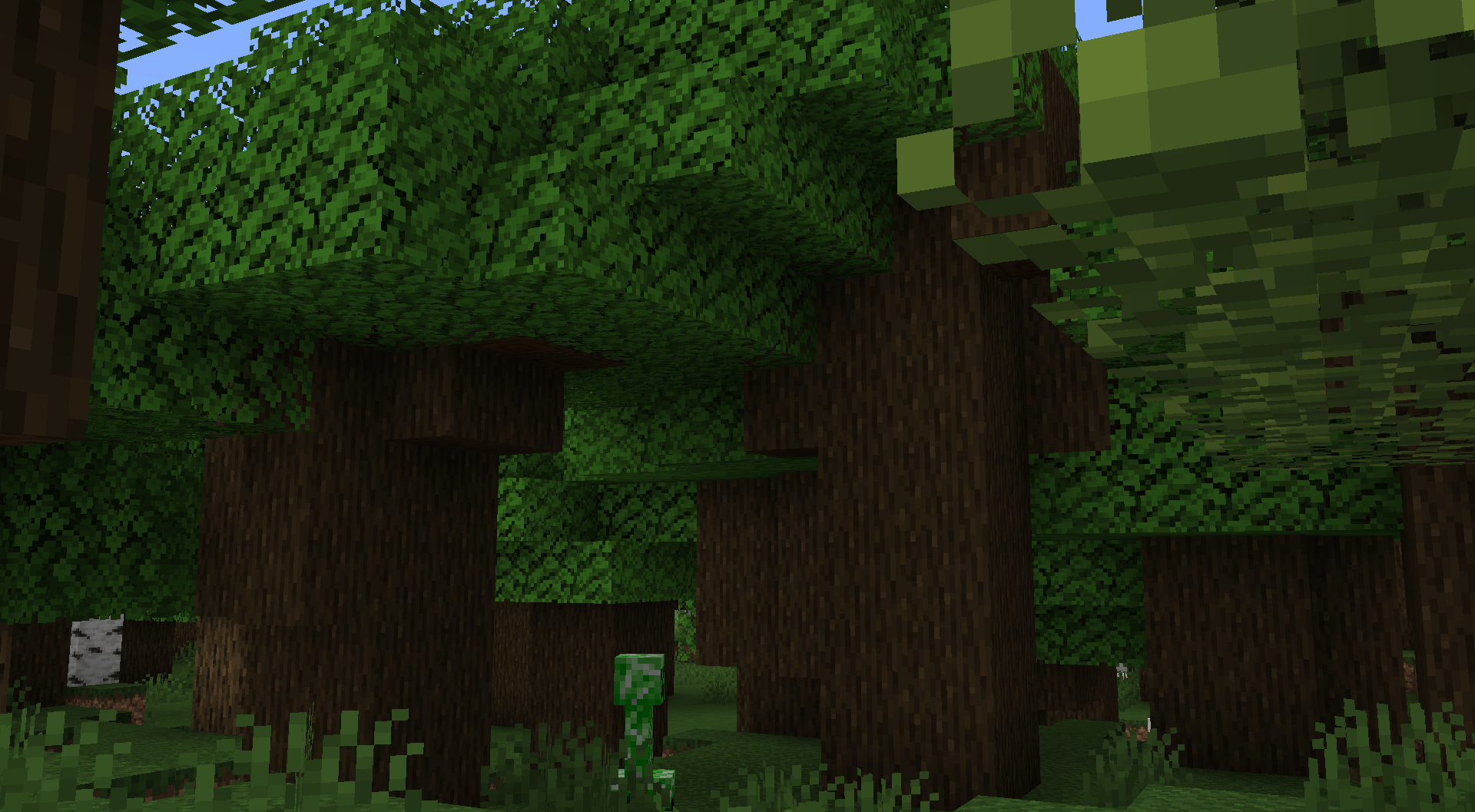
- Creepers have been updated & retextured
- End Crystals have had their bases tweaked
- Endermen & Endermite have been updated & retextured
- Silverfish has been updated
- Guardian & Elder Guardian have been tweaked & retextured
- Bats have been retextured
- Frogs have been tweaked
- Sheep have been tweaked
- Shulkers have been updated & retextured
- Signs have been updated to match their hanging variants
- Sniffer has been tweaked
- Blaze has been tweaked
Particles
- Cherry Leaves now use their own textures
- Bubbles have been updated
- Effect particles have been retextured
- Lava bubble has been retextured
- Powder Snow snowflakes now use their own textures
- Sweep has been retextured
Miscellaneous
- The "darker" palettes of armour trims have been tweaked so that the lighter colours aren't just brightness-lowered versions of their originals
- The water breathing and darkness effect icons have been tweaked
- The spyglass scope texture has been tweaked
Further changes may be found in the changelogs of the respective versions :)
Installation von Brush Up!
With Millida Launcher
Install Millida Launcher
The launcher is free: download it at millida.net/launcher and sign in with any nickname.
Click “Install” on this page
The launcher opens and installs the resource pack for Minecraft 1.19.4–1.21.6 automatically.
Launch the game
A profile with it appears in the launcher: click “Play”.
Manually
Download the archive
Pick the file 2.1.zip (4.6 MB) for your game version. No need to unpack it.
Put it in the resourcepacks folder
The easiest way: “Options”, then “Resource Packs”, then “Open Pack Folder”, and drag the archive there.
Enable the pack
In the same window, move the pack to the right-hand “Selected” column and click “Done”.
Versionen
Mit Abhängigkeiten
| Minecraft | Loader | Datei | Datum | Aktionen |
|---|---|---|---|---|
| 1.21 | — | 2.14.6 MB | ||
| 1.20.2 | — | 1.62 MB |
FAQ
Which Minecraft versions does Brush Up! work on?
There are files for 1.19.4–1.21.6, 12 versions in total. The newest is 1.21.6.
Where can I download Brush Up! safely?
On this page: the file 2.1.zip (4.6 MB) is stored on Millida’s server, with no link shorteners. SHA-1 checksum: 38271283ce38395cda21934bca34d4a72a366299.
Bewertungen
Bewerten Sie Brush Up! als Erster



