

Aust's Custom GUI Ressourcenpaket für Minecraft 1.21.11
Dies ist mein eigenes Pack, das ich für meine Hardcore-Serie auf YouTube erstellt habe.
Über das Aust's Custom GUI-Ressourcenpaket
Aust's Custom GUI
Description:
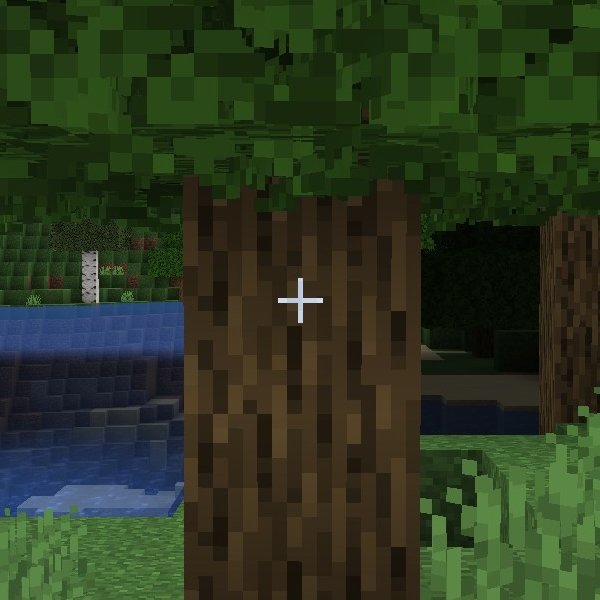
This pack changes the Enchantment Glint, Hotbar, Dark Mode Inventory, and Crosshair.
Requirements:
This pack doesn't have any requirements, BUT it was built using the Default Dark Mode pack as its foundation. You can find it here. If you want a different looking gui, you can place a Default Dark Mode pack above my pack in the load order.
Compatibility:
This pack may conflict with other resource packs that change the GUI. Loading my pack on top may solve the issue in some cases.
Settings:
To make the enchantment glint look like mine does, you'll need to change a few accessibility settings:
- Glint Strength = 80%
- Glint Speed = 50%
Versions:
There are three versions of this pack available at the moment:
All in One
- All of my changes in one pack. Exactly what I'm using on my hardcore series.
All in One Legacy
- Same as all in one, except it has the green and blue hearts I used to use in my older videos.
Enchant Glint Only
- Only changes the color of enchantment glint
*Screenshots of each can be found in the images tab :)
Installation von Aust's Custom GUI
Install Millida Launcher
The launcher is free: download it at millida.net/launcher and sign in with any nickname.
Click “Install” on this page
The launcher opens and installs the resource pack for Minecraft 1.21.8–1.21.11 automatically.
Launch the game
A profile with it appears in the launcher: click “Play”.
Versionen
Mit Abhängigkeiten
| Minecraft | Loader | Datei | Datum | Aktionen |
|---|---|---|---|---|
| 1.21.8 | — | Aust's Enchant Glint Only.zip79.8 KB |
FAQ
Which Minecraft versions does Aust's Custom GUI work on?
There are files for 1.21.11, 1.21.10, 1.21.9, 1.21.8. The newest is 1.21.11.
How do I download Aust's Custom GUI?
With Millida Launcher: it installs Aust's Custom GUI into a modpack by itself, for the right game version and loader. The launcher is free.
Bewertungen
Bewerten Sie Aust's Custom GUI als Erster


