

Vanilla Enhanced Shader für Minecraft 1.20.1, 1.21.1
Ein leichter Shader für realistische Beleuchtung und bessere Optik.
 Fabric
 OptiFine
Über Vanilla Enhanced-Shader
Bored of plain Minecraft? This will change everything. Support the project on Patreon →

Vanilla Enhanced — Minecraft, but better.
Vanilla Enhanced is a lightweight shaderpack made to elevate the way Minecraft feels — not to remake it. Cleaner light, richer color, and subtle motion make your world more immersive while keeping the classic look you love.
What you’ll notice right away
- More presence: Light and shadow add depth so environments feel tangible.
- Natural movement: Leaves, water, and reflections react smoothly to motion.
- Focused polish: Small details (grass, stones, torchlight) gain subtle realism.
- No compromise: Optimized to run well on modest systems.

Highlights in action
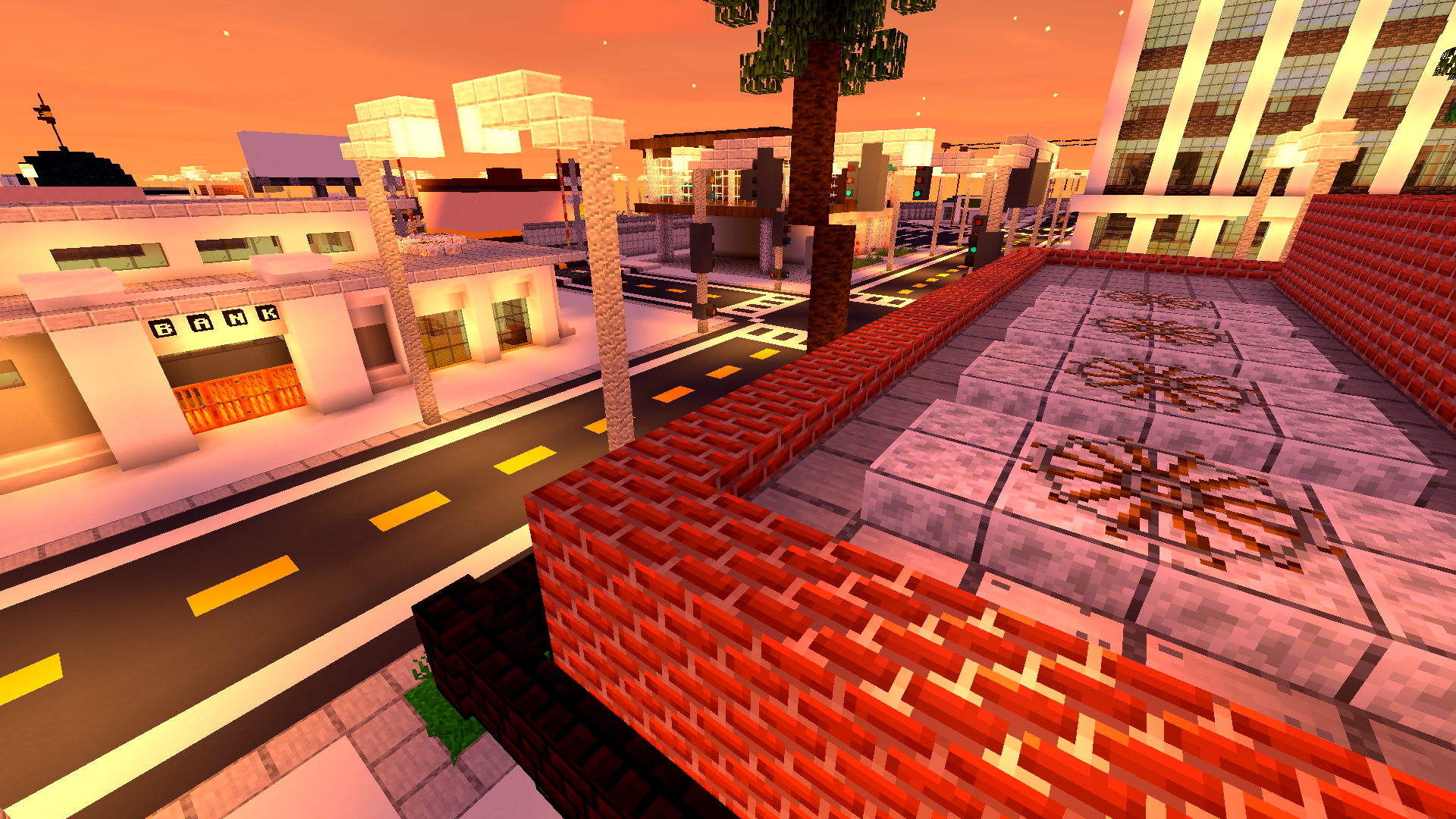
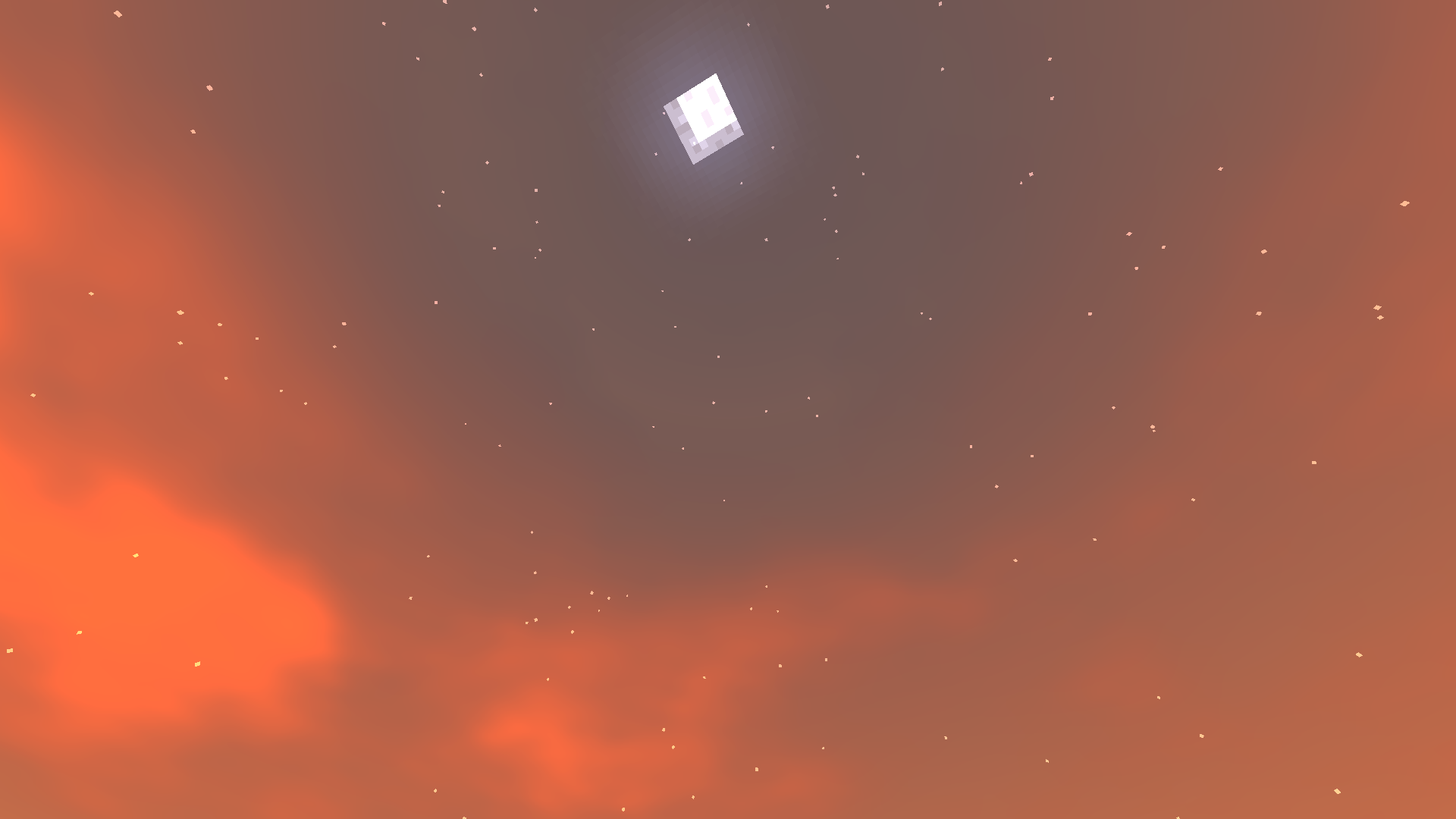
Golden skies that sell the scene. Sunsets become a moment worth pausing for — gentle gradients, richer highlights, memorable horizons.
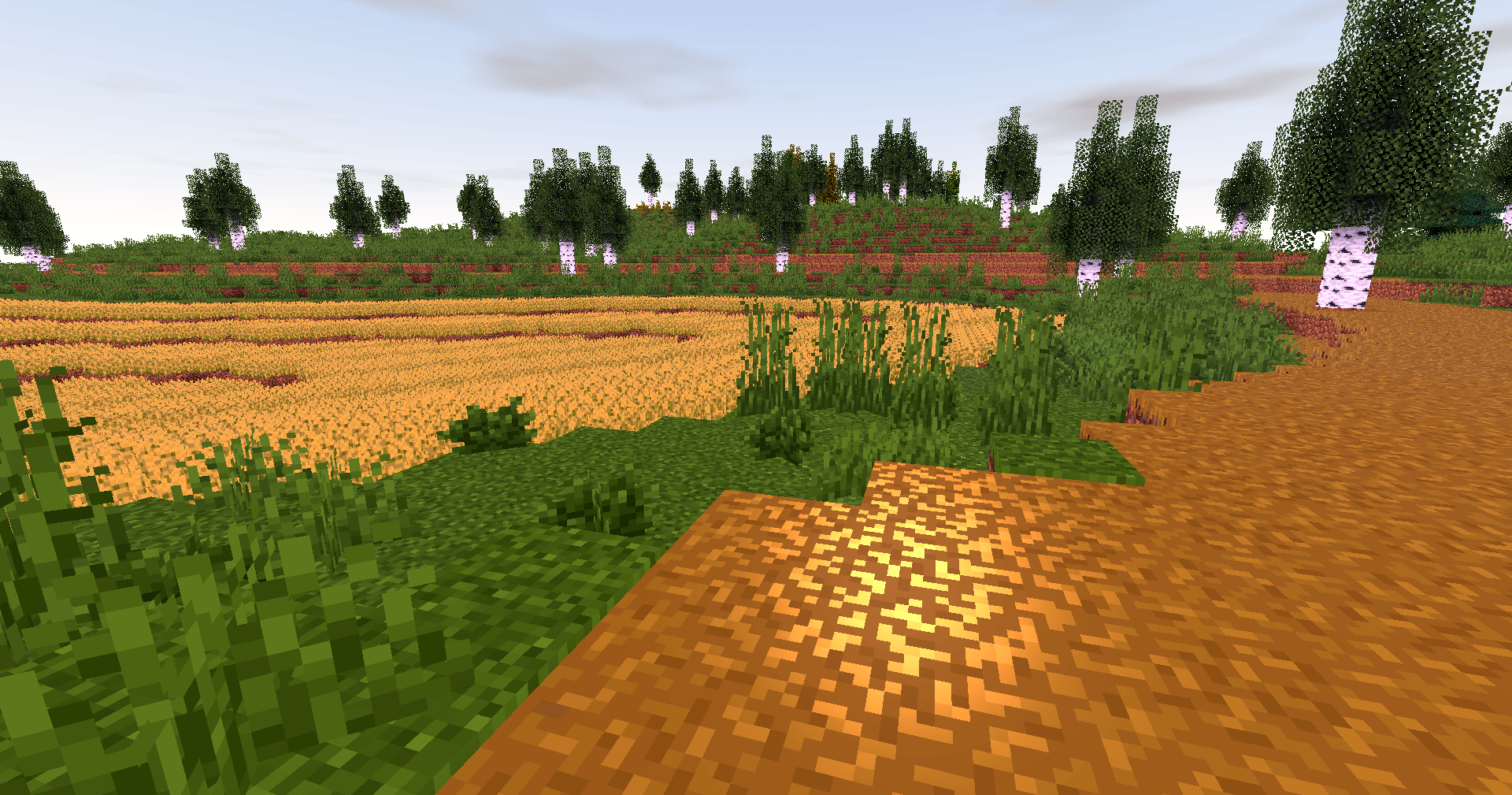
Biomes with personality. Color grading and contrast are tuned so forests, mountains and plains feel distinct and cohesive.
Caves that invite you in. Subtle glows and realistic shadowing turn spelunking into an atmospheric experience.
Light that moves with you. Shadows soften and shift; reflections follow your motion — the world reacts, not just sits pretty.

Why players love it
- Feels faithful: Keeps Minecraft’s identity intact while upgrading visuals.
- Builds shine: Your creations get natural highlights and better depth.
- Exploration rewarded: Every walk, dive or mine feels more cinematic.
- Low overhead: Designed to be light on performance so more players can enjoy it.
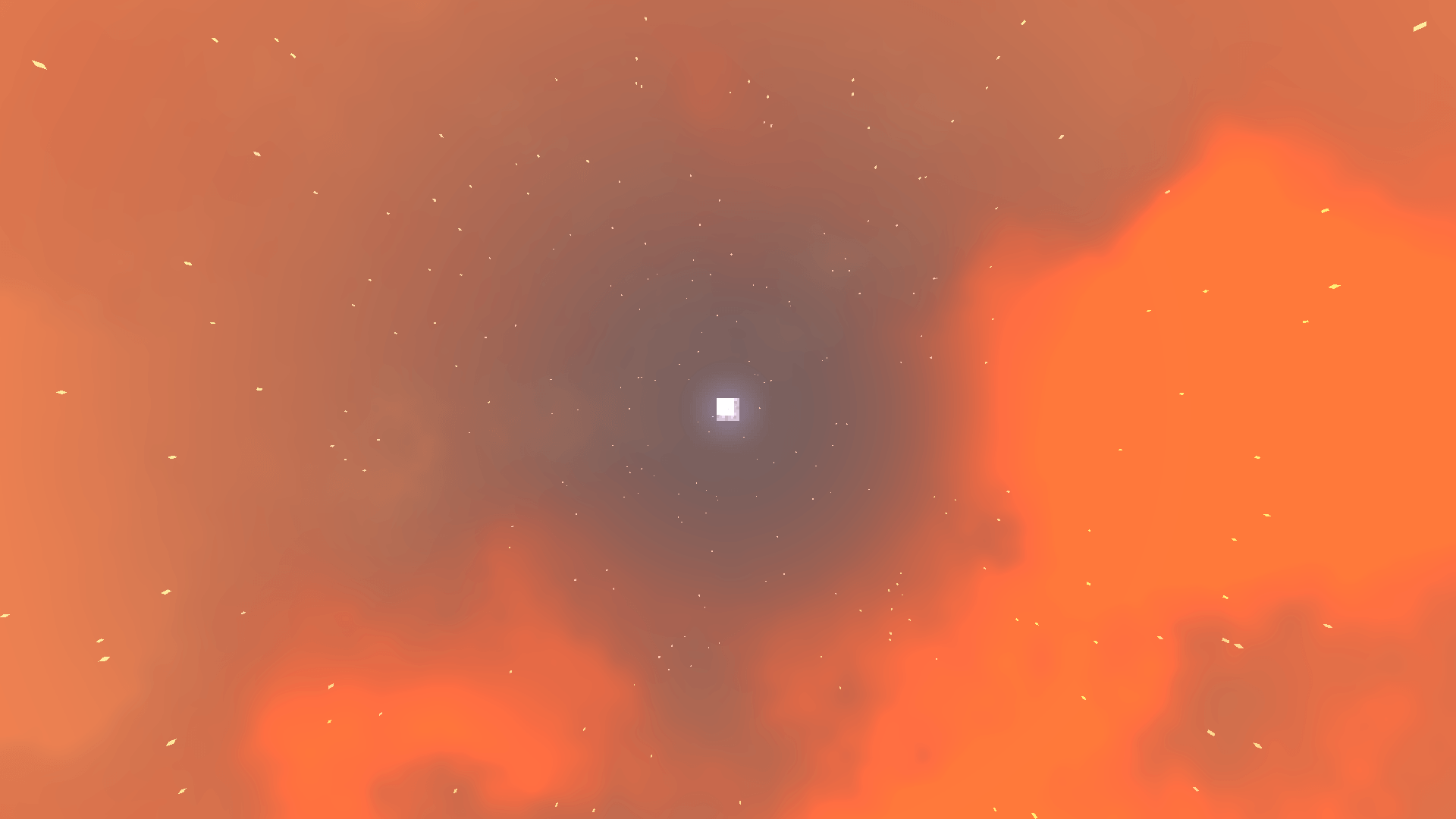
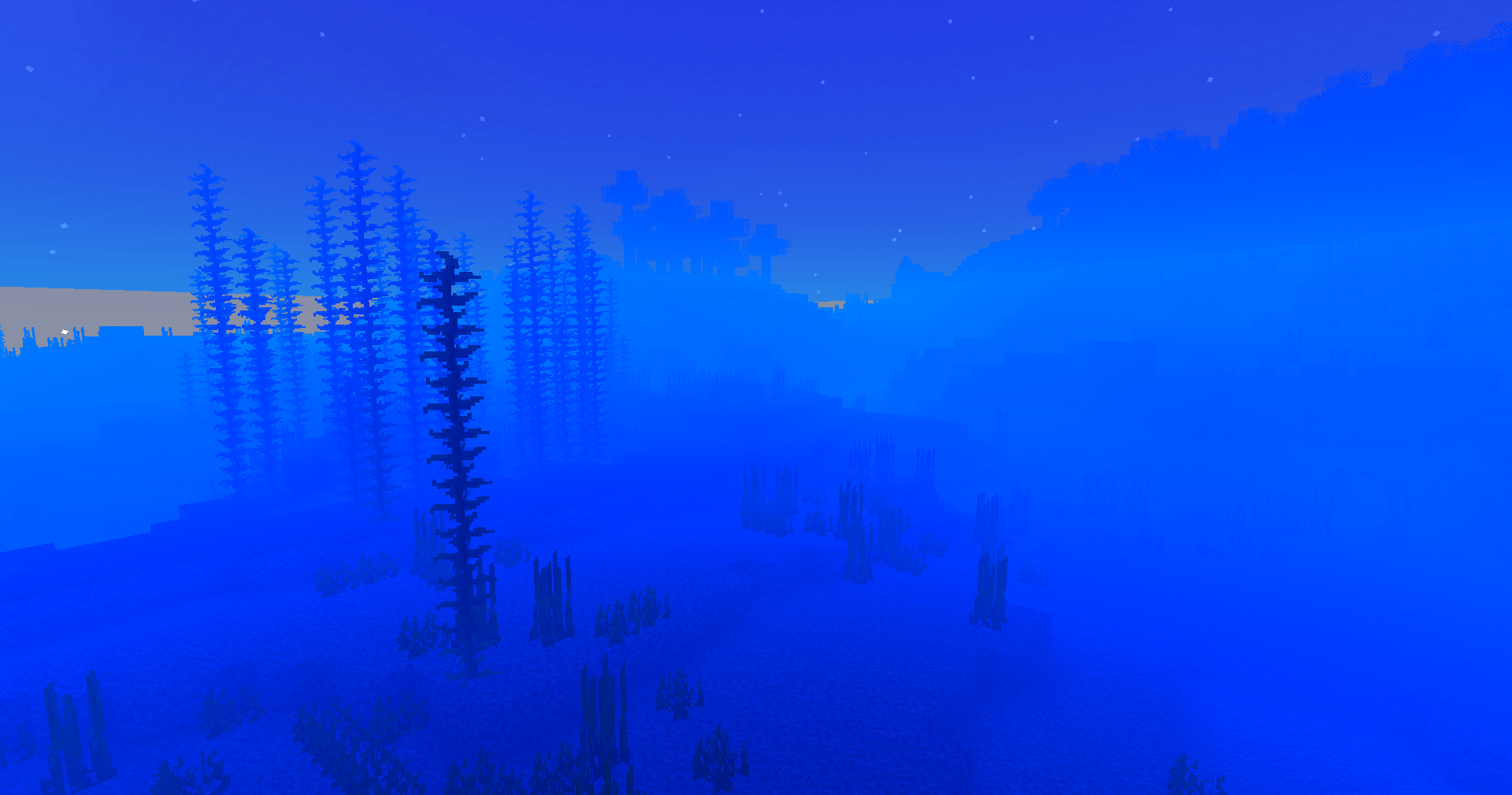
Underwater wonder. Light refracts, caustics ripple, and water gains believable motion — diving finally looks the part.
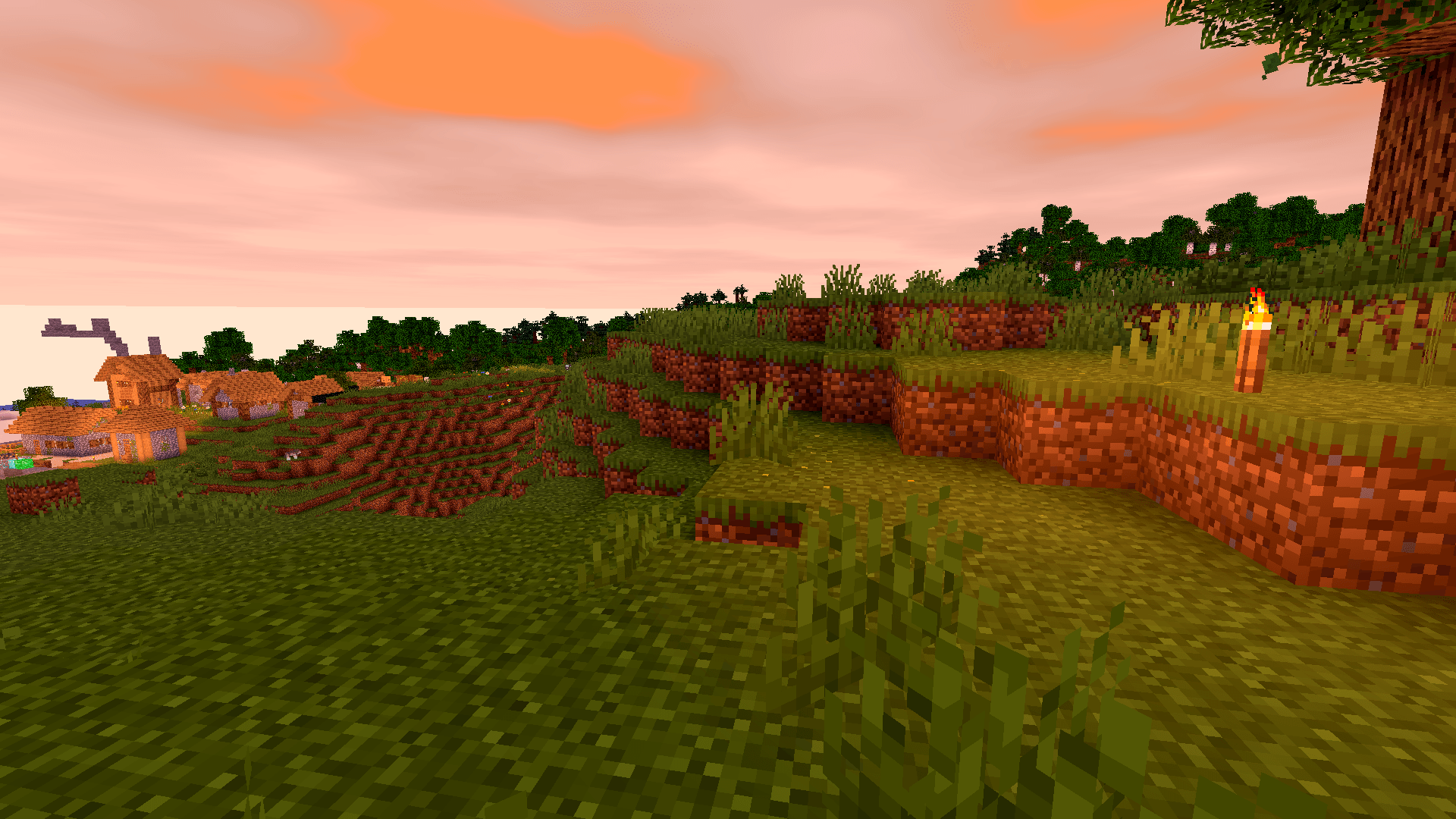
A unified aesthetic. Everything from deserts to snow peaks shares a consistent, polished tone — your world looks like it belongs together.
Ready to upgrade your game? Download Vanilla Enhanced and see Minecraft in a new light — subtle, smooth, and surprisingly magical.
Installation von Vanilla Enhanced
With Millida Launcher
Install Millida Launcher
The launcher is free: download it at millida.net/launcher and sign in with any nickname.
Click “Install” on this page
The launcher opens and installs the shaders for Minecraft 1.17–26.3 automatically.
Launch the game
A profile with it appears in the launcher: click “Play”.
Manually
Install Iris or OptiFine
Without a shader mod the game cannot see shaders. Install it for the same Minecraft version.
Download the shader archive
Pick the file Vanilla-Enhanced-1.2.zip (16 KB) and do not unpack it.
Put it in the shaderpacks folder
“Options”, then “Video Settings”, then “Shader Packs”, then “Open Shader Pack Folder”, and drag the archive there.
Select the shaders
In the same window, click the pack name and “Apply”.
Versionen
Mit Abhängigkeiten
| Minecraft | Loader | Datei | Datum | Aktionen |
|---|---|---|---|---|
| 26.3 | Iris, OptiFine | 26.316 KB 36 | ||
| 1.17.1 | Iris, OptiFine | 1.17.112.6 KB | ||
| 26.2 | Iris, OptiFine | 26.212.6 KB | — | |
| 26.1 | Iris, OptiFine | 26.112.6 KB | — | |
| 1.21.11 | Iris, OptiFine | 1.21.1112.6 KB | — | |
| 1.21 | Iris, OptiFine | 1.2112.6 KB | — | |
| 1.20.1 | Iris, OptiFine | 1.20.112.6 KB | — | |
| 1.19.2 | Iris, OptiFine | 1.19.212.6 KB | — |
FAQ
Which Minecraft versions does Vanilla Enhanced work on?
There are files for 1.17–26.3, 34 versions in total. The newest is 26.3.
What do I need to run Vanilla Enhanced?
Shaders are loaded through Iris or OptiFine: without one of them the game cannot see them.
Bewertungen
Bewerten Sie Vanilla Enhanced als Erster


