

OptimumFuse Modpack für Minecraft 1.20.1, 1.16.5
[1.21.5] [Fabric📜] Ein Open-Source-Modpack, das die Leistung und Grafik des Spiels verbessert, inspiriert von OptiFine, während es dem Vanilla-Minecraft-Erlebnis treu bleibt.
 Fabric
 Forge
ForgeOptimumFuse

For Fabric📜
An open-source modpack that improves the game's performance and visuals, inspired by OptiFine, while staying true to the vanilla Minecraft experience.
All optimizations in the modpack are based on Exceptionally Optimized.
If you find a bug or want to suggest any feature, you can issue a 🐞Bug Report | 💡Suggestion. Alternatively, we have a Discord server.
🧪Versioning
This project uses semantic versioning.
Format:
X.Y.Z+.
Definitions:
(a) Project Version
- X: MAJOR version (Not likely to change; for a long time!)
- Y: MINOR version (Will change frequently; For new MC versions/Big updates)
- Y: PATCH version (Will change very frequently; Small changes/Mod updates/...)
(b) Build Metadata
- : Values: fabric`
- : Examples: 1.16.5, 1.19.2, 1.20.1` and so on...
Pre-release Versions' Format:
X.Y.Z-`
`:** (For untested/breaking changes/not ready for use versions)
Values:
i) alpha
ii) beta

🎲Mods Used
You can find all the mods included in this modpack under the Dependencies section, on the Modrinth Versions page.

📱Awesome Features:
🌆AwesomeShaders

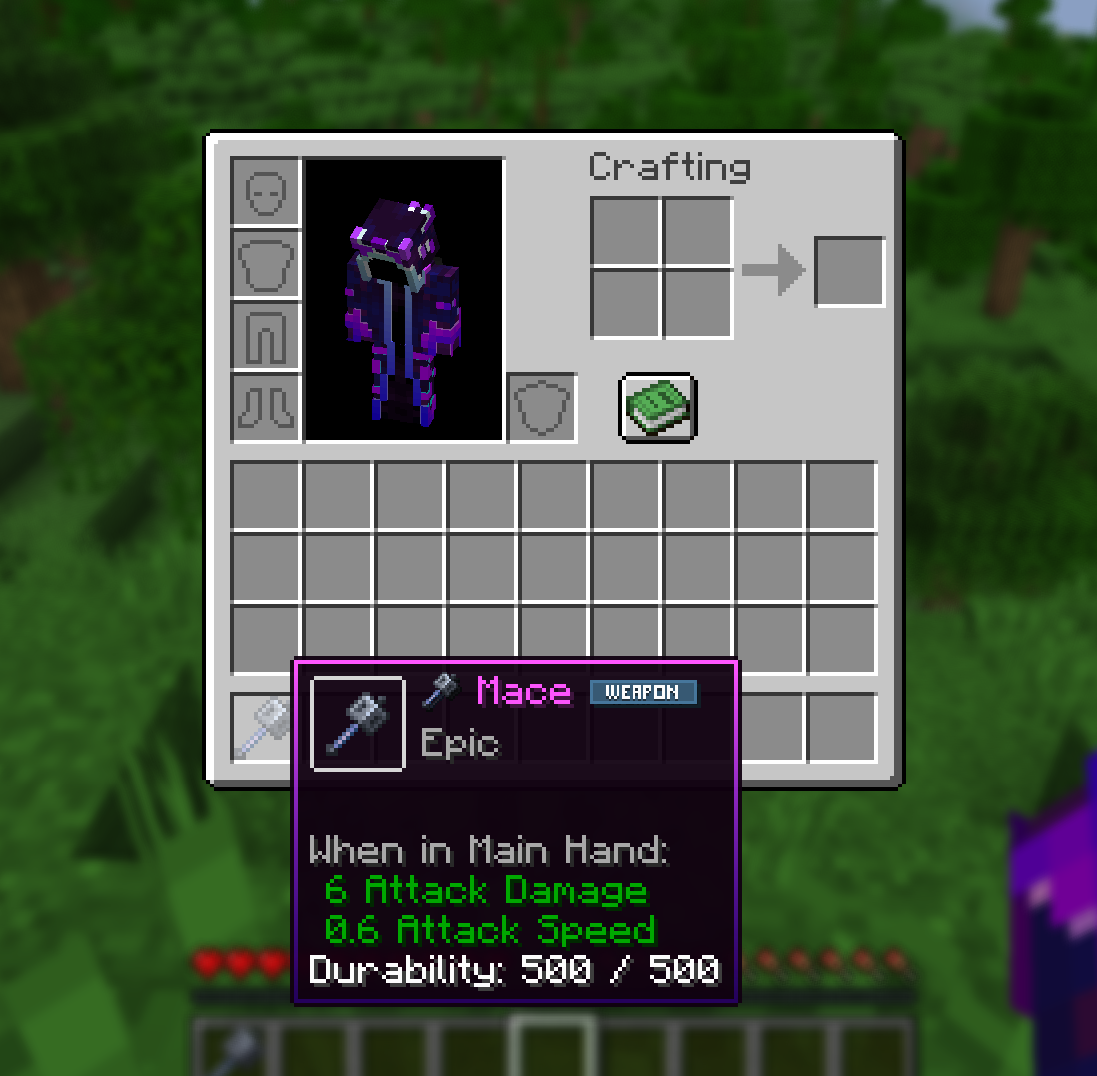
⛏️FancyTooltips
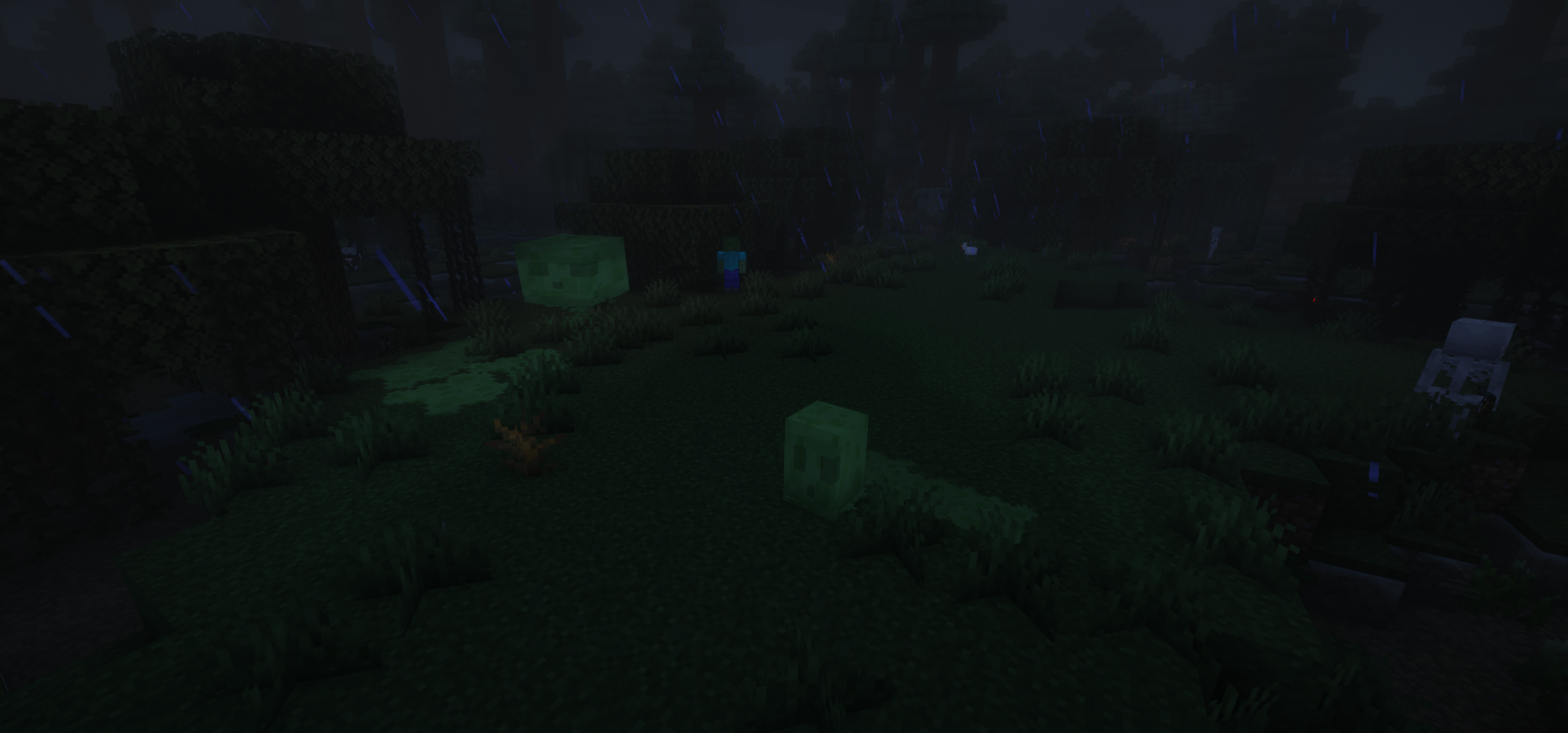
✨CoolEffects
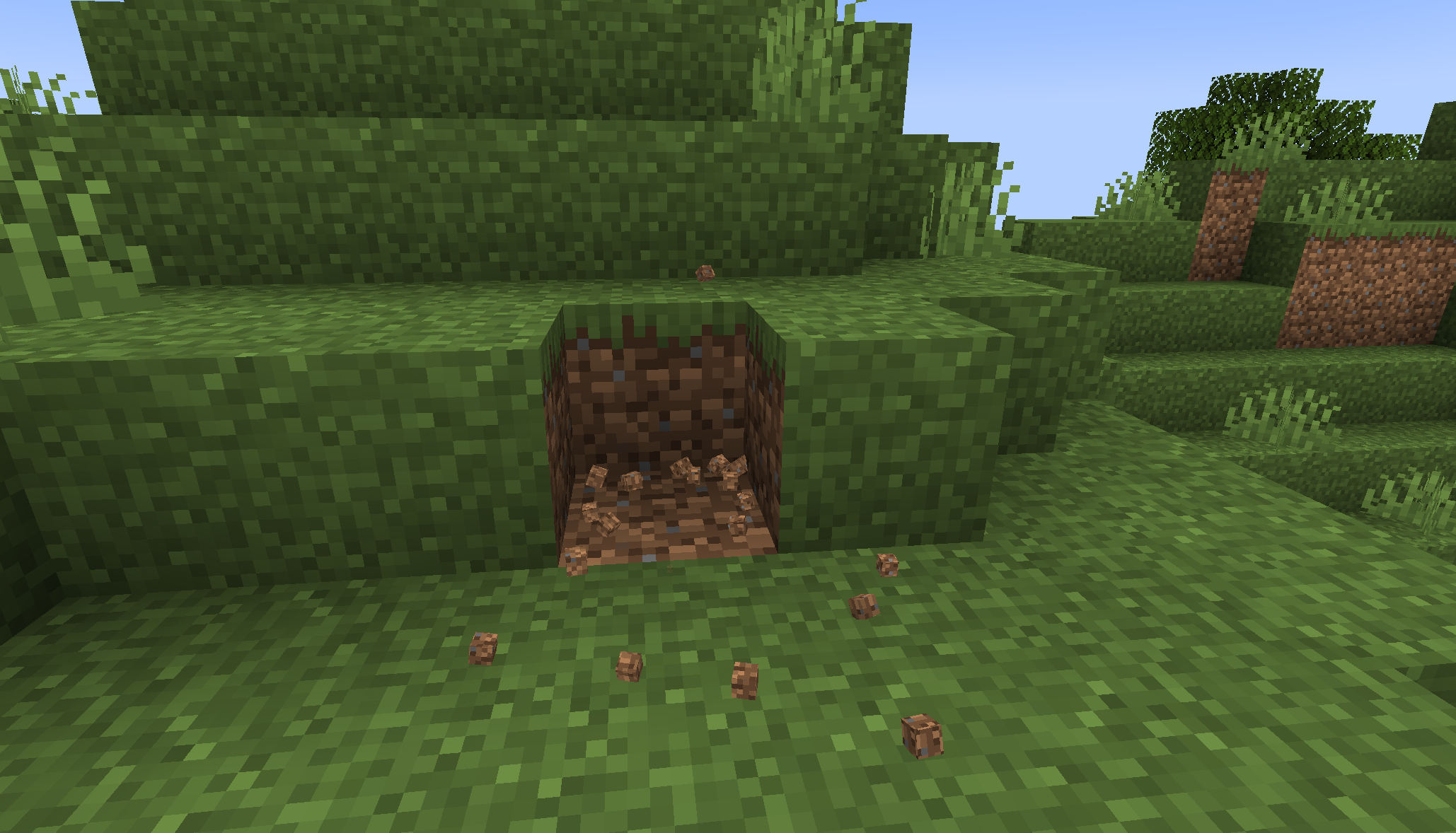
🔎3DParticles
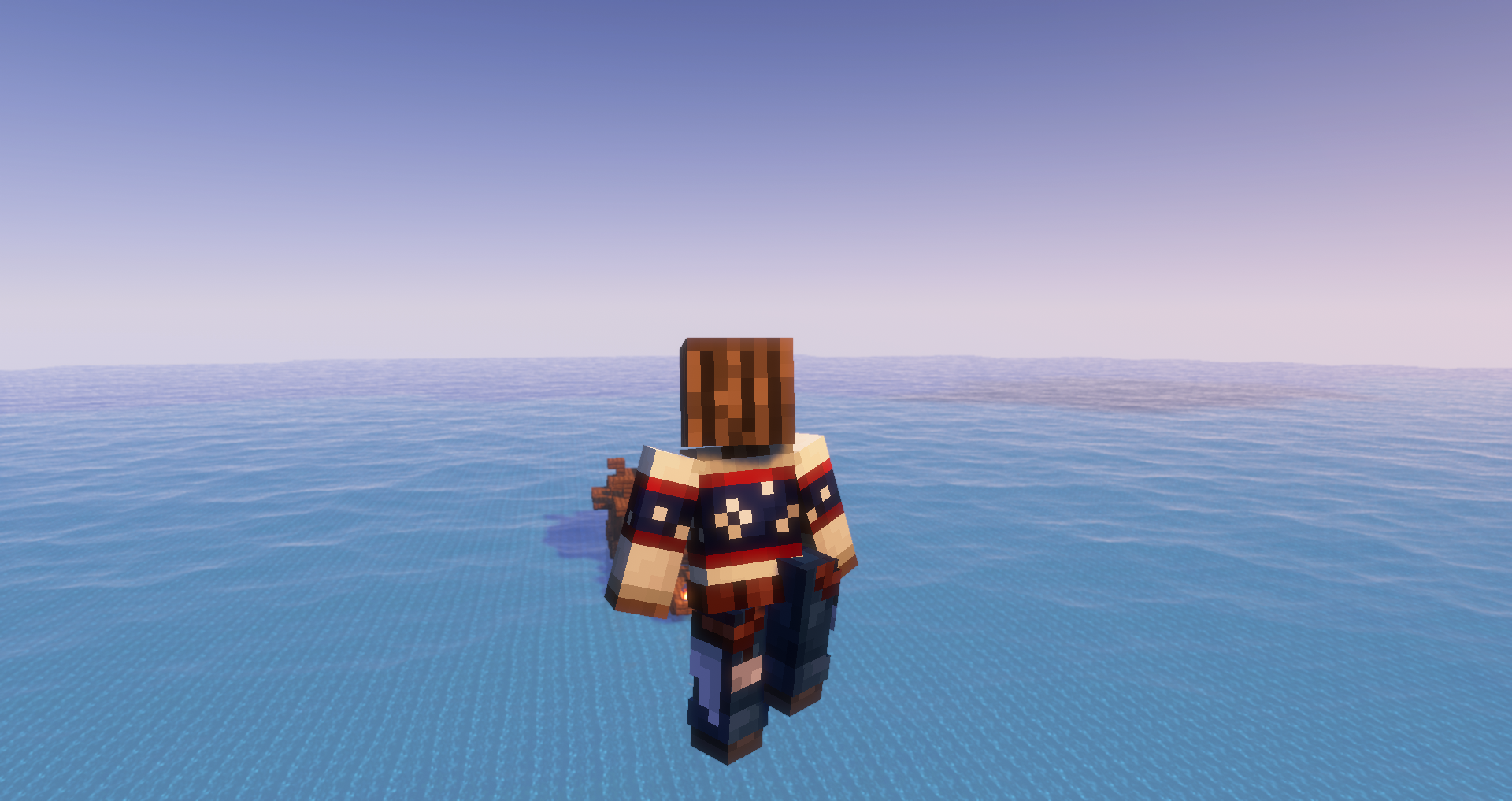
🏃♂️BetterPlayerAnimations
🍀OptiFineParity
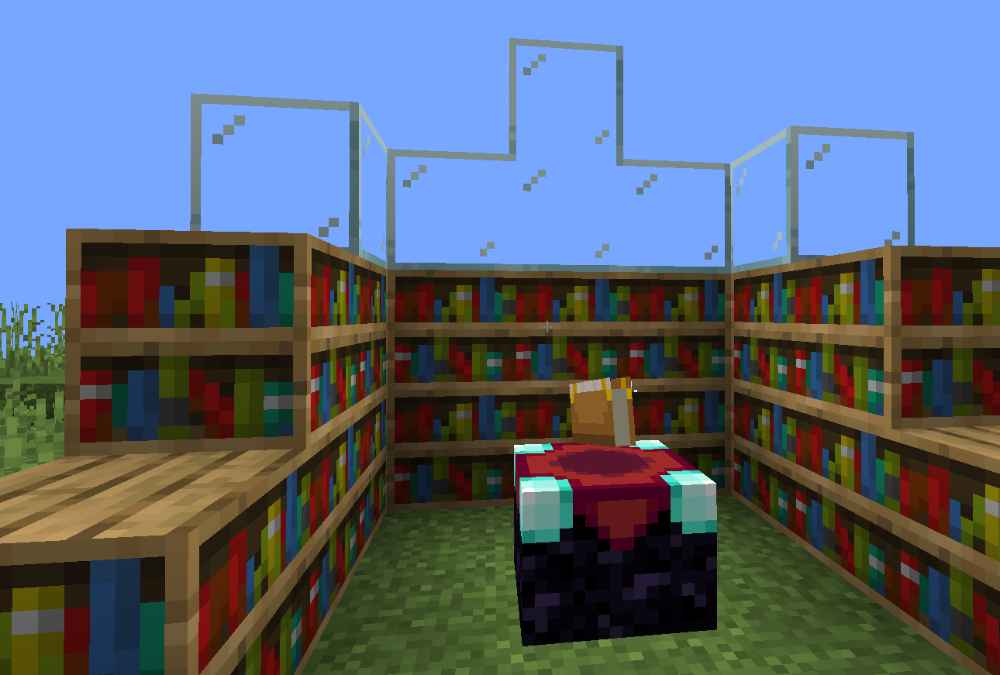
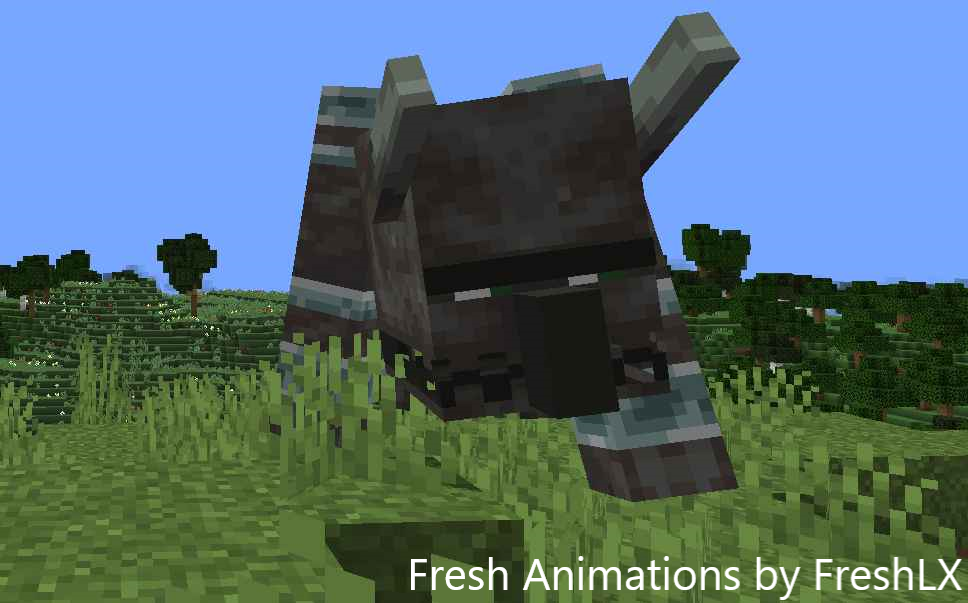
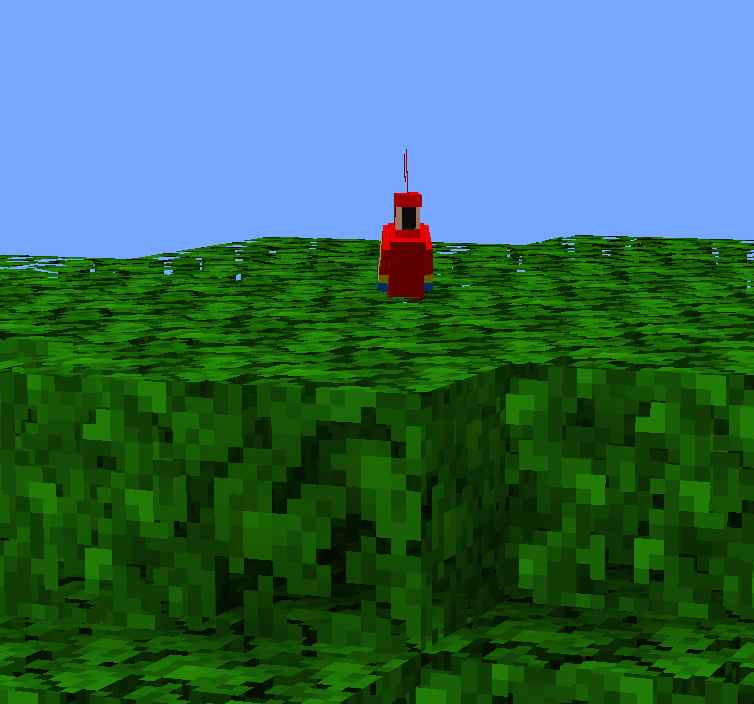
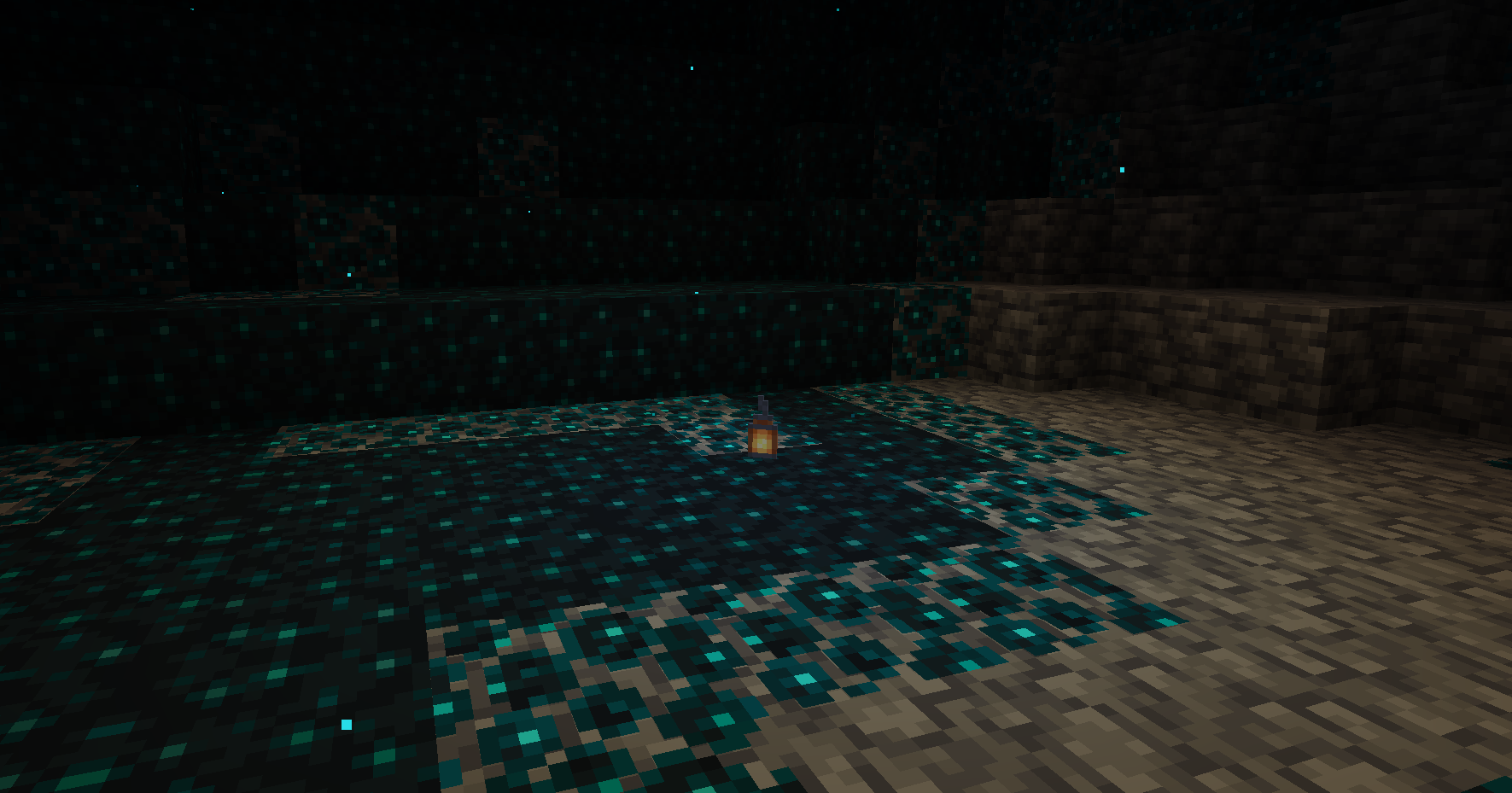
and much more...!
📈Automated Publishing
All releases are published using Kir-Antipov's GitHub Action. The workflow file can be found here.
Installation von OptimumFuse
With Millida Launcher
Install Millida Launcher
The launcher is free: download it at millida.net/launcher and sign in with any nickname.
Click “Install” on this page
The launcher opens and installs the modpack for Minecraft 1.16–1.21 on Fabric or Forge automatically.
Launch the game
A profile with it appears in the launcher: click “Play”.
Manually
Download the modpack archive
In the version list above, pick the file OptimumFuse 1.11.1+fabric.1.21.mrpack (91 KB).
Import it into a launcher
A launcher that supports modpacks (Millida Launcher, Prism) takes the archive via “Add modpack”, then “From file”. No need to unpack it yourself.
Allocate memory
Modpacks need more memory than the plain game: set 4–6 GB in the profile settings.
Minecraft 1.21 runs on Java 21: with a different Java version the game may close right after launch.
Versionen
Mit Abhängigkeiten
| Minecraft | Loader | Datei | Aktionen |
|---|---|---|---|
| 1.21 | Fabric | 1.2191.2 KB | |
| 1.20.1 | Forge | 1.20.116.5 MB | |
| 1.16.5 | Forge | 1.16.57.5 KB |
Was zum Ausführen nötig ist
- Dependencybereits enthalten
- Dependencybereits enthalten
- Cloth Config APIbereits enthalten
- Dependencybereits enthalten
- Dependencybereits enthalten
- Dependencybereits enthalten
- Dependencybereits enthalten
- Dependencybereits enthalten
- Dependencybereits enthalten
- Dependencybereits enthalten
- Dependencybereits enthalten
- Dependencybereits enthalten
- Dependencybereits enthalten
- Dependencybereits enthalten
- Dependencybereits enthalten
- Dependencybereits enthalten
- Dependencybereits enthalten
- Dependencybereits enthalten
- Dependencybereits enthalten
- Dependencybereits enthalten
- Dependencybereits enthalten
- Translations for Sodiumbereits enthalten
Bewertungen
Bewerten Sie OptimumFuse als Erster


