

 Fabric
Über das Optimized Performance | Boost FPS & Shaders - More FPS!-Modpack
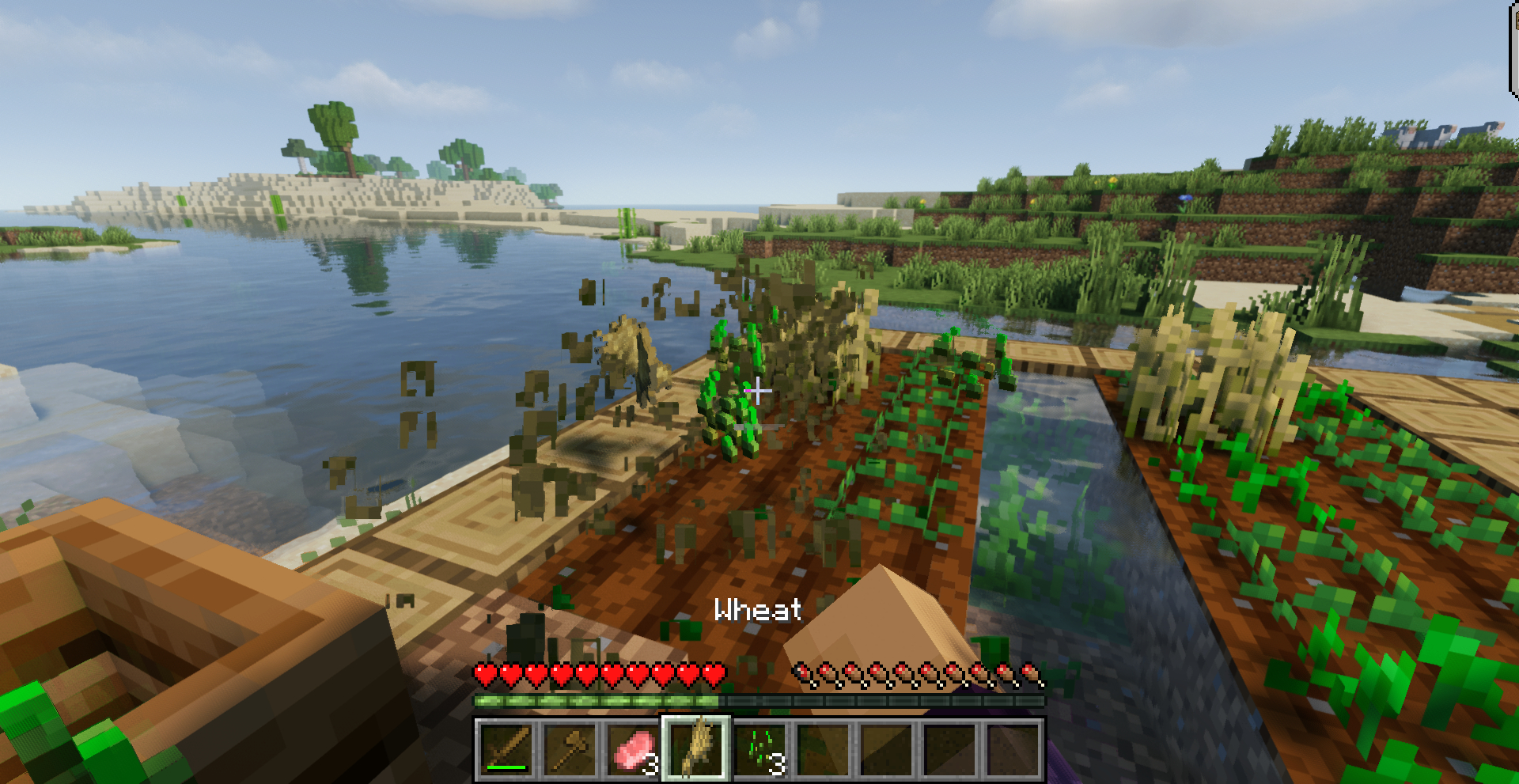
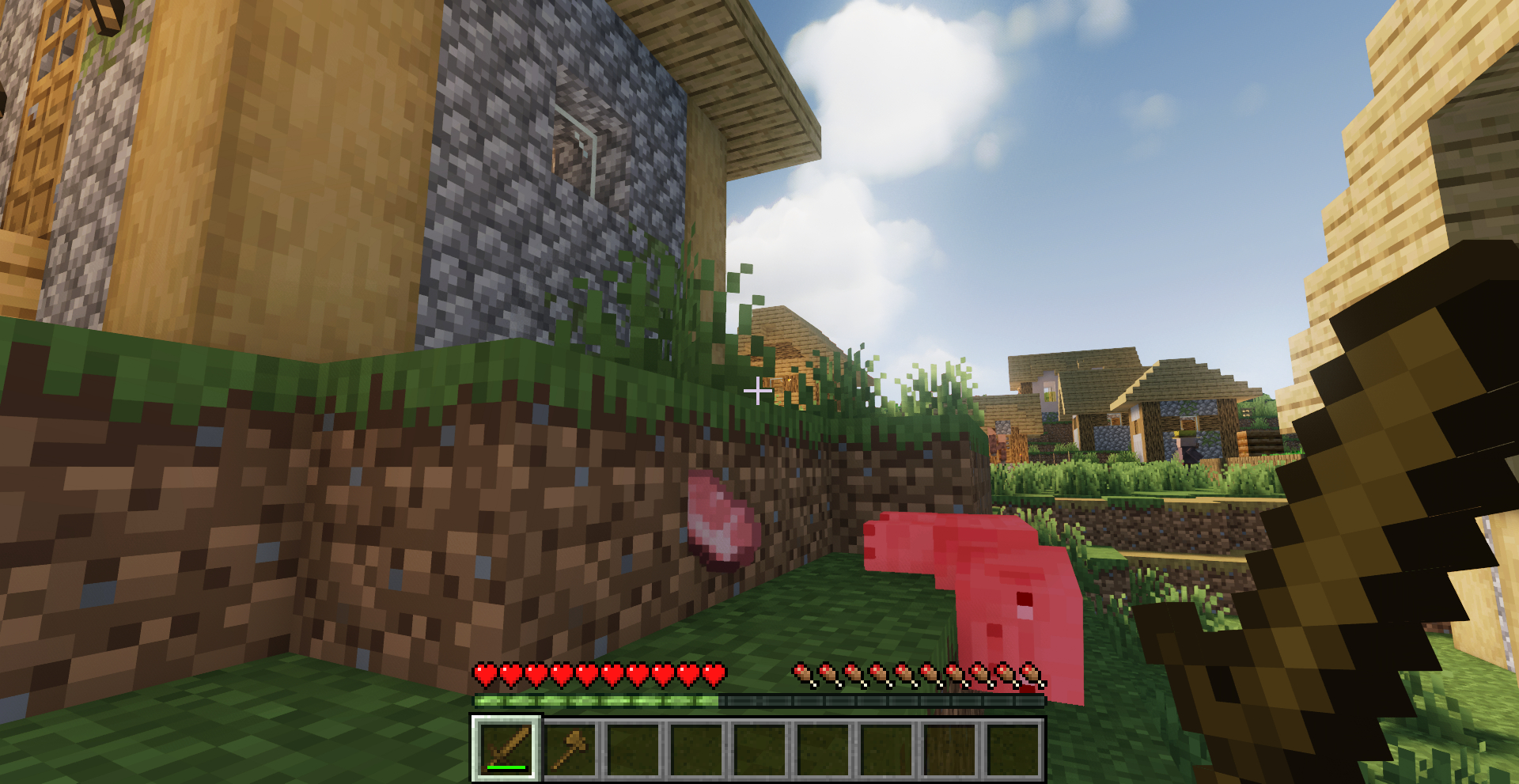
Minecraft has never performed well... Although there are ways to get the FPS to increase drastically, making use of dozens of mods, with this modpack you can install them with a single click!
In addition, we will update the modpack to each of the latest versions, so you can always play Minecraft with good performance, no matter what version it is. You can even install shaders, by using Iris, which has also been added!
Ready to play with your friends on the best hosting?
I recommend BisectHosting for playing with friends because of their high-quality, lag-free servers. You can install any CurseForge modpack or your custom mods without errors. Plus, their support is available 24/7 to help with any issues. Use my code to get a 25% discount on your purchase.
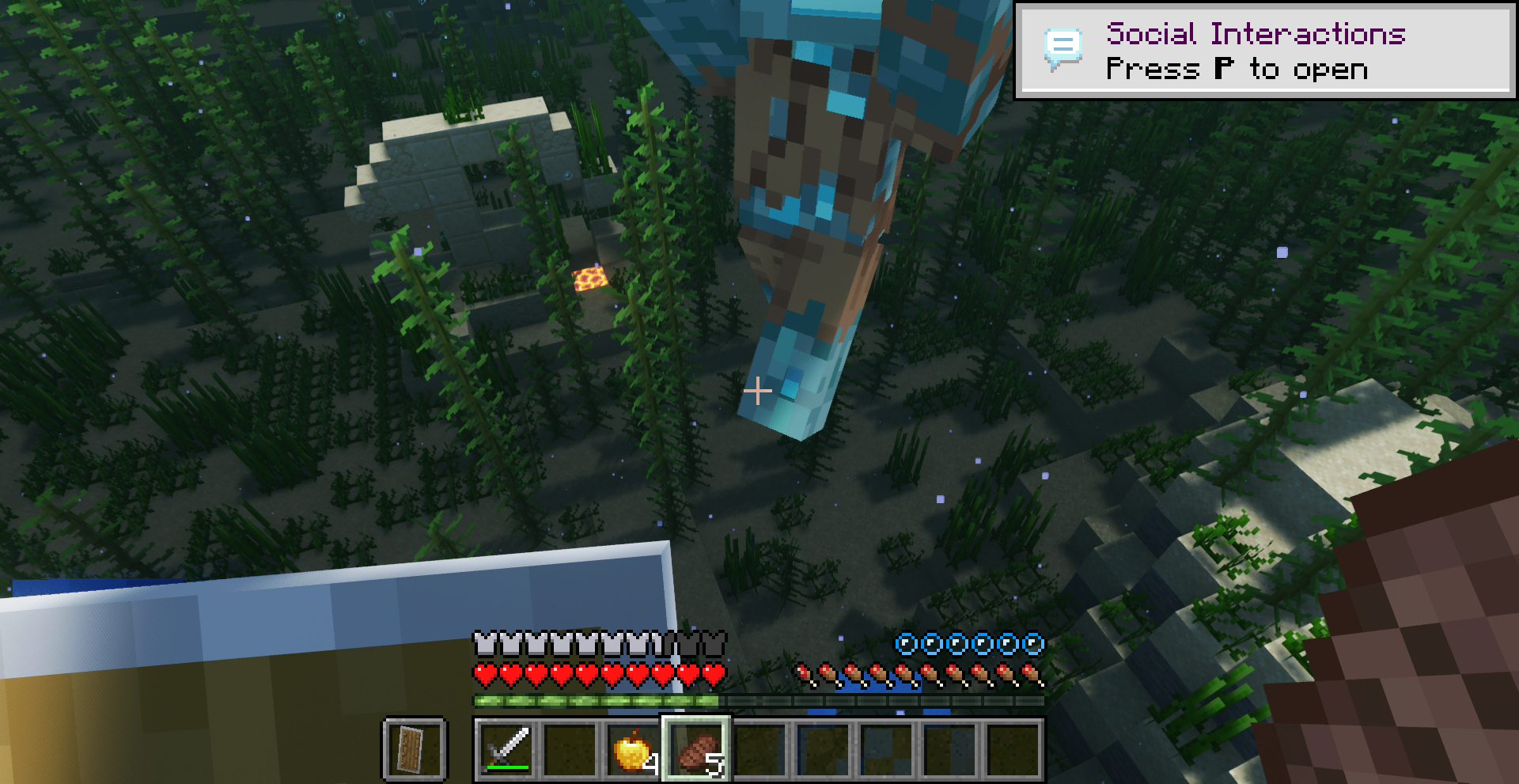
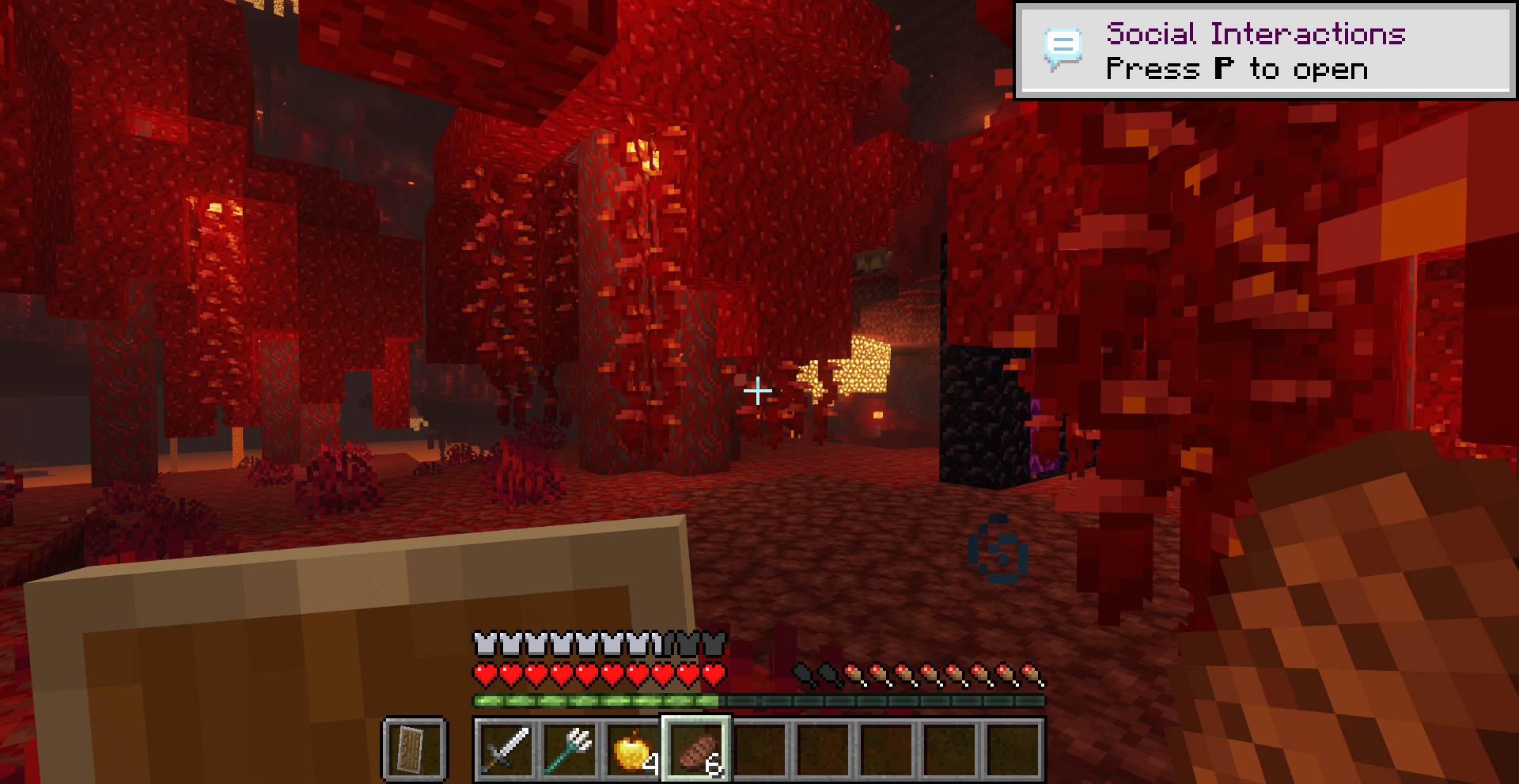
This modpack only adds performance mods, and you will avoid problems like: 👎Low FPS when playing (getting on some devices up to 350% more FPS than before). 👎Drastic performance drops at certain points in the game, such as when entering the Nether, or when attacking a huge enemy. 👎Slow game loads, and huge waits when interacting with the menu. Now everything will be faster. 🤭You will simply get better optimization for everything!
What performance can I expect when using this modpack?
It will depend on the device, but you will always notice a big improvement in FPS and overall performance, with no performance drops. Even exceeding 350% performance improvement.
Is it compatible?
Of course, you can use this modpack to play with your friends without any problem, or even play on any device (Windows or Mac)!
Why is the modpack in Fabric and not in Forge/NeoForge?
It's a modpack that aims to improve performance, of course it's in Fabric, it gives a better result!
Installation von Optimized Performance | Boost FPS & Shaders - More FPS!
With Millida Launcher
Install Millida Launcher
The launcher is free: download it at millida.net/launcher and sign in with any nickname.
Click “Install” on this page
The launcher opens and installs the modpack for Minecraft 26.1.2–26.3 on Fabric automatically.
Launch the game
A profile with it appears in the launcher: click “Play”.
Manually
Download the modpack archive
In the version list above, pick the file Optimized Performance - MC 26.3 - 0.5.0.zip (688 KB).
Import it into a launcher
A launcher that supports modpacks (Millida Launcher, Prism) takes the archive via “Add modpack”, then “From file”. No need to unpack it yourself.
Allocate memory
Modpacks need more memory than the plain game: set 4–6 GB in the profile settings.
On a server
Use the “To server” button
On Millida Hosting, the button at the top of the page uploads the file to your server and restarts it for you.
Invite friends: they install the same modpack
To join the server, every player needs the same modpack version.
Versionen
Mit Abhängigkeiten
| Minecraft | Loader | Datei | Datum | Aktionen |
|---|---|---|---|---|
| 26.3 | Fabric | Optimized Performance - MC 26.3 - 0.5.0688 KB 11 | ||
| 26.1.2 | Fabric | Optimized Performance - MC 26.1.2 - 3.0.0684 KB |
FAQ
Which Minecraft versions does Optimized Performance | Boost FPS & Shaders - More FPS! work on?
There are files for 26.3, 26.1.2. The newest is 26.3.
Is Optimized Performance | Boost FPS & Shaders - More FPS! for Forge or Fabric?
Only for Fabric: 26.1.2–26.3.
Where can I download Optimized Performance | Boost FPS & Shaders - More FPS! safely?
On this page: the file Optimized Performance - MC 26.3 - 0.5.0.zip (688 KB) is stored on Millida’s server, with no link shorteners. SHA-1 checksum: 012131081cf462270819c44ac9f57b75f18aaf5d.
Bewertungen
Bewerten Sie Optimized Performance | Boost FPS & Shaders - More FPS! als Erster


