

Chroma Technology 2 Modpack für Minecraft 1.16.5
Chroma Technology ist ein Progression-Modpack mit 1.16.5-Mods
- Downloads
- 1 Downloads
- Aufrufe
- 13 Aufrufe
- Aktualisiert
- Aktualisiert 23.10.2026
- 1.16.5
 Forge
Forge
Hello adventurers and welcome to Chroma Technology II !
Successor of the first sequel in 1.12.2, this new modpack strives to help you through your entire adventure. With its new quests system that will surely show you the right way, you will have no difficulty to beat those challenges! But be warned, this is a dangerous world that you're stepping in !
With new evoluted mobs, mystics creatures... and finally but not least : Dragons !
The goal of this modpack is to make you travel technological ages with modified crafts but don't worry they aren't too difficult !
We want you to go to creatives recipes !
We think that this adventure will be a new way of discover new mods from the 1.16 like Create or ElementalCraft or even to rediscover the old time greats classics like Thermal, Applied, Blood Magic, Mekanism, Ice and Fire and Refined Storage.
The whole Chroma Technology Team wishes you a nice and fun adventure !
• The recommended RAM allocation for the pack is 8-10GB
• Computers with only 8GB of RAM: make sure to close any other open browser or major programs while running the pack
If you're interested in hosting a server for Chroma Technology, click the image below!
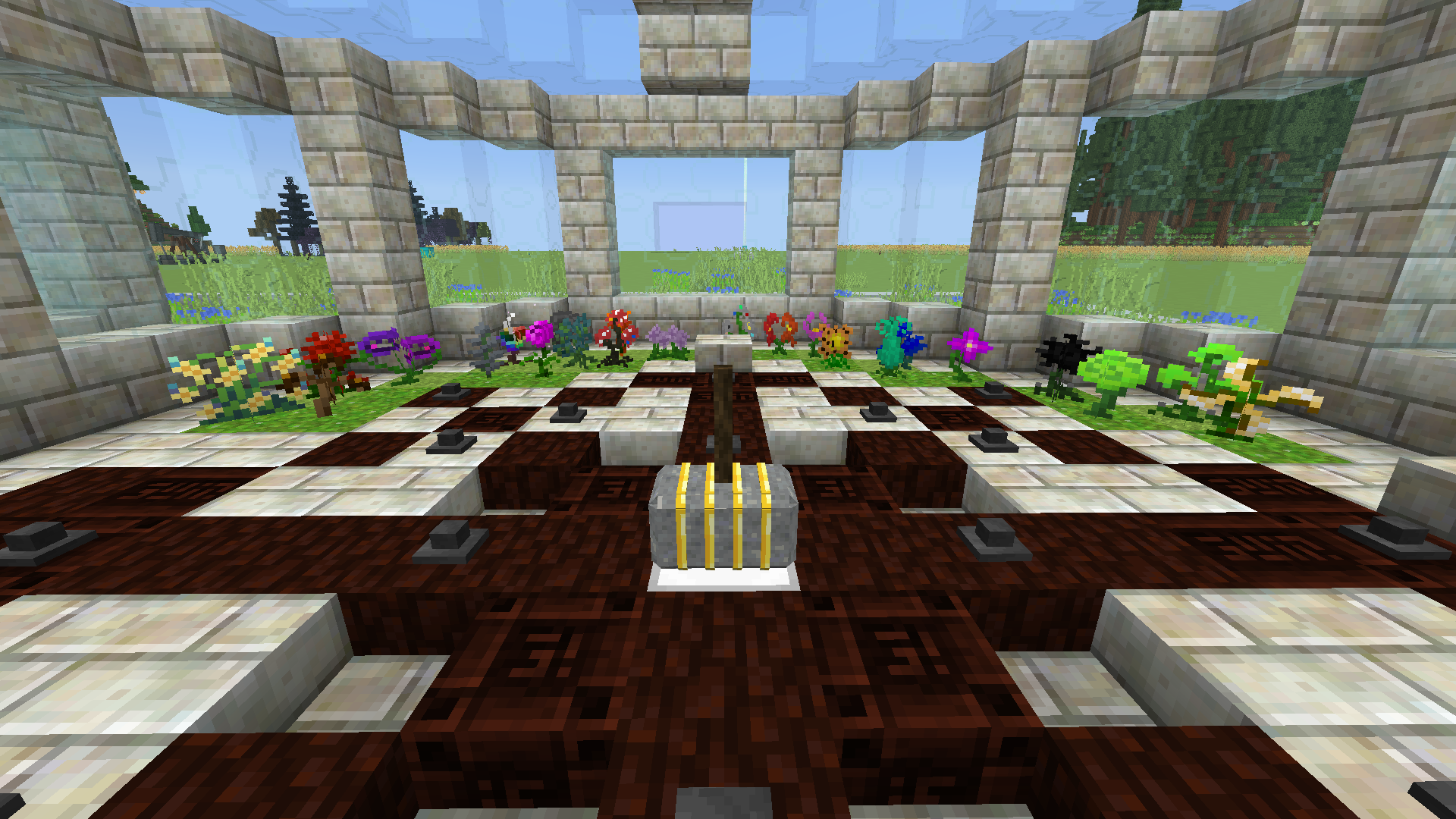
Click on the picture above, select plan(at least 5GB),
use my code CHROMATECH to get 25% off your first month, and enjoy playing with your friends!
A Modpack by: Gogo08, Nolifertu, Koepss, Mahat
Installation von Chroma Technology 2
With Millida Launcher
Install Millida Launcher
The launcher is free: download it at millida.net/launcher and sign in with any nickname.
Click “Install” on this page
The launcher opens and installs the modpack for Minecraft 1.16.5 on Forge automatically.
Launch the game
A profile with it appears in the launcher: click “Play”.
Manually
Download the modpack archive
In the version list above, pick the file Chroma Technology 2-1.2.1.zip (5.1 MB).
Import it into a launcher
A launcher that supports modpacks (Millida Launcher, Prism) takes the archive via “Add modpack”, then “From file”. No need to unpack it yourself.
Allocate memory
Modpacks need more memory than the plain game: set 4–6 GB in the profile settings.
On a server
Use the “To server” button
On Millida Hosting, the button at the top of the page uploads the file to your server and restarts it for you.
Invite friends: they install the same modpack
To join the server, every player needs the same modpack version.
Minecraft 1.16.5 runs on Java 8: with a different Java version the game may close right after launch.
Versionen
Mit Abhängigkeiten
| Minecraft | Loader | Datei | Datum | Aktionen |
|---|---|---|---|---|
| 1.16.5 | Forge | Chroma Technology 2-1.2.15.1 MB 1 | ||
| 1.16.5 | — | Chroma Technology 2-1.1.65.2 MB |
FAQ
Which Minecraft versions does Chroma Technology 2 work on?
Only Minecraft 1.16.5: there are no files for other versions.
Is Chroma Technology 2 for Forge or Fabric?
Only for Forge: 1.16.5.
Which Java does Chroma Technology 2 need?
Minecraft 1.16.5 runs on Java 8. If the game closes right after launch, the usual cause is the wrong Java version in the profile settings.
Where can I download Chroma Technology 2 safely?
On this page: the file Chroma Technology 2-1.2.1.zip (5.1 MB) is stored on Millida’s server, with no link shorteners. SHA-1 checksum: 4bd24ed062501d5378234804eb2700dc8d7a0614.
Bewertungen
Bewerten Sie Chroma Technology 2 als Erster


