

Bedrock Reloaded Modpack für Minecraft 26.3
Ein neu gestaltetes und verbessertes Erlebnis der Bedrock Edition.
- Downloads
- 1 Downloads
- Aufrufe
- 32 Aufrufe
- Aktualisiert
- Aktualisiert 31.10.2026
- 26.2 — 26.3
 Fabric
Über das Bedrock Reloaded-Modpack






Minecraft Java and Bedrock have several issues due to the lack of parity between the two editions — notably differences in textures, behaviors, and more. This can be frustrating for players unfamiliar with Java or even disrupt the overall gameplay experience between the two versions.
This modpack includes only carefully selected mods, datapacks, and resource packs that specifically target parity issues, aligning textures, behaviors, and mechanics to make Java behave more like Bedrock while keeping the experience stable and consistent.
The result is a more coherent experience for players transitioning between the two editions, reducing confusion and preserving the original feel of Bedrock.

Why not just stick with Bedrock? The Bedrock edition may feel smoother out of the box, but it’s limited by its closed ecosystem and lack of mod support. Bedrock Reloaded runs on the powerful Java base, giving you real customization, mod flexibility, and advanced performance tuning — all while maintaining the familiar Bedrock feel.
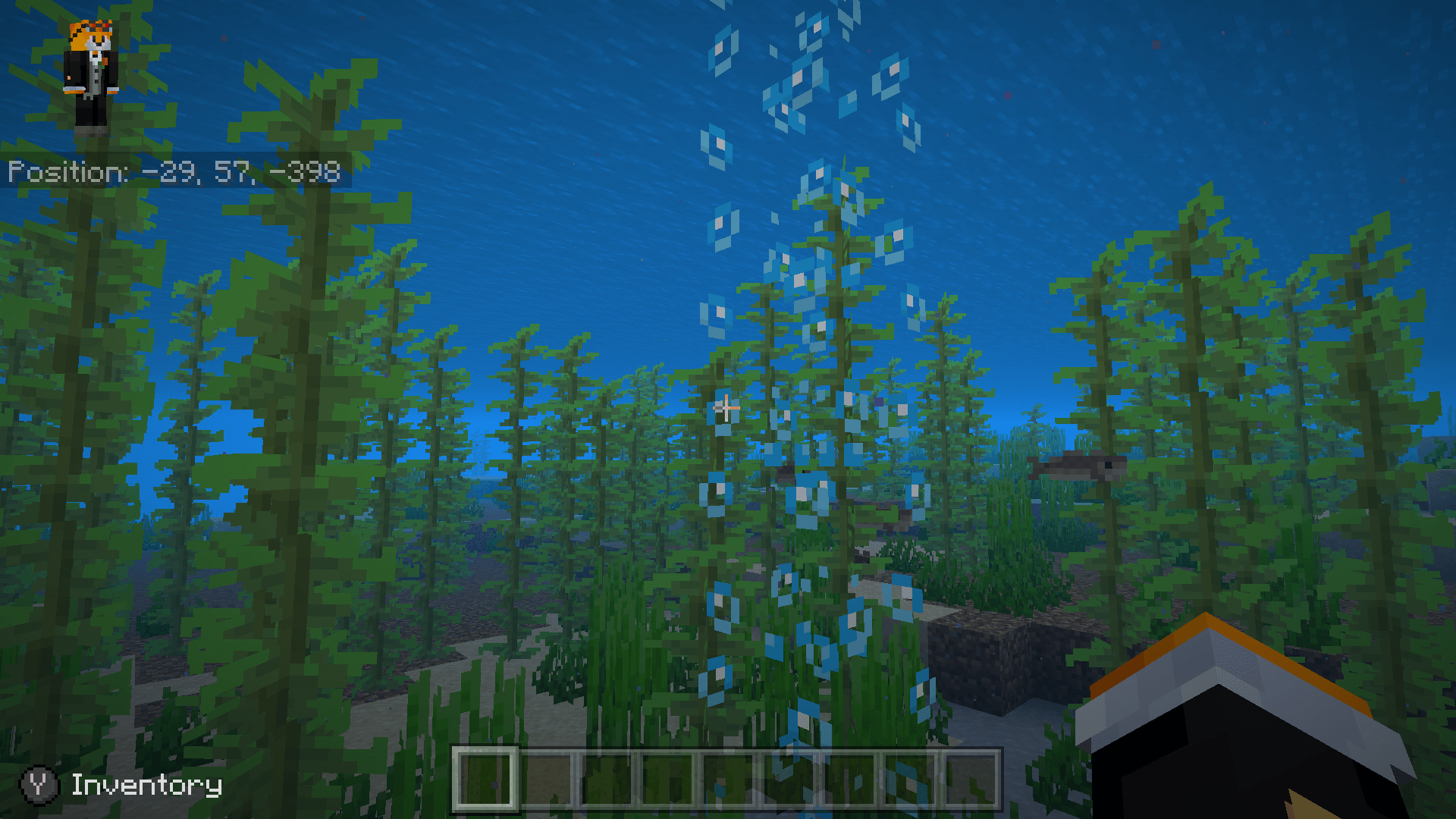
High Performance
- A well-selected set of performance-enhancing mods is included — improving the efficiency of internal calculations and game systems.
- Runs smoothly at 96 chunks on Distant Horizons, even with shaders enabled.
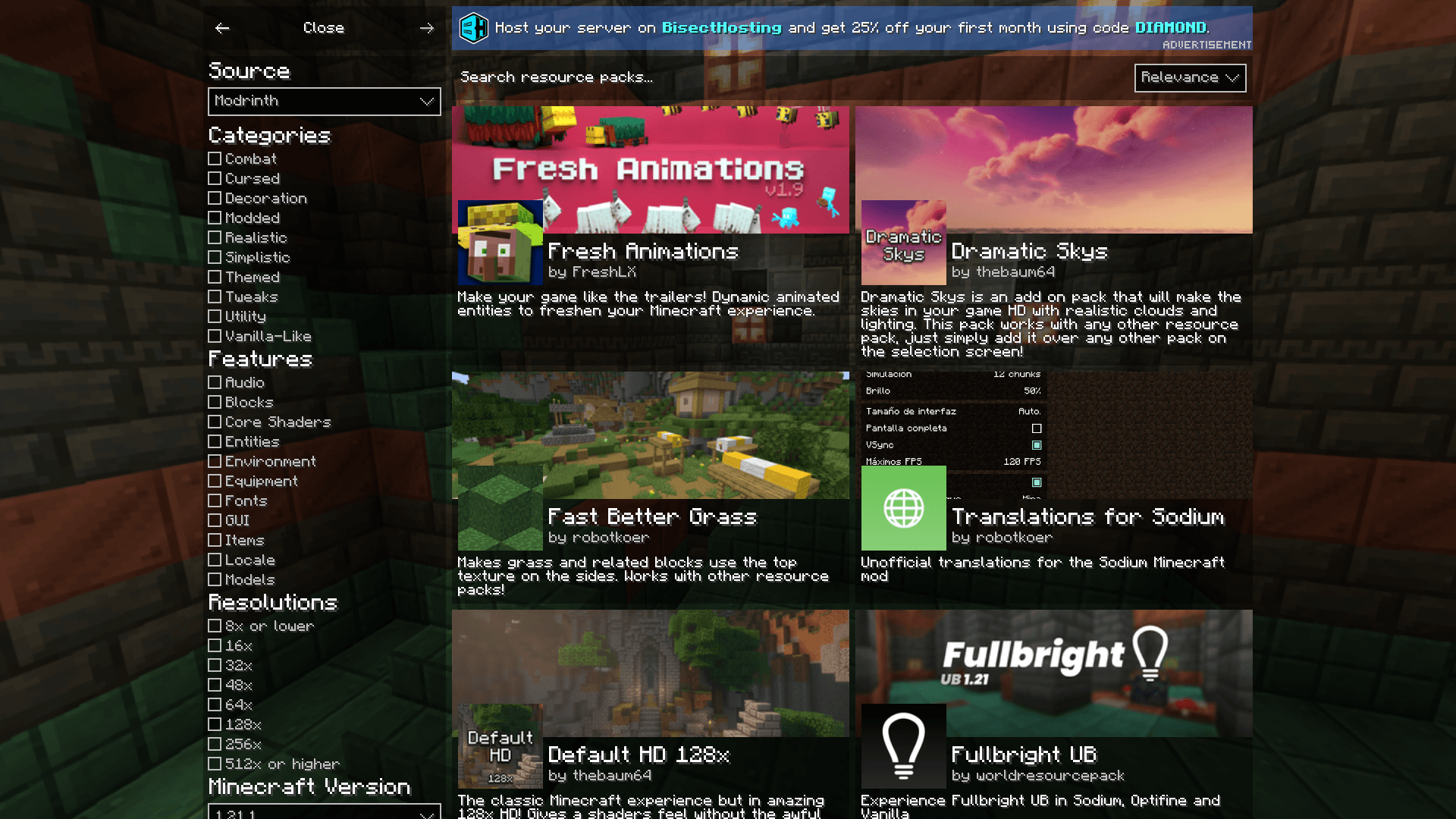
Stability
- Fixes several bugs and inconsistencies present in the Java edition.
- Unlike Bedrock, there is a way to add mods and other free additional content.
Flexible
- Most of Bedrock's features can be disabled with a few clicks.
- Server-friendly, allowing you to quickly and easily set up.
- The modpack and many of the included mods are open-source.

Installation von Bedrock Reloaded
With Millida Launcher
Install Millida Launcher
The launcher is free: download it at millida.net/launcher and sign in with any nickname.
Click “Install” on this page
The launcher opens and installs the modpack for Minecraft 26.2–26.3 on Fabric automatically.
Launch the game
A profile with it appears in the launcher: click “Play”.
Manually
Download the modpack archive
In the version list above, pick the file bedrock-reloaded-43.0+alpha.zip (677 KB).
Import it into a launcher
A launcher that supports modpacks (Millida Launcher, Prism) takes the archive via “Add modpack”, then “From file”. No need to unpack it yourself.
Allocate memory
Modpacks need more memory than the plain game: set 4–6 GB in the profile settings.
On a server
Use the “To server” button
On Millida Hosting, the button at the top of the page uploads the file to your server and restarts it for you.
Invite friends: they install the same modpack
To join the server, every player needs the same modpack version.
Versionen
Mit Abhängigkeiten
| Minecraft | Loader | Datei | Datum | Aktionen |
|---|---|---|---|---|
| 26.3 | Fabric | 43.0+alpha for 26.3677 KB 1 | ||
| 26.2 | Fabric | 42.0 for 26.2553 KB | ||
| 26.2 | Fabric | 41.0+beta for 26.2992 KB |
FAQ
Which Minecraft versions does Bedrock Reloaded work on?
There are files for 26.3, 26.2. The newest is 26.3.
Is Bedrock Reloaded for Forge or Fabric?
Only for Fabric: 26.2–26.3.
Where can I download Bedrock Reloaded safely?
On this page: the file bedrock-reloaded-43.0+alpha.zip (677 KB) is stored on Millida’s server, with no link shorteners. SHA-1 checksum: 3c343b415864243915d6b0f687b3dab5094e0a9d.
Bewertungen
Bewerten Sie Bedrock Reloaded als Erster


