

Astroblock Modpack für Minecraft 1.12.2
Gestrandet in den Asteroiden, jetzt gilt es, einen Weg zurück zur Erde zu finden.
Über das Astroblock-Modpack
AstroBlock is a modpack where you start in the asteroid. Now you are stranded in the asteroids in a in a space station and have to to repairs and somehow make fuel to get back to Earth.
Includes a quest book to help you in your space journey and teaches you a couple of tricks.
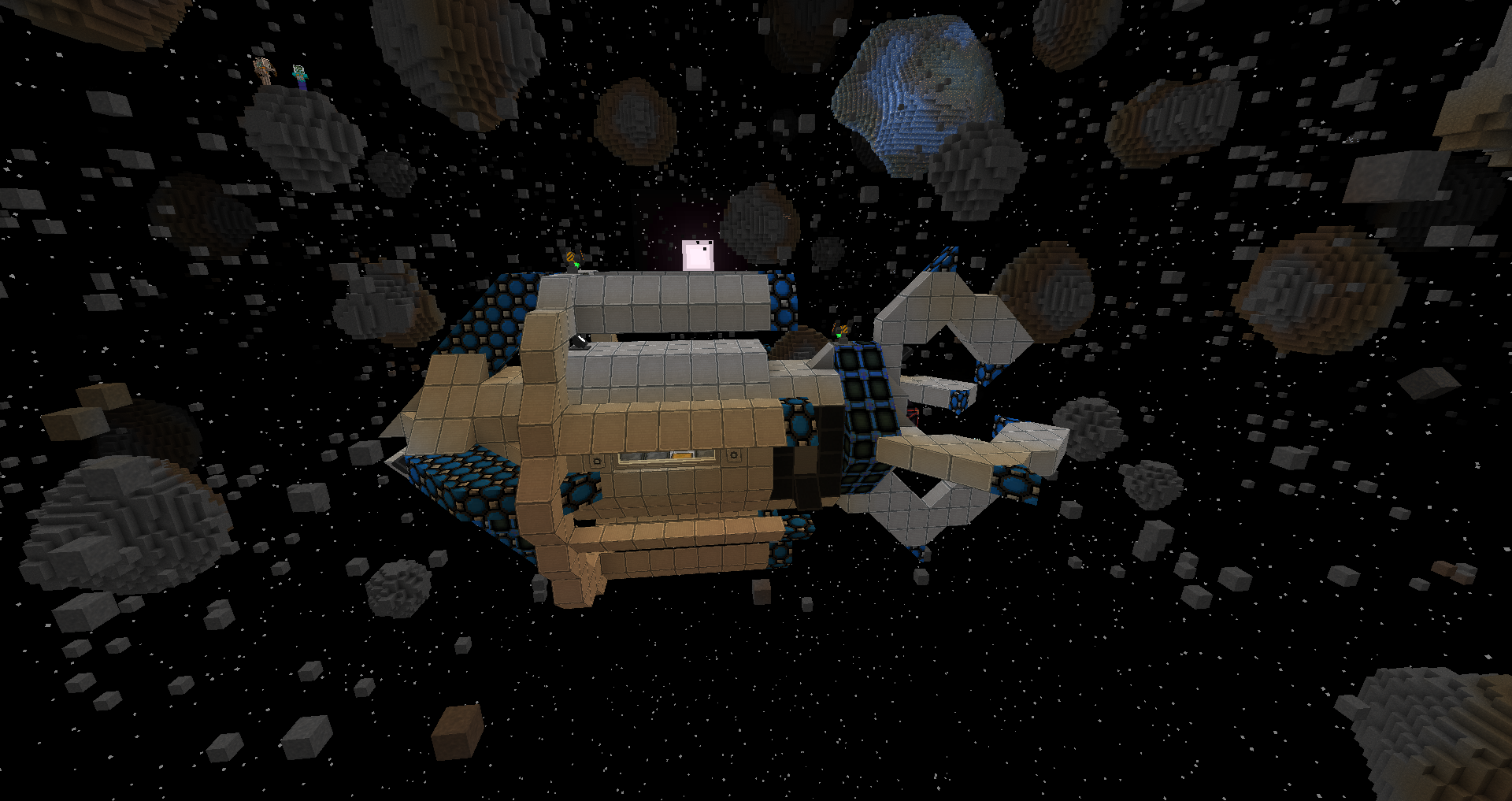
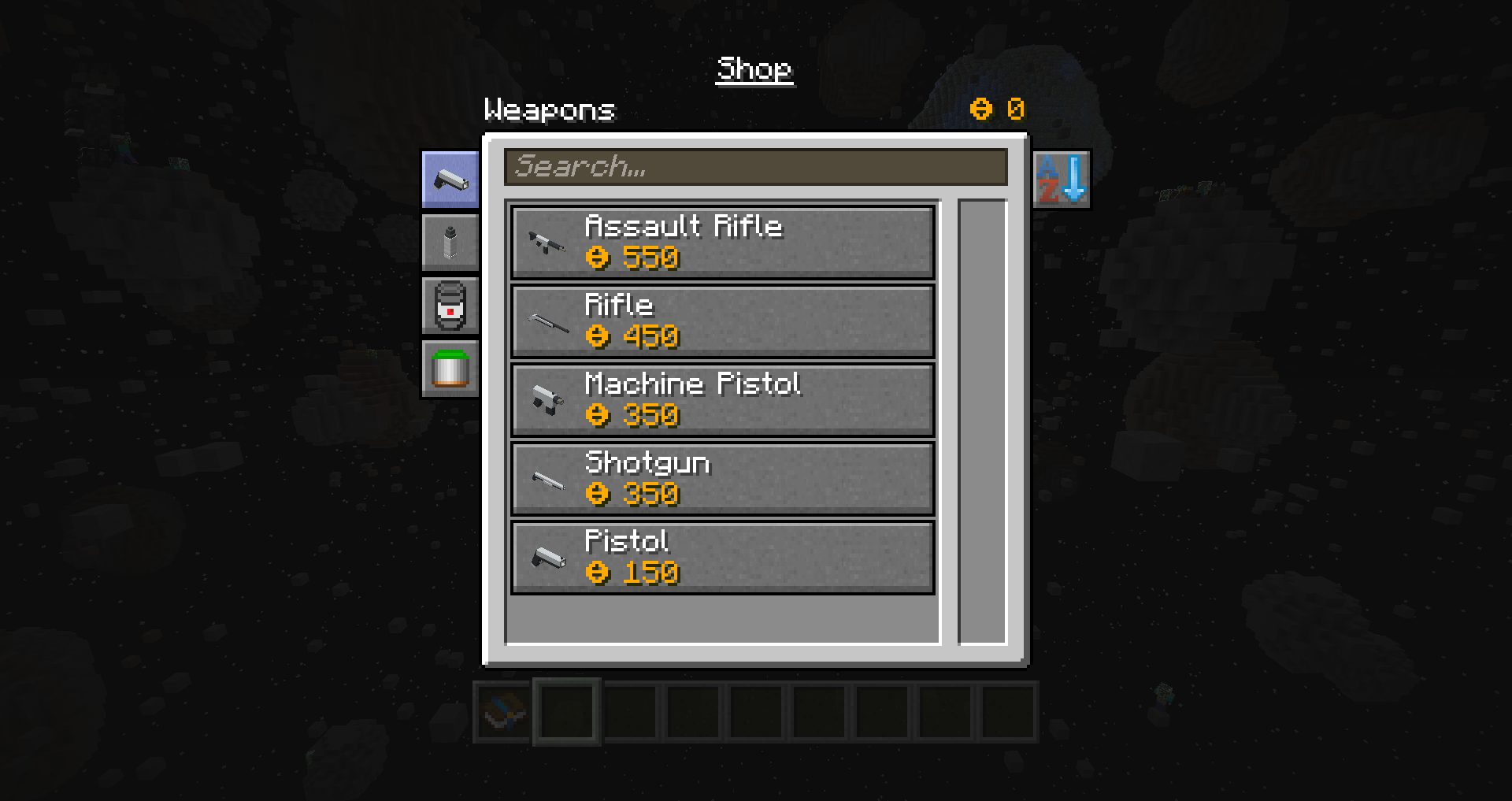
Includes a rewards loot system that rewards you. Includes many Planets, Moons and even other Galaxies to explore.
Modpack by knoxhack at NFINIT Labs:
Discord:
https://discord.gg/bC3Wga5
Servers: Want to host your own AstroBlock server with a "1 click" install? "Use our coupon code "nfinitdev" to get 20% off of your first month. Visit them at: https://www.akliz.net/nfinitdev
Installation von Astroblock
With Millida Launcher
Install Millida Launcher
The launcher is free: download it at millida.net/launcher and sign in with any nickname.
Click “Install” on this page
The launcher opens and installs the modpack for Minecraft 1.12.2 automatically.
Launch the game
A profile with it appears in the launcher: click “Play”.
Manually
Download the modpack archive
In the version list above, pick the file Astroblock - Reloaded-1.3.3.zip (51 MB).
Import it into a launcher
A launcher that supports modpacks (Millida Launcher, Prism) takes the archive via “Add modpack”, then “From file”. No need to unpack it yourself.
Allocate memory
Modpacks need more memory than the plain game: set 4–6 GB in the profile settings.
On a server
Or use the “To hosting” button
On Millida Hosting, the button at the top of the page uploads the file to your server and restarts it for you.
Players install the same modpack
To join the server, every player needs the same modpack version.
Minecraft 1.12.2 runs on Java 8: with a different Java version the game may close right after launch.
Versionen
Mit Abhängigkeiten
| Minecraft | Loader | Datei | Datum | Aktionen |
|---|---|---|---|---|
| 1.12.2 | — | Astroblock - Reloaded-1.3.351 MB 1 | ||
| 1.12.2 | — | Astroblock: Reloaded - 1.3.051 MB |
FAQ
Which Minecraft versions does Astroblock work on?
Only Minecraft 1.12.2: there are no files for other versions.
Which Java does Astroblock need?
Minecraft 1.12.2 runs on Java 8. If the game closes right after launch, the usual cause is the wrong Java version in the profile settings.
Where can I download Astroblock safely?
On this page: the file Astroblock - Reloaded-1.3.3.zip (51 MB) is stored on Millida’s server, with no link shorteners. SHA-1 checksum: 34063e94ade0b32871d6a3caaa71e905509ffca9.
Bewertungen
Bewerten Sie Astroblock als Erster


