❤️ Hardcore Survival Journey
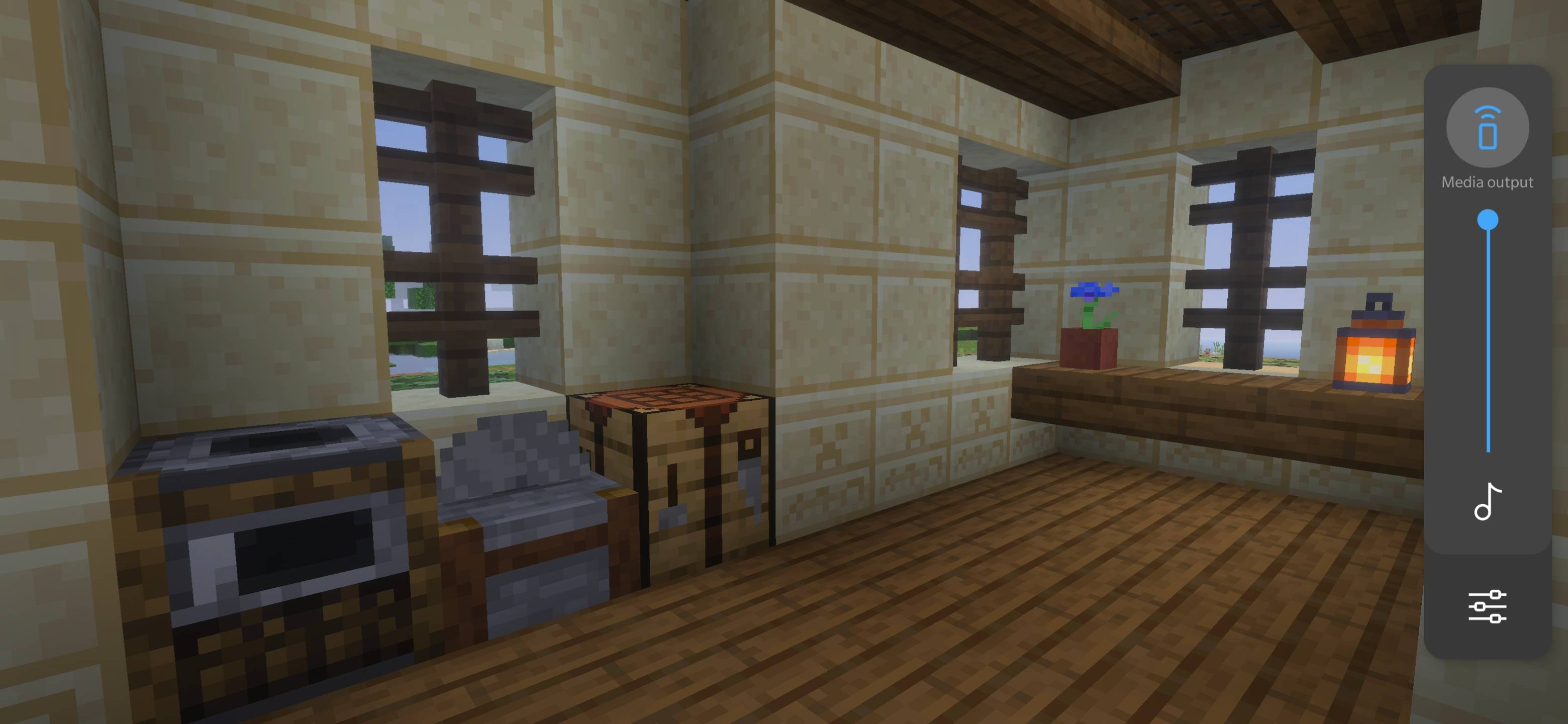
Start your ultimate Minecraft Hardcore adventure in a beautiful survival world filled with a cozy pink house, farms, nether portal, enchanting setup, and dangerous challenges.
One life. One world. One journey. Every build, every loot, and every fight matters because in Hardcore mode, one death ends everything.
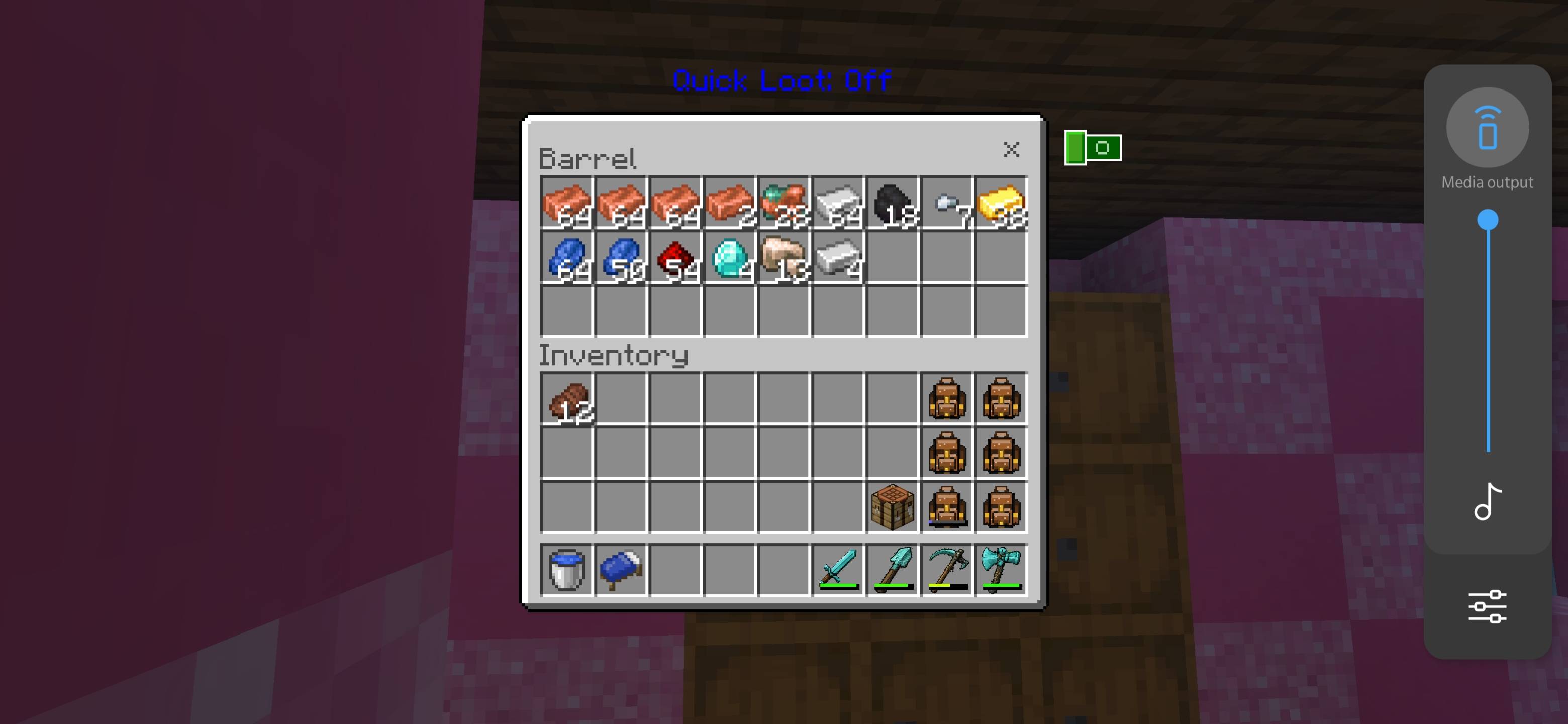
Created for survival lovers, builders, and adventure players.
Credit: by Baku
Installation von New hardcore journey
With Millida Launcher
Install Millida Launcher
The launcher is free: download it at millida.net/launcher and sign in with any nickname.
Click “Install” on this page
The launcher opens and installs the map for Minecraft 26.12–26.20 automatically.
Launch the game
A profile with it appears in the launcher: click “Play”.
Manually
Download the map archive
Pick the file New hardcore journey.mcworld (20 MB).
Unpack it into the saves folder
The world folder (with level.dat inside) must sit directly in .minecraft/saves.
Open the world
“Singleplayer”: the map will be in your world list.
On a server
Replace the world folder
Stop the server and put the map folder in place of world (or set its name in level-name).
Use the “To server” button
On Millida Hosting, the button at the top of the page uploads the file to your server and restarts it for you.
Versionen
Mit Abhängigkeiten
| Minecraft | Loader | Datei | Datum | Aktionen |
|---|---|---|---|---|
| 26.12 | — | New hardcore journey.mcworld20.4 MB |
Bewertungen
Bewerten Sie New hardcore journey als Erster