
Find the Button v1 Karte für Minecraft 1.21.82
Willkommen zu meiner Find The Button Map. In dieser Map gibt es 10 verschiedene Level.
Über die Find the Button v1-Map
Description:
Welcome to my Find The Button map. In this map there are 10 different levels. From overworld, nether, to end world. And there is a puzzle at level 10. But don't worry, if you can't find the button, you can type /function hint/(level) (ex: /function hint/1)
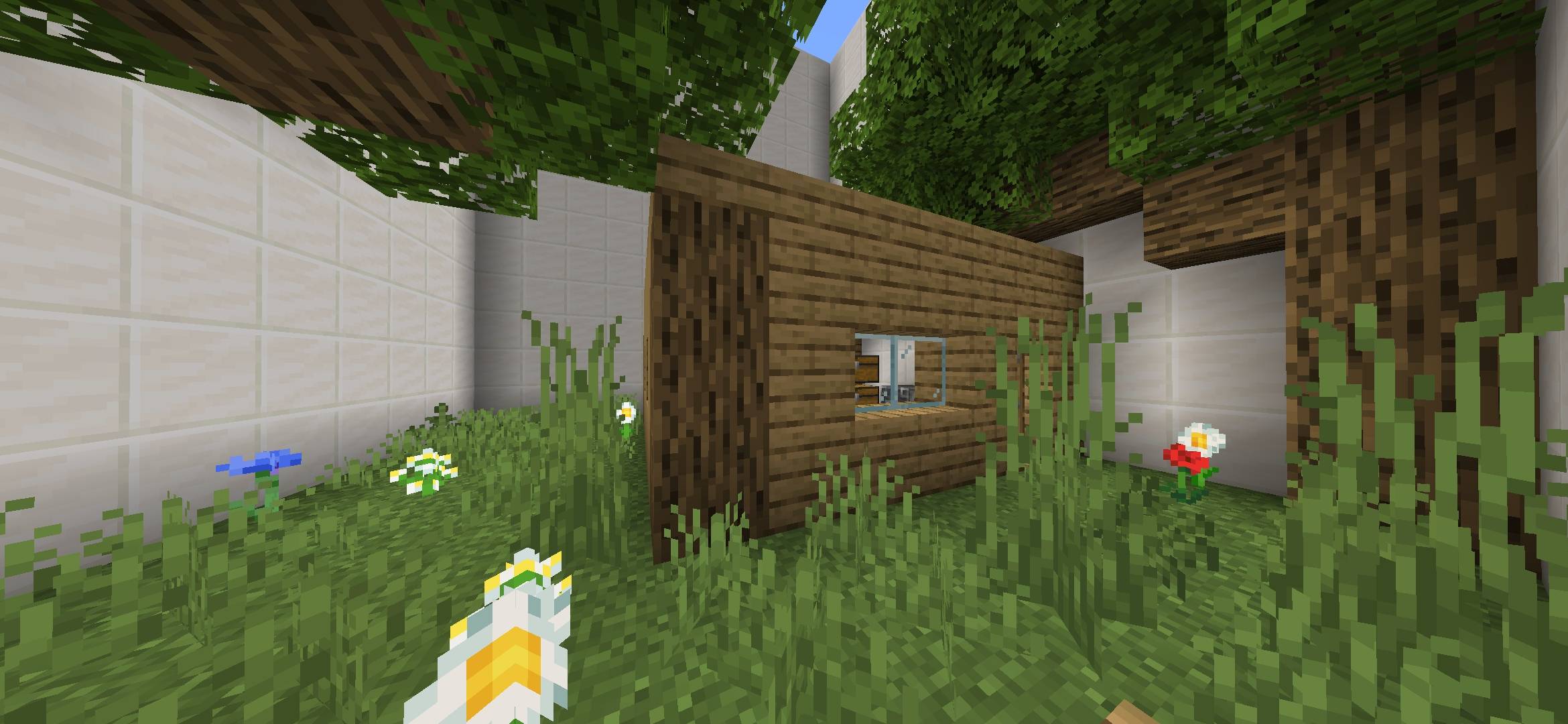
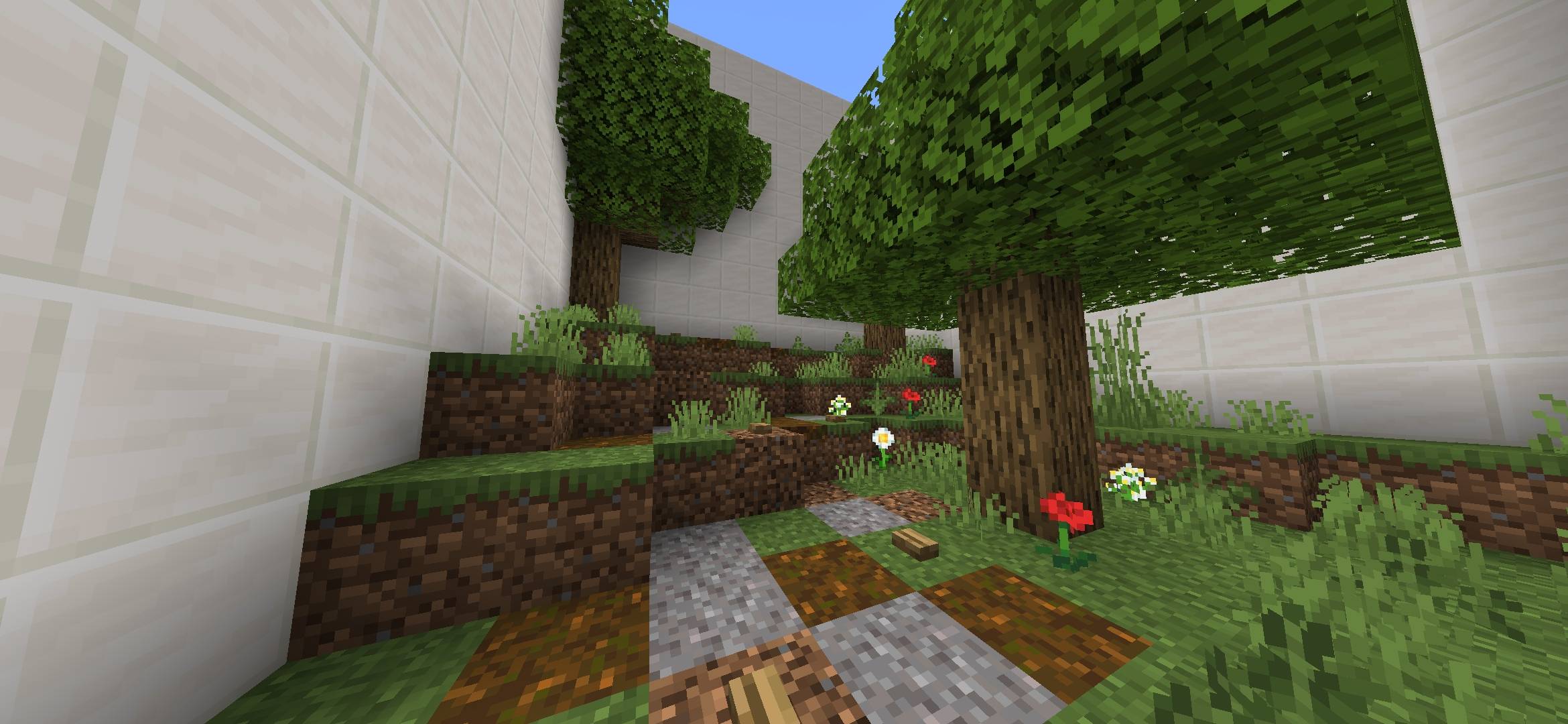
All of Levels:
- Plains
- Beach
- Ocean
- Small House
- Farm
- Cobblestone Generator
- Nether
- Stronghold
- End
- Buttons
DON'T:
- DON'T Make A Video For This Map WITHOUT GIVING A CREDIT OF THIS MAP
- DON'T CLAIM/EDIT/REDISTRIBUTE THIS MAP OR ANY PART OF IT TO CLAIM AS YOUR OWN WORK
- DON'T SHARE MEDIAFIRE LINK, PLEASE SHARE With MCPEDL or PLANETMINECRAFT LINK
Requirements:
Minecraft Bedrock 1.20.70 or newer
Donate:
Donate to Support the Creator: https://ko-fi.com/Kylan1940
Contact:
If you found a bug, please report it to https://kylan1940.netlify.app/contact
Installation von Find the Button v1
With Millida Launcher
Install Millida Launcher
The launcher is free: download it at millida.net/launcher and sign in with any nickname.
Click “Install” on this page
The launcher opens and installs the map for Minecraft 1.21.80–1.21.82 automatically.
Launch the game
A profile with it appears in the launcher: click “Play”.
Manually
Download the map archive
Pick the file Find the Button v1.mcworld (389 KB).
Unpack it into the saves folder
The world folder (with level.dat inside) must sit directly in .minecraft/saves.
Open the world
“Singleplayer”: the map will be in your world list.
On a server
Replace the world folder
Stop the server and put the map folder in place of world (or set its name in level-name).
Or use the “To hosting” button
On Millida Hosting, the button at the top of the page uploads the file to your server and restarts it for you.
Versionen
Mit Abhängigkeiten
| Minecraft | Loader | Datei | Datum | Aktionen |
|---|---|---|---|---|
| 1.21.81 | — | DOWNLOAD (1.1.0)389 KB |
FAQ
Which Minecraft versions does Find the Button v1 work on?
There are files for 1.21.82, 1.21.81, 1.21.80. The newest is 1.21.82.
Where can I download Find the Button v1 safely?
On this page: the file Find the Button v1.mcworld (389 KB) is stored on Millida’s server, with no link shorteners. SHA-1 checksum: 2ec6722de6e0f88a14b81639f0302f5ead9067ac.
Bewertungen
Bewerten Sie Find the Button v1 als Erster



