Über die Find the Button 5: Biome-Map
Description:
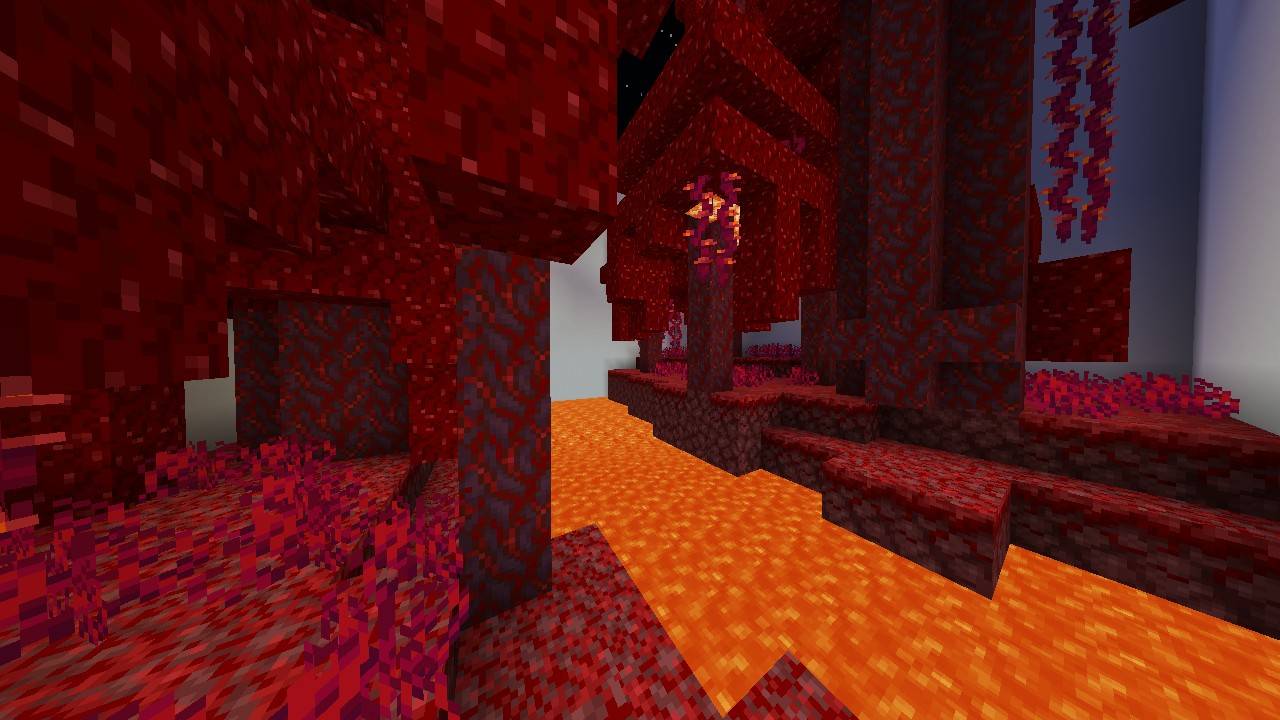
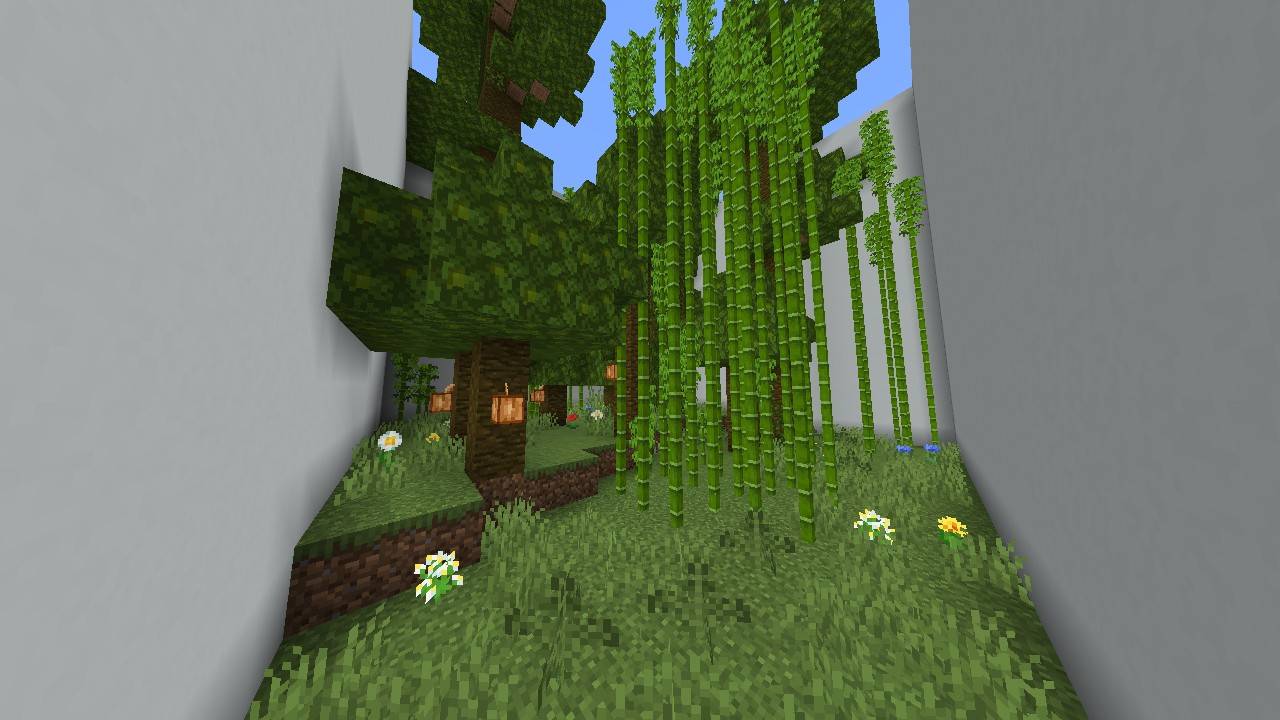
Find the Button 5: Biome takes you on an adventure through Minecraft's unique biomes, both in the Overworld and the Nether. Are you a true explorer? Have you visited every biome in the game? Test your observation skills by finding hidden buttons in each carefully designed level!
DON'T:
- DON'T Make A Video For This Map WITHOUT GIVING A CREDIT OF THIS MAP
- DON'T CLAIM/EDIT/REDISTRIBUTE THIS MAP OR ANY PART OF IT TO CLAIM AS YOUR OWN WORK
- DON'T SHARE MEDIAFIRE LINK, PLEASE SHARE With MCPEDL or PLANETMINECRAFT LINK
Requirements:
Minecraft Bedrock 1.21.80 or newer
Donate:
Donate to Support the Creator: https://ko-fi.com/Kylan1940
Contact:
If you found a bug, please report it to https://kylan1940.netlify.app/contact
Installation von Find the Button 5: Biome
With Millida Launcher
Install Millida Launcher
The launcher is free: download it at millida.net/launcher and sign in with any nickname.
Click “Install” on this page
The launcher opens and installs the map for Minecraft 1.21.100–1.21.101 automatically.
Launch the game
A profile with it appears in the launcher: click “Play”.
Manually
Download the map archive
Pick the file Find the Button 5 (1.1.0).mcworld (295 KB).
Unpack it into the saves folder
The world folder (with level.dat inside) must sit directly in .minecraft/saves.
Open the world
“Singleplayer”: the map will be in your world list.
On a server
Replace the world folder
Stop the server and put the map folder in place of world (or set its name in level-name).
Use the “To server” button
On Millida Hosting, the button at the top of the page uploads the file to your server and restarts it for you.
Versionen
Mit Abhängigkeiten
| Minecraft | Loader | Datei | Datum | Aktionen |
|---|---|---|---|---|
| 1.21.101 | — | DOWNLOAD (1.1.0)295 KB |
FAQ
Which Minecraft versions does Find the Button 5: Biome work on?
There are files for 1.21.101, 1.21.100. The newest is 1.21.101.
Where can I download Find the Button 5: Biome safely?
On this page: the file Find the Button 5 (1.1.0).mcworld (295 KB) is stored on Millida’s server, with no link shorteners. SHA-1 checksum: 7929d4664bd58fbd3bdbebfbefa30925de346e89.
Bewertungen
Bewerten Sie Find the Button 5: Biome als Erster