
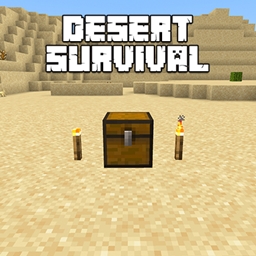
Desert Survival Karte für Minecraft 1.21.101
Überlebe in der Wüste und besiege den Enderdrachen – ohne jemals das Biom zu verlassen!
Über die Desert Survival-Map
Desert Survival Tired of normal survival maps? Enter the desert-hot, dry, dangerous, and full of secrets. You can’t leave the biome. Your only goal: survive and beat the Ender Dragon.
The Desert Challenge You’re trapped inside a massive desert biome An invisible barrier prevents you from leaving Scarce resources and extreme conditions Explore, craft, survive, and prepare for the final battle
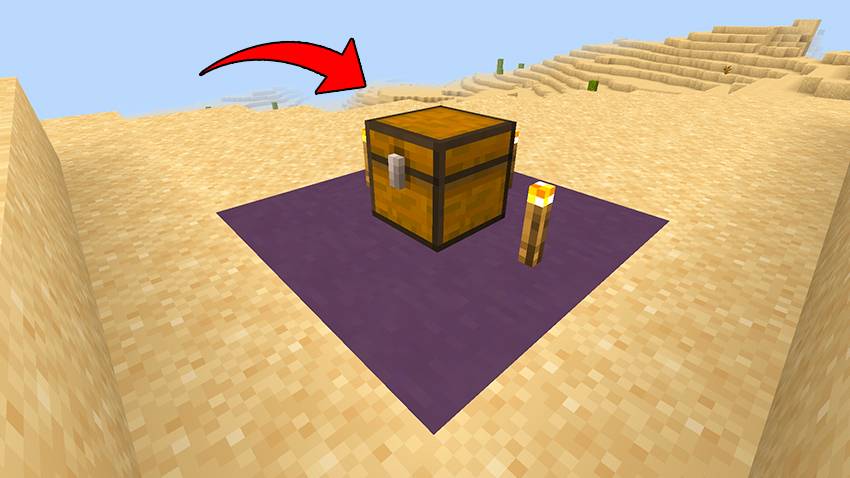
Map Rules Stay within the desert-no escape Defeat the Ender Dragon Use limited resources carefully Find and protect desert structures
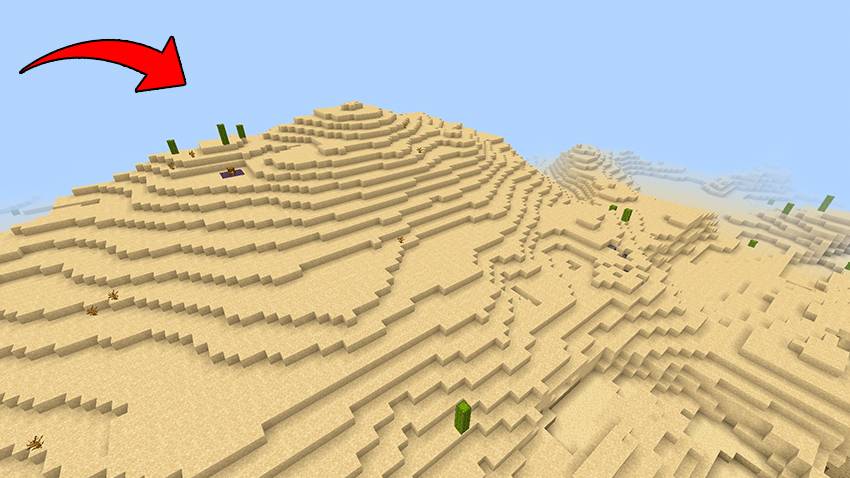
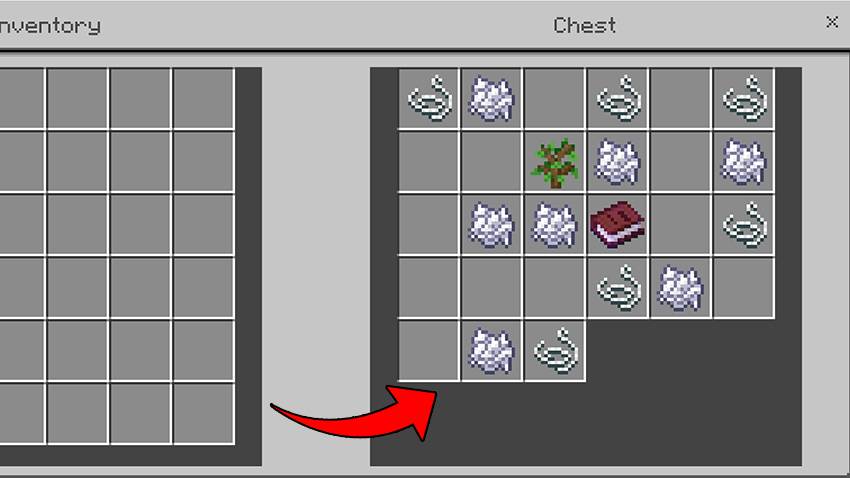
Starting Chest Bone Meal - grow crops faster Saplings - plant trees for wood String - craft bows and fishing rods Book - useful later for enchanting
Key Structures Desert Village - trade with villagers, find food, tools, and protection Desert Temple - loot hidden chests, avoid traps, collect treasure
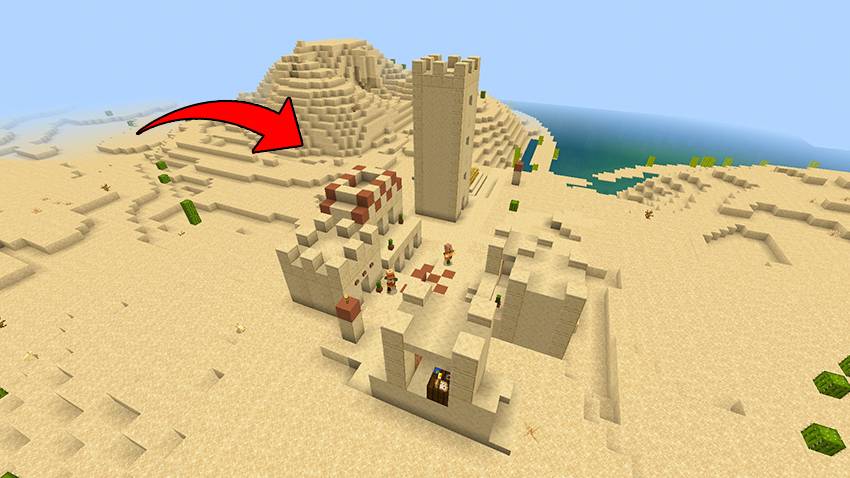
Survival Tips Use water from wells to farm Plant crops like wheat and carrots Protect your village from raids Use bone meal to grow food fast Fight mobs at night to gather useful drops
Important Mob Drops Skeletons - bones for bone meal Spiders - string for tools Endermen - Ender Pearls to find the End Portal
Prepare for the End Craft armor and weapons Enchant gear using resources Brew potions for strength and healing Use temple loot and trades to gear up
Final Goal Find the stronghold Activate the End Portal Defeat the Ender Dragon Prove your skills in the harshest environment
Will You Survive? The heat is real Resources are low Danger is everywhere But victory is possible-if you’re smart and strong
Let me know if you want this in shorter format for download pages or trailers.
Installation von Desert Survival
With Millida Launcher
Install Millida Launcher
The launcher is free: download it at millida.net/launcher and sign in with any nickname.
Click “Install” on this page
The launcher opens and installs the map for Minecraft 1.21.94–1.21.101 automatically.
Launch the game
A profile with it appears in the launcher: click “Play”.
Manually
Download the map archive
Pick the file Desert Survival.mcworld (6.4 MB).
Unpack it into the saves folder
The world folder (with level.dat inside) must sit directly in .minecraft/saves.
Open the world
“Singleplayer”: the map will be in your world list.
On a server
Replace the world folder
Stop the server and put the map folder in place of world (or set its name in level-name).
Or use the “To hosting” button
On Millida Hosting, the button at the top of the page uploads the file to your server and restarts it for you.
Versionen
Mit Abhängigkeiten
| Minecraft | Loader | Datei | Datum | Aktionen |
|---|---|---|---|---|
| 1.21.101 | — | Desert Survival.mcworld6.4 MB |
FAQ
Which Minecraft versions does Desert Survival work on?
There are files for 1.21.101, 1.21.100, 1.21.94. The newest is 1.21.101.
Where can I download Desert Survival safely?
On this page: the file Desert Survival.mcworld (6.4 MB) is stored on Millida’s server, with no link shorteners. SHA-1 checksum: 771961ce19fde0870d43ec46f997efb23ded25f2.
Bewertungen
Bewerten Sie Desert Survival als Erster



