
Birdboy's Backrooms Karte für Minecraft 26.3
Birdboys Backrooms ist eine Fandom-Lore-genaue Backrooms-Karte für die Bedrock Edition von Minecraft
Welcome to Birdboy's Backrooms!
Birdboy's Backrooms is a lore acurate recreation of the famous internet creepypasta "The Backrooms", it is mainly based on the wiki fandom, but I have grabbed bits of lore from Kane Pixels, and Wikidot (I've also come up with a few things myself)
If anyone actually reads these, before we start I'd like to credit all outside sources that I used and aren't made by me:
MODS USED:
https://mcpedl.com/backroom-explored-addon/
https://mcpedl.com/liminal-craft-backrooms-addon-0-0-1/
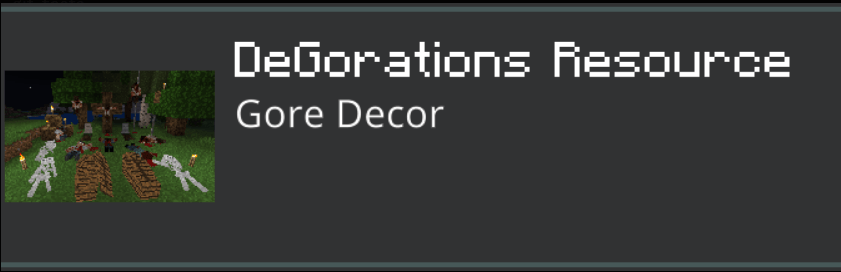
I couldn't find the page for the dead bodies mod, I searched up the name of the resource pack on MCPEDL ut it's nowhere to be seen (could be deleted) if you wanna look for yourself the mod file name in "DeGorations Resource"
https://mcpedl.com/pandamines-invisible-item-frames/
COMBONATION LOCK:
https://www.youtube.com/watch?v=M-UgOa-jzLo&t
AUTO JUKEBOX:
How to Build a Simple Auto Jukebox (Java & Bedrock 1.21) - (Build Guide)
Now that that's overwith, lets get into levels, there are currently 8 levels in Birdboy's Backrooms (More will be added in the future) which are:
Level 0 "The Lobby"
Level 1 "Habitable Zone"
Level 2 "Pipe Dreams"
Level 3 "Electrical Station"
Level 27 "Ligneous Desolation"
Level φ "Midas' Touch"
Level 4 "Abandoned Office"
The Level Hub
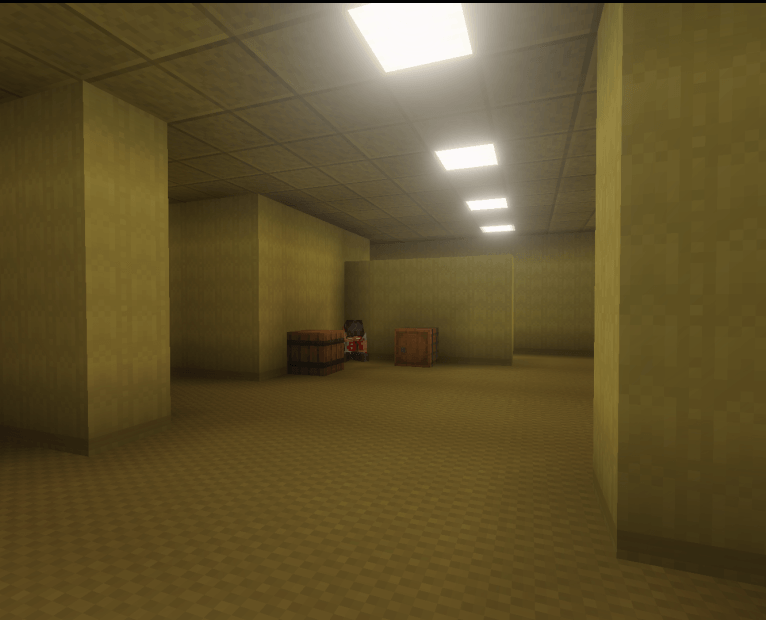
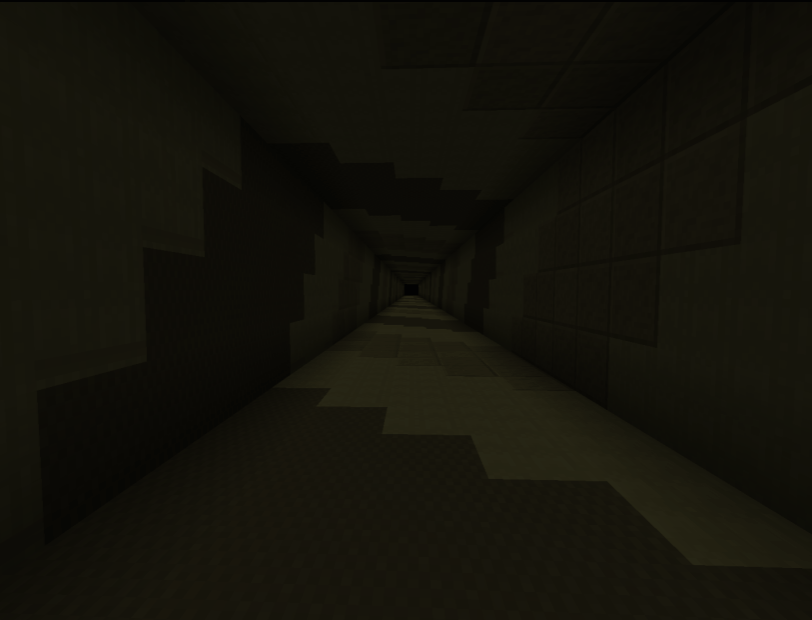
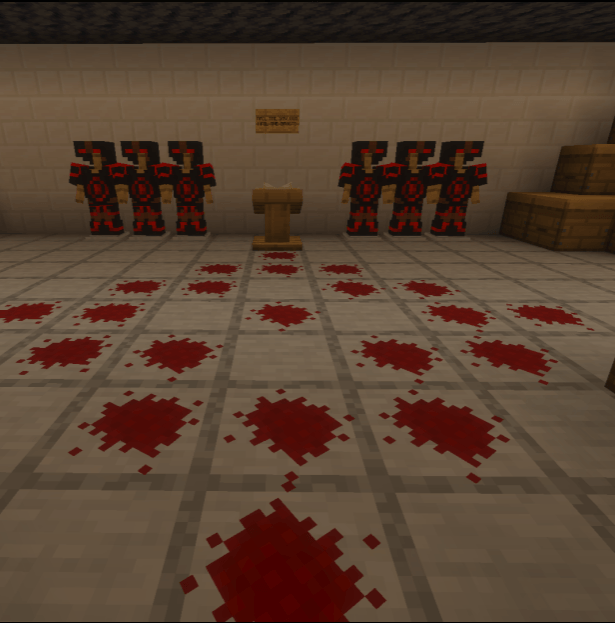
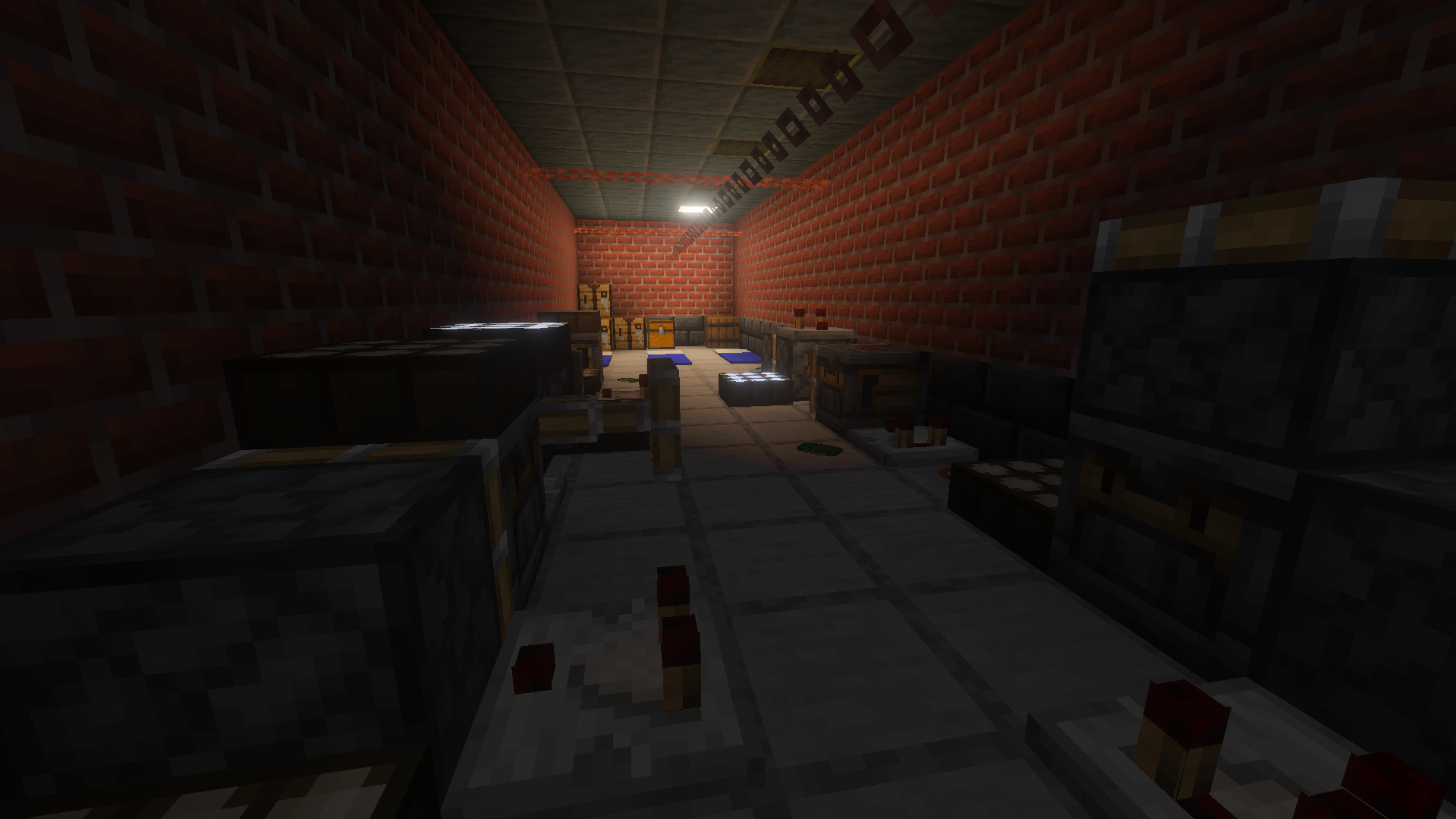
Level 0 Pictures:
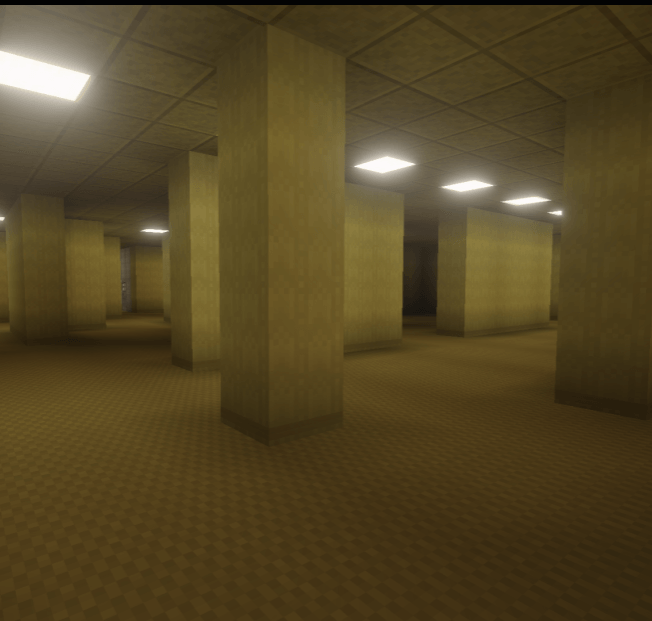
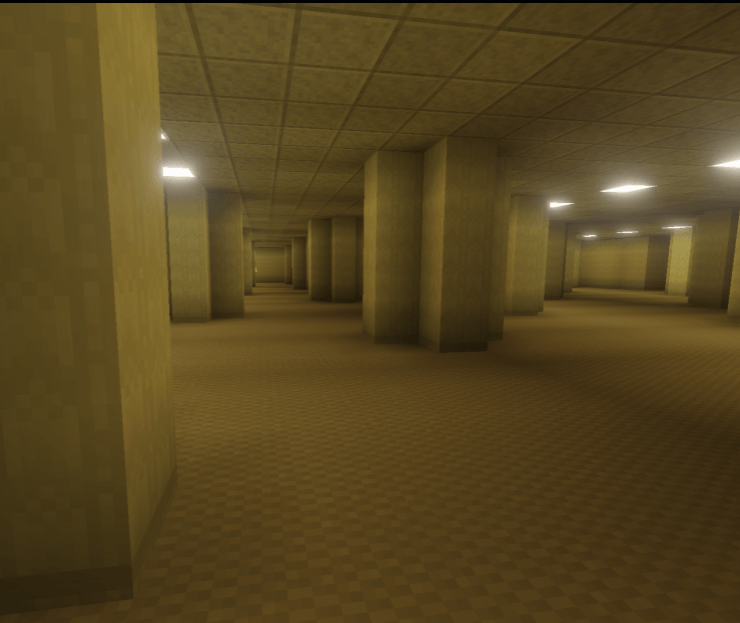
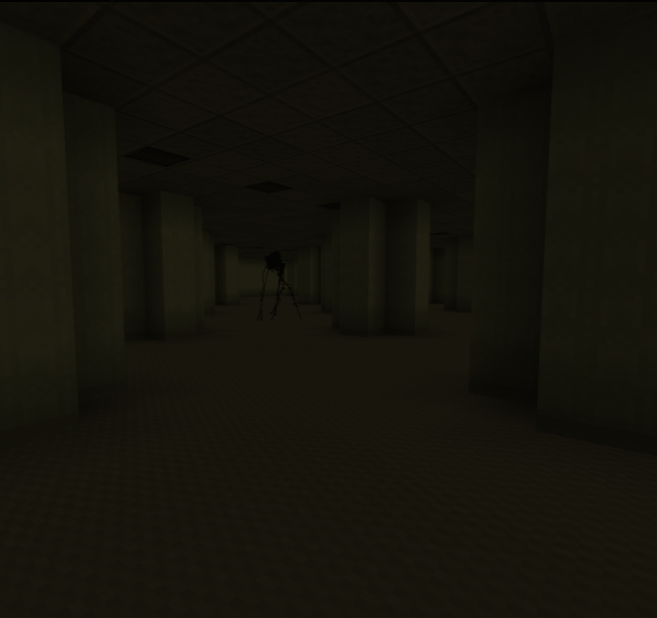
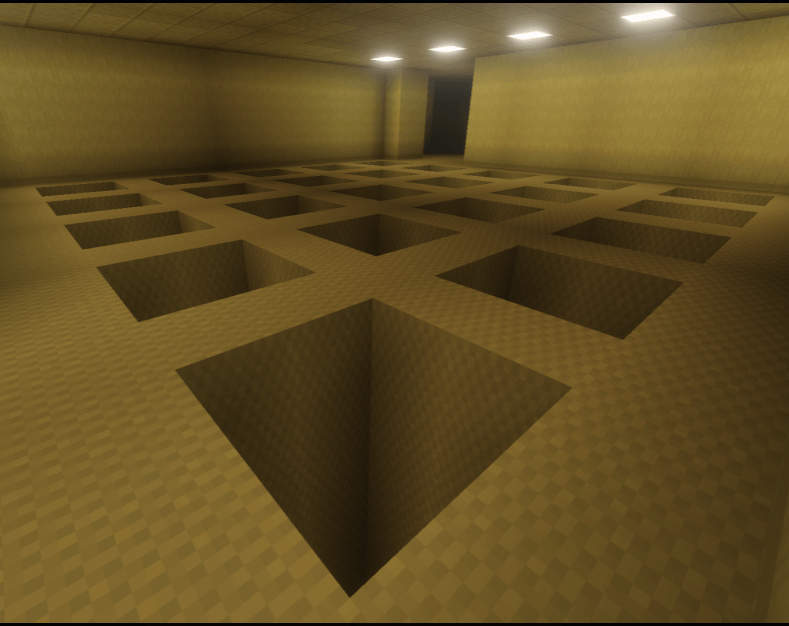
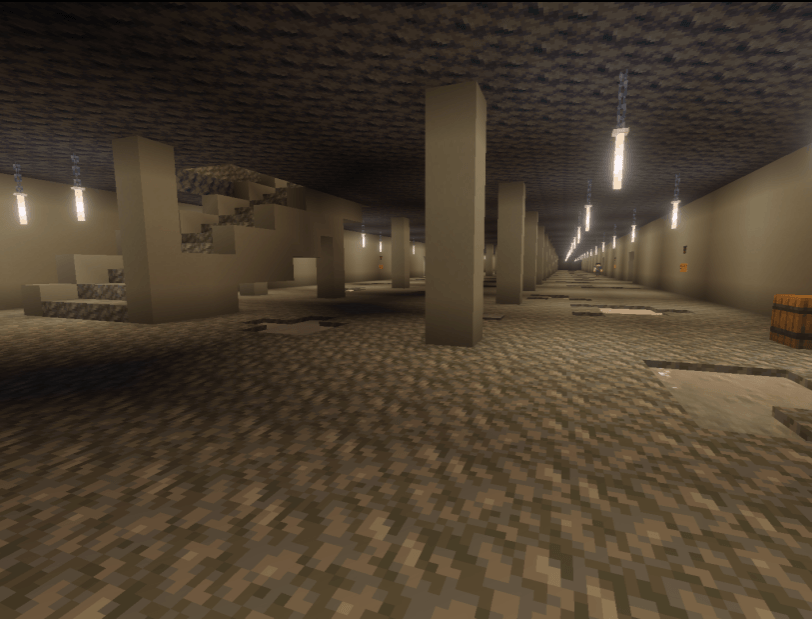
Level 1 Pictures:
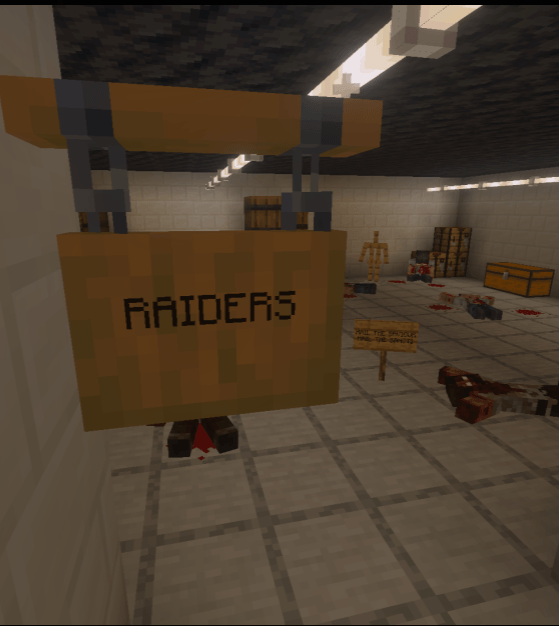
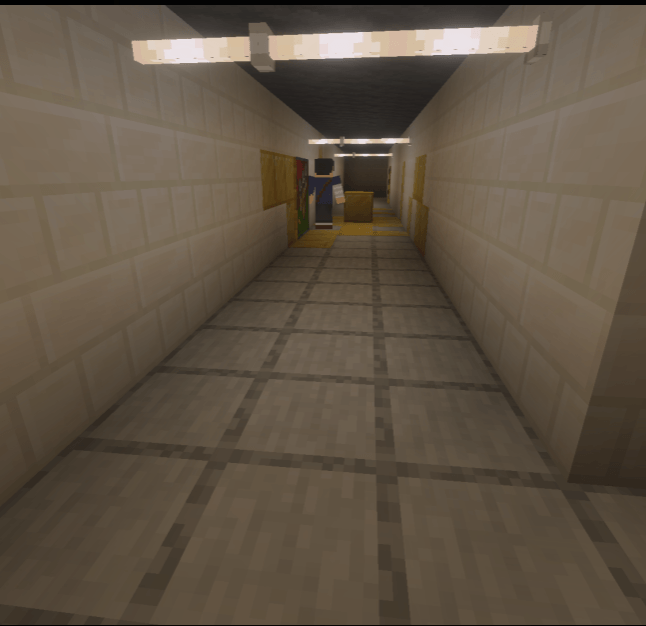
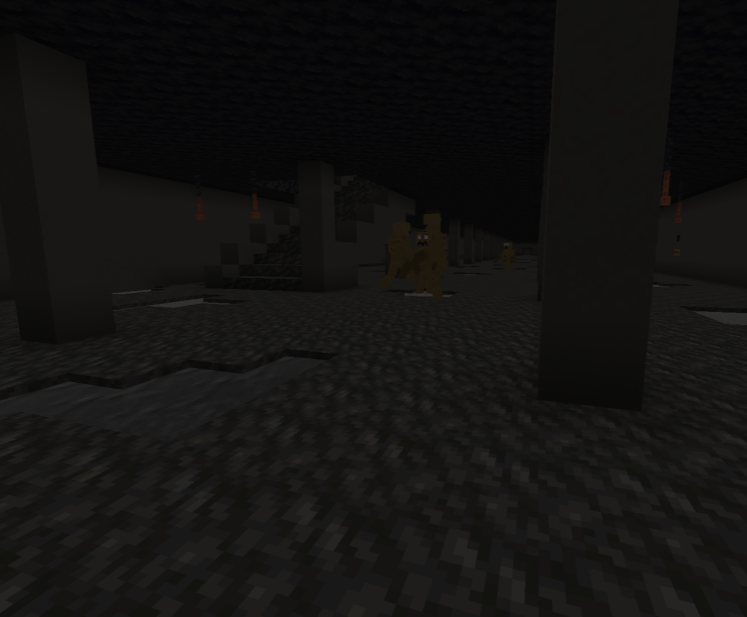
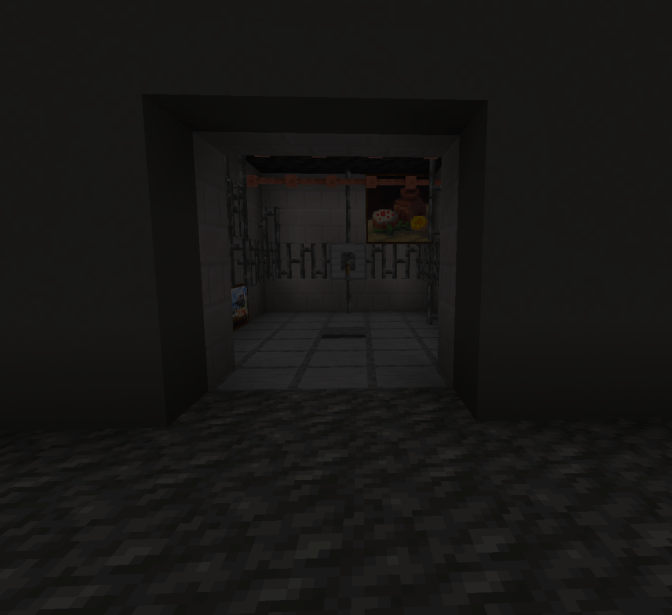
Level 2 Pictures:
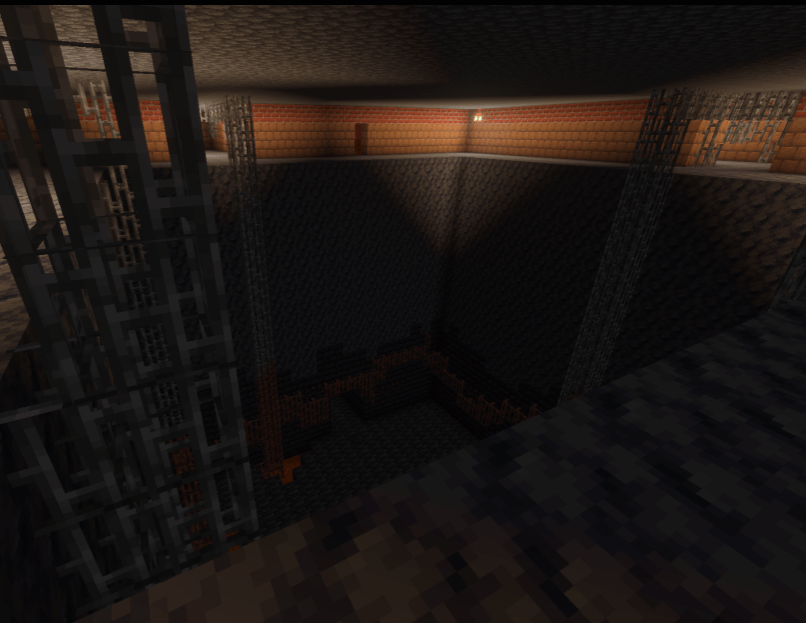
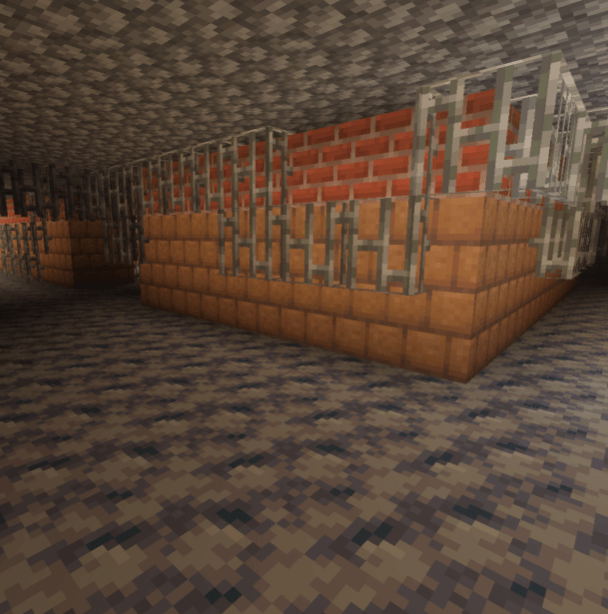
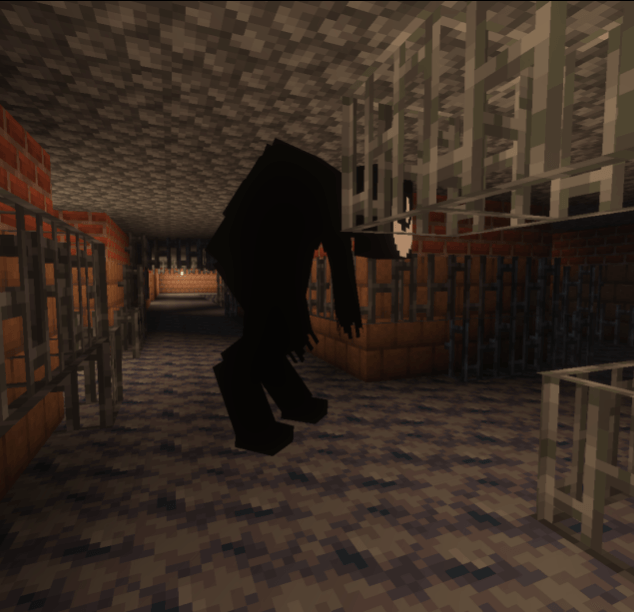
Level 3 Pictures:
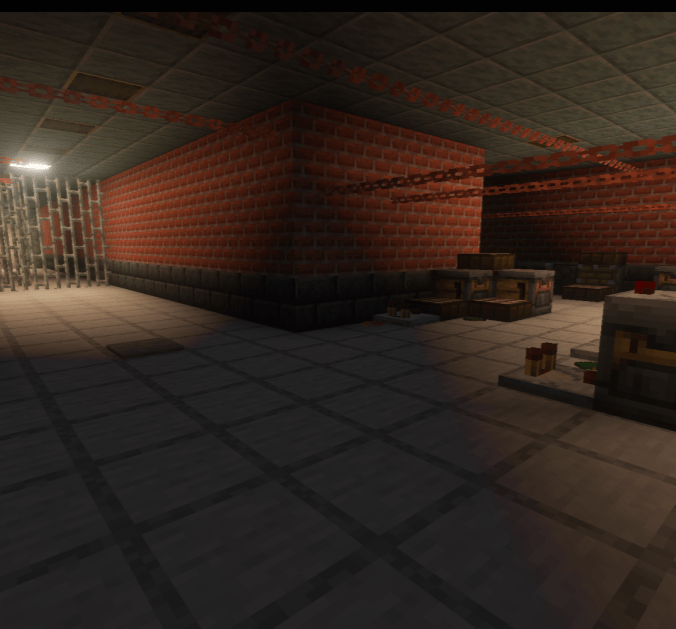
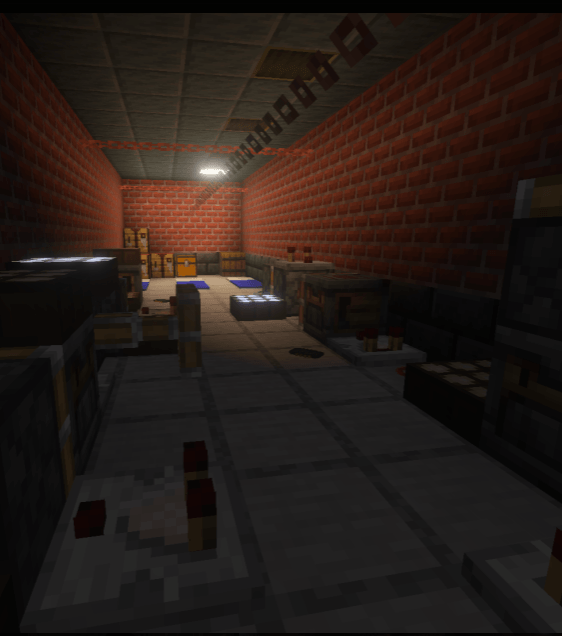
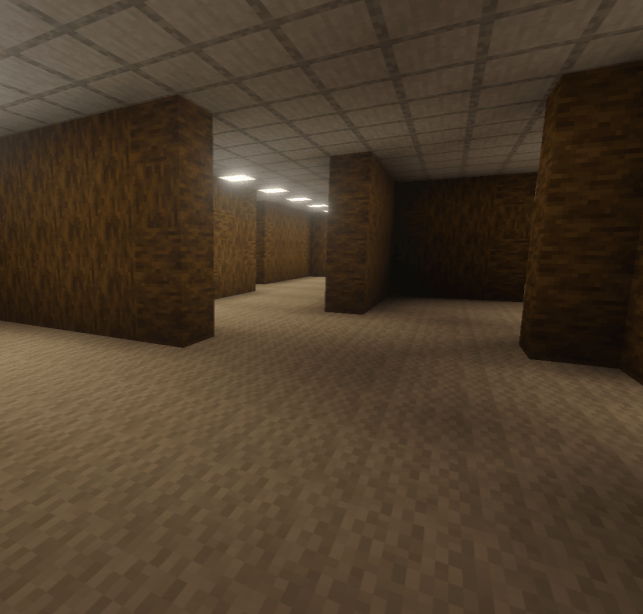
Level 27 Picture:
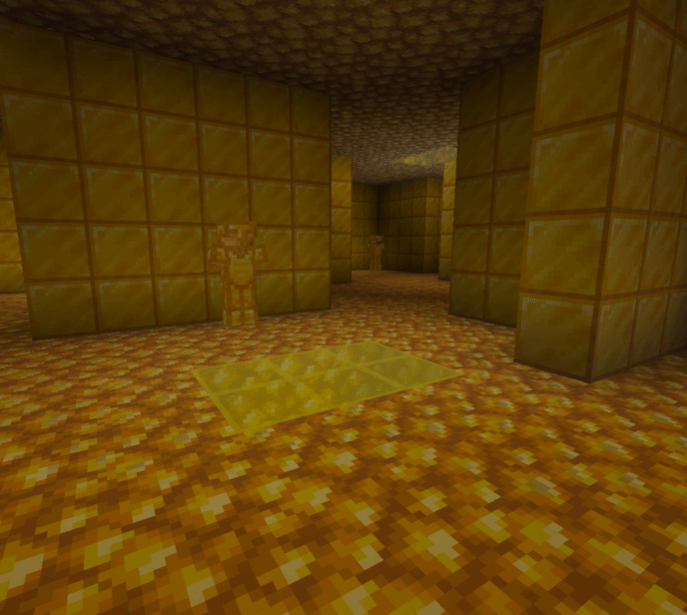
Level φ Picture:
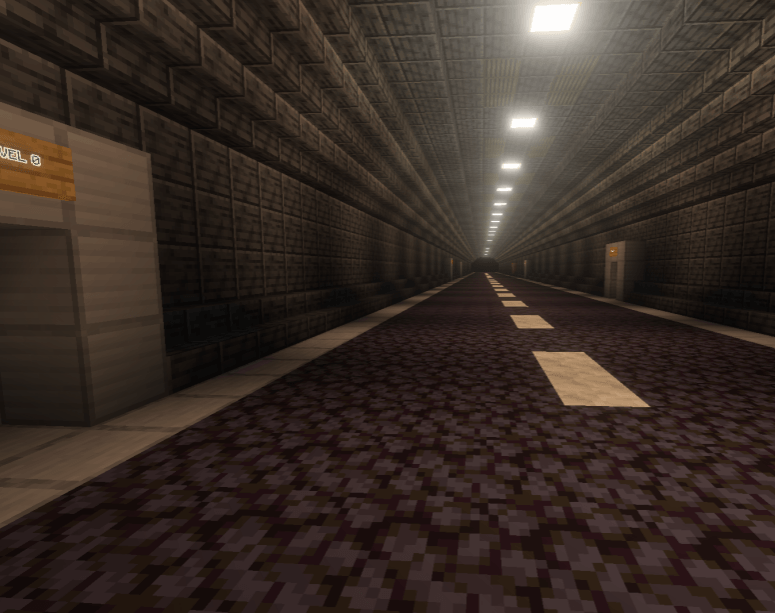
Level 4 Picture:
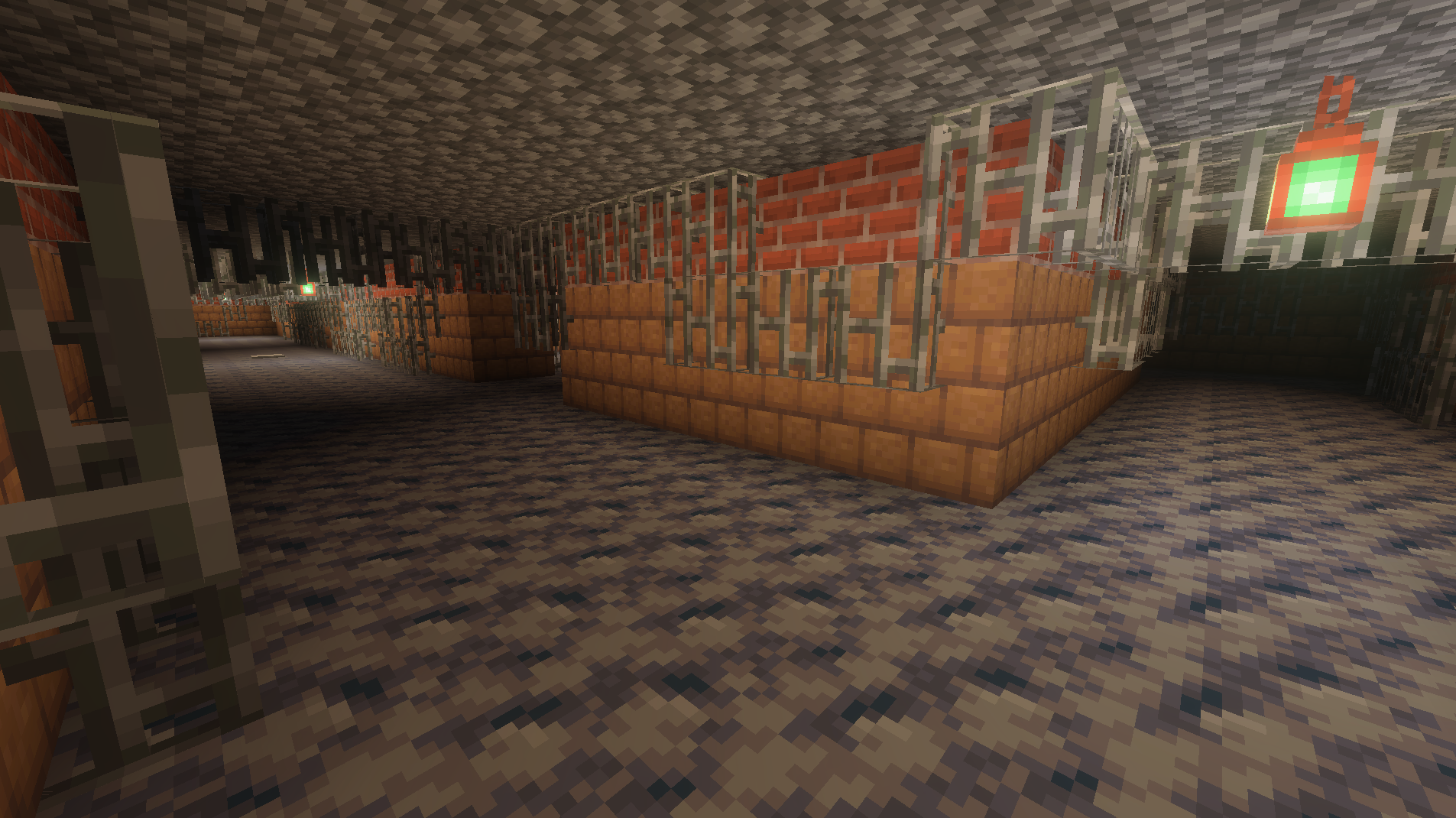
The Level Hub Picture:
There are multiple endings to Birdboy's Backrooms, the 1st one being "The Numerical Ending" to unlock this ending (as of 3/17/2026) you need to beat Level 4 "Abandoned Office", and get to Level 5
The 2nd ending is "The Gold Ending" to unlock this ending you need to find Level φ "Midas' Touch" and succumb to the gold transformation. This is a bad ending.
Here are some hints for how to beat levels (DONT READ UNLESS STUCK)
Level 0:
There are 2 exits to Level 0,
Jump through a tear in the carpet, this will take you to Level 27
Find the "Don't Move Stay Still" sign and complete the entity chase, this will take you to Level 1
Level 1:
There are 4 exits to Level 1,
With the lights on, find a long hallway on the 2nd floor, this will take you to Level 0
With the lights on, find a gold block in one of the side rooms, this will take you to Level φ
Turn off the lights by finding an electrical box in one of the side rooms, then go to the back wall closest to the electrical box and complete the maze, this will take you to The Level Hub
Turn off the lights by finding an electrical box in one of the side rooms, then run to the other end of the level and go down the stairs, this will take you to Level 2
Level 2:
There are 3 exits to Level 2,
Jump down the center hole with slow falling and complete the Smiler chase, this will take you to Level 3
Enter a Red Door on the main level, this will take you to Level 1
Find a gold wall and walk into it, this will take you to Level φ
Level 3:
There is 1 exit to Level 3,
Find the passcode to the iron gate and go up the elevator, this will take you to Level 4
Level 27:
There is 1 exit to Level 27,
Find a birch door and walk through it, this will take you to Level 3
The Level Hub:
There are 6 exits to The Level Hub,
Enter any of the 6 doors using their respective Level Key to enter that level.
Level φ:
There are 0 exits to Level φ,
Succumb to the gold transformation (wait for 2 minutes) (Gold Ending)
Level 4:
There are 2 exits to Level 4,
Find a golden computer, this will take you to Level φ
Press the 6 full vending machines to open the wall playing jazz music, this will take you to Level 5 (Numerical Ending)
LEVEL KEYS:
Level Keys are keys found in each Level, these keys are used to access that level from The Level Hub
Updtae 1.0.1
A Bugfix Update,
Changelog:
Added Level Keys Book Improved Useful Supply Crates in Level 1 Removed Checkpoint in the pit of Level 2 Added more Slow Falling Potions to the chest in Level 2
Changed direction to match Level 3 elevator when entering Level 4
Added Level Keys Book
Improved Useful Supply Crates in Level 1
Removed Checkpoint in the pit of Level 2
Installation von Birdboy's Backrooms
With Millida Launcher
Install Millida Launcher
The launcher is free: download it at millida.net/launcher and sign in with any nickname.
Click “Install” on this page
The launcher opens and installs the map for Minecraft 26.3 automatically.
Launch the game
A profile with it appears in the launcher: click “Play”.
Manually
Download the map archive
Pick the file The Backrooms v1.1.1.mcworld (9.9 MB).
Unpack it into the saves folder
The world folder (with level.dat inside) must sit directly in .minecraft/saves.
Open the world
“Singleplayer”: the map will be in your world list.
On a server
Replace the world folder
Stop the server and put the map folder in place of world (or set its name in level-name).
Use the “To server” button
On Millida Hosting, the button at the top of the page uploads the file to your server and restarts it for you.
Versionen
Mit Abhängigkeiten
| Minecraft | Loader | Datei | Datum | Aktionen |
|---|---|---|---|---|
| 26.3 | — | Birdboy's Backrooms v1.1.19.9 MB 1 |
Bewertungen
Bewerten Sie Birdboy's Backrooms als Erster



