

Eggs - Cobblemon Addon Datenpaket für Minecraft 1.20.1, 1.21.1
In diesen Eiern kannst du einige gewöhnliche, seltene oder schillernde Cobblemon finden
- Aufrufe
- 40 Aufrufe
- Aktualisiert
- Aktualisiert 26.09.2026
- 1.18 — 1.21.1
 Datenpaket
- Client und Server
Über das Eggs - Cobblemon Addon-Datenpaket
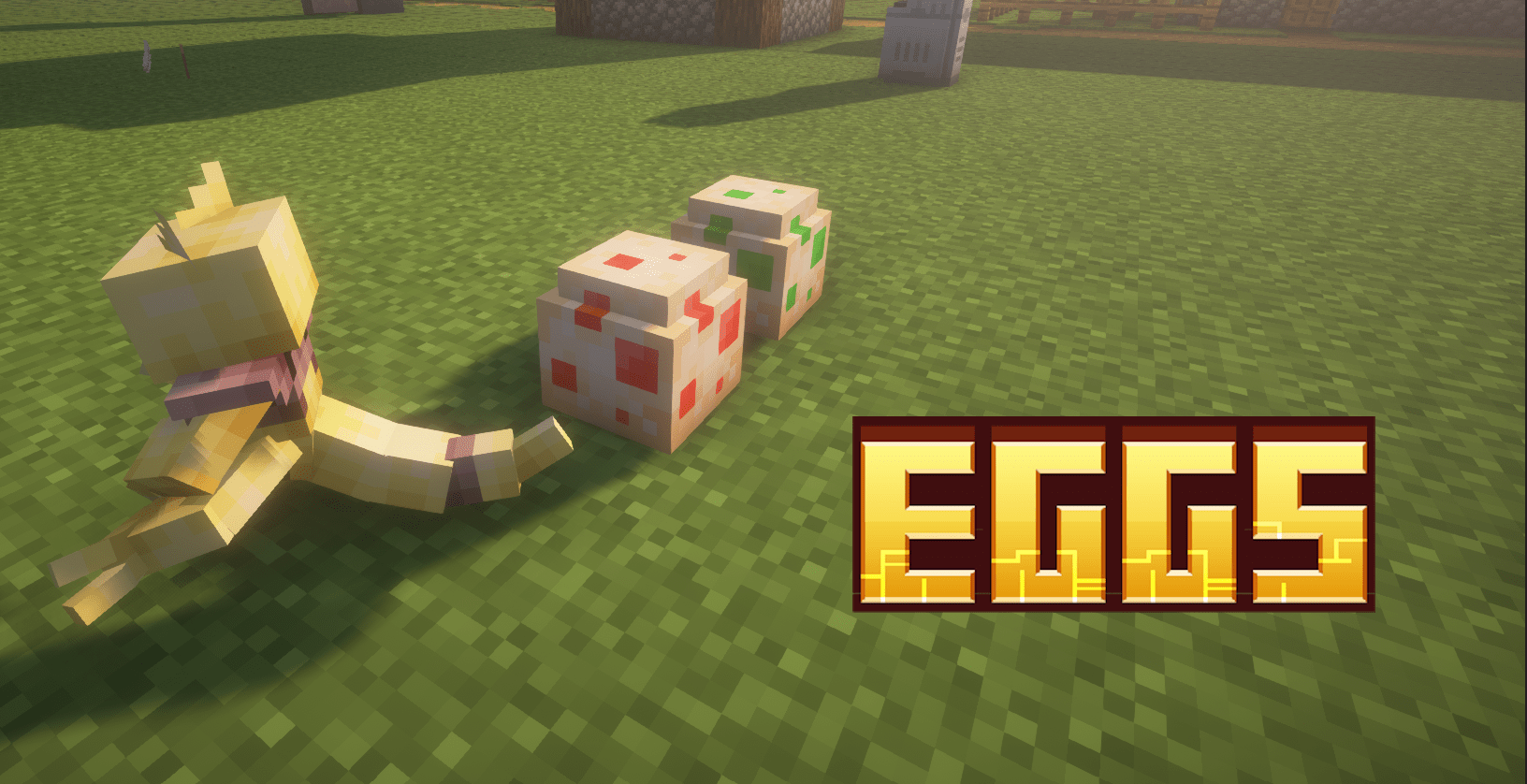

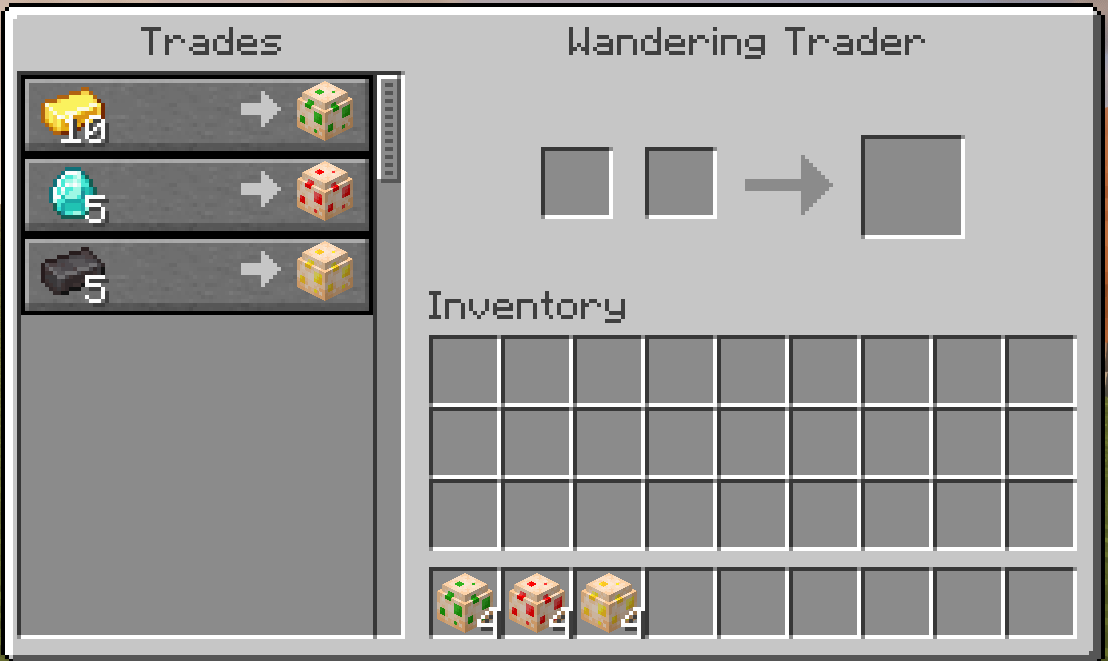
Eggs - Cobblemon Addon is a Data Pack / Mod that adds Cobblemon Eggs. Randomly spawns a trader villager that trade these eggs, he is expensive👀.

How install it?
Actually, this mod is a datapack converted into a mod so you should type /reload in the chat to install properly the mod!

EGGS
How I open the egg?: Open the eggs is very easy! Just place fire where the egg is placed.
I recommend to you to place the egg on a netherrack block to don't let turn off the fire!
- 🔹Common Egg: In this egg you can find some starter and other common cobblemons.
Cobblemons:
- Squirtle
- Bulbasaur
- Charmander
- Pichu
- Mankey
- Eevee
- Treeko
- Torchic
- Mudkip
- Ralts
- Makuhita
- Turtwig
- Piplup
- Shix
- Riolu
- Emolga
- Fennekin
- Chespin
- Froakie
- Rowlet
- Litten
- Popplio
- Stufful
- Abra
- Ekans
- Pidove
- Zigzagoon
- Bellsprout
- Cubone
- Cleffa
- Tentacool
- Kabuto
- Chikorita
- Cyndaquil
- Totodile
- Swinub
- Lotad
- Barboach
- Bagon
- Petilil
- Scorbunny
- Grookey
- Sobble
- Chimchar
- Snivy
- Tepig
- Oshawott
- Staryu
- Fuecoco
- Sprigatito
- Quaxly
- 🔸Rare Egg: You can find some rare cobblemon.
Cobblemon:
- Honedge
- Jangmo-ho
- Ceruledge
- Pidgeotto
- Persian
- Lapras
- Dratini
- Zorua
- Klefki
- Tyrunt
- Larvitar
- Nuzleaf
- Gible
- Golett
- Armarouge
- Rapidash
- Weezing
- Cofagrigus
- Exeggutor
- Krookodile
- ✨Shiny Egg: All the cobblemon but shiny. ✨
Nests
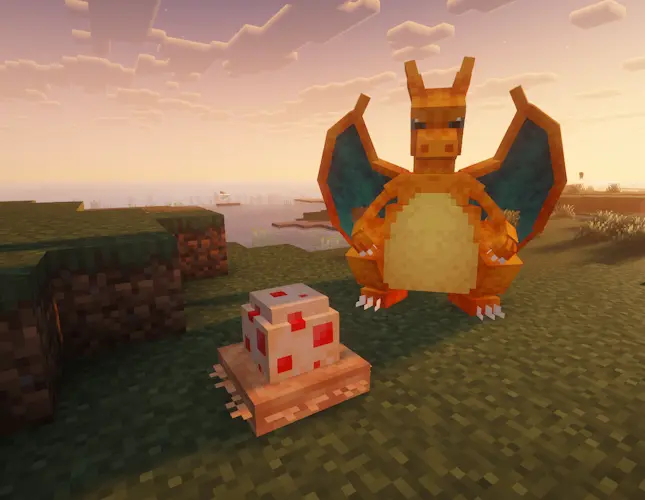
Eggs will spawn randomly below pokemons randomly. (To avoid farming, the eggs will spawn only if there isn t a nest in the nearby).
Costs
Website
If you have any questions, need assistance, or simply want to share your thoughts or feedback, feel free to reach out. We're always here to help and would love to hear from you – whether you're looking for answers, suggestions, or just want to let us know how we're doing.
Installation von Eggs - Cobblemon Addon
With Millida Launcher
Install Millida Launcher
The launcher is free: download it at millida.net/launcher and sign in with any nickname.
Click “Install” on this page
The launcher opens and installs the data pack for Minecraft 1.18–1.21.1 automatically, together with its dependencies: Cobblemon.
Launch the game
A profile with it appears in the launcher: click “Play”.
Manually
Download the archive
Pick the file Eggs_0.9_dt.zip (209 KB) for your game version.
New world: “Data Packs”
When creating a world, click “Data Packs”, drag the archive into the window, then move it to “Selected”.
Existing world: the datapacks folder
Put the archive into saves/<world>/datapacks and type /reload in game.
On a server
Archive goes into the server world’s datapacks
The world/datapacks folder on the server; players do not need to install anything.
Reload the data
Type /reload in the server console or restart the server.
Use the “To server” button
On Millida Hosting, the button at the top of the page uploads the file to your server and restarts it for you.
Versionen
Mit Abhängigkeiten
| Minecraft | Loader | Datei | Datum | Aktionen |
|---|---|---|---|---|
| 1.21.1 | Datenpaket | 1.21.1209 KB | ||
| 1.21.1 | Datenpaket | 1.21.120 KB | ||
| 1.21.1 | Datenpaket | 1.21.121.7 KB | ||
| 1.21.1 | Datenpaket | 1.21.121.2 KB | ||
| 1.21.1 | Datenpaket | 1.21.118.8 KB | ||
| 1.21.1 | Datenpaket | 1.21.118.8 KB | ||
| 1.20.1 | Datenpaket | 1.20.119.7 KB | ||
| 1.21 | Datenpaket | 1.21209 KB | — |
Was zum Ausführen nötig ist
- Cobblemonerforderlich
Bewertungen
Bewerten Sie Eggs - Cobblemon Addon als Erster


