
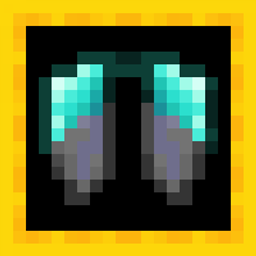
Minecraft 1.21-এর জন্য Upgraded Elytra রিসোর্স প্যাক
আর্মারের সাথে মিলে যাওয়ার জন্য elytra-এর টেক্সচার পরিবর্তন করে।
Upgraded Elytra রিসোর্স প্যাক সম্পর্কে
Hi! This pack requires OptiFine to work and changes the texture of elytra to match the armor.
If you want new texture you should just rename Elytra to:
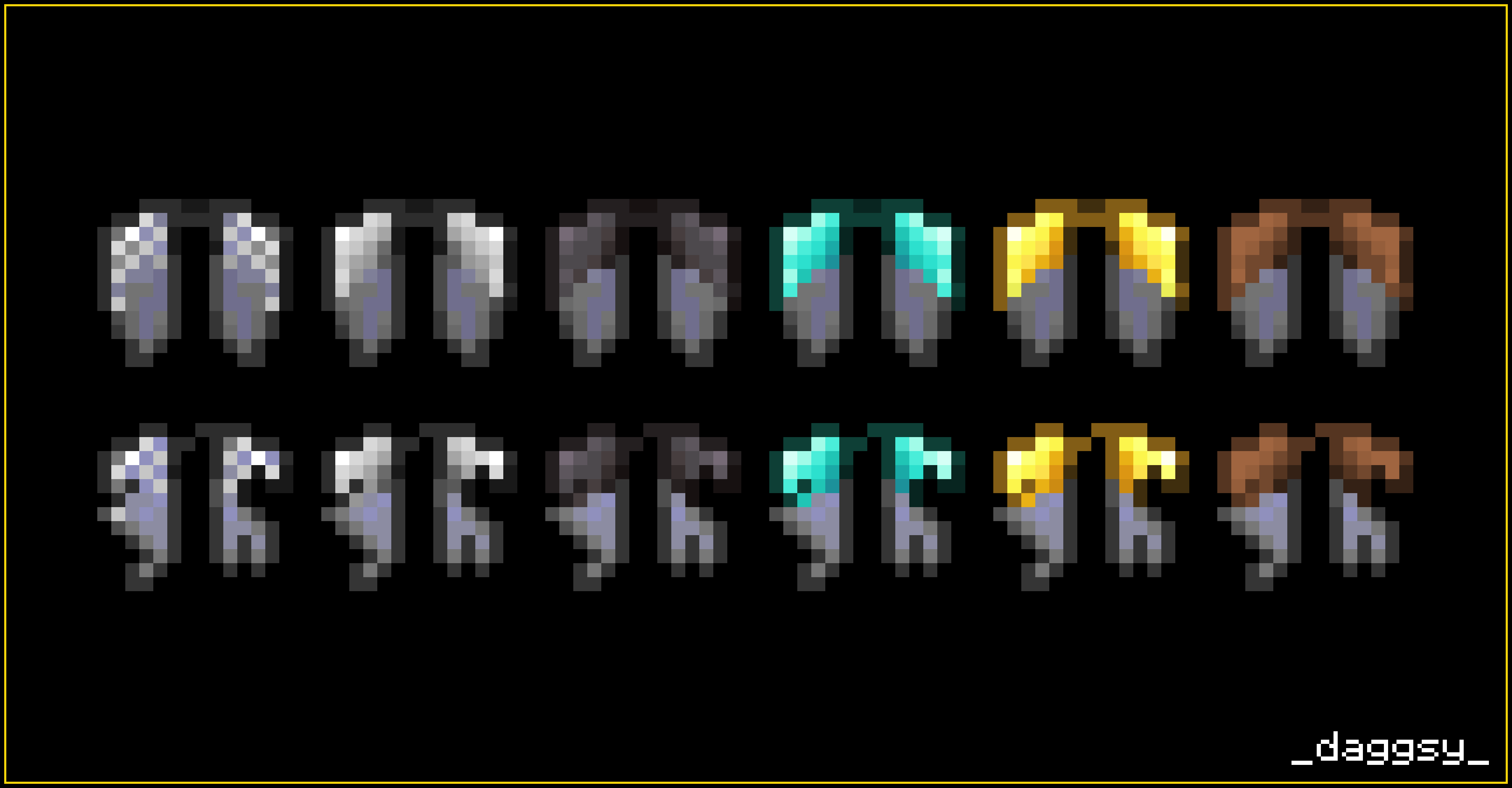
Netherite Elytra Diamond Elytra Gold Elytra Iron Elytra Chainmail Elytra Leather Elytra
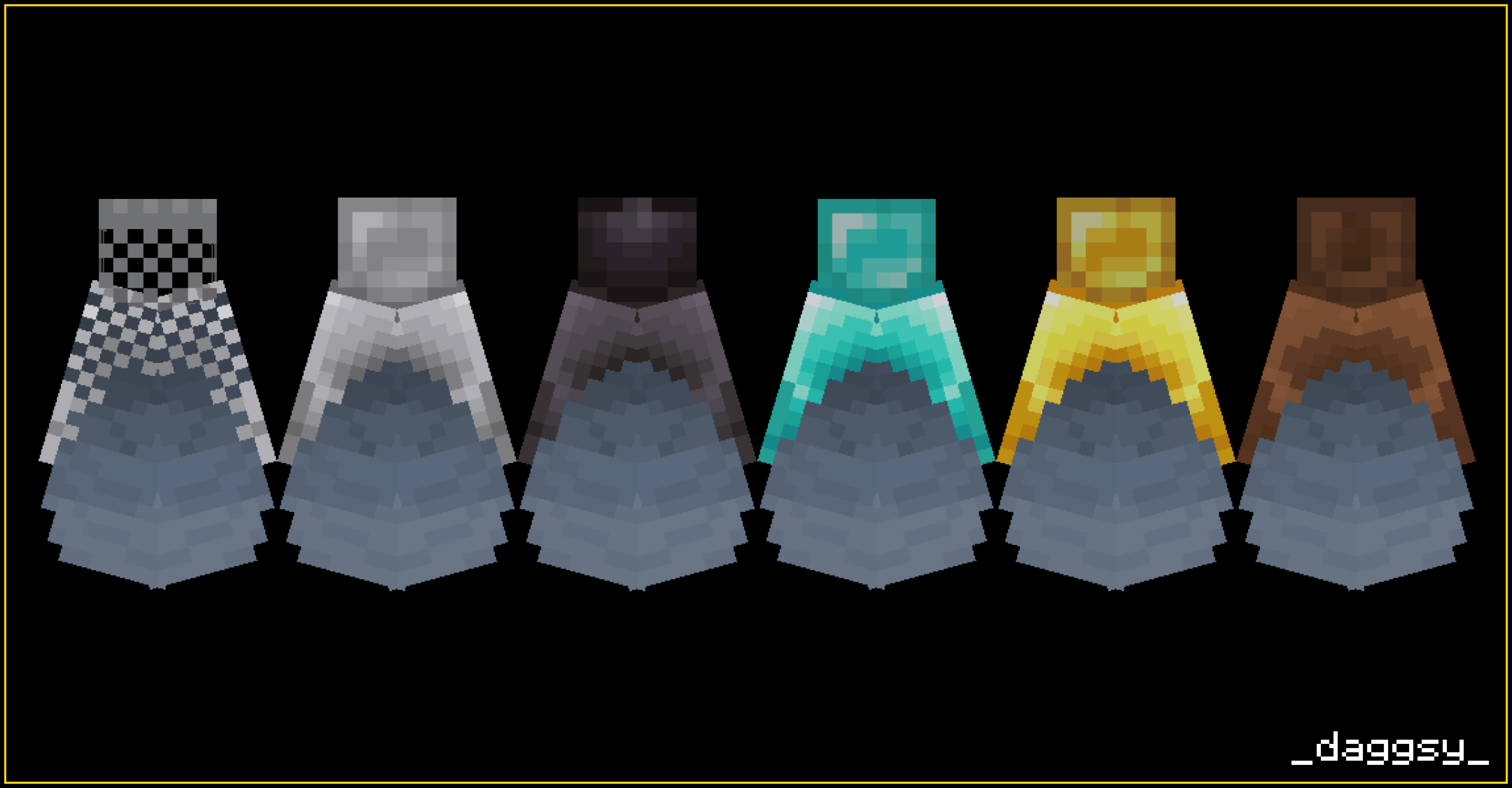
This pack also has two versions: thin and thick. Check out images to see difference!
Hope you like it!
daggsy
Upgraded Elytra কীভাবে ইনস্টল করবেন
Install Millida Launcher
The launcher is free: download it at millida.net/launcher and sign in with any nickname.
Click “Install” on this page
The launcher opens and installs the resource pack for Minecraft 1.21 automatically.
Launch the game
A profile with it appears in the launcher: click “Play”.
ভার্সন
ডিপেন্ডেন্সিসহ
| Minecraft | লোডার | ফাইল | তারিখ | অ্যাকশন |
|---|---|---|---|---|
| 1.21 | — | Upgraded Elytra (version 1) 1.2120.1 KB |
FAQ
Which Minecraft versions does Upgraded Elytra work on?
Only Minecraft 1.21: there are no files for other versions.
How do I download Upgraded Elytra?
With Millida Launcher: it installs Upgraded Elytra into a modpack by itself, for the right game version and loader. The launcher is free.
রিভিউ
Upgraded Elytra-এ প্রথম রেটিং দিন



