

Minecraft 1.5.0-এর জন্য Smoother রিসোর্স প্যাক
LushCraft ও Minimalist-ভিত্তিক পরিচ্ছন্ন টেক্সচার প্যাক
Smoother রিসোর্স প্যাক সম্পর্কে
Description:
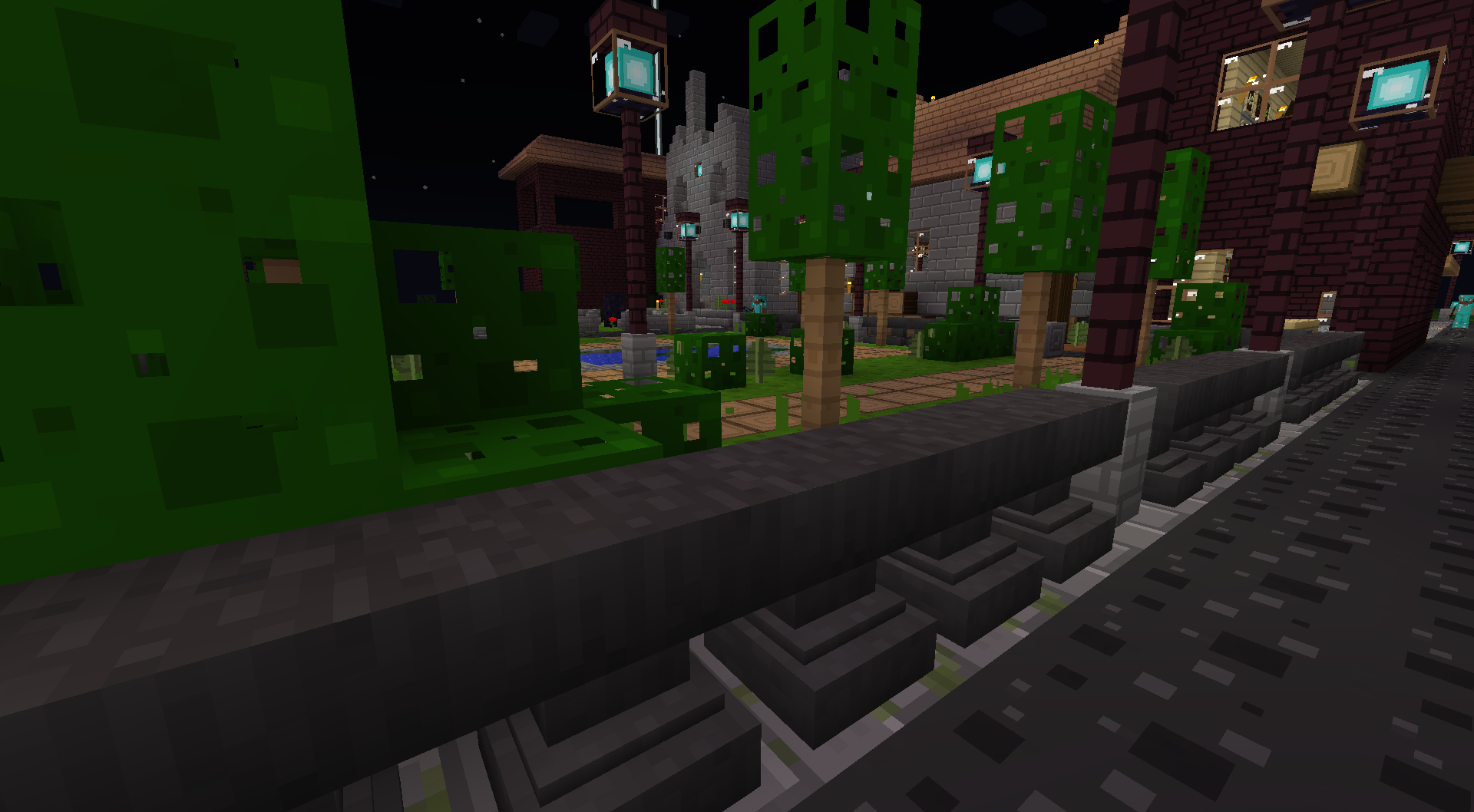
This is a simple texture pack based on a simple design from a minimalist pack that some other guy abandoned long ago. I have attempted to maintain the smooth and simple look throughout the new textures added after 1.7 up to and including the current release. I do not intend to modify every graphic in the entire game (for example armor, skin, and gui are not part of my scope) but I may take requests if they seem very popular or if I have extra free time.
Smoother for 1.5.0:
Smoother কীভাবে ইনস্টল করবেন
With Millida Launcher
Install Millida Launcher
The launcher is free: download it at millida.net/launcher and sign in with any nickname.
Click “Install” on this page
The launcher opens and installs the resource pack for Minecraft 1.5.0 automatically.
Launch the game
A profile with it appears in the launcher: click “Play”.
Manually
Download the archive
Pick the file smoother-1.5a.zip (1.1 MB) for your game version. No need to unpack it.
Put it in the resourcepacks folder
The easiest way: “Options”, then “Resource Packs”, then “Open Pack Folder”, and drag the archive there.
Enable the pack
In the same window, move the pack to the right-hand “Selected” column and click “Done”.
ভার্সন
ডিপেন্ডেন্সিসহ
| Minecraft | লোডার | ফাইল | তারিখ | অ্যাকশন |
|---|---|---|---|---|
| 1.5.0 | — | smoother-1.5a.zip1.1 MB | ||
| — | — | Smoother.zip775 KB |
FAQ
Which Minecraft versions does Smoother work on?
Only Minecraft 1.5.0: there are no files for other versions.
Where can I download Smoother safely?
On this page: the file smoother-1.5a.zip (1.1 MB) is stored on Millida’s server, with no link shorteners. SHA-1 checksum: 23ab0f96783a9129e0c9e31efb8e0b1a6a600f63.
রিভিউ
Smoother-এ প্রথম রেটিং দিন


