
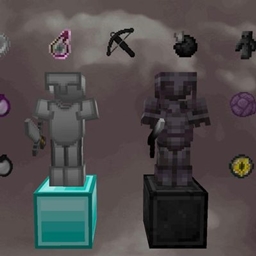
Minecraft 1.18.2, 26.30-এর জন্য Shadow Eclipse PvP Pack
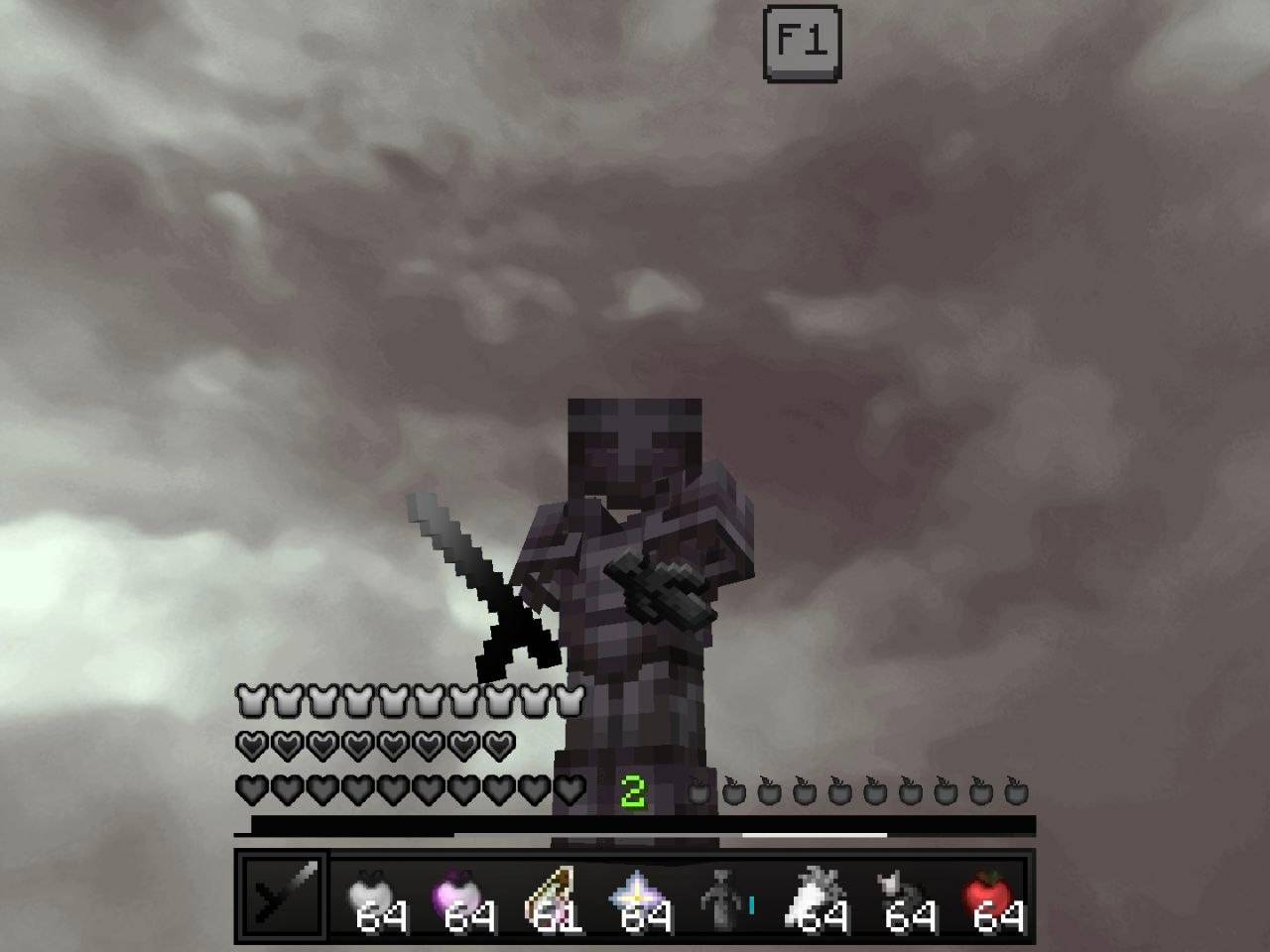
কাস্টম আর্মার, অস্ত্র, টুল, আইটেম, পার্টিকেল এবং পরিচ্ছন্ন মিনিমালিস্ট স্টাইল সম্বলিত একটি স্লিক ডার্ক-থিমযুক্ত PvP টেক্সচার প্যাক দিয়ে প্রতিটি যুদ্ধে আধিপত্য বিস্তার করুন। Minecraft Bedrock-এর জন্য অপ্টিমাইজ করা
Shadow Eclipse PvP Pack রিসোর্স প্যাক সম্পর্কে
Dominate every battle with a sleek dark-themed PvP texture pack featuring custom armor, weapons, tools, items, particles, and a clean minimalist style. Optimized for Minecraft Bedrock to deliver smooth gameplay, improved visibility, and a premium competitive experienc
Shadow Eclipse PvP Pack কীভাবে ইনস্টল করবেন
With Millida Launcher
Install Millida Launcher
The launcher is free: download it at millida.net/launcher and sign in with any nickname.
Click “Install” on this page
The launcher opens and installs the resource pack for Minecraft 1.18.2–26.30 automatically.
Launch the game
A profile with it appears in the launcher: click “Play”.
Manually
Download the archive
Pick the file TG @MCAdd3719.mcpack (6.4 MB) for your game version. No need to unpack it.
Put it in the resourcepacks folder
The easiest way: “Options”, then “Resource Packs”, then “Open Pack Folder”, and drag the archive there.
Enable the pack
In the same window, move the pack to the right-hand “Selected” column and click “Done”.
ভার্সন
ডিপেন্ডেন্সিসহ
| Minecraft | লোডার | ফাইল | তারিখ | অ্যাকশন |
|---|---|---|---|---|
| 1.18.2 | — | TG @MCAdd3719.mcpack6.4 MB ৭ |
FAQ
Which Minecraft versions does Shadow Eclipse PvP Pack work on?
There are files for 26.30, 1.18.2. The newest is 26.30.
Where can I download Shadow Eclipse PvP Pack safely?
On this page: the file TG @MCAdd3719.mcpack (6.4 MB) is stored on Millida’s server, with no link shorteners. SHA-1 checksum: e350f2a4ba4a4de9ca0094f9748d314a6be6d471.
রিভিউ
Shadow Eclipse PvP Pack-এ প্রথম রেটিং দিন


