

Minecraft 26.3-এর জন্য RenewedMenu রিসোর্স প্যাক
এটি গেমের "মেনু অ্যাসপেক্ট" পরিবর্তন করে, উপভোগ করুন
RenewedMenu রিসোর্স প্যাক সম্পর্কে
RenewedMenù
What's is?
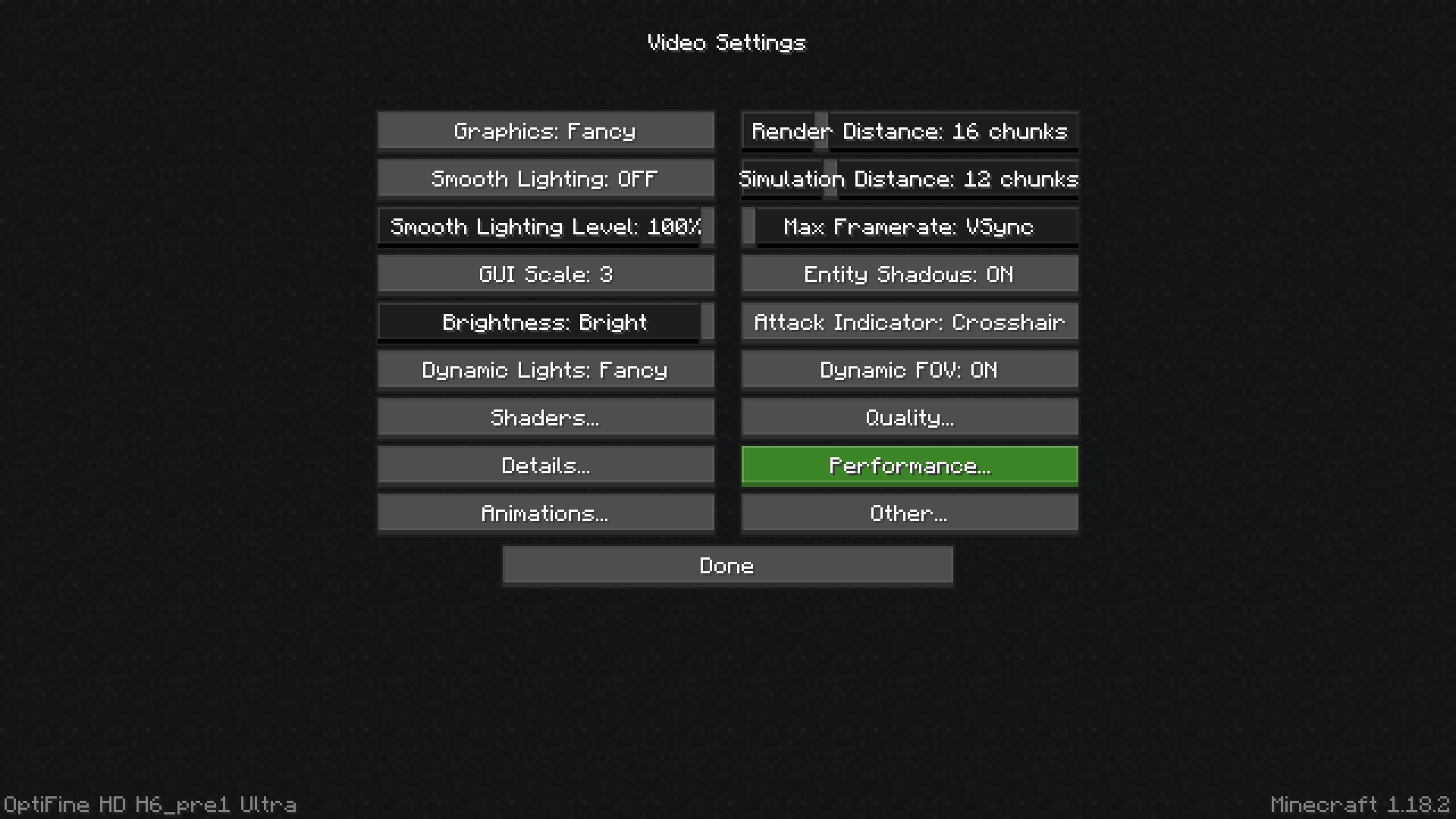
This texture add a bunch of tweak and tips regarding
the "menu side" of the game
It change:
- All container GUIs
- The buttons, making them more similar to those of the bedrock version
- Change the menu background
- The shulker boxes: their inventory changes color depending on the color of the shulker
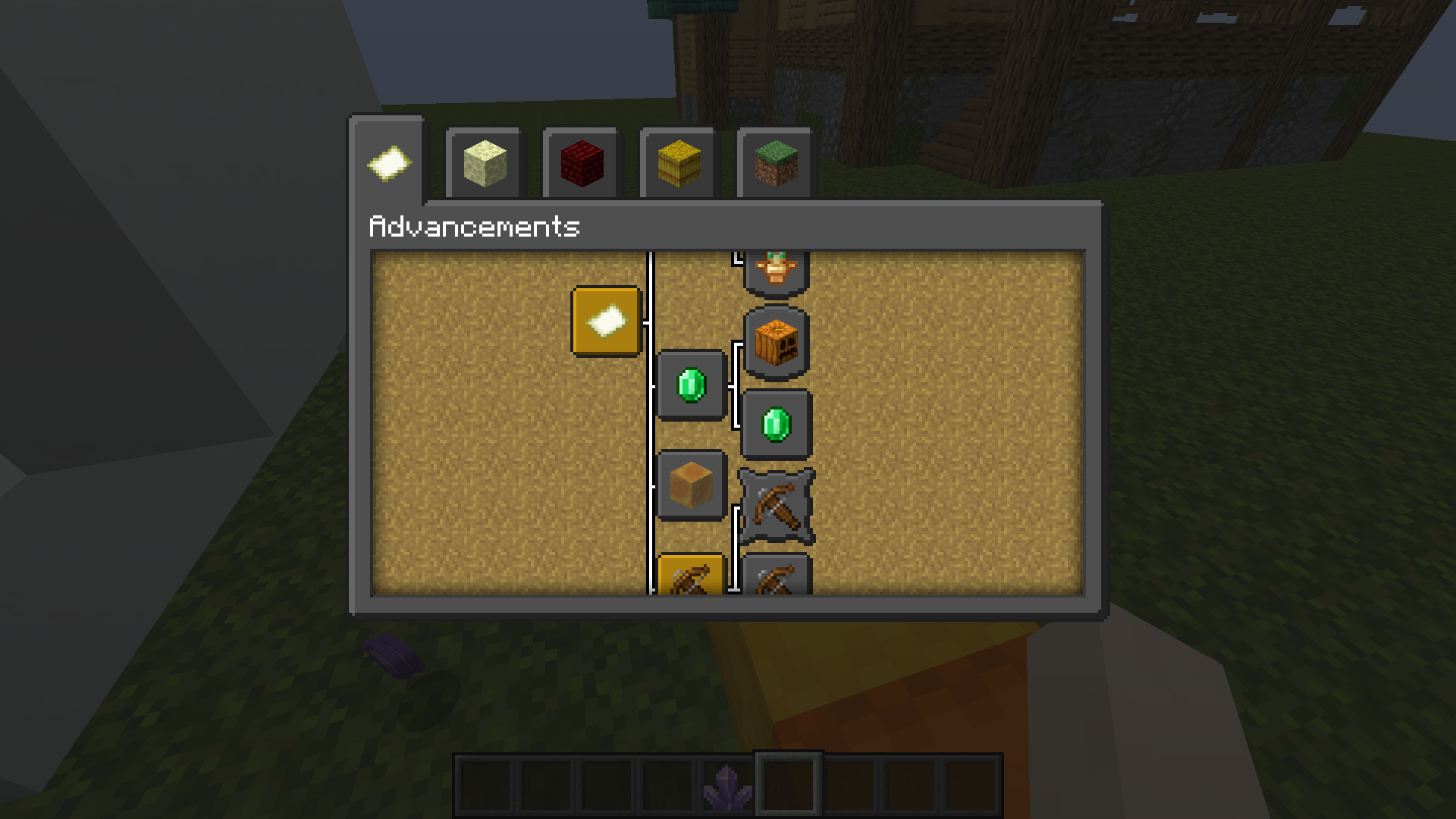
- The background of the advancement menu
- The background of the main menu
The main menu:
The main menu as you will notice remains stationary, strange isn't it? Well, I found that Minecraft can have static backgrounds, which can be changed! With all possible resolutions, there are no limits.
In the texture there are already various images, pre-installed by me.
To change the background enter in the zip file and follow this path:
"assets \ minecraft \ textures \ gui \ title \ background",
paste your image there and rename it "panorama_overlay"
The shulker box:
They are colorful now. Example: if you open a red-colored shulker, its inventory will take on its own color, and this for all 17 shulkers!
(Optifine required)
RenewedMenu কীভাবে ইনস্টল করবেন
Install Millida Launcher
The launcher is free: download it at millida.net/launcher and sign in with any nickname.
Click “Install” on this page
The launcher opens and installs the resource pack for Minecraft 26.1–26.3 automatically.
Launch the game
A profile with it appears in the launcher: click “Play”.
ভার্সন
ডিপেন্ডেন্সিসহ
| Minecraft | লোডার | ফাইল | তারিখ | অ্যাকশন |
|---|---|---|---|---|
| 26.1 | — | RenewedMenu 3.5.2332 KB ৫ |
FAQ
Which Minecraft versions does RenewedMenu work on?
There are files for 26.3, 26.2, 26.1.2, 26.1.1, 26.1. The newest is 26.3.
How do I download RenewedMenu?
With Millida Launcher: it installs RenewedMenu into a modpack by itself, for the right game version and loader. The launcher is free.
রিভিউ
RenewedMenu-এ প্রথম রেটিং দিন



