
Minecraft 1.21.1, 1.21-এর জন্য Default Dark Create রিসোর্স প্যাক
Default Dark Mode কালার প্যালেট ব্যবহার করে Create এর জন্য ডার্ক মোড। Create v6.0.6 এবং নতুনের জন্য তৈরি
Default Dark Create
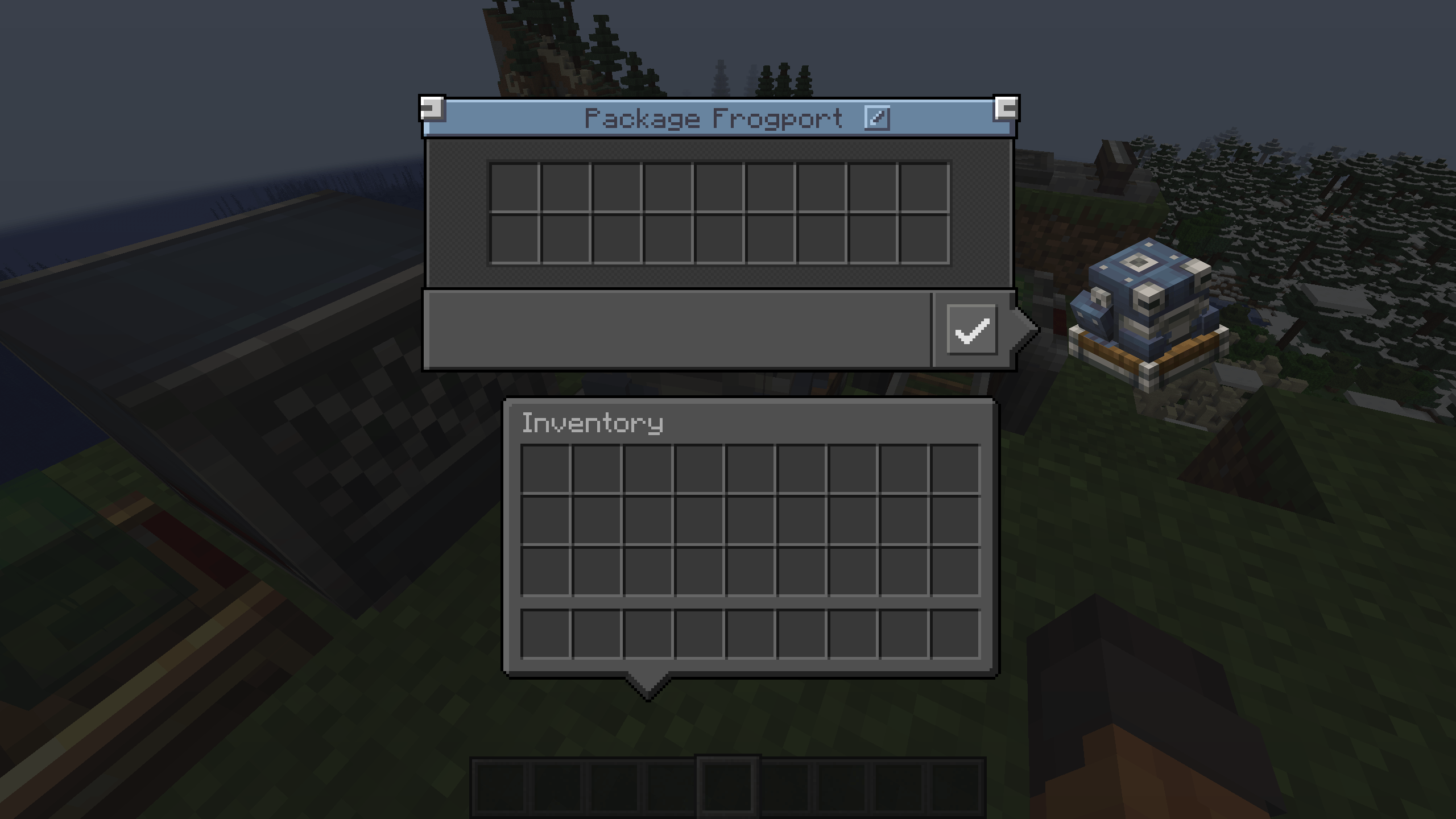
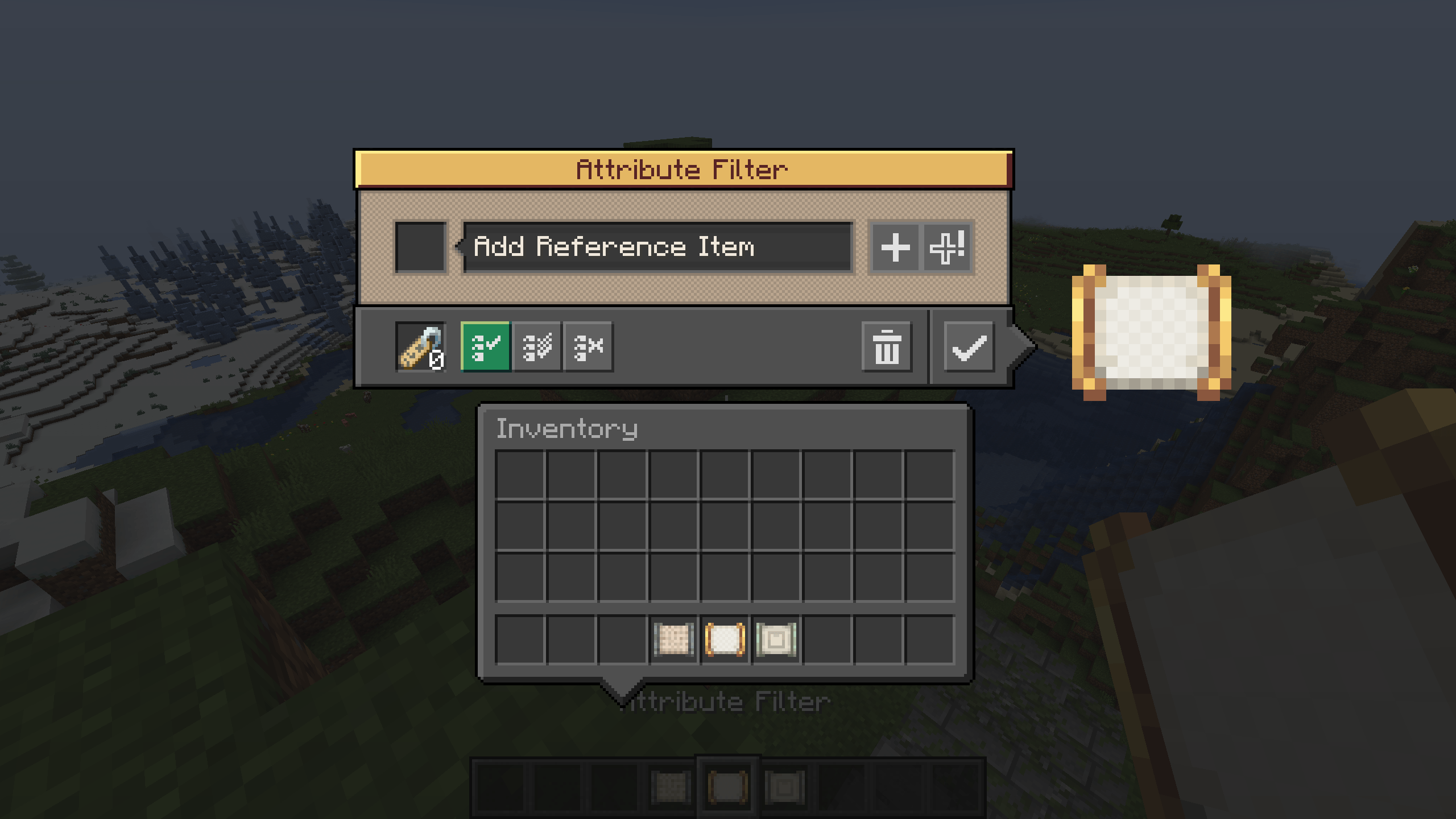
This resource pack adds dark mode support to Create using color palette from Default Dark Mode.
Compatibility
Default Dark Create is made for 6.0.6 version of Create. Might not work correctly with older versions of Create.
Default Dark Create কীভাবে ইনস্টল করবেন
With Millida Launcher
Install Millida Launcher
The launcher is free: download it at millida.net/launcher and sign in with any nickname.
Click “Install” on this page
The launcher opens and installs the resource pack for Minecraft 1.20.2–1.21.9 automatically.
Launch the game
A profile with it appears in the launcher: click “Play”.
Manually
Download the archive
Pick the file Default Dark Create 1.20.2-1.21.x.zip (173 KB) for your game version. No need to unpack it.
Put it in the resourcepacks folder
The easiest way: “Options”, then “Resource Packs”, then “Open Pack Folder”, and drag the archive there.
Enable the pack
In the same window, move the pack to the right-hand “Selected” column and click “Done”.
ভার্সন
ডিপেন্ডেন্সিসহ
| Minecraft | লোডার | ফাইল | তারিখ | অ্যাকশন |
|---|---|---|---|---|
| 1.20.2 | — | Default Dark Create 1.20.2-1.21.x v1.0173 KB ১ |
রিভিউ
Default Dark Create-এ প্রথম রেটিং দিন


