

Minecraft 1.21.1, 1.21-এর জন্য Simply Solid Shaders
একটি শেডার যা প্লাগ অ্যান্ড প্লে হওয়ার জন্য ডিজাইন করা হয়েছে, এবং আপনার সমস্ত Minecraft প্রয়োজনের জন্য সহজভাবে শক্ত হওয়ার জন্য!!
 Fabric
 OptiFine
Simply Solid Shaders শেডার সম্পর্কে
[Public Service Announcement :3]
Hey everyone :D! Recently I've noticed that nametags and waypoints on the Xaero's Minimap mod appear shadowed and render weird, on specifically versions 26x, but while I was researching on how to fix it I found out that it's a problem with Iris shaders itself and they're working on it right now, so we're all good. Anyways with that being said, thank you all so much for your support!!

✨ Simply Solid Shaders ✨
Welcome to Simply Solid Shaders, a shader designed to be plug and play, and just simply be solid for all your Minecraft needs!! 🖤✨🖤✨
Full Features List:
- Critically Simplified (no shadows, reflections, etc)
- High Gamma for optimal vision
- Softened Color Palatte (ideally less fatigue)
- No Settings (no need to cave dive settings to optimize)
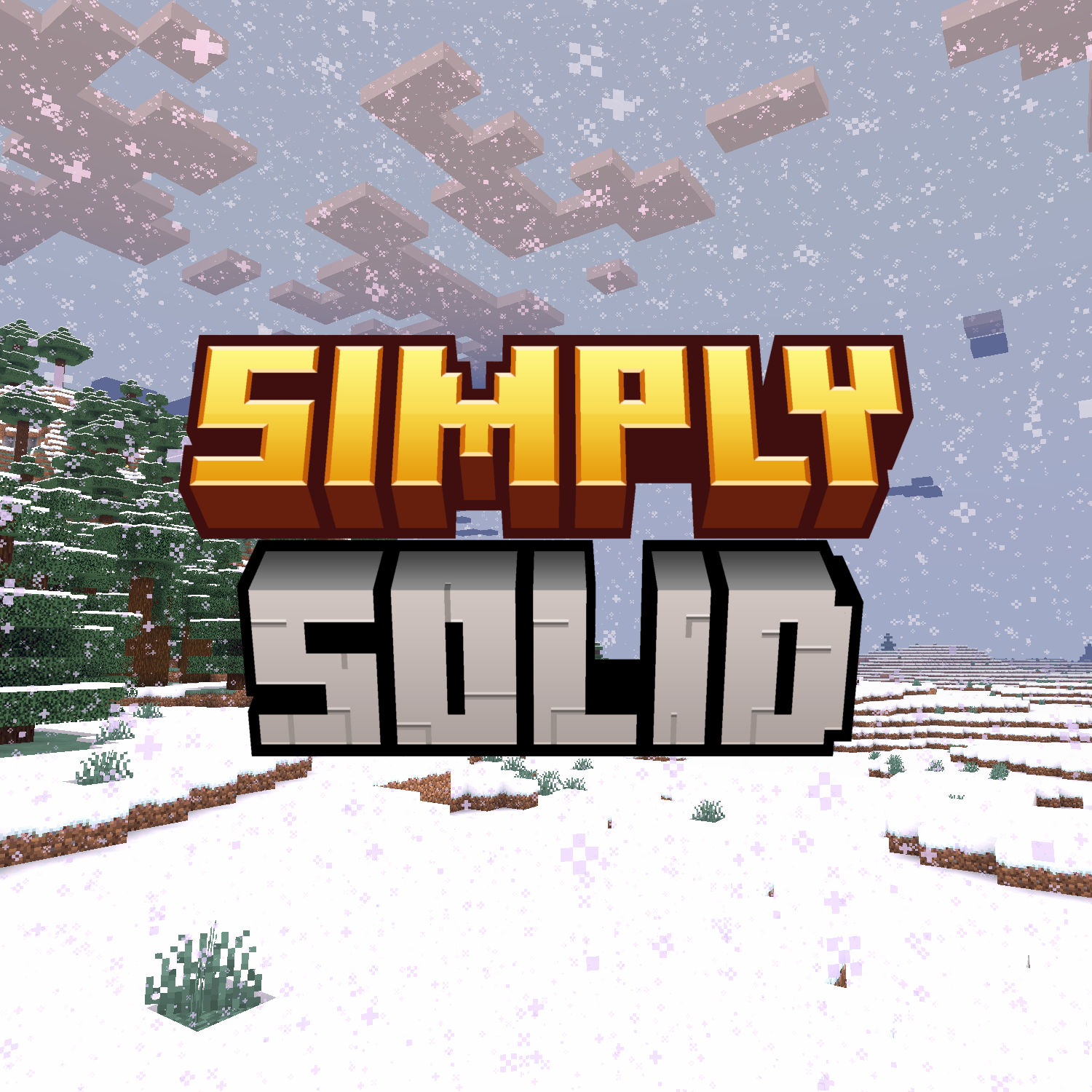
Creative Decisions 🤔:
I've made a lot of decisions that one may not expect from a shader, for a couple of reasons. It's been designed specifically to be "fullbright" and has been critically simplified from normal shaders (no shadows, reflections, etc) so it can run on most GPUs including iGPUs (me :3). These decisions have been made also to benefit SMP players, PVPers, and even Speedrunners! It makes the game look a lot smoother for those wanting vanilla but nicer looking visuals :3.
And by the way, because I love anarchy (for legal reasons this is a joke), this shader lowk open to edit for your own personal use, so do whatever you want with it... if it's ethical 💀😅
Shader Github Page :3

Simply Solid Shaders কীভাবে ইনস্টল করবেন
With Millida Launcher
Install Millida Launcher
The launcher is free: download it at millida.net/launcher and sign in with any nickname.
Click “Install” on this page
The launcher opens and installs the shaders for Minecraft 1.21–26.2 automatically.
Launch the game
A profile with it appears in the launcher: click “Play”.
Manually
Install Iris or OptiFine
Without a shader mod the game cannot see shaders. Install it for the same Minecraft version.
Download the shader archive
Pick the file SimplySolidShaderss-1.5.1.zip (16 KB) and do not unpack it.
Put it in the shaderpacks folder
“Options”, then “Video Settings”, then “Shader Packs”, then “Open Shader Pack Folder”, and drag the archive there.
Select the shaders
In the same window, click the pack name and “Apply”.
ভার্সন
ডিপেন্ডেন্সিসহ
| Minecraft | লোডার | ফাইল | তারিখ | অ্যাকশন |
|---|---|---|---|---|
| 26.1 | Iris, OptiFine | 26.115.9 KB ১ | ||
| 1.21.11 | Iris, OptiFine | 1.21.1115.9 KB | ||
| 1.21 | Iris, OptiFine | 1.2115.9 KB | ||
| 26.2 | Iris, OptiFine | 26.215.9 KB | — |
রিভিউ
Simply Solid Shaders-এ প্রথম রেটিং দিন


