
Minecraft-এর জন্য InfinitePlots প্লাগইন
http://dev.bukkit.org/server-mods/infiniteplots/
Description
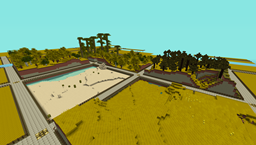
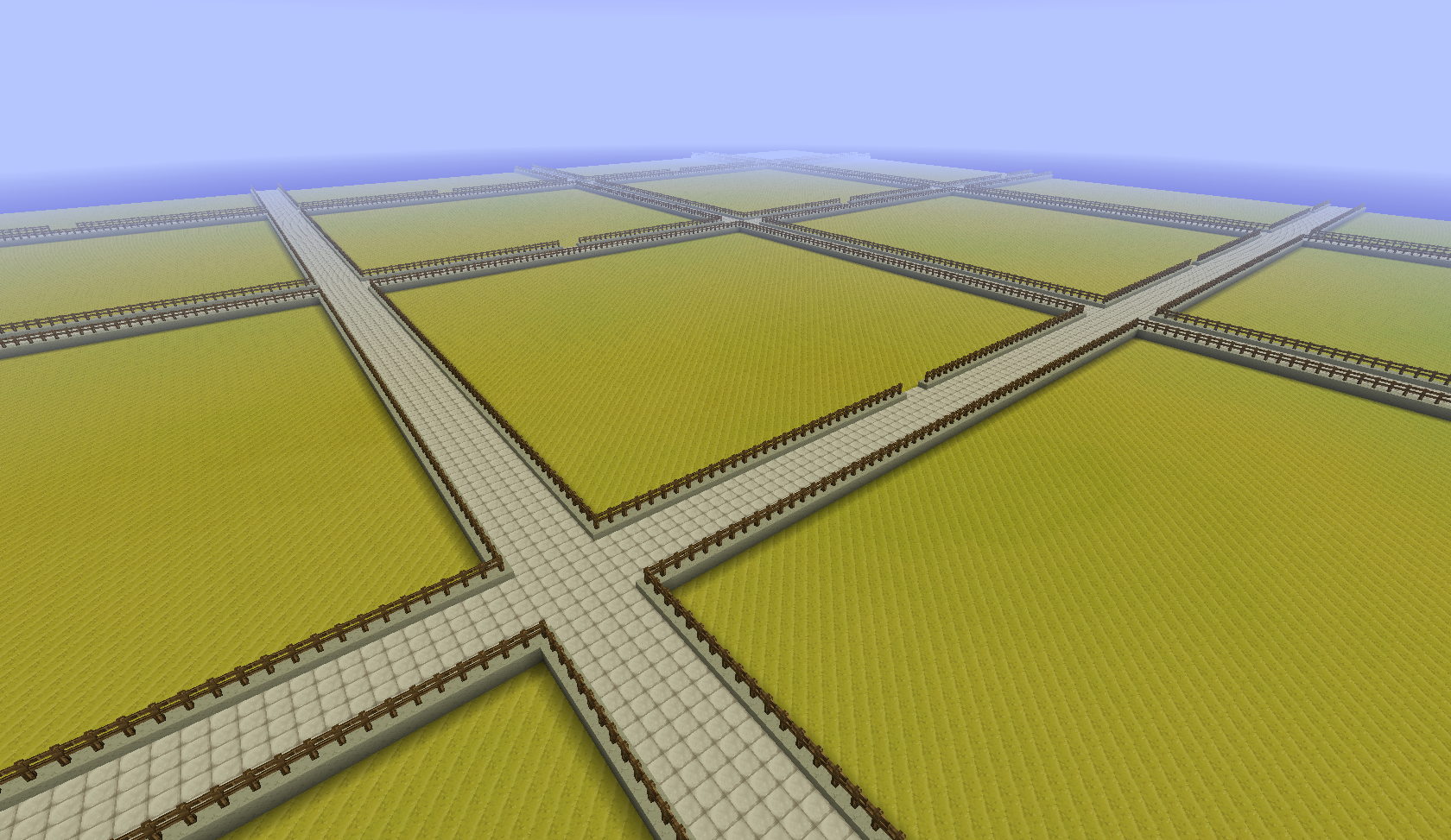
This plugin provides a simple generator for server admins to use to create an infinite world of building plots (of a configurable size), the idea is for it to be used to create a world to be used for building competitions. I made this to use on my server and am releasing it just in case anyone else is looking for the same thing.
NOTE: This does not create any worlds, you will need to use a plugin like MultiVerse or edit your world.yml file to create one using this plugins name as the generator. An example of the command used to create a world using MultiVerse would be
/mv create competition_world normal -g InfinitePlots
Bug Reports / Suggestions
If you find a bug, encounter a problem or have a suggestion, please fill out a ticket via the Tickets link above. I do not have the time to read through the comments section, any comment that fits the previous three categories will be ignored.
Plot Size
The plot-size option in the config file controls the size of the plots that are generated, it will only take effect in new areas so you may need to delete the worlds folder and have it regenerate.
You can also set the size of the plots for a given world using the generator ID parameter, for a size of 64 (the default) you can do
/mv create competition_world normal -g InfinitePlots:64
for 128 you would do
/mv create competition_world normal -g InfinitePlots:128
If the ID parameter is not specified the value from the config file will be used.
For details of the other config options see the config page.
Contributing
Contributions to the project are very much welcome, if you have a feature that you want implemented and know a nice way to do it then consider forking the repo and submitting a pull request. These will be accepted as long as the following simple guidelines are followed.
- Do not edit the structure of the pom.xml file, feel free to add a dependency if you need it but the formatting and structure should not be changed.
- If you are exposing a new API method, add a JavaDoc comment to it, but don't over-comment internal code.
- Follow the existing code style, don't antagonise over every space though !
All dependencies that are used are now available from a public Maven repo, so you don't have to worry about building several other projects just to add a simple change any more.
Source Code
Available on GitHub
Dev Builds
Changes Since Last Release
Information on the development version can be found on the new version of this page http://dev.bukkit.org/server-mods/infiniteplots/pages/main-dev/
Download
Development builds of this project can be acquired at the provided continuous integration server. These builds have not been approved by the BukkitDev staff. Use them at your own risk.
http://bukkit.jacekk.co.uk:8000/job/InfinitePlots/
InfinitePlots কীভাবে ইনস্টল করবেন
A server on Paper or Spigot
The plugin runs on the server core; players do not need to install anything.
File goes into the plugins folder
Download the file InfinitePlots.jar (120 KB) and put it into the server’s plugins folder.
Restart the server
On startup the plugin creates its own settings folder in plugins.
Use the “To server” button
On Millida Hosting, the button at the top of the page uploads the file to your server and restarts it for you.
ভার্সন
ডিপেন্ডেন্সিসহ
| Minecraft | লোডার | ফাইল | তারিখ | অ্যাকশন |
|---|---|---|---|---|
| — | — | v0.9-SNAPSHOT-b88120 KB | ||
| — | — | v0.8.143.9 KB |
FAQ
Do players need to install InfinitePlots?
No, the plugin goes only on the server, into the plugins folder: players do not need to download anything.
রিভিউ
InfinitePlots-এ প্রথম রেটিং দিন


