
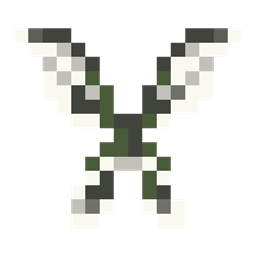
Minecraft 1.12.2, 1.16.5-এর জন্য Wings মড
আকাশে চলাচলের জন্য বিভিন্ন পাখি ও পোকার ডানা যোগ করে
- ডাউনলোড
- ৭ ডাউনলোড
- ভিউ
- ২৬ ভিউ
- আপডেট করা হয়েছে
- আপডেট করা হয়েছে 18.10.2026
- 1.12.2 — 1.16.5
 Forge
Forge
Wings মড সম্পর্কে
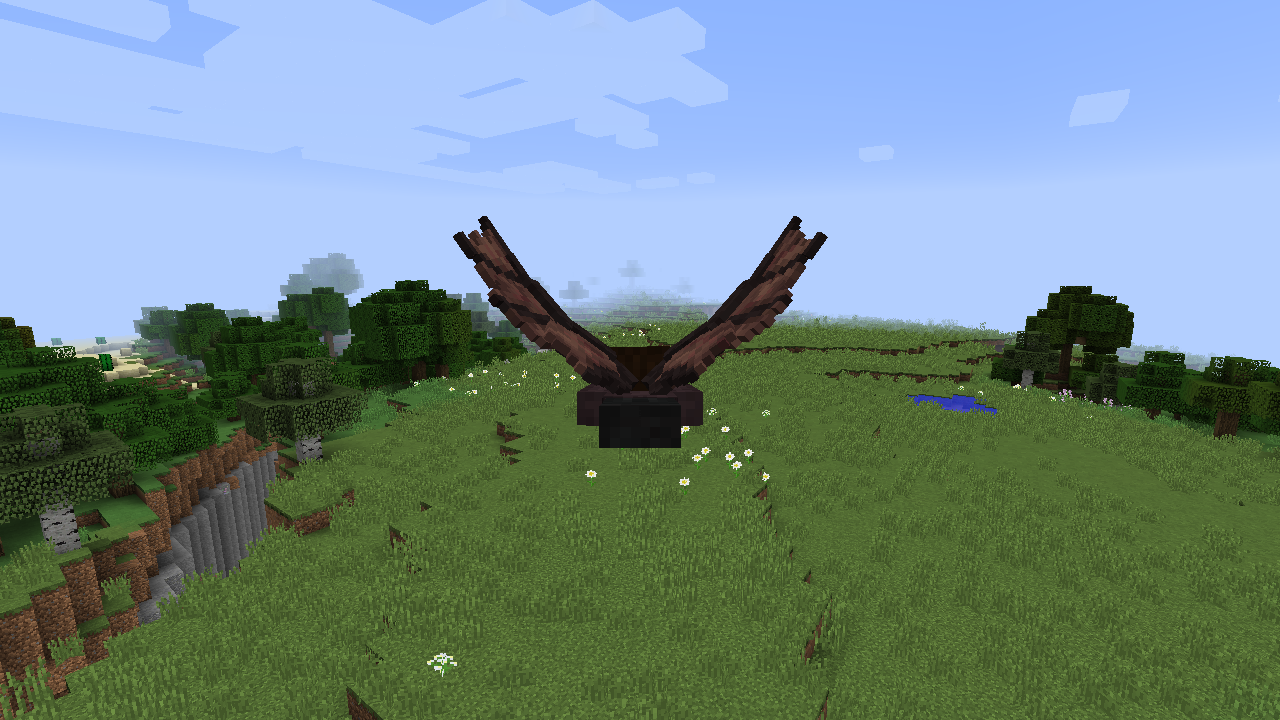
Wings avian এবং insectoid বৈচিত্র্যের নয় জোড়া ডানা নিয়ে আসে দ্রুত আকাশপথে চলাচলের জন্য।
Slow Falling potion-এর সাথে বিভিন্ন উপাদান মিশিয়ে ডানাগুলো পাওয়া যায়, যেমনটি নিচে তালিকাভুক্ত করা হয়েছে:
- Fairy (Oxeye Daisy)
- Monarch Butterfly (Orange Dye)
- Slime (Slimeball)
- Blue Butterfly (Blue Dye)
- Fire (Blaze Powder)
- Angel (Feather)
- Bat (Bat Blood)
- Evil (Bone)
- Dragon (Leather)
- Parrot (Red Dye)
ডানাগুলো চিরস্থায়ী (মৃত্যু পর্যন্ত) এবং শুধুমাত্র bottled bat blood পান করলে সেরে যায়, যা বাদুড়ের উপর খালি বোতল ব্যবহার করে পাওয়া যায়।
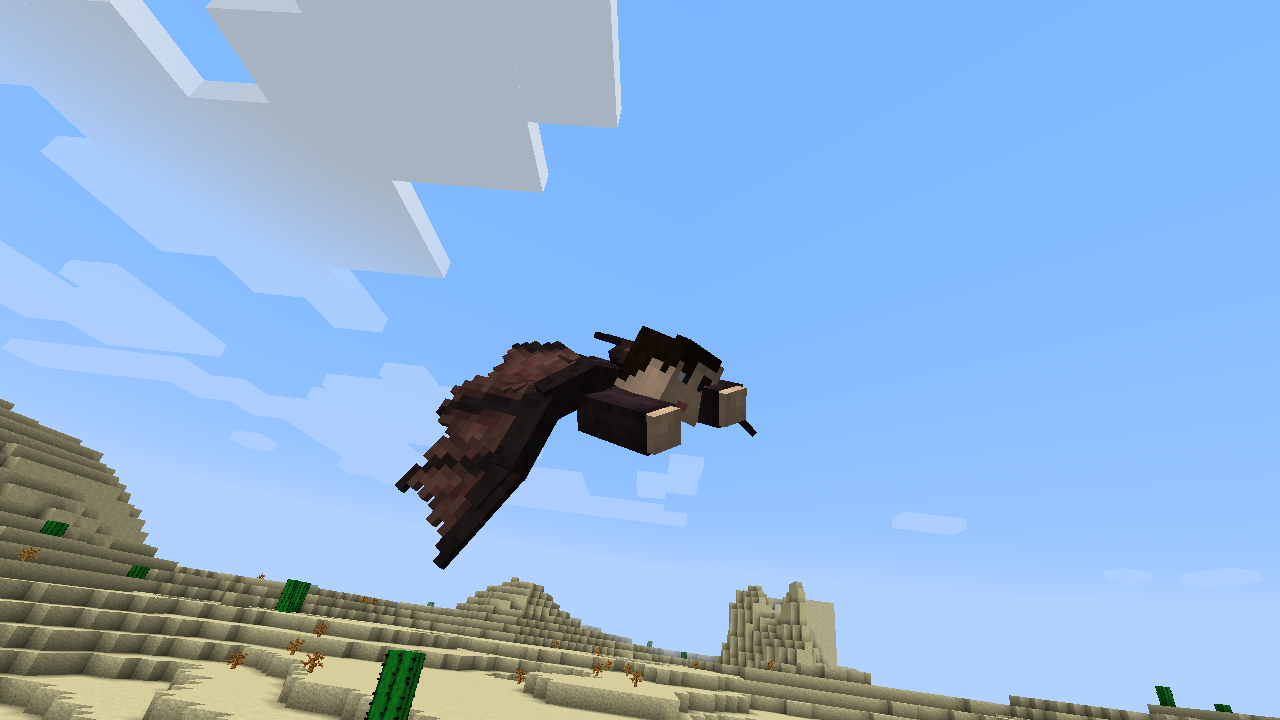
উড়তে Fly Key (R) চাপুন, এবং আকাশে soaring করুন!
1.12.2 রিলিজের জন্য তথ্য:
Wings avian এবং insectoid বৈচিত্র্যের নয় জোড়া ডানা নিয়ে আসে দ্রুত আকাশপথে চলাচলের জন্য। ডানাগুলো crafting-এর মাধ্যমে পাওয়া damageable আইটেম যা chest piece হিসেবে পরিধান করা হয়।
Resources
Fairy Dust
রেসিপিগুলোর একটি অপরিহার্য উপাদান হলো Fairy Dust, একটি resource যা Fairy Dust Ore থেকে পাওয়া যায়, যার rarity iron ore-এর মতোই। এই resource anvil-এ wing repair-এর জন্যও ব্যবহারযোগ্য।
Bat Blood
crafting-এ ব্যবহৃত একটি অতিরিক্ত resource হলো Bat Blood, যা একটি বাদুড়ের উপর খালি বোতল ব্যবহার করে পাওয়া যায়।
Amethyst
চূড়ান্ত নতুন resource হলো Amethyst, যা Amethyst Ore থেকে mined করা হয়, যার rarity diamond ore-এর মতোই।
Crafting
Wings Usage
উড়তে, এক জোড়া wings equipped রাখুন, এবং flight key চাপুন (ডিফল্টভাবে 'R'-এ bound)। আপনি যে দিকে তাকান সেটি movement নিয়ন্ত্রণ করে এবং flight key বা মাটি স্পর্শ করলে flight শেষ হবে।
Mod Integration
শরীরে wings equipped করার জন্য Baubles সমর্থিত, যা armor-এর উপরে পরিধান করা যায়।
Future Development
বর্তমানে wing variants-এর মধ্যে একমাত্র পার্থক্য হলো durability, তবে আরও differentiation পরিকল্পনা করা হয়েছে এবং suggestions স্বাগত।
Wings কীভাবে ইনস্টল করবেন
With Millida Launcher
Install Millida Launcher
The launcher is free: download it at millida.net/launcher and sign in with any nickname.
Click “Install” on this page
The launcher opens and installs the mod for Minecraft 1.12.2–1.16.5 on Forge automatically.
Launch the game
A profile with it appears in the launcher: click “Play”.
Manually
Install Forge
The loader must match the game version of the mod file, for example Minecraft 1.16.5. After installing it, a separate profile appears in your launcher.
Download the file for your version
In the version list above, pick the file wings-2.1.0-1.16.5.jar (261 KB) for your game version.
Put it in the mods folder
The folder is inside .minecraft (Windows: %appdata%\.minecraft\mods). If it does not exist, create it.
Launch the loader profile
Open “Mods” in the main menu: Wings should be in the list.
Minecraft 1.16.5 runs on Java 8: with a different Java version the game may close right after launch.
ভার্সন
ডিপেন্ডেন্সিসহ
| Minecraft | লোডার | ফাইল | তারিখ | অ্যাকশন |
|---|---|---|---|---|
| 1.16.5 | Forge | Wings 2.1.0 for Minecraft 1.16.5261 KB ৫ | ||
| 1.12.2 | — | Wings 1.1.5 for Minecraft 1.12.2317 KB ২ |
FAQ
Which Minecraft versions does Wings work on?
There are files for 1.16.5, 1.12.2. The newest is 1.16.5.
Is Wings for Forge or Fabric?
Only for Forge: 1.16.5. There are no files for Fabric or NeoForge: a mod for another loader will not start.
Does Wings need other mods?
The author lists no required dependencies: the Forge loader is enough.
Which Java does Wings need?
Minecraft 1.16.5 runs on Java 8. If the game closes right after launch, the usual cause is the wrong Java version in the profile settings.
Where can I download Wings safely?
On this page: the file wings-2.1.0-1.16.5.jar (261 KB) is stored on Millida’s server, with no link shorteners. SHA-1 checksum: 28053c08eb7762899615cca0c864a67c45f68e6d.
রিভিউ
Wings-এ প্রথম রেটিং দিন


