
Minecraft 1.7.10-এর জন্য Runic Dungeons মড
একটি সাধারণ ডাঞ্জিয়ন ডাইমেনশন।
Runic Dungeons মড সম্পর্কে
এই মডে, আপনি মন্দিরে একটি বিরল আর্টিফ্যাক্ট পাবেন।
এই আর্টিফ্যাক্টটি, যা 'Magic Chalk' নামে পরিচিত, এর অদ্ভুত গুণাবলী রয়েছে বলে মনে হয়।
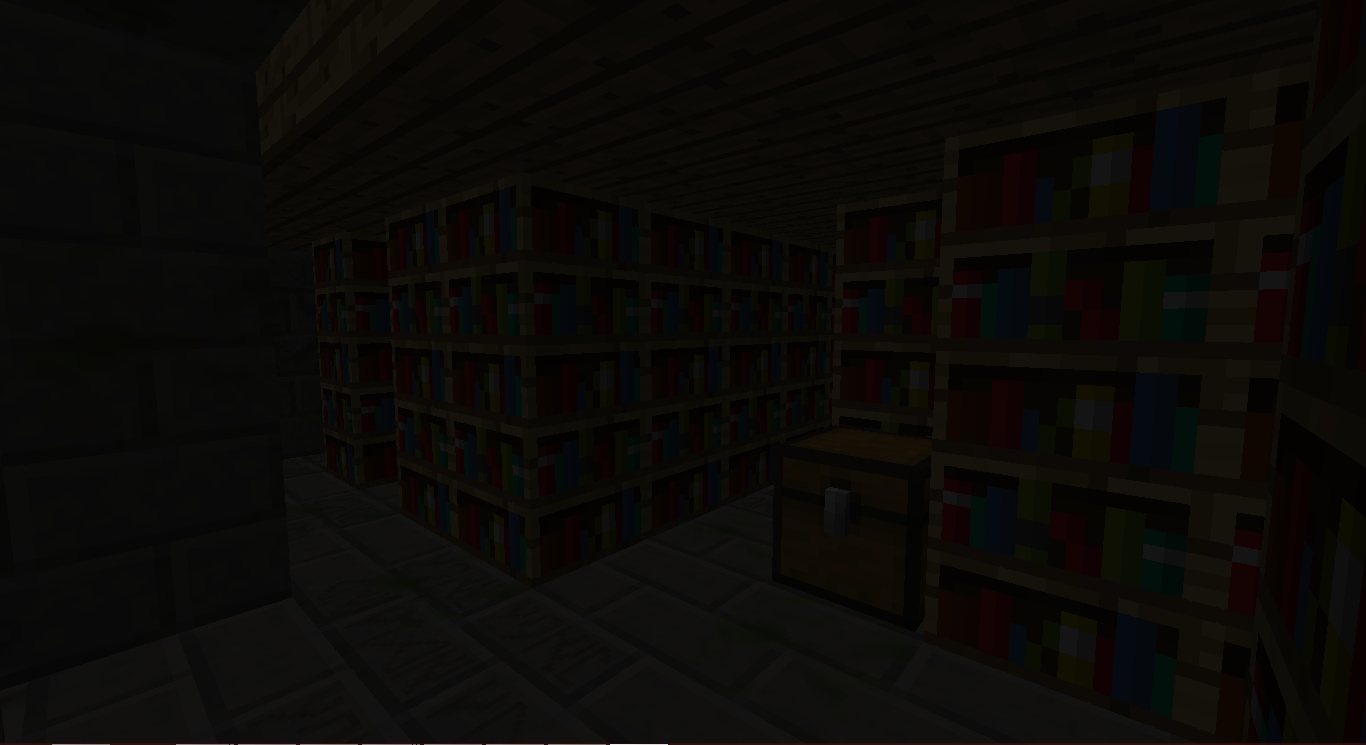
আপনি ভাবছেন এটি কী কাজে ব্যবহার করা যেতে পারে...
আপনার অ্যাডভেঞ্চার শুরু হোক!
কীভাবে ব্যবহার করবেন:
JungleTemple বা DesertTemple-এ একটি Magic Chalk খুঁজুন।
একটি Magical Staff তৈরি করুন।
পোর্টালগুলোর একটি তৈরি করুন:
হাতে Magical Staff নিয়ে স্ট্রাকচারের Chiseled Stone Bricks-এর একটিতে Right-Click করুন।
একটি স্ট্রাকচার তৈরি হবে।
Runic Dungeons-এ যেতে স্ট্রাকচারের মাঝখানে থাকা পোর্টালে Right-Click করুন।
সেখানে পৌঁছে, ডাইমেনশন ছেড়ে যেতে আবার পোর্টালে Right-Click করতে পারেন।
Dungeon Keys দিয়ে Keyholes-এ Right-Click করলে সেগুলো খুলে যাবে।
প্রতিটি ডাঞ্জন রুমে একটি লুকানো Dungeon Key থাকে। সেগুলো নষ্ট করবেন না।
Mobs-দের সাথে লড়াই করুন, লুট সংগ্রহ করুন, এবং EXPLORE করুন!
আইটেম
Magical Chalk - আপনাকে Runic Dungeons-এ যেতে দেয়
Dungeon Key - Dungeon Keyholes আনলক করতে ব্যবহৃত হয়
Baubles
এই মডটির Azanor’s Baubles-এর সাথে ইন্টিগ্রেশন রয়েছে। এই আইটেমগুলো শুধু তখনই কাজ করবে যদি আপনার Baubles ইনস্টল করা থাকে, তবে মডে অগ্রগতির জন্য এগুলো পাওয়া আবশ্যক নয়। তবে, আমি এটি যোগ করার পরামর্শ দিচ্ছি, কারণ এগুলো বেশ দারুণ।
অ্যামুলেট:
Amulet of the Wind - আপনাকে Speed দেয়
Amulet of the Earth - আপনাকে Haste দেয়
Amulet of Strength - আপনাকে Strength দেয়
Amulet of Leaping - আপনাকে Jump Boost দেয়
Amulet of Healing - আপনাকে Regeneration দেয়
Ironskin Amulet - আপনাকে Resistance দেয়
Amulet of the Blaze - আপনাকে Fire Resistance দেয়
Amulet of the Ocean - আপনাকে Water Breathing দেয়
Amulet of the Night - আপনাকে Night Vision দেয়
বেল্ট:
Dye Belts - আপনার ইনভেন্টরিতে থাকা যেকোনো উল/ডাইয়ের রঙ বেল্টের রঙে পরিবর্তন করে (BUGGY)
Arrow Belt - আপনার কাছে থাকা যেকোনো তির পড়ে যাওয়ার এবং আপনি তিরটি পাওয়ার সামান্য সম্ভাবনা থাকে।
Belt of Flight - আপনাকে Flight দেয়
Ender Belt - আপনি ক্ষতি নিলে, আপনি টেলিপোর্ট হয়ে দূরে চলে যাবেন। (Runic Dungeons ডাইমেনশন ছাড়া)
অ্যাচিভমেন্ট:
Off We Go! - একটি Runic Dungeons পোর্টাল তৈরি করুন
The Key to Progress! - একটি Dungeon Key ব্যবহার করুন
Modpack পারমিশন:
এগিয়ে যান! জিজ্ঞাসা করার দরকার নেই!
যদিও আপনি আমাকে জানালে আমি খুশি হতাম কিন্তু এটি আবশ্যক নয়।
Runic Dungeons by MrComputerGhost is licensed under a Creative Commons Attribution-NonCommercial-NoDerivatives 4.0 International License.
Runic Dungeons কীভাবে ইনস্টল করবেন
With Millida Launcher
Install Millida Launcher
The launcher is free: download it at millida.net/launcher and sign in with any nickname.
Click “Install” on this page
The launcher opens and installs the mod for Minecraft 1.7.10 automatically.
Launch the game
A profile with it appears in the launcher: click “Play”.
Manually
Download the file for your version
In the version list above, pick the file RunicDungeons-1.1.7b.jar (685 KB) for your game version.
Put it in the mods folder
The folder is inside .minecraft (Windows: %appdata%\.minecraft\mods). If it does not exist, create it.
Launch the loader profile
Open “Mods” in the main menu: Runic Dungeons should be in the list.
Minecraft 1.7.10 runs on Java 8: with a different Java version the game may close right after launch.
ভার্সন
ডিপেন্ডেন্সিসহ
| Minecraft | লোডার | ফাইল | তারিখ | অ্যাকশন |
|---|---|---|---|---|
| 1.7.10 | — | Runic Dungeons v1.1.7b685 KB | ||
| 1.7.10 | — | Runic Dungeons v0.9.7b406 KB |
FAQ
Which Minecraft versions does Runic Dungeons work on?
Only Minecraft 1.7.10: there are no files for other versions.
Which Java does Runic Dungeons need?
Minecraft 1.7.10 runs on Java 8. If the game closes right after launch, the usual cause is the wrong Java version in the profile settings.
Where can I download Runic Dungeons safely?
On this page: the file RunicDungeons-1.1.7b.jar (685 KB) is stored on Millida’s server, with no link shorteners. SHA-1 checksum: 1df562694aed00055a318b19fc9bb172ce157798.
রিভিউ
Runic Dungeons-এ প্রথম রেটিং দিন


