
Minecraft 1.21.1, 1.12.2-এর জন্য Pipe Goggles মড
আপনার প্লাম্বিংয়ে সাহায্য করে। দেয়ালের মধ্য দিয়ে পাইপ দেখুন!
 NeoForge
 Forge
ForgePipe Goggles
বর্ণনা
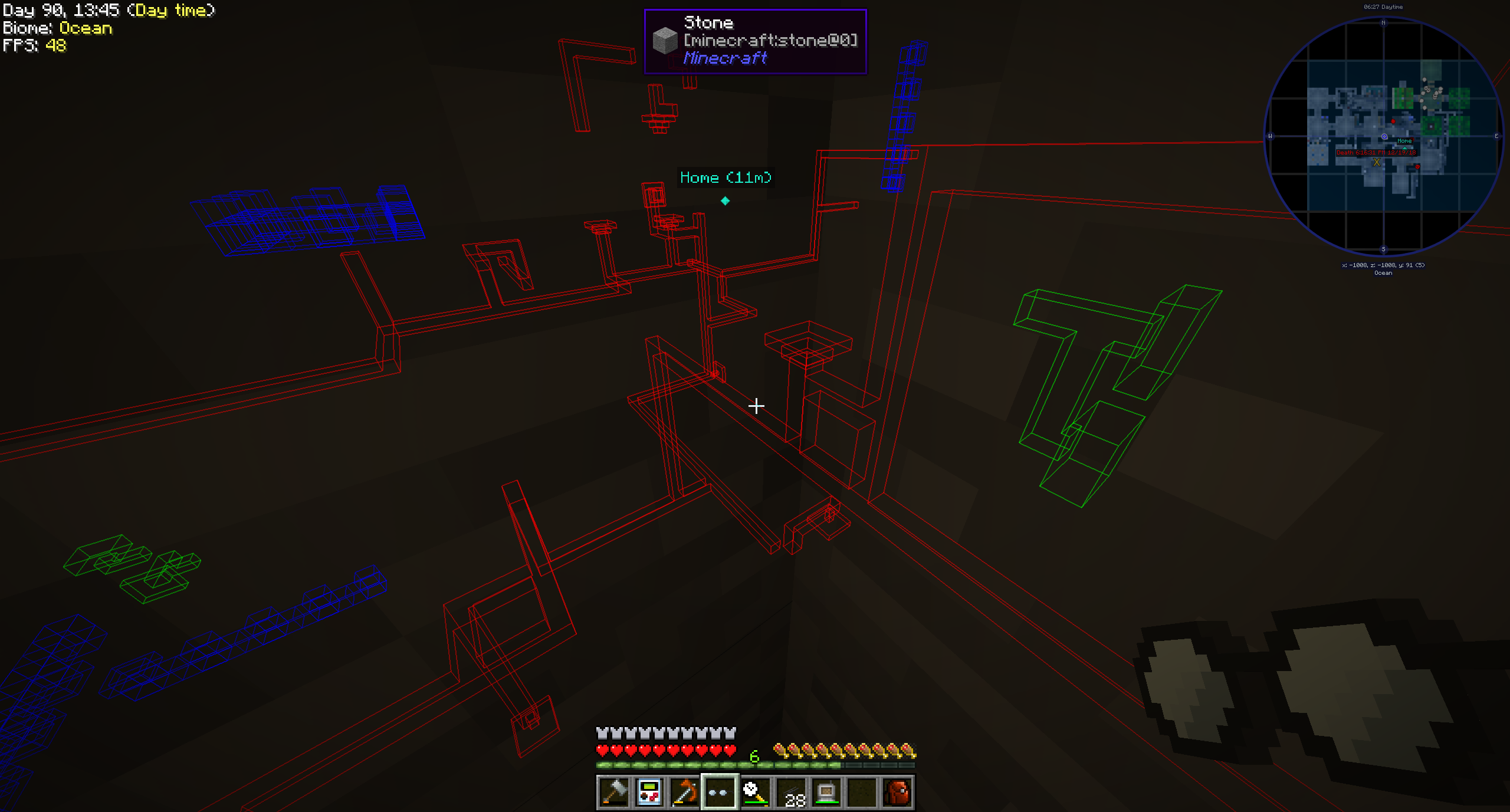
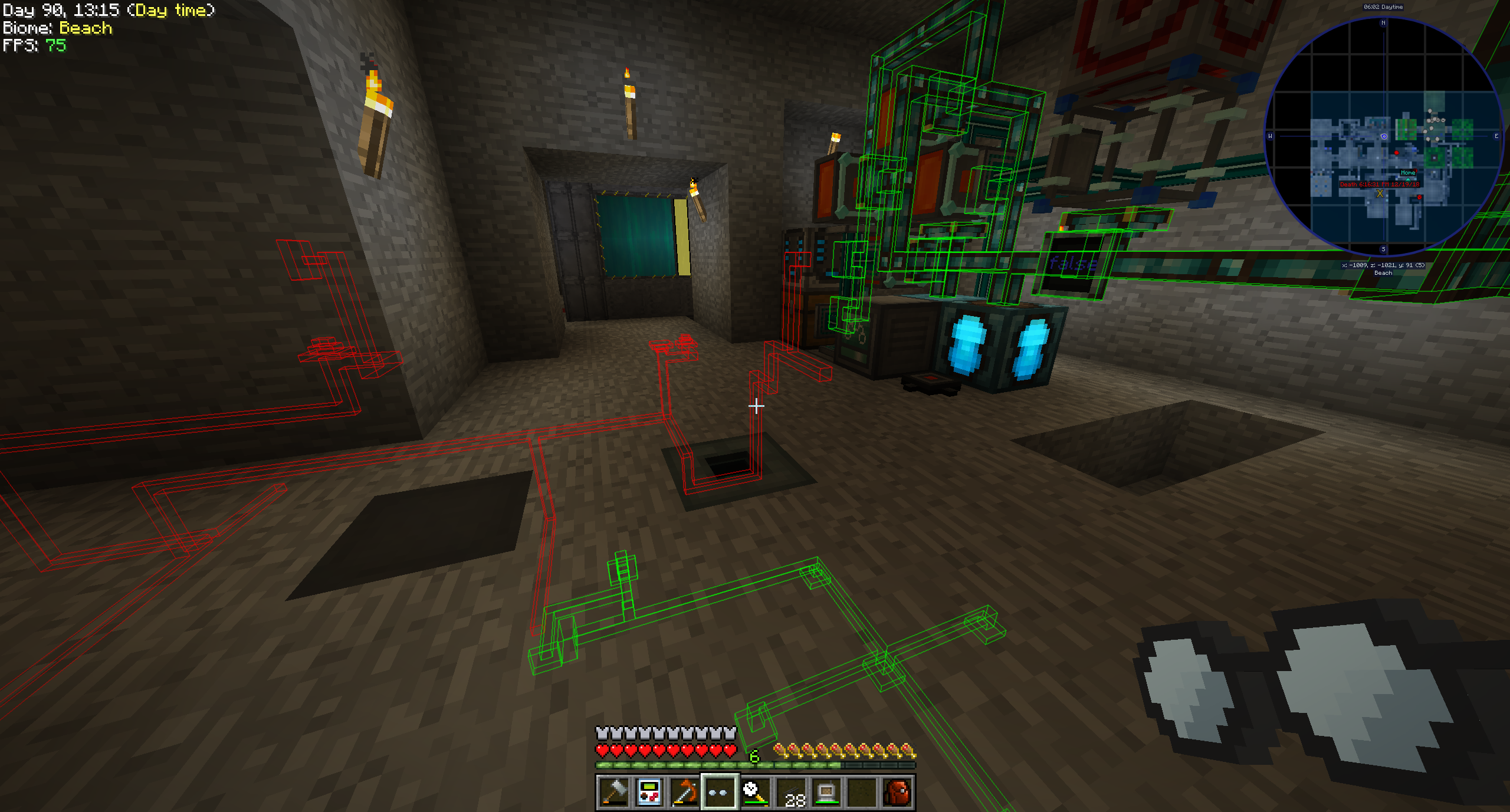
Pipe Goggles বর্তমানে শুধুমাত্র একটি আইটেম যোগ করে, সেটি হলো Pipe Goggles। এগুলো ব্যবহারকারীকে দেয়ালের ভেতর দিয়ে বিভিন্ন প্লাম্বিং দেখার সুযোগ দেয়।
ব্যবহার
কনফিগারেশন GUI খুলতে হাতে গগলস নিয়ে ডান ক্লিক করুন।
আপনি যে পাইপগুলো দেখতে চান সেগুলো রঙিন স্লটে বসান।
গগলস তিনটি ভিন্ন মোডে থাকতে পারে:
- Always on: গগলস সর্বদা সক্রিয় থাকে, সব পাইপ দেখায়।
- Always off: গগলস কখনোই সক্রিয় থাকে না, কোনো পাইপ দেখায় না।
- Automatic: প্লেয়ার হাতে একটি পাইপ আইটেম ধরে থাকলে গগলস শুধু মিলে যাওয়া পাইপগুলো দেখাবে।
এছাড়াও আপনি গগলসের রেঞ্জ, পাইপের লাইন-মোটা এবং তাদের অপাসিটি কনফিগার করতে পারেন।
মডের কনফিগারেশনের উপর নির্ভর করে আপনার গগলস কাজ করার জন্য পাওয়ার প্রয়োজন হতে পারে!
সমর্থিত মড (1.21.1):
- Applied Energistics 2
- Create
- EnderIO
- Flux Networks
- IntegratedDynamics
- LaserIO
- Mekanism
- Redstone (from vanilla minecraft)
- Modern Industrialization
- MoreRed
- Oritech
- Pipez
- PneumaticCraft
- Refined Storage
- Replication
- XNet
সমর্থিত মড (1.14):
- Refined Storage
- Simple Storage Network
- Inspirations
- Integrated Dynamics
সমর্থিত মড (1.12):
- Applied Energistics
- Cyclic
- EnderIO
- Extra Utilities 2
- Immersive Engineering
- Integrated Dynamics
- Mekanism
- OpenComputers
- Refined Storage
- Simple Storage Network
- Thermal Dynamics
অন্য মডের জন্য সমর্থন যোগ করা (1.21.1 এবং তার উপরে):
এটি বেশ সোজা এবং এর জন্য কথার চেয়ে একটি উদাহরণ ভালো:
{ "neoforge:conditions": [ { "type": "neoforge:modloaded", "modid": "xnet" } ], "blocks": [ "xnet:netcable", "xnet:connector" ], "items": [ "xnet:cables", "xnet:connectors" ], "mod": "xnet" }
blocks হলো সেই ব্লকগুলো যেগুলো হাইলাইট করা উচিত। এগুলো ব্লক আইডি বা ট্যাগ হতে পারে। items হলো সেই আইটেমগুলো যেগুলো অটো-মোডে গগলসকে পাইপ হাইলাইট করতে সক্ষম করে। এগুলোও আইটেম আইডি বা ট্যাগ।
সেই ফাইলটি এখানে রাখা উচিত: <your-data-pack>/data/pipegoggles/pipegoggles/mods/xnet.json।
আরও উদাহরণ এখানে পাওয়া যাবে।
Pipe Goggles কীভাবে ইনস্টল করবেন
With Millida Launcher
Install Millida Launcher
The launcher is free: download it at millida.net/launcher and sign in with any nickname.
Click “Install” on this page
The launcher opens and installs the mod for Minecraft 1.12–1.21.1 on Forge or NeoForge automatically.
Launch the game
A profile with it appears in the launcher: click “Play”.
Manually
Install Forge or NeoForge
The loader must match the game version of the mod file, for example Minecraft 1.21.1. After installing it, a separate profile appears in your launcher.
Download the file for your version
In the version list above, pick the file pipegoggles-2.0.4.jar (380 KB) for your game version and loader.
Put it in the mods folder
The folder is inside .minecraft (Windows: %appdata%\.minecraft\mods). If it does not exist, create it.
Launch the loader profile
Open “Mods” in the main menu: Pipe Goggles should be in the list.
Minecraft 1.21.1 runs on Java 21: with a different Java version the game may close right after launch.
ভার্সন
ডিপেন্ডেন্সিসহ
| Minecraft | লোডার | ফাইল | তারিখ | অ্যাকশন |
|---|---|---|---|---|
| 1.21.1 | NeoForge | pipegoggles-2.0.4.jar380 KB | ||
| 1.14.4 | Forge | PipeMaster-2.0.1.12.jar52.5 KB | ||
| 1.12.1 | — | PipeMaster-1.0.2-b8.jar134 KB |
রিভিউ
Pipe Goggles-এ প্রথম রেটিং দিন


