
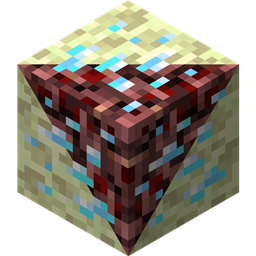
Minecraft 1.12.2-এর জন্য Netherending Ores মড
Nether/End-এ ভ্যানিলা ও মডেড আকরিক
Netherending Ores মড সম্পর্কে
ওভারভিউ আরেকটি মড যা নেদার এবং এন্ডে আকরিক এবং ফার্নেস রূপান্তর রেসিপি যোগ করে। সংস্করণ 1.4+ বৈশিষ্ট্য:
- বিস্ফোরক আকরিক
- নেদারফিশ মব
- নেদারফিশ এবং এন্ডারমাইটের জন্য মনস্টার এগ
- আকরিক এখন আইটেম ড্রপ করতে পারে, অভিজ্ঞতা সহ
- আকরিক এখন সরাসরি আইটেমে স্মেল্ট করা যায়, অভিজ্ঞতা সহ
- পুনর্লিখিত কনফিগ
আকরিক উৎপাদন আকরিক স্পনিং নিয়ন্ত্রণ করতে CoFH World এর মতো অন্যান্য মড প্রয়োজন হবে। CoFH World এর জন্য নমুনা কনফিগ প্রদান করা হয়েছে, এখানে দেখুন। সেগুলো ব্যবহার করতে প্রদত্ত জিপ ফাইল থেকে আকরিক উৎপাদন কনফিগগুলো আপনার মডপ্যাক ইনস্ট্যান্সের config\cofh\world\ এ এক্সট্রাক্ট করুন। নেদার আকরিক উৎপাদন MC 1.7.10 এর জন্য skyboy026/powercrystals এর নেদার ওরস মডের শেষ রিলিজের কনফিগ সেটিংসের উপর ভিত্তি করে। কিছু ছোট পরিবর্তন আছে, যার মধ্যে সেই মডে কখনো না থাকা আকরিক যোগ করা অন্তর্ভুক্ত। এন্ড নেদারের মতোই সেটিংস ব্যবহার করে কিন্তু আকার/সংখ্যা কম, কারণ প্রাকৃতিকভাবে উৎপন্ন এন্ড স্টোনের উচ্চতা পরিসীমা অনেক কম।
রেসিপি নেদার/এন্ড আকরিককে নিকটতম অর ডিকশনারি মিলে যাওয়া আকরিকে স্মেল্ট করার ফার্নেস রেসিপি। আউটপুট হওয়া আকরিক ব্লকের পরিমাণ কনফিগের রেসিপি মাল্টিপ্লায়ারের উপর নির্ভর করে। যে আকরিকগুলো ওভারওয়ার্ল্ডে উৎপন্ন হয় না, সেগুলো রেসিপির দিক থেকে তাদের ওভারওয়ার্ল্ড আকরিকের সিল্ক টাচ করা সংস্করণের মতো আচরণ করে, এটি ব্যালেন্সের জন্য করা হয়েছে কিন্তু পুনঃকনফিগারযোগ্য।
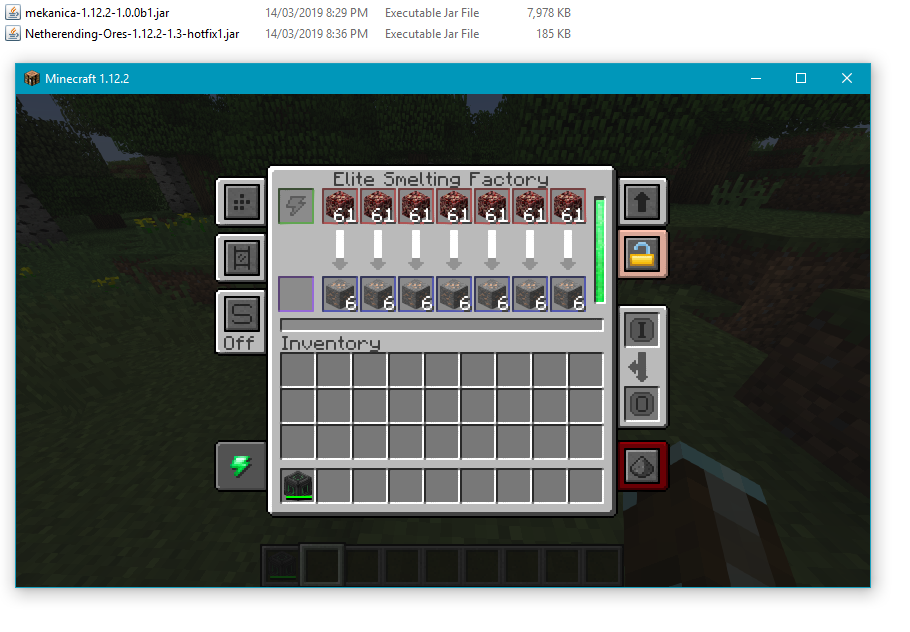
মেশিন প্রসেসিং আকরিক সরাসরি প্রসেস করার জন্য Tinkers' Construct, Thermal Expansion, IC2, Mekanism এবং Immersive Engineering এর মৌলিক রেসিপি উপলব্ধ। Thermal Expansion রেসিপিতে কনফিগ সেটিংস আছে যা ব্যালেন্স উন্নত করা অগমেন্টের জন্য ক্ষতিপূরণ করতে পারে। চাইলে কনফিগে ইন্টিগ্রেশন নিষ্ক্রিয় করা যায়।
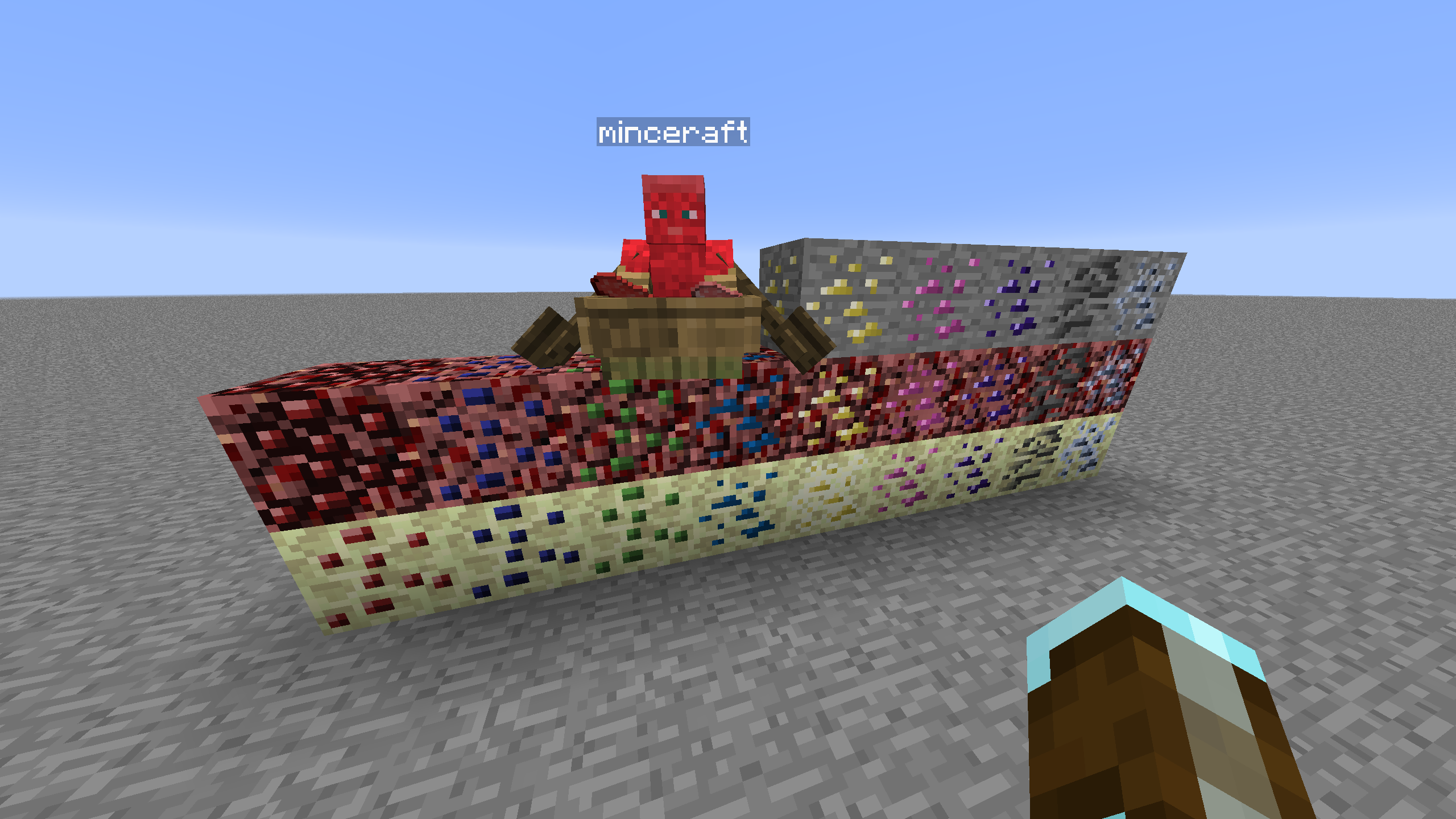
ব্লক তালিকা নিচে বর্তমানে সমর্থিত ব্লক, ডাইমেনশন এবং আকরিক গ্রাফিক্স সোর্সের তালিকা দেওয়া হলো।
- Coal | Nether/End | Vanilla
- Diamond | Nether/End | Vanilla
- Emerald | Nether/End | Vanilla
- Gold | Nether/End | Vanilla
- Iron | Nether/End | Vanilla
- Lapis | Nether/End | Vanilla
- Redstone | Nether/End | Vanilla
- Quartz | Overworld/End | Vanilla
- Aluminum | Nether/End | Thermal Foundation
- Copper | Nether/End | Thermal Foundation
- Iridium | Nether/End | Thermal Foundation
- Lead | Nether/End | Thermal Foundation
- Mithril | Nether/End | Thermal Foundation
- Nickel | Nether/End | Thermal Foundation
- Platinum | Nether/End | Thermal Foundation
- Silver | Nether/End | Thermal Foundation
- Tin | Nether/End | Thermal Foundation
- Certus Quartz | Nether/End | Applied Energistics
- Charged Certus Quartz | Nether/End | Applied Energistics
- Osmium | Nether/End | Mekanism
- Uranium | Nether/End | Original art (based off iron)
- Yellorite | Nether/End | Extreme Reactors
- Zinc | Nether/End | Railcraft
- Dilithium | Nether/End | Matter Overdrive
- Tritanium | Nether/End | Matter Overdrive
- Ruby | Nether/End | Project: Red
- Sapphire | Nether/End | Project: Red
- Peridot | Nether/End | Project: Red
- Electrotine | Nether/End | Project: Red
- Ardite | Overworld/End | Tinkers' Construct
- Cobalt | Overworld/End | Tinkers' Construct
- Ambrosium | Overworld/Nether/End | Aether II
- Gravitite | Overworld/Nether/End | Aether II
- Zanite | Overworld/Nether/End | Aether II
- Arkenium | Overworld/Nether/End | Aether II
- Icestone | Overworld/Nether/End | Aether II
- Netherfish Monster Egg | Nether | Vanilla (disguised as Netherrack)
- Endermite Monster Egg | End | Vanilla (disguised as End Stone)
Netherending Ores কীভাবে ইনস্টল করবেন
Install Millida Launcher
The launcher is free: download it at millida.net/launcher and sign in with any nickname.
Click “Install” on this page
The launcher opens and installs the mod for Minecraft 1.12.2 automatically.
Launch the game
A profile with it appears in the launcher: click “Play”.
Minecraft 1.12.2 runs on Java 8: with a different Java version the game may close right after launch.
ভার্সন
ডিপেন্ডেন্সিসহ
| Minecraft | লোডার | ফাইল | তারিখ | অ্যাকশন |
|---|---|---|---|---|
| 1.12.2 | — | Netherending Ores 1.4.2359 KB | ||
| 1.12.2 | — | Netherending Ores 1.1.2111 KB |
FAQ
Which Minecraft versions does Netherending Ores work on?
Only Minecraft 1.12.2: there are no files for other versions.
Which Java does Netherending Ores need?
Minecraft 1.12.2 runs on Java 8. If the game closes right after launch, the usual cause is the wrong Java version in the profile settings.
How do I download Netherending Ores?
With Millida Launcher: it installs Netherending Ores into a modpack by itself, for the right game version and loader. The launcher is free.
রিভিউ
Netherending Ores-এ প্রথম রেটিং দিন


