
Minecraft 1.20.1, 1.21.1-এর জন্য LUMINOUS: BEASTS মড
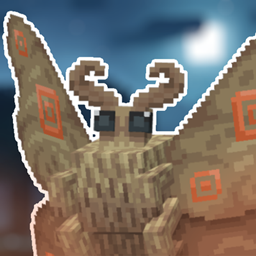
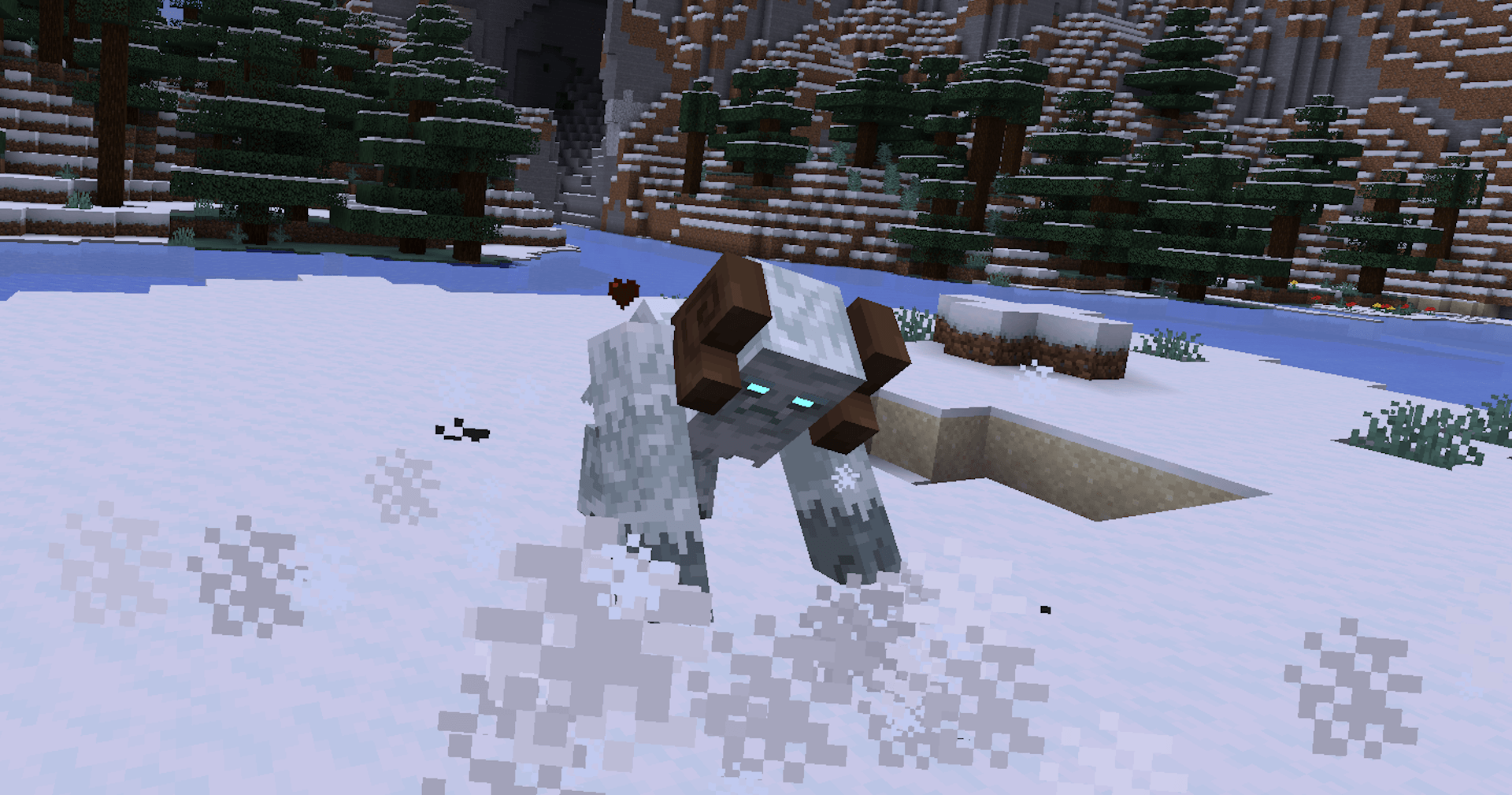
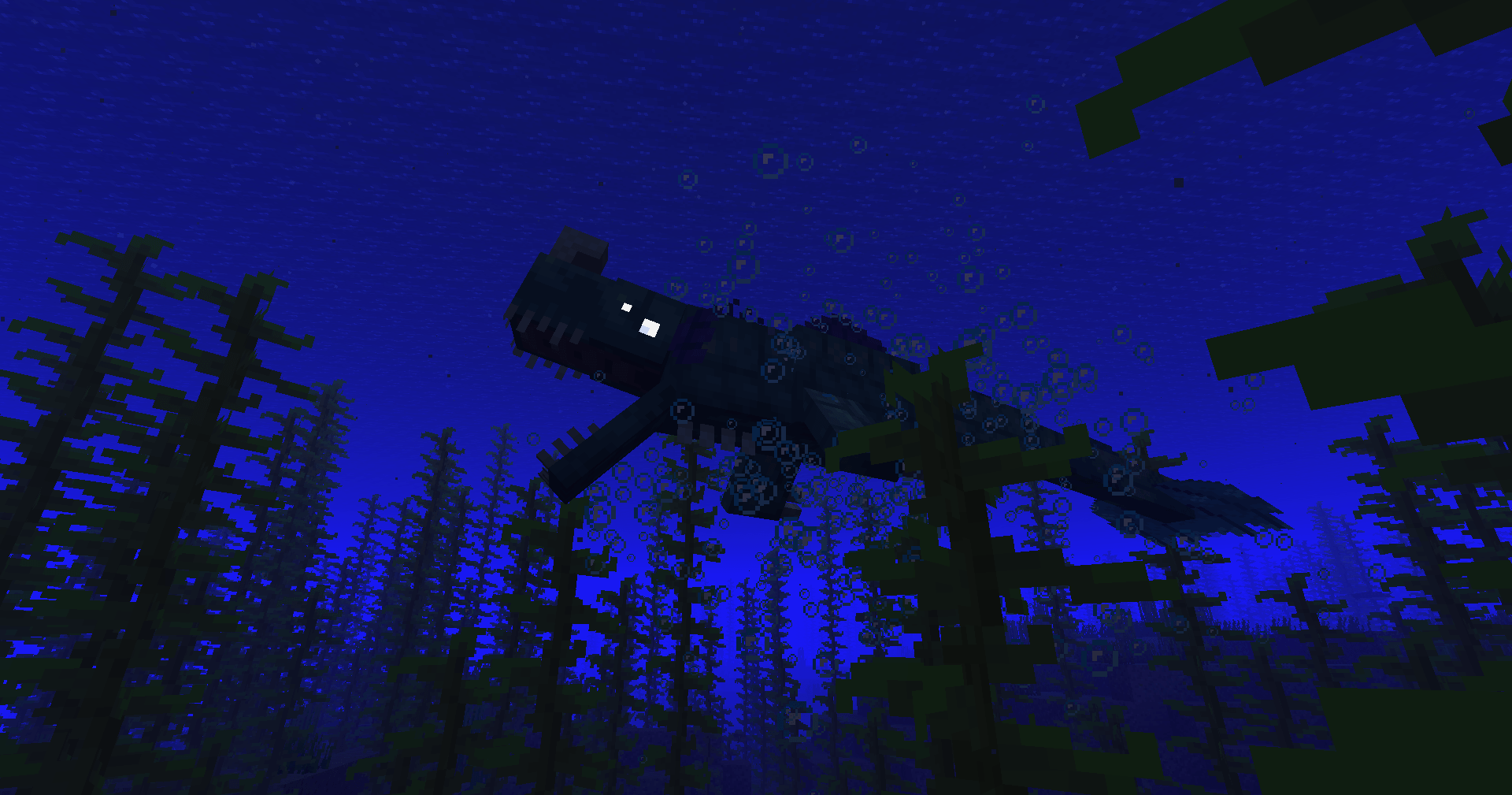
LUMINOUS: BEASTS adds TWENTY EIGHT legendary beasts into the game, from forest Tree Ent's to Piglin Executioners. Hunt them down to get new loot!
 NeoForge
 Forge
ForgeLUMINOUS: BEASTS মড সম্পর্কে
--- THIS MOD REQUIRES GECKOLIB ---
Consider joining the LUMINOUS discord, where you can report bugs/get some sneek peaks on projects/updates!
This is currently the third mod I have made breaking down LUMINOUS into separate parts for those looking for some of the features of LUMINOUS in a less "all in one" fashion. Check out a version with mob variants and a version with overworld overhauls on my profile!
I grant full permission for this mod to be used in any modpacks!
Stay updated on X: https://twitter.com/LuminousMod
Download the original LUMINOUS mod here!
Download LUMINOUS: NETHER here!

https://ko-fi.com/ripleysmods
LUMINOUS: BEASTS কীভাবে ইনস্টল করবেন
With Millida Launcher
Install Millida Launcher
The launcher is free: download it at millida.net/launcher and sign in with any nickname.
Click “Install” on this page
The launcher opens and installs the mod for Minecraft 1.20.1–1.21.1 on Forge or NeoForge automatically.
Launch the game
A profile with it appears in the launcher: click “Play”.
Manually
Install Forge or NeoForge
The loader must match the game version of the mod file, for example Minecraft 1.21.1. After installing it, a separate profile appears in your launcher.
Download the file for your version
In the version list above, pick the file Luminous Beasts V1.2.7 - NeoForge 1.21.1.jar (28 MB) for your game version and loader.
Put it in the mods folder
The folder is inside .minecraft (Windows: %appdata%\.minecraft\mods). If it does not exist, create it.
Launch the loader profile
Open “Mods” in the main menu: LUMINOUS: BEASTS should be in the list.
Minecraft 1.21.1 runs on Java 21: with a different Java version the game may close right after launch.
ভার্সন
ডিপেন্ডেন্সিসহ
| Minecraft | লোডার | ফাইল | তারিখ | অ্যাকশন |
|---|---|---|---|---|
| 1.21.1 | NeoForge | LUMINOUS: BEASTS V1.2.7 - NeoForge 1.21.128.2 MB ১ | ||
| 1.20.1 | Forge | LUMINOUS: BEASTS V1.2.7 - Forge 1.20.128.1 MB ৬ |
FAQ
Which Minecraft versions does LUMINOUS: BEASTS work on?
There are files for 1.21.1, 1.20.1. The newest is 1.21.1.
Is LUMINOUS: BEASTS for Forge or Fabric?
There are files for Forge: 1.20.1 and for NeoForge: 1.21.1. There are no files for Fabric: a mod for another loader will not start.
Does LUMINOUS: BEASTS need other mods?
The author lists no required dependencies: the Forge or NeoForge loader is enough.
Which Java does LUMINOUS: BEASTS need?
Minecraft 1.21.1 runs on Java 21. If the game closes right after launch, the usual cause is the wrong Java version in the profile settings.
Where can I download LUMINOUS: BEASTS safely?
On this page: the file Luminous Beasts V1.2.7 - NeoForge 1.21.1.jar (28 MB) is stored on Millida’s server, with no link shorteners. SHA-1 checksum: 5a6c4626345d0d85596b9d9268763b8d295e5ee5.
রিভিউ
LUMINOUS: BEASTS-এ প্রথম রেটিং দিন


