

Minecraft 1.20.1, 1.21.1-এর জন্য Feywild মড
বিশেষ ক্ষমতা ও কোয়েস্টসহ ফে সামন করুন
 NeoForge
 Forge
ForgeFeywild মড সম্পর্কে
পুরোনো ভার্সন থেকে কোনো ওয়ার্ল্ড 5.0+ এ মাইগ্রেট/আপডেট করবেন না, কারণ এটি একটি Reboot!
চলে আসুন Feywild অন্বেষণ করতে, জাদু ও Fey-দের এক ভূমি।
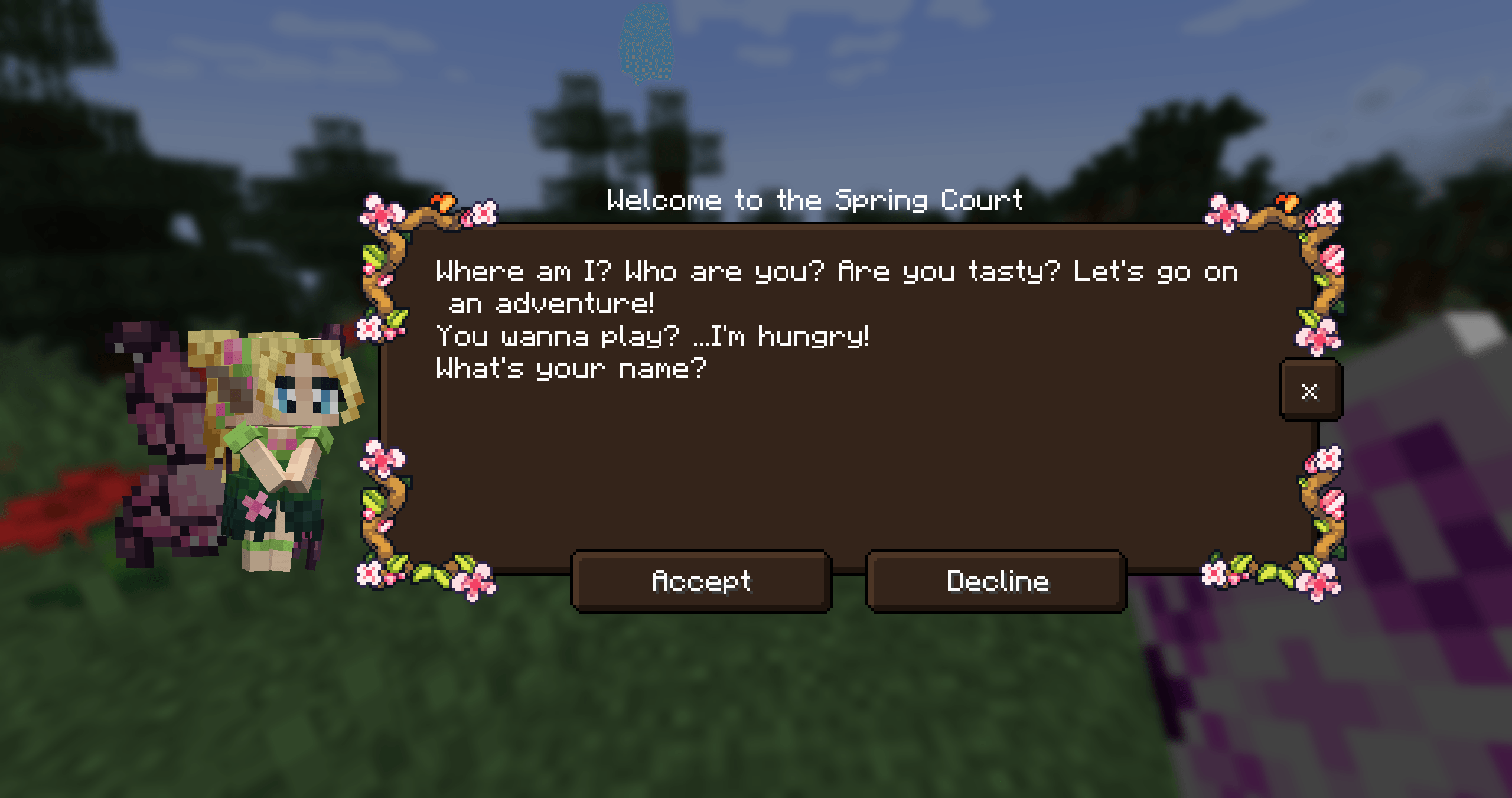
Feywild মড দিয়ে আপনি সব ধরনের Fey ডাকতে পারবেন। Fey-রা হলো Feywild-এর বাসিন্দা।
Feywild-এর বাসিন্দাদের সাথে পরিচিত হোন:
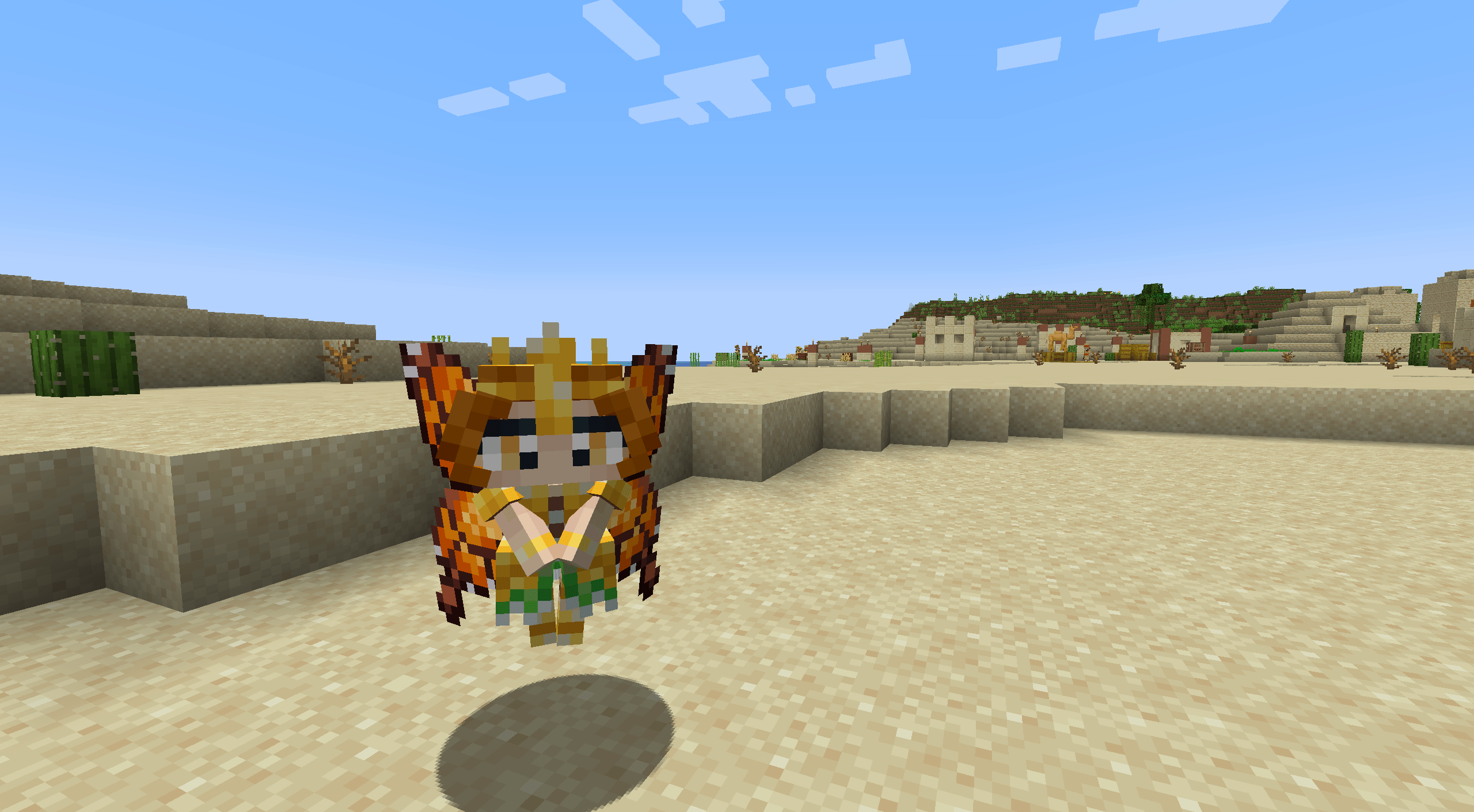
- The Seasonal Pixies
- The Mandragora
- The Shroomling
- The Bellsnickel
- The Bee Knight
- The Tree Ents
- Queen Titania and Queen Mab
- Prince Oberon and The Ashen Lord
Feywild-এর বাসিন্দাদের প্রত্যেকের নিজস্ব ব্যক্তিত্ব ও ক্ষমতা আছে যখন তাদের ডাকা হয়।
এটি করতে আপনার একটি summoning scroll দরকার যাতে একটি fey থাকে।
Feywild শুরু করবেন কীভাবে?
Dependency: Patchouli Patchouli - Guide Book মডটির জন্য গাইড বই দিয়েছে Patchouli।
The Feywild Lexicon এছাড়াও Quest Stories-এর একটি প্রস্তাবনা দেয়, যা খেলোয়াড়কে মডটির মূল বিষয়গুলো সম্পর্কে একটি ছোট গাইড দেয়।
Dependency: Quest Giver Quest Giver
The Quest Mod Pixies-দের জন্য questline দেয়। The Seasonal Pixies প্রত্যেকেরই ছোট quest task ও পুরস্কারসহ একটি storyline আছে।
Compatibilities:
- JEI
- Curios (5.6.0+)
- Supplementaries (5.6.3+)
কিছু Fey-কে Jars বা Cages-এ রাখা যায়।
Feywild Addons; Feywild Library
আমাদের কমিউনিটি BisectHosting দ্বারা স্পনসরড এবং আপনি যদি তাদের সেবা ব্যবহার করার কথা বিবেচনা করেন তবে এটি আমাদের অনেক সাহায্য করবে! BisectHosting দ্রুত, সহজ ও উচ্চমানের সার্ভার হোস্টিং দেয়, বিশ্বজুড়ে এক ডজনেরও বেশি লোকেশন উপলব্ধ, যা কম লেটেন্সি নিশ্চিত করে।
নতুন ক্লায়েন্ট হিসেবে তাদের যেকোনো গেমিং সার্ভারের জন্য আপনার প্রথম মাসে 25% ছাড় পেতে "Feywild" কোডটি ব্যবহার করুন।
Feywild কীভাবে ইনস্টল করবেন
With Millida Launcher
Install Millida Launcher
The launcher is free: download it at millida.net/launcher and sign in with any nickname.
Click “Install” on this page
The launcher opens and installs the mod for Minecraft 1.16.5–1.21.1 on Forge or NeoForge automatically.
Launch the game
A profile with it appears in the launcher: click “Play”.
Manually
Install Forge or NeoForge
The loader must match the game version of the mod file, for example Minecraft 1.21.1. After installing it, a separate profile appears in your launcher.
Download the file for your version
In the version list above, pick the file feywild-1.21.1-5.6.3.jar (22 MB) for your game version and loader.
Put it in the mods folder
The folder is inside .minecraft (Windows: %appdata%\.minecraft\mods). If it does not exist, create it.
Launch the loader profile
Open “Mods” in the main menu: Feywild should be in the list.
Minecraft 1.21.1 runs on Java 21: with a different Java version the game may close right after launch.
ভার্সন
ডিপেন্ডেন্সিসহ
| Minecraft | লোডার | ফাইল | তারিখ | অ্যাকশন |
|---|---|---|---|---|
| 1.21.1 | NeoForge | Feywild-1.21.1-5.6.3- Reboot22.4 MB ২ | ||
| 1.20.1 | Forge | Feywild-1.20.1-5.6.3- Reboot22.3 MB | ||
| 1.21.1 | NeoForge | Feywild-1.21.1-5.3.1 - Reboot15.8 MB | ||
| 1.20.1 | Forge | Feywild-1.20.1-5.3.1 - Reboot15.7 MB | ||
| 1.19.2 | — | Feywild - 1.19.2 - 3.0.2 - Chapter 217.1 MB ১ | ||
| 1.16.5 | — | Feywild - 1.16.5 - 2.1.414.6 MB | ||
| 1.16.5 | Forge | Feywild 1.035.8 MB |
রিভিউ
Feywild-এ প্রথম রেটিং দিন


