
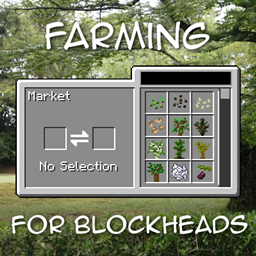
Minecraft 1.21.1, 1.16.5-এর জন্য Farming for Blockheads মড
একটি কাস্টমাইজযোগ্য মার্কেট, শিপিং বিন, স্প্রিংকলার এবং আরও ফার্মিং ইউটিলিটি যোগ করে।
 NeoForge
 Fabric
 Forge
Farming for Blockheads মড সম্পর্কে
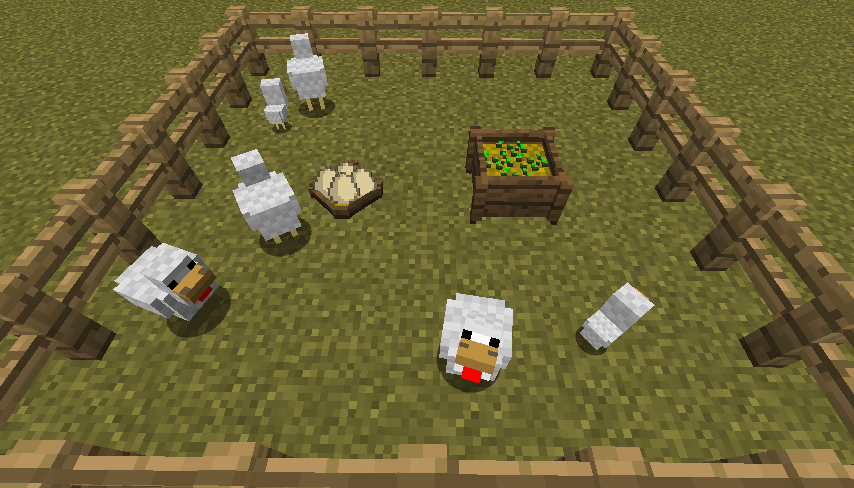
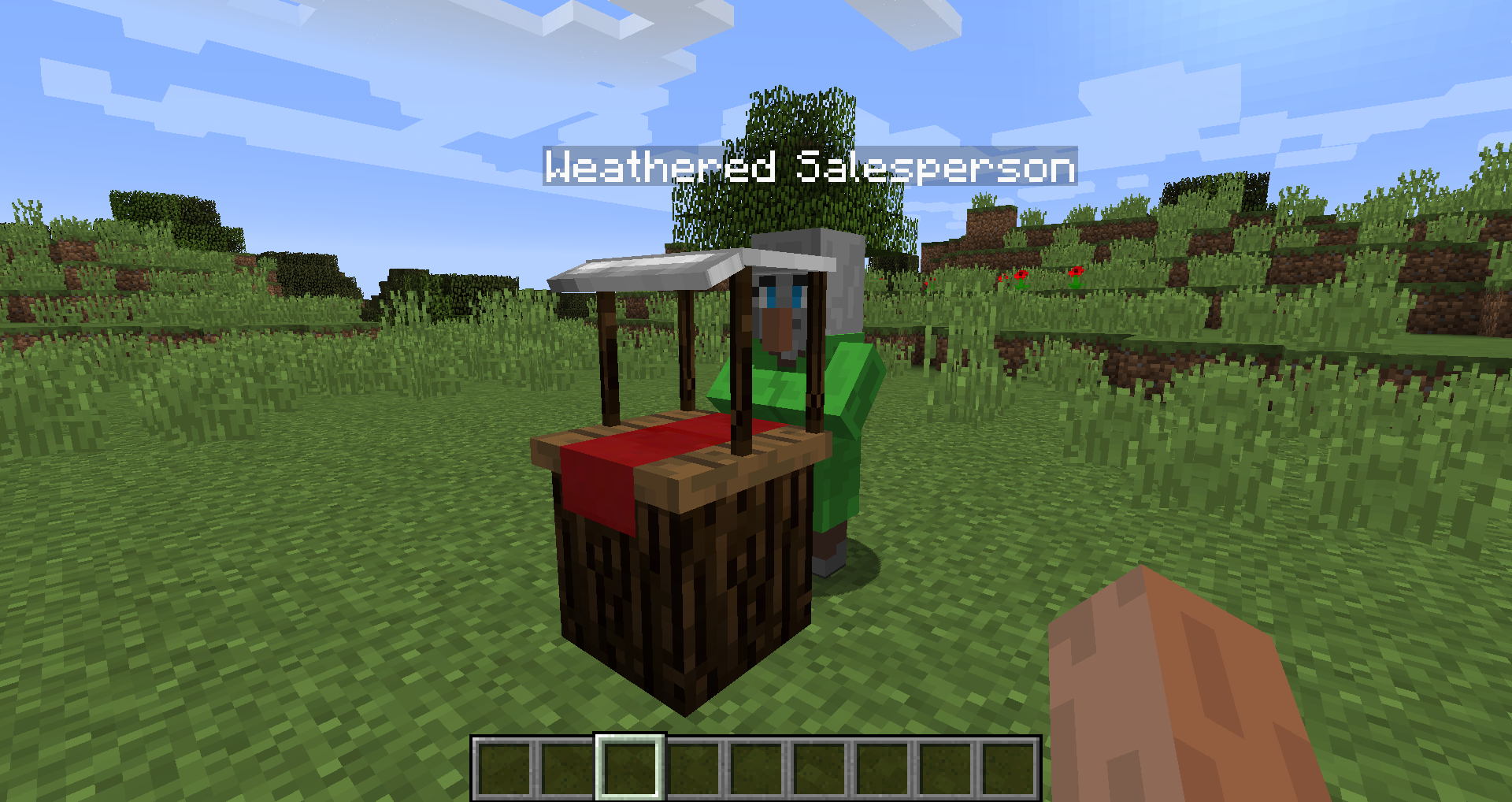
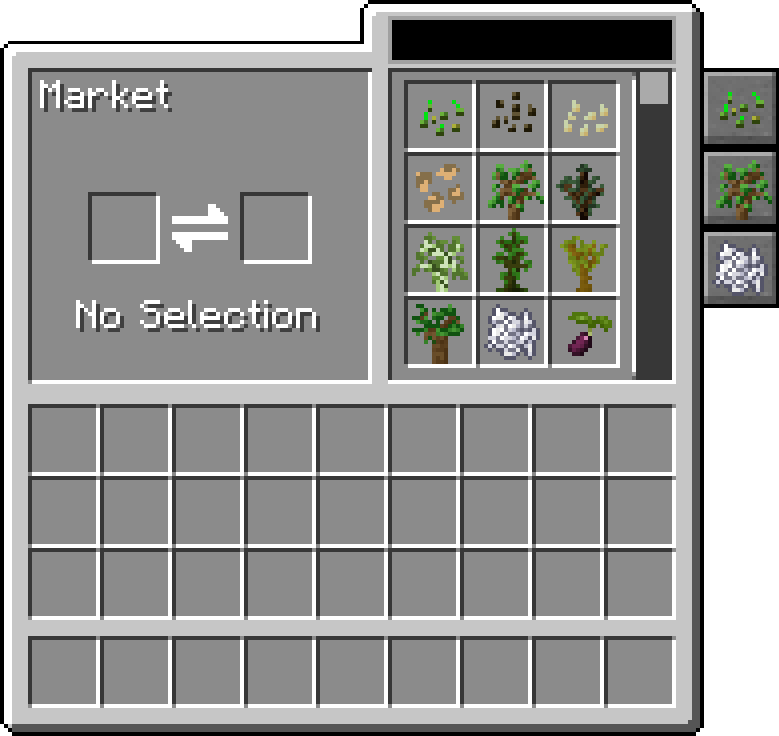
এই মডটি Minecraft-এ একটি Market ব্লক যোগ করে, যা দিয়ে আপনি বীজ, চারাগাছ বা হাড়ের গুঁড়োর মতো অন্যান্য জিনিস কিনতে পারবেন। এটি কিছু কৃষি উপযোগও যোগ করে, যেমন Chicken Nest, Feeding Trough, Sprinklers এবং Fertilizers, যা আপনার ফসল উন্নত করে।
Market-এ ট্রেড সার্চ ও স্ক্রল করা যায়, ক্যাটাগরি অনুযায়ী ফিল্টার করা যায়, এবং আরও ট্রেড ও ক্যাটাগরি যোগ করতে এটি কনফিগার করা যায়।
এই মডটির জন্য Balm প্রয়োজন, যা মডটির সাথে একসাথে ইনস্টল করতে হবে।
- Market ব্লক যা বীজ ও চারাগাছ বিক্রি করে, আরও ট্রেড পরিবর্তন করতে কনফিগার করা যায়
- Chicken Nest যা সব মুরগির পাড়া ডিম সংগ্রহ করে
- Feeding Trough যা বুদ্ধিমানের সাথে প্রাণীদের স্বয়ংক্রিয়ভাবে খাওয়ায়
- Fertilizer যা ফসলের উৎপাদন, বৃদ্ধি বাড়ায় বা নষ্ট হওয়া রোধ করে
- Pam's Harvestcraft, Biomes O' Plenty, Simple Farming এবং আরও অনেকের সাথে সামঞ্জস্যপূর্ণ
- Just Enough Items-এর সাথে সামঞ্জস্যপূর্ণ (Market Trades দেখাবে)
Mischief of Mice-এর মড শোকেস
Farming for Blockheads কীভাবে ইনস্টল করবেন
With Millida Launcher
Install Millida Launcher
The launcher is free: download it at millida.net/launcher and sign in with any nickname.
Click “Install” on this page
The launcher opens and installs the mod for Minecraft 1.16.2–26.1.2 on Fabric, Forge or NeoForge automatically.
Launch the game
A profile with it appears in the launcher: click “Play”.
Manually
Install Fabric, Forge or NeoForge
The loader must match the game version of the mod file, for example Minecraft 26.1.2. After installing it, a separate profile appears in your launcher.
Download the file for your version
In the version list above, pick the file farmingforblockheads-neoforge-26.1.2-26.1.2.5.jar (1.1 MB) for your game version and loader.
Put it in the mods folder
The folder is inside .minecraft (Windows: %appdata%\.minecraft\mods). If it does not exist, create it.
Launch the loader profile
Open “Mods” in the main menu: Farming for Blockheads should be in the list.
ভার্সন
ডিপেন্ডেন্সিসহ
| Minecraft | লোডার | ফাইল | তারিখ | অ্যাকশন |
|---|---|---|---|---|
| 26.1.2 | NeoForge | farmingforblockheads-neoforge-26.1.2-26.1.2.5.jar1.1 MB | ||
| 26.1.2 | Fabric | farmingforblockheads-fabric-26.1.2-26.1.2.5.jar1.1 MB ৬ | ||
| 1.21.1 | Forge | farmingforblockheads-forge-1.21.1-21.1.14.jar873 KB ৪ | ||
| 1.16.5 | — | FarmingForBlockheads_1.16.5-7.3.1.jar275 KB ২ | ||
| 1.16.2 | — | FarmingForBlockheads_1.16.2-7.1.1.jar273 KB |
FAQ
Which Minecraft versions does Farming for Blockheads work on?
There are files for 26.1.2, 1.21.1, 1.16.5, 1.16.2. The newest is 26.1.2.
Is Farming for Blockheads for Forge or Fabric?
There are files for Fabric: 26.1.2, for Forge: 1.21.1 and for NeoForge: 26.1.2.
Does Farming for Blockheads need other mods?
The author lists no required dependencies: the Fabric, Forge or NeoForge loader is enough.
Where can I download Farming for Blockheads safely?
On this page: the file farmingforblockheads-neoforge-26.1.2-26.1.2.5.jar (1.1 MB) is stored on Millida’s server, with no link shorteners. SHA-1 checksum: b19d560601cfd429a92be742dd4ba346c7d554e4.
রিভিউ
Farming for Blockheads-এ প্রথম রেটিং দিন


