

Minecraft 1.21.1-এর জন্য Create Deep Seas মড
Create Aeronautics-এ সাবমেরিন এবং নৌকা!
- ডাউনলোড
- ৮১ ডাউনলোড
- ভিউ
- ১৮৬ ভিউ
- আপডেট করা হয়েছে
- আপডেট করা হয়েছে 23.10.2026
- 1.21.1
 NeoForge
- ক্লায়েন্ট ও সার্ভার
About Create: Deep Seas [BETA]
Create: Deep Seas (also known as Create Submarine) expands on the systems of Create and the Sable physics engine to enable players to build, pilot, and survive in fully functional, physics-based submarines.
The mod is divided into three parts:
These are three different mods, but they are all INCLUDED in the main mod.
- Deep Seas, which offer a pressure system, oxygen supply, and everything else related to submarines.
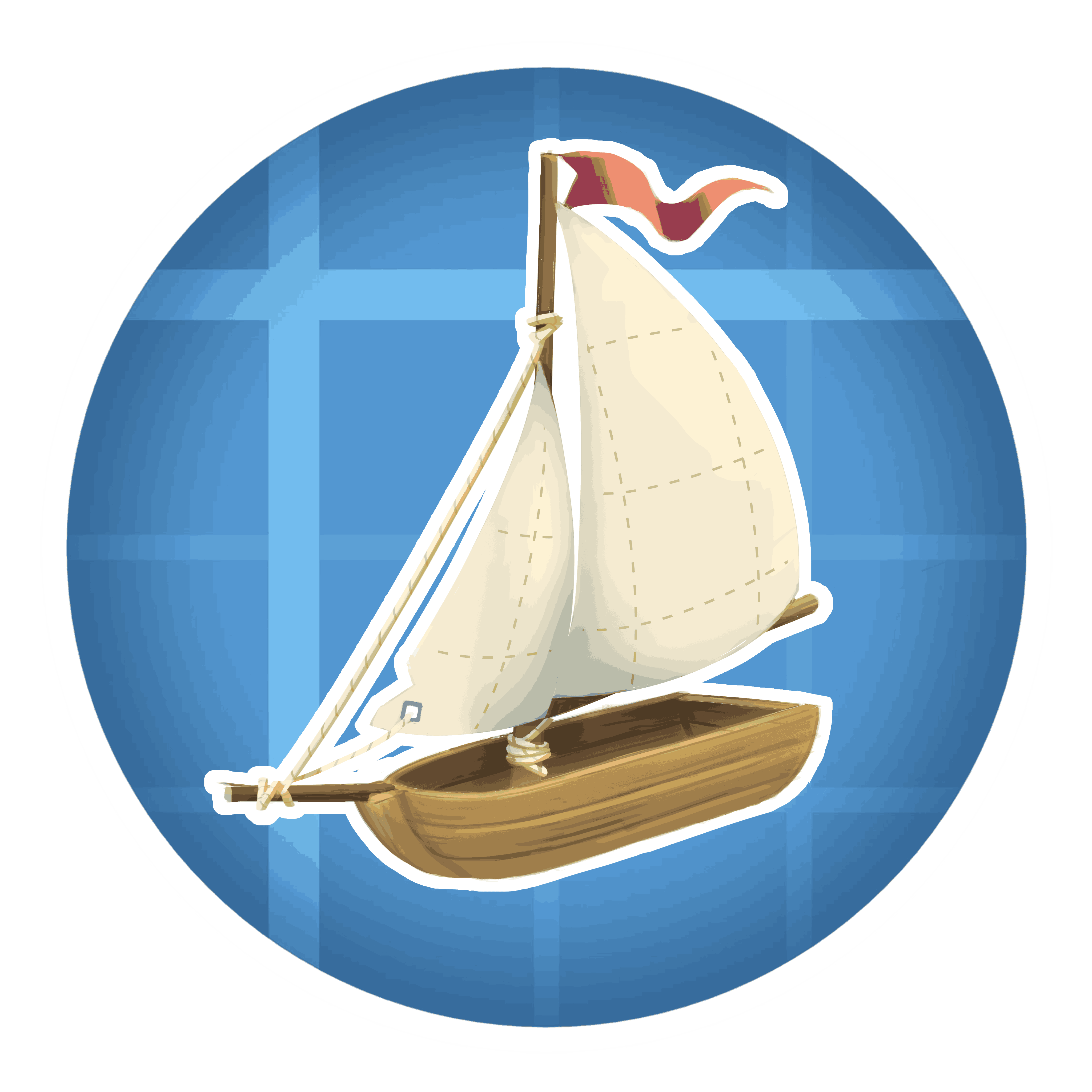
- High Seas, contains everything related to boats!
- The Abyss, a future biome/dimension containing creatures and structures, providing a real purpose for building and improving submarines.
Spoiler

Vortex Engine!

In order to get rid of Veil for the alarm lights, which breaks many mods and causes quite a few rendering issues, we decided to create a lighting engine that works seamlessly with Sodium and Iris; it produces stunning lighting and light diffusion in the water.
Spoiler

HIGHLY recommended mod
- Iris & Oculus Flywheel Compat

Compatibility with Iris
- As of version 3.4.1, the mod officially supports Photon, BSL, Bliss, and Complementary shaders.
Dependencies
- Create
- Create Aeronautics
- Sable
Mod Supported
- Copycat+
Credits
- Developers: MaxCreateMC, Cogfly, Zinc Studios
- Music: Caner Crebes, KANDELWICK
- Contributor: T418, Soub, Tormi, Mruranium, xamelo
- Artist: Marume, RandomePigeon, Funado, Myxma, Mr.Dark, Name, air_conditioning2
- Alpha Testers: Gothci, Myxma, sant, qkback, Kuko, Tormi, Plasmori, Deron4iik,
Create Deep Seas কীভাবে ইনস্টল করবেন
With Millida Launcher
Install Millida Launcher
The launcher is free: download it at millida.net/launcher and sign in with any nickname.
Click “Install” on this page
The launcher opens and installs the mod for Minecraft 1.21.1 on NeoForge automatically, together with its dependencies: Create, Sable, Create Aeronautics.
Launch the game
A profile with it appears in the launcher: click “Play”.
Manually
Install NeoForge
The loader must match the game version of the mod file, for example Minecraft 1.21.1. After installing it, a separate profile appears in your launcher.
Download the file for your version
In the version list above, pick the file create_submarine-3.4.5.jar (12 MB) for your game version.
Put it in the mods folder
The folder is inside .minecraft (Windows: %appdata%\.minecraft\mods). If it does not exist, create it. Required dependencies go there too: Create, Sable, Create Aeronautics.
Launch the loader profile
Open “Mods” in the main menu: Create Deep Seas should be in the list.
On a server
A server on NeoForge
The mod only works on a server with the same loader and game version, for example 1.21.1.
File goes into the server’s mods folder
Stop the server, put the mod file into the mods folder and start the server again.
Use the “To server” button
On Millida Hosting, the button at the top of the page uploads the file to your server and restarts it for you.
Minecraft 1.21.1 runs on Java 21: with a different Java version the game may close right after launch.
ভার্সন
ডিপেন্ডেন্সিসহ
| Minecraft | লোডার | ফাইল | তারিখ | অ্যাকশন |
|---|---|---|---|---|
| 1.21.1 | NeoForge | 1.21.111.8 MB ২৮ | ||
| 1.21.1 | NeoForge | 1.21.111.8 MB ১৯ | ||
| 1.21.1 | NeoForge | 1.21.111.8 MB | ||
| 1.21.1 | NeoForge | 1.21.111.8 MB | ||
| 1.21.1 | NeoForge | 1.21.111.8 MB ৭ | ||
| 1.21.1 | NeoForge | 1.21.111.4 MB ৪ | ||
| 1.21.1 | NeoForge | 1.21.17.7 MB ২৩ | ||
| 1.21.1 | NeoForge | 1.21.17.7 MB |
চালাতে যা প্রয়োজন
- Createআবশ্যক
- Sableআবশ্যক
- Lithostitchedইতিমধ্যে অন্তর্ভুক্ত
- Iris & Oculus Flywheel Compatঐচ্ছিক
- Create Aeronauticsআবশ্যক
- Fusion (Connected Textures)ইতিমধ্যে অন্তর্ভুক্ত
রিভিউ
Create Deep Seas-এ প্রথম রেটিং দিন


