

Minecraft 1.20.1-এর জন্য Colormatic মড
এখন আপনি রিসোর্স প্যাক দিয়ে Minecraft-এর হার্ডকোডেড রং কাস্টমাইজ করতে পারবেন।
 Fabric
 Quilt
Colormatic মড সম্পর্কে
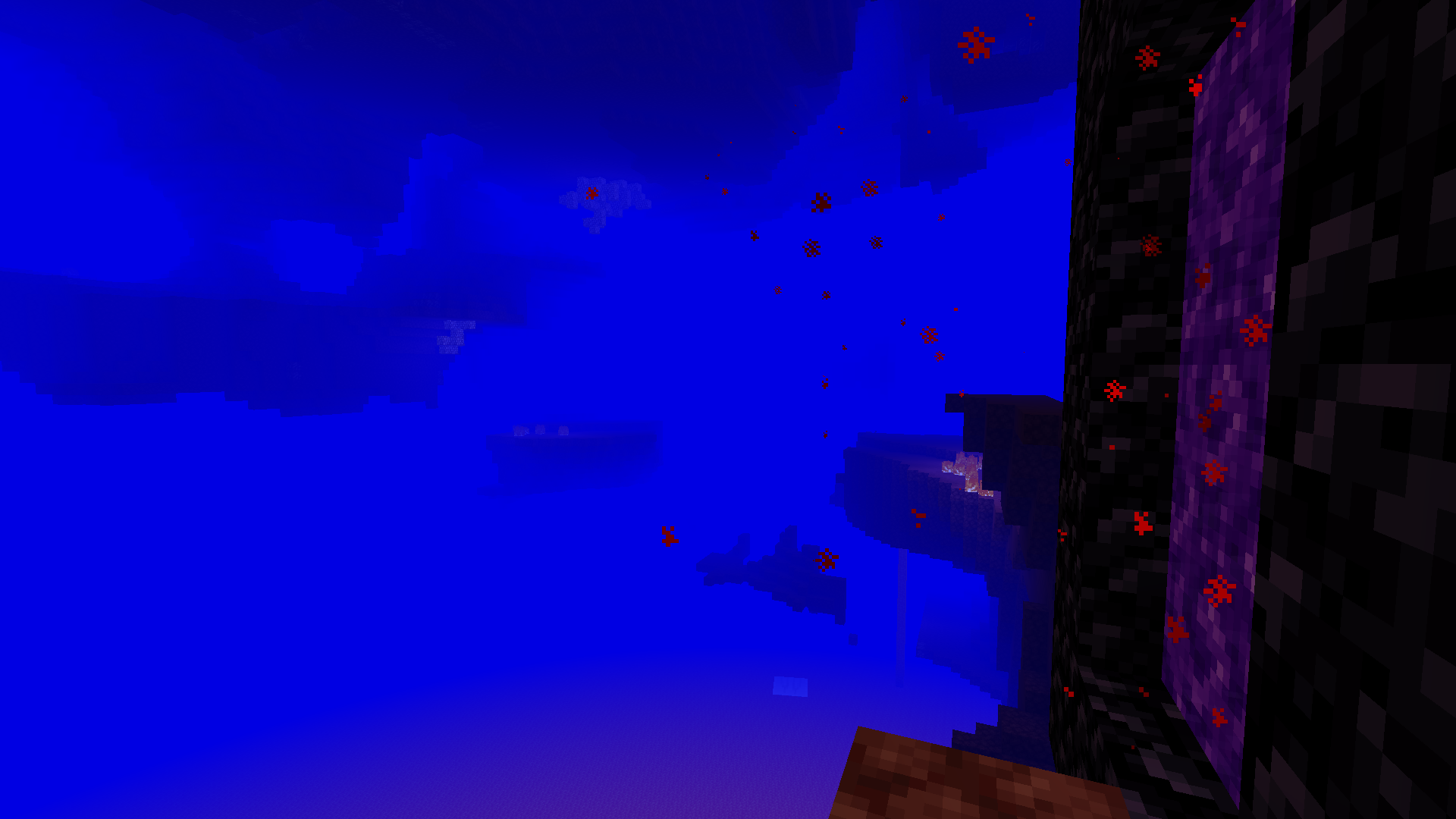
Colormatic হলো একটি স্বাধীন ইমপ্লিমেন্টেশন যা Fabric-এ Minecraft-এর মূল Custom Colors মডের সাথে রিসোর্স-প্যাক-সামঞ্জস্যপূর্ণ। এটি Optifine-এর custom colors ফিচার ব্যবহার করে এমন রিসোর্স প্যাকের সাথে সম্পূর্ণরূপে সামঞ্জস্যপূর্ণ। Colormatic মূল Custom Colors মডের প্রায় সব ফিচার বহন করে এবং নিজস্ব কিছু ফিচার যোগ করে। ফিচারগুলোর মধ্যে রয়েছে
- - পানি, পাতা, পানির নিচে, লাভার নিচে, আকাশ এবং কুয়াশার জন্য বায়োম কলোরম্যাপ
- - যেকোনো ব্লকের জন্য কাস্টম বায়োম কলোরম্যাপ
- - যেকোনো ডাইমেনশনের জন্য কাস্টম লাইটম্যাপ (ডেটাপ্যাক ডাইমেনশনসহ)
- - কাস্টম ডাই কালার
- - কাস্টম চ্যাট কালার
Colormatic Optifine custom colors ফাইলযুক্ত রিসোর্স প্যাক সরাসরি লোড করা সমর্থন করে। এটি colormatic namespace থেকে সমতুল্য json ফরম্যাটের ফাইল লোড করাও সমর্থন করে (এবং অগ্রাধিকার দেয়)।
দ্রষ্টব্য: Colormatic নিজে Minecraft-এ কোনো কাস্টম কালার যোগ করে না। এটি কেবল রিসোর্স প্যাকের জন্য কাস্টম কালার যোগ করার সক্ষমতা প্রদান করে।
আরও মজার ছবি দেখুন।
Colormatic কীভাবে ইনস্টল করবেন
With Millida Launcher
Install Millida Launcher
The launcher is free: download it at millida.net/launcher and sign in with any nickname.
Click “Install” on this page
The launcher opens and installs the mod for Minecraft 1.16–1.20.1 on Fabric or Quilt automatically.
Launch the game
A profile with it appears in the launcher: click “Play”.
Manually
Install Fabric or Quilt
The loader must match the game version of the mod file, for example Minecraft 1.20.1. After installing it, a separate profile appears in your launcher.
Download the file for your version
In the version list above, pick the file colormatic-3.1.3+mc.1.20.1.jar (216 KB) for your game version and loader.
Put it in the mods folder
The folder is inside .minecraft (Windows: %appdata%\.minecraft\mods). If it does not exist, create it.
Launch the loader profile
Open “Mods” in the main menu: Colormatic should be in the list.
Minecraft 1.20.1 runs on Java 17: with a different Java version the game may close right after launch.
ভার্সন
ডিপেন্ডেন্সিসহ
| Minecraft | লোডার | ফাইল | তারিখ | অ্যাকশন |
|---|---|---|---|---|
| 1.20.1 | Fabric, Quilt | colormatic-3.1.3+mc.1.20.1.jar216 KB ১ | ||
| 1.16.1 | — | colormatic-2.2.1+mc.1.16.1.jar498 KB |
FAQ
Which Minecraft versions does Colormatic work on?
There are files for 1.20.1, 1.16.1, 1.16. The newest is 1.20.1.
Is Colormatic for Forge or Fabric?
There are files for Fabric: 1.20.1 and for Quilt: 1.20.1. There are no files for Forge or NeoForge: a mod for another loader will not start.
Does Colormatic need other mods?
The author lists no required dependencies: the Fabric or Quilt loader is enough.
Which Java does Colormatic need?
Minecraft 1.20.1 runs on Java 17. If the game closes right after launch, the usual cause is the wrong Java version in the profile settings.
Where can I download Colormatic safely?
On this page: the file colormatic-3.1.3+mc.1.20.1.jar (216 KB) is stored on Millida’s server, with no link shorteners. SHA-1 checksum: 021e7326a3f49d438968f1ea859d7208b69e1dce.
রিভিউ
Colormatic-এ প্রথম রেটিং দিন


