
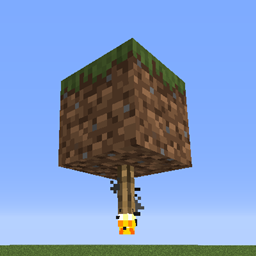
Minecraft 1.20.1, 26.3-এর জন্য Ceiling Torch মড
torch ছাদের উপর বসানোর উপযোগী করে।
 NeoForge
 Forge
ForgeFunctionality
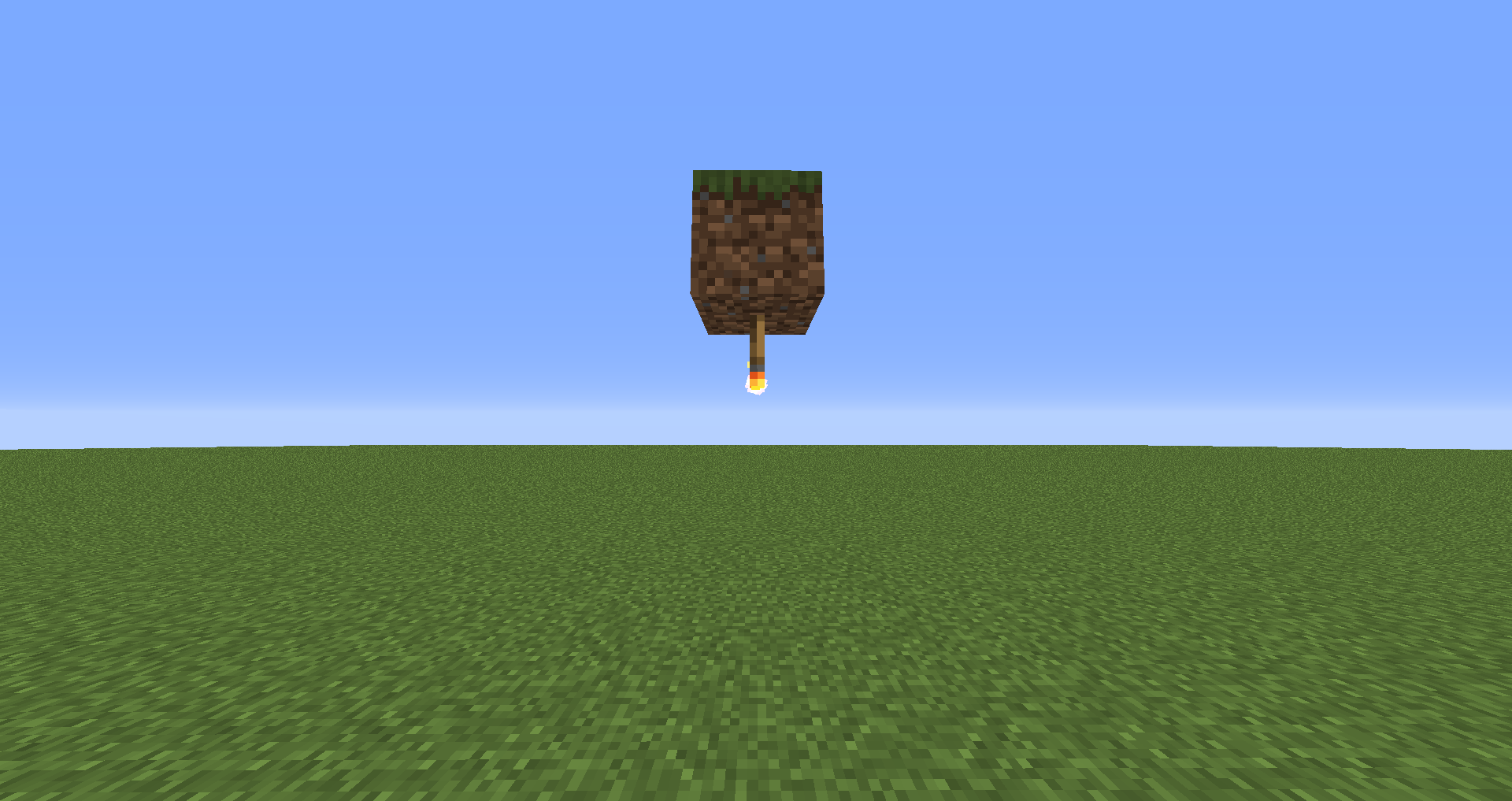
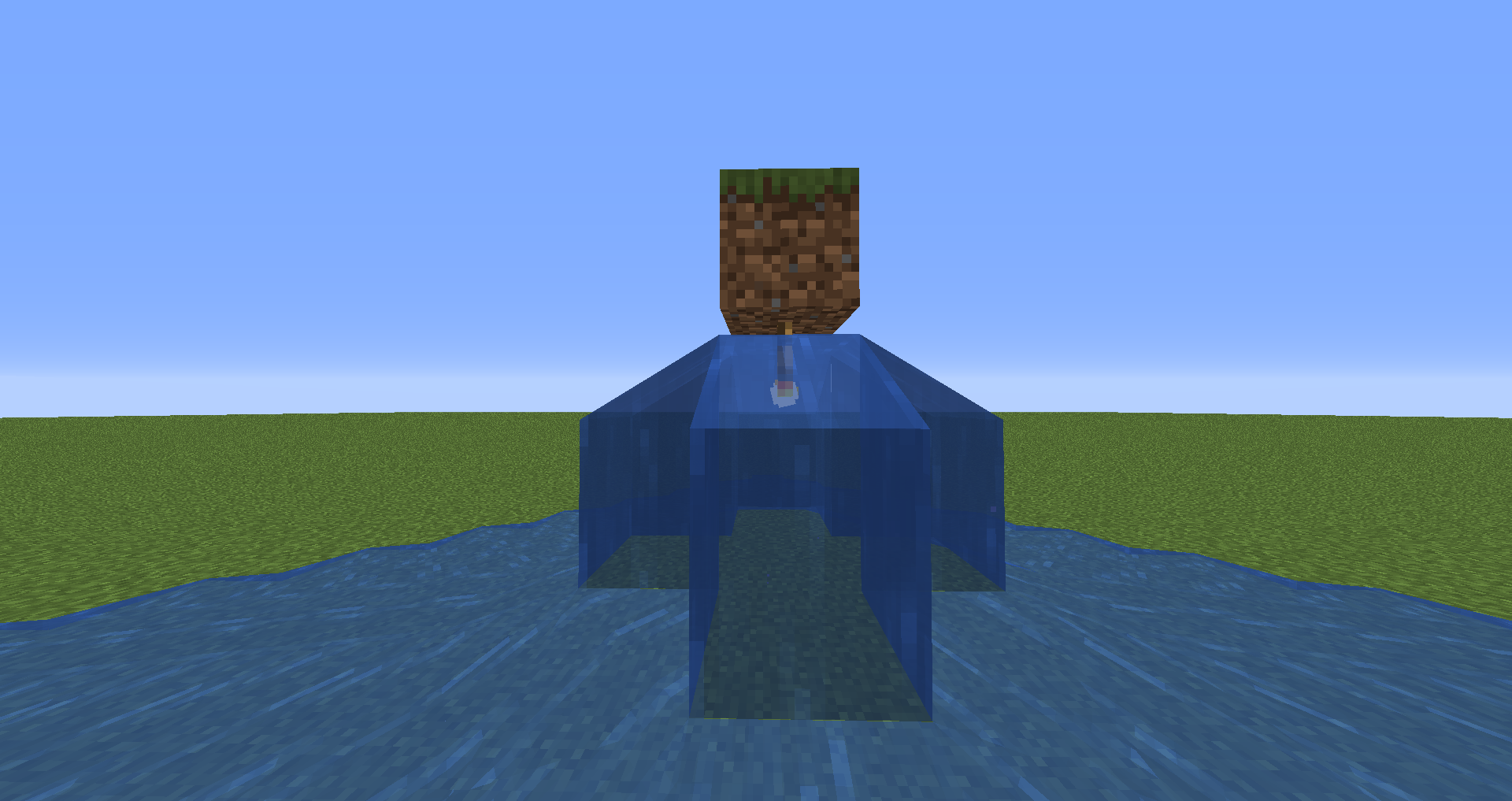
This mod allows vanilla (and also modded, see below) torches to be placed on the ceiling (upside down). The mod supports the normal torch, the soul torch, and the redstone torch. The redstone torch interacts with redstone like any other redstone torch that is attached to the same block would. If you want this mod to work with a different mod's torches, please ask me about it and I'll see what I can do about adding support.
Supported Mods
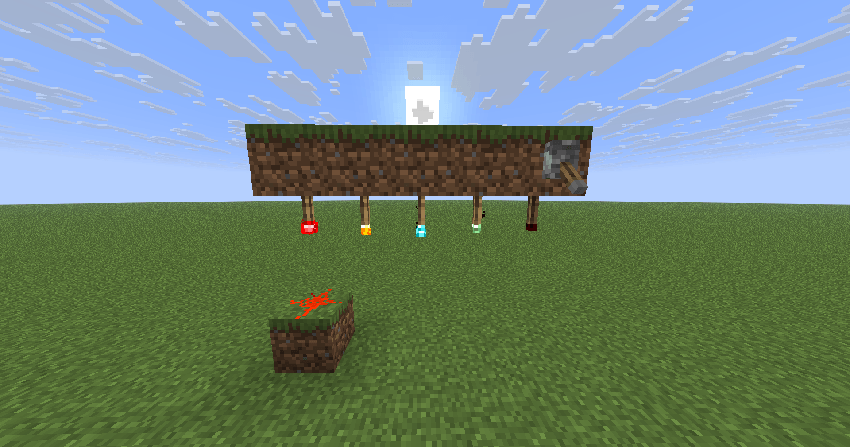
Please take a look at this dedicated mod support page to find out which mods are supported by Ceiling Torch. Original functionality of mod torches is kept as best as possible. Some (but not all) of their ceiling torch variants can be found in the images tab on this page to give you a general idea.
You are allowed to use this mod in any modpack.
Come join me on Discord! https://discord.gg/kgZUAxK
Follow me on Twitter for mod updates and other shenanigans! https://twitter.com/bl4ckscor3
Ceiling Torch কীভাবে ইনস্টল করবেন
With Millida Launcher
Install Millida Launcher
The launcher is free: download it at millida.net/launcher and sign in with any nickname.
Click “Install” on this page
The launcher opens and installs the mod for Minecraft 1.14.3–26.3 on Forge or NeoForge automatically.
Launch the game
A profile with it appears in the launcher: click “Play”.
Manually
Install Forge or NeoForge
The loader must match the game version of the mod file, for example Minecraft 26.3. After installing it, a separate profile appears in your launcher.
Download the file for your version
In the version list above, pick the file ceilingtorch-26.3-1.34.jar (47 KB) for your game version and loader.
Put it in the mods folder
The folder is inside .minecraft (Windows: %appdata%\.minecraft\mods). If it does not exist, create it.
Launch the loader profile
Open “Mods” in the main menu: Ceiling Torch should be in the list.
ভার্সন
ডিপেন্ডেন্সিসহ
| Minecraft | লোডার | ফাইল | তারিখ | অ্যাকশন |
|---|---|---|---|---|
| 26.3 | NeoForge | ceilingtorch-26.3-1.34.jar46.7 KB ১ | ||
| 1.20.1 | Forge, NeoForge | ceilingtorch-1.20.1-1.34.jar250 KB | ||
| 1.14.3 | Forge | ceilingtorch-1.14.3-v1.0.jar9.2 KB |
FAQ
Which Minecraft versions does Ceiling Torch work on?
There are files for 26.3, 1.20.1, 1.14.3. The newest is 26.3.
Is Ceiling Torch for Forge or Fabric?
There are files for Forge: 1.14.3–1.20.1 and for NeoForge: 1.20.1–26.3. There are no files for Fabric: a mod for another loader will not start.
Does Ceiling Torch need other mods?
The author lists no required dependencies: the Forge or NeoForge loader is enough.
Where can I download Ceiling Torch safely?
On this page: the file ceilingtorch-26.3-1.34.jar (47 KB) is stored on Millida’s server, with no link shorteners. SHA-1 checksum: 1cdaf4d6d6eba891432b3a720a30189cc8e04714.
রিভিউ
Ceiling Torch-এ প্রথম রেটিং দিন


