
Minecraft 1.12.2, 1.19.2-এর জন্য ArmorPlus মড
ArmorPlus একটি মড যা অন্বেষণ, হত্যা, নির্মাণ, সজ্জিত হওয়া, বসদের সাথে লড়াই এবং আপনার ওয়ার্ল্ডের গভীরতা অন্বেষণের উপর ভিত্তি করে
 NeoForge
 Forge
ForgeArmorPlus মড সম্পর্কে
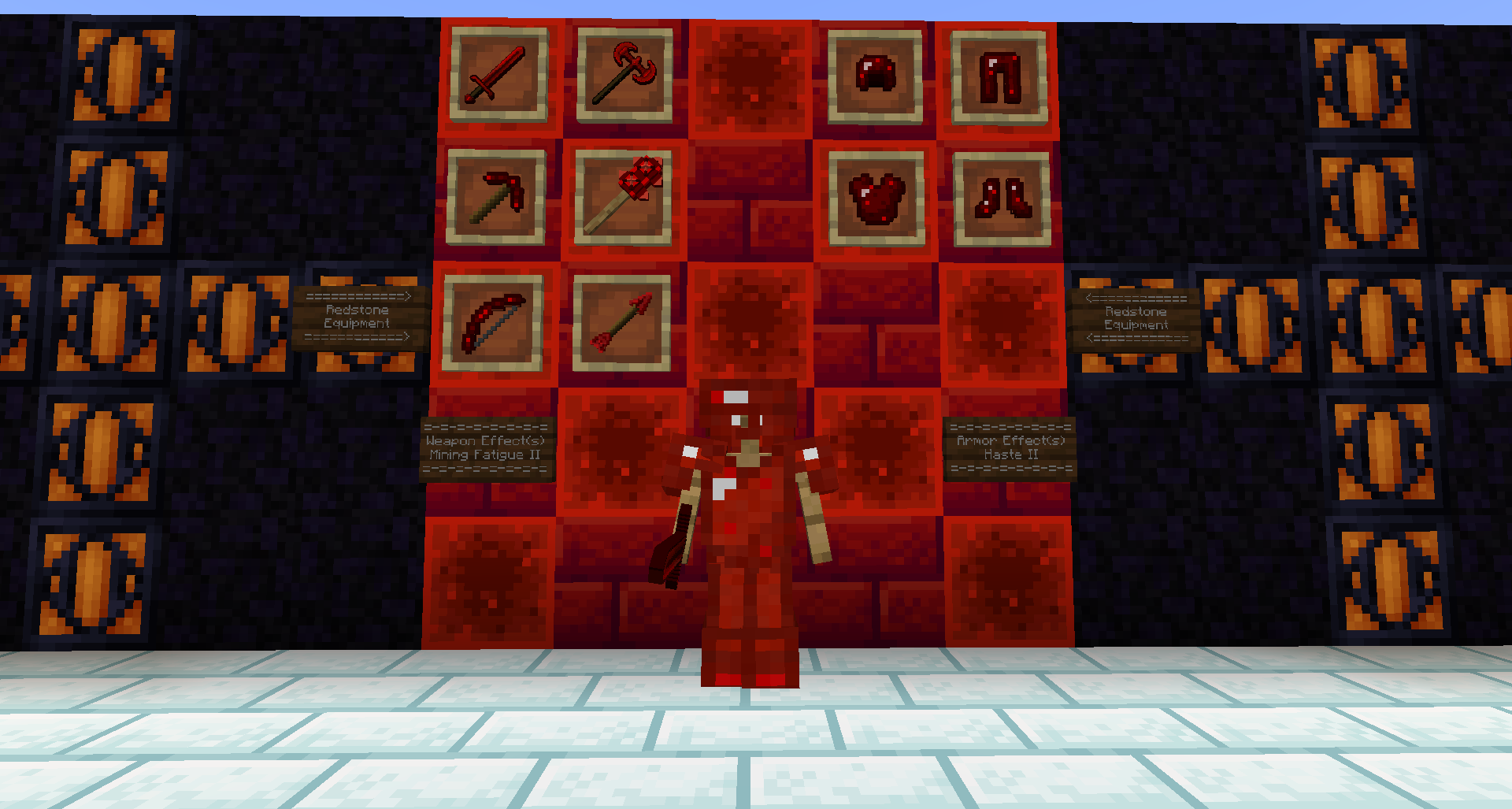
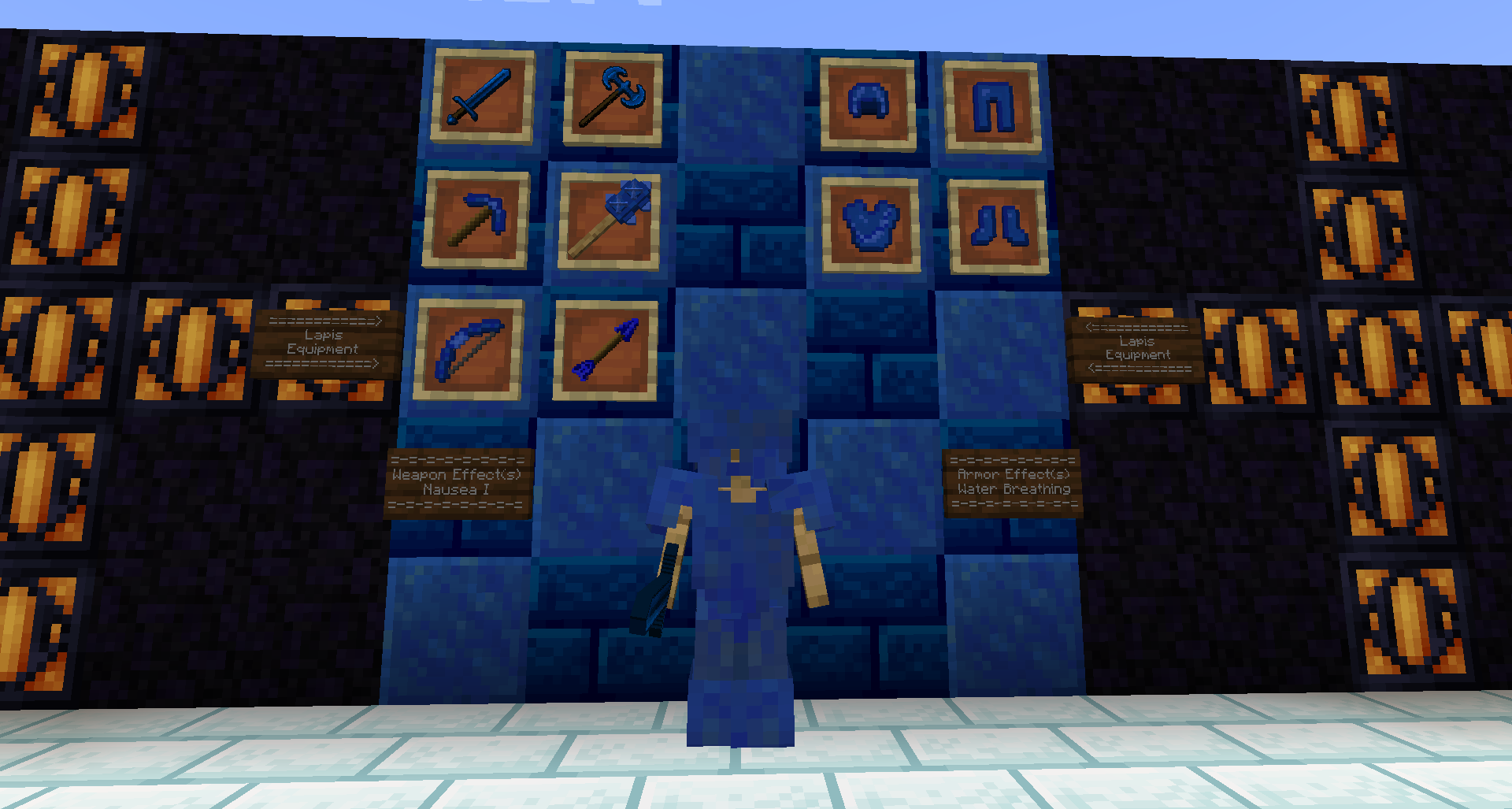
ArmorPlus একটি মড যা আপনার Minecraft বিশ্বে সম্পূর্ণ নতুন বহু-স্তরের অস্ত্রাগার নিয়ে আসে, প্রতিটির নিজস্ব অনন্য ক্ষমতা রয়েছে যাতে আপনার যাত্রায় বিভিন্ন পরিস্থিতির উপর নির্ভর করে সেগুলোকে সম্পূর্ণভাবে কাজে লাগানো যায়।
এটি কিছু বিশ্ব জেনারেশনও যোগ করে যাতে আপনার অন্বেষণ করার জন্য সবসময় নতুন কিছু থাকে।
নির্ভরতা
TheDragonLib
Geckolib
Armor Trims
মড ইন্টিগ্রেশন
ArmorPlus ইন্টিগ্রেশন যোগ করেছে:
JEI (Just Enough Items): Workbench, High-Tech Bench, Ulti-Tech Bench & The Champion Bench (Not 1.16.5+)
TOP (The One Probe): Support for all of the ArmorPlus helmets (Not 1.16.5+)
Tesla: The tesla tools & steel armor (Not 1.12.2+)
RF (Embemed): The RF tools & Steel armor (Not 1.11.2+)
Tinkers' Construct: Some materials and modifiers like Lava Crystal (Material)
ProjectE (EMC): A configurable option to make almost everything in the mod to contain EMC value (enable it via armorplus/integrations.cfg) (Not 1.16.5+)
CraftTweaker: All of the benches and the lava infuser have CT support (Not 1.16.5+)
CraftTweaker ইন্টিগ্রেশন কীভাবে ব্যবহার করবেন
বিস্তারিত ব্যাখ্যার জন্য এখানে ক্লিক করুন
মডপ্যাক
- Featured on Project Ozone 3
কোনো সমস্যা পেয়েছেন?
- আপনি এখানে ইস্যু ট্র্যাকারে একটি টিকিট তৈরি করতে পারেন: GitHub Issues.
আমাকে সমর্থন করতে চান?
- আপনি ko-fi-এ আমাকে একটি কফি কিনে সমর্থন করতে পারেন।
আমি কি এই মডটি অন্য ওয়েবসাইটে পুনরায় পোস্ট করতে পারি?
- না, এই মডের কোনো সংস্করণ অন্য ওয়েবসাইটে পুনরায় পোস্ট করার অনুমতি আপনার নেই।
আমি কি মডের টেক্সচার বা কোনো আর্টওয়ার্ক ব্যবহার করার অনুমতি পাব?
- না।
একটি Fabric সংস্করণ থাকবে?
- বর্তমান মুহূর্তে মডটি Fabric-এ পোর্ট করার কোনো পরিকল্পনা নেই।
মডপ্যাক অনুমতি
তাদের লিঙ্ক
সোশ্যাল লিঙ্ক
Twitter/X - sokratis12GR
ArmorPlus Discord Community Server-এ যোগ দিন
ArmorPlus কীভাবে ইনস্টল করবেন
With Millida Launcher
Install Millida Launcher
The launcher is free: download it at millida.net/launcher and sign in with any nickname.
Click “Install” on this page
The launcher opens and installs the mod for Minecraft 1.12.1–26.1.2 on Forge or NeoForge automatically.
Launch the game
A profile with it appears in the launcher: click “Play”.
Manually
Install Forge or NeoForge
The loader must match the game version of the mod file, for example Minecraft 26.1.2. After installing it, a separate profile appears in your launcher.
Download the file for your version
In the version list above, pick the file ArmorPlus-26.1.2-22.0.0-neo.jar (2.6 MB) for your game version and loader.
Put it in the mods folder
The folder is inside .minecraft (Windows: %appdata%\.minecraft\mods). If it does not exist, create it.
Launch the loader profile
Open “Mods” in the main menu: ArmorPlus should be in the list.
ভার্সন
ডিপেন্ডেন্সিসহ
| Minecraft | লোডার | ফাইল | তারিখ | অ্যাকশন |
|---|---|---|---|---|
| 26.1.2 | NeoForge | ArmorPlus-26.1.2-22.0.0-neo.jar2.6 MB ২ | ||
| 26.1.2 | Forge | armorplus-26.1.2-22.0.0.jar2.6 MB ১ | ||
| 1.21 | NeoForge | armorplus-neoforge-1.21-21.0.0.jar1.9 MB | ||
| 1.19.2 | Forge | armorplus-1.19.2-19.1.0-beta.jar2.1 MB ২ | ||
| 1.12.2 | — | armorplus-1.12.2-11.28.0.69.jar1.7 MB ২ | ||
| 1.13.2 | — | armorplus-1.13.2-12.0.0.2.jar996 KB ২ | ||
| 1.12.1 | — | armorplus-1.12.1-11.6.4.21-alpha.jar1 MB |
রিভিউ
ArmorPlus-এ প্রথম রেটিং দিন


