

Minecraft 1.20.1, 1.19.2-এর জন্য OccultCraft বিল্ড
OccultCraft - ব bosses, জাদু ও মজার উপর জোর দেওয়া একটি ফ্যান্টাসি/মধ্যযুগীয় থিমের মডপ্যাক।
- ডাউনলোড
- ৭ ডাউনলোড
- ভিউ
- ৮৯ ভিউ
- আপডেট করা হয়েছে
- আপডেট করা হয়েছে 18.10.2026
- 1.18.1 — 1.20.6
 Forge
Forge
OccultCraft মডপ্যাক সম্পর্কে
Delve deep into the world of the Occult. Magic unleashed upon a world silently searching for a worthy master. Foes stronger than gods laughing from the shadows. Adventures waiting at every step of the way. What destiny will you shape for yourself?
OccultCraft 3rd Edition [1.16]:
OccultCraft 3rd Edition is made for 1.16.5. It's main premise is to defeat every main boss (complete every quest) thus obtaining every title and taming the Occult. That however isn't forced in any way meaning you can do whatever you want.
Note: if you don't like the camera strafing you can disable it in the cameraoverhaul.json
The modpack also makes the game harder but adds more content.
◆ Player origins:
◆ Curses and blessings:
◆ Quests (More as of 3.5+):
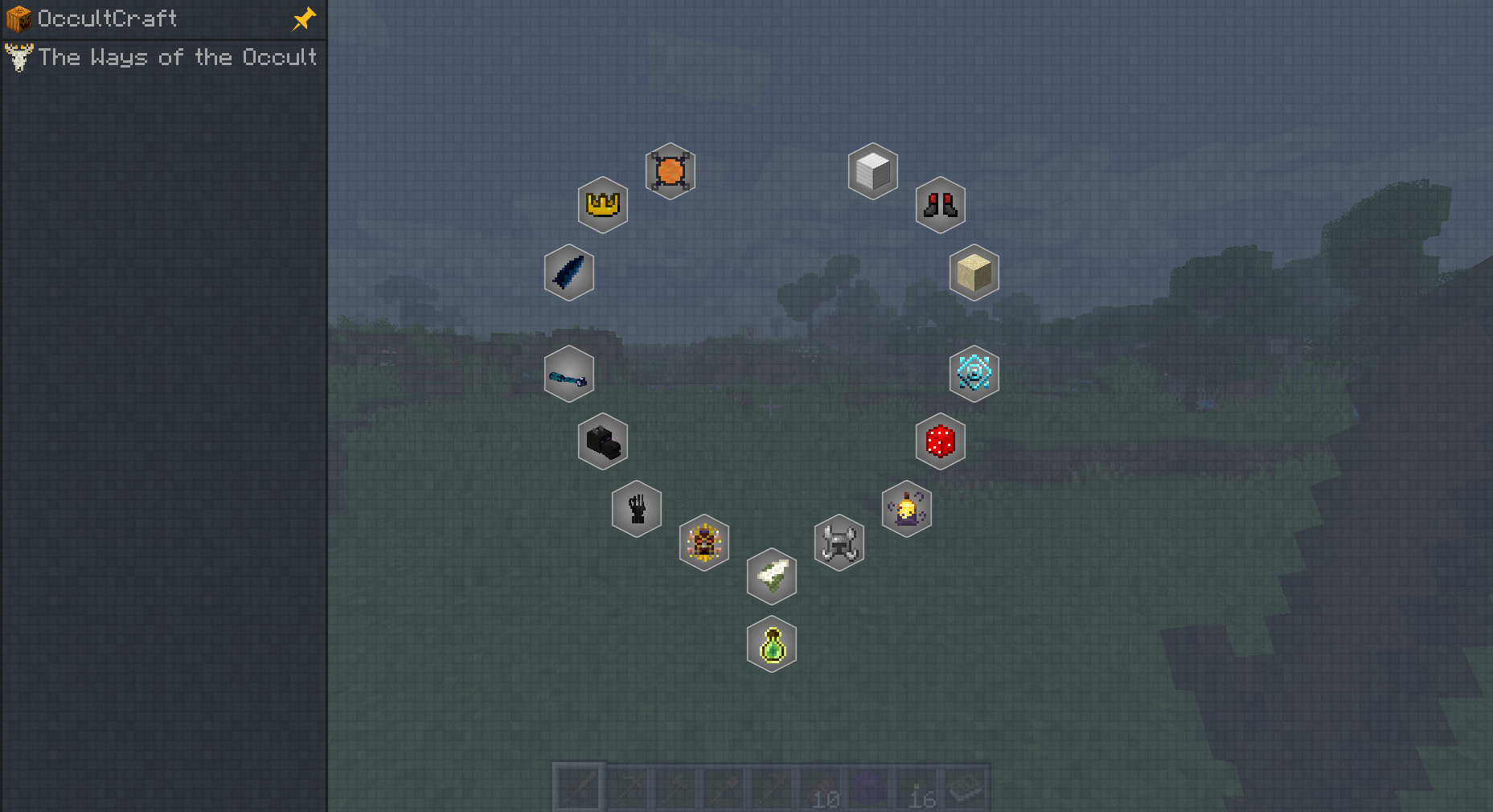
◆ Creating custom spells
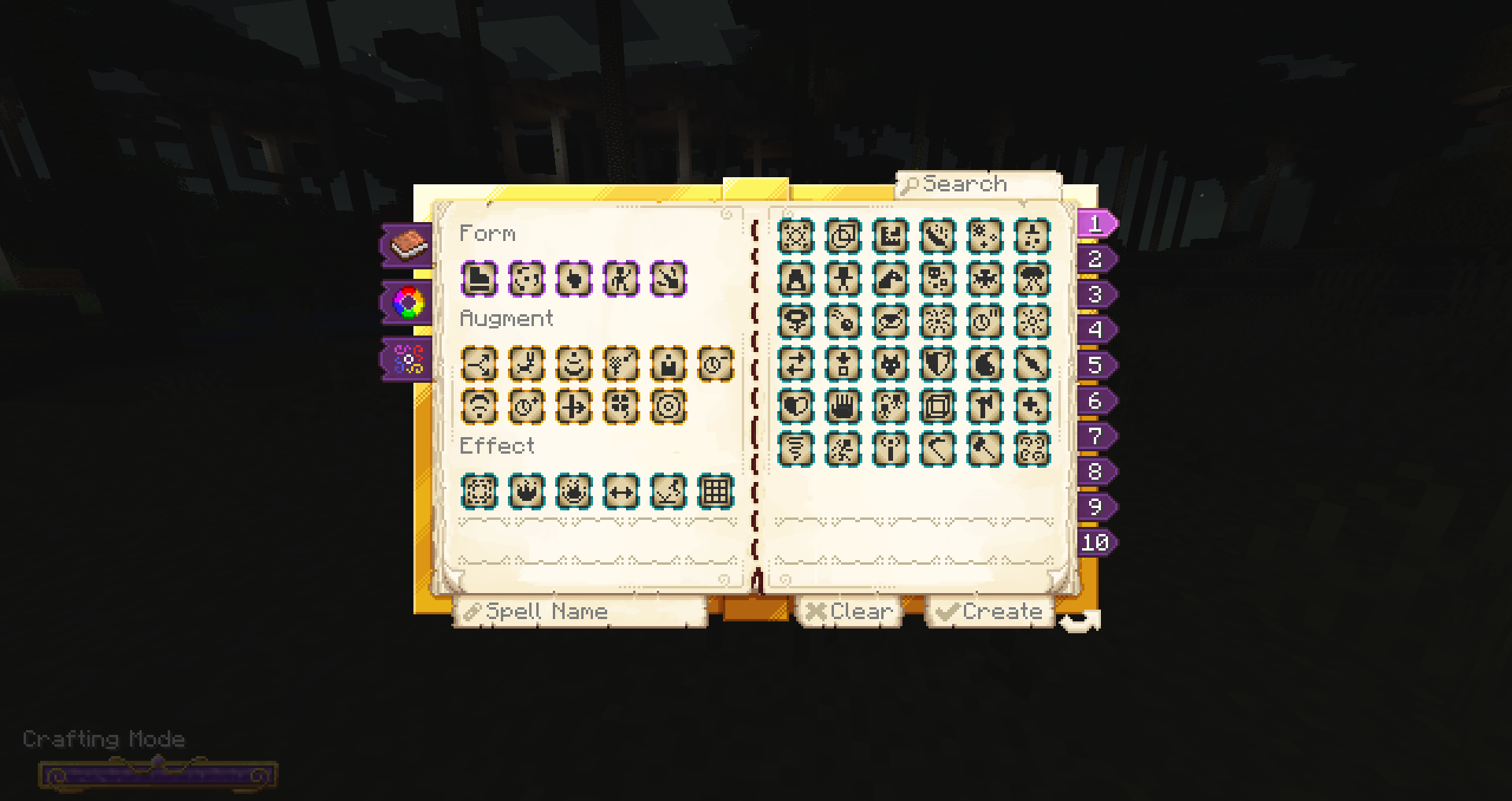
◆ Brewing custom potions
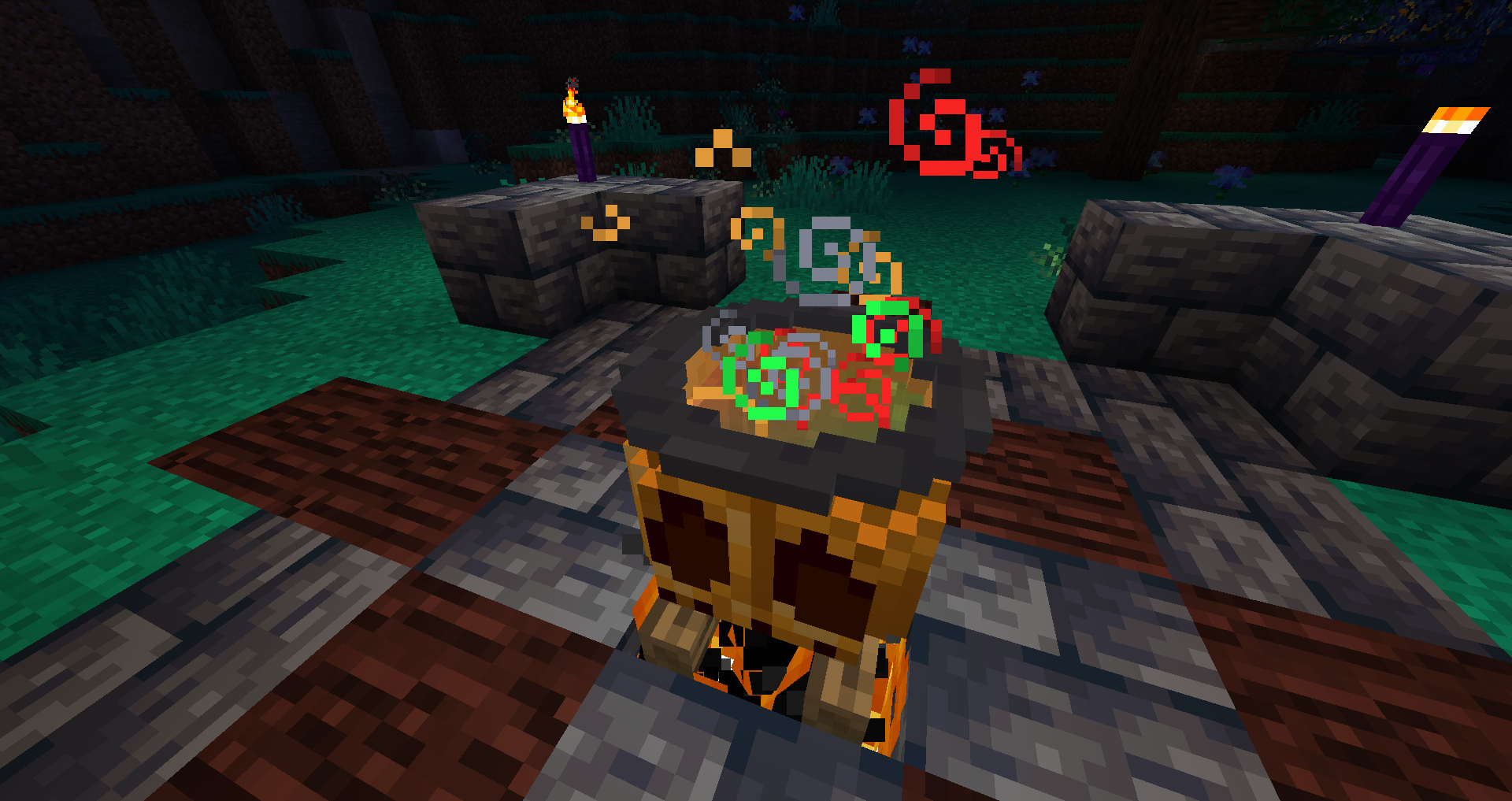
◆ Visiting other dimensions
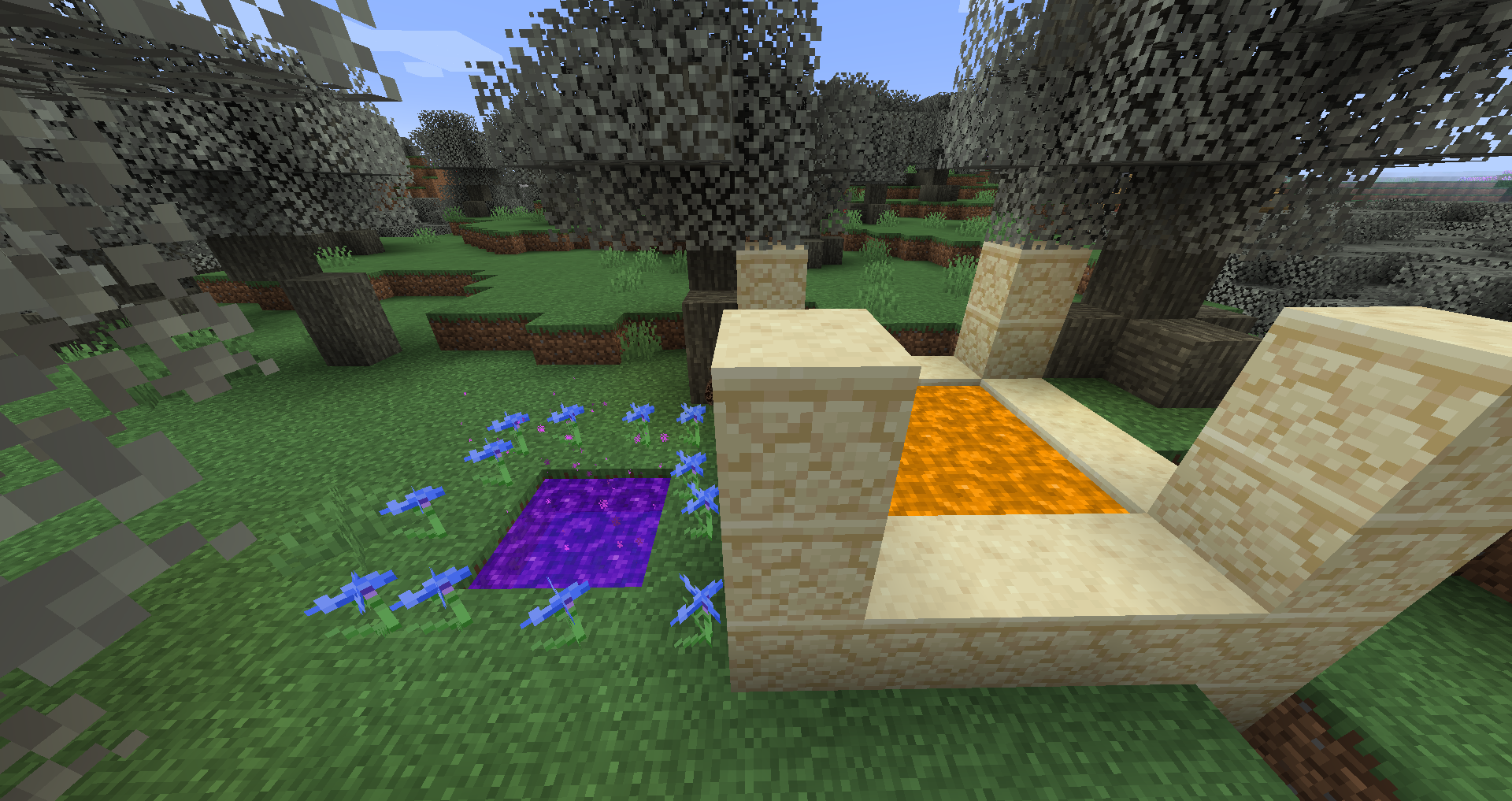
◆ Proving yourself worthy to the magic schools
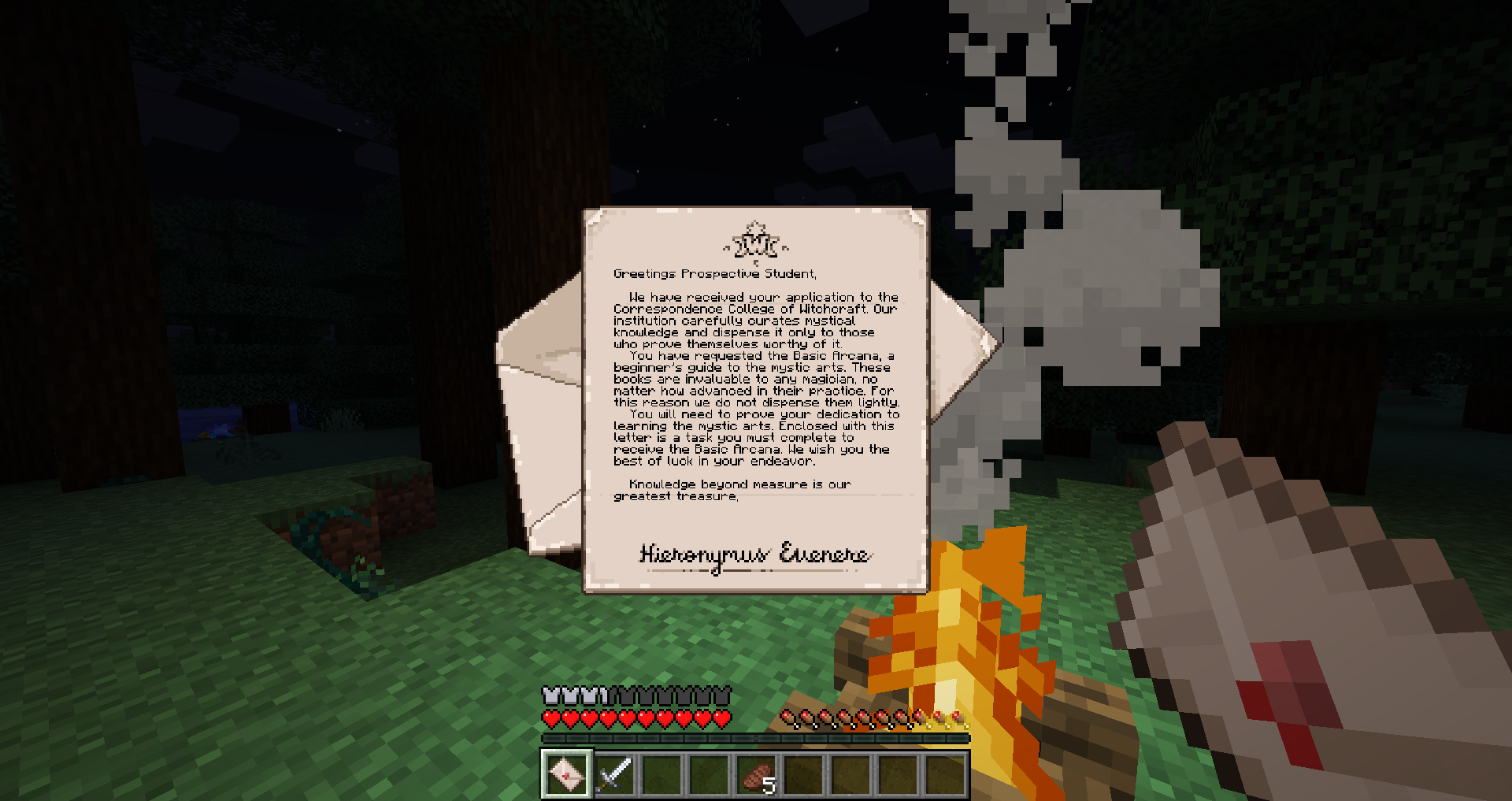
◆ Becoming a vampire
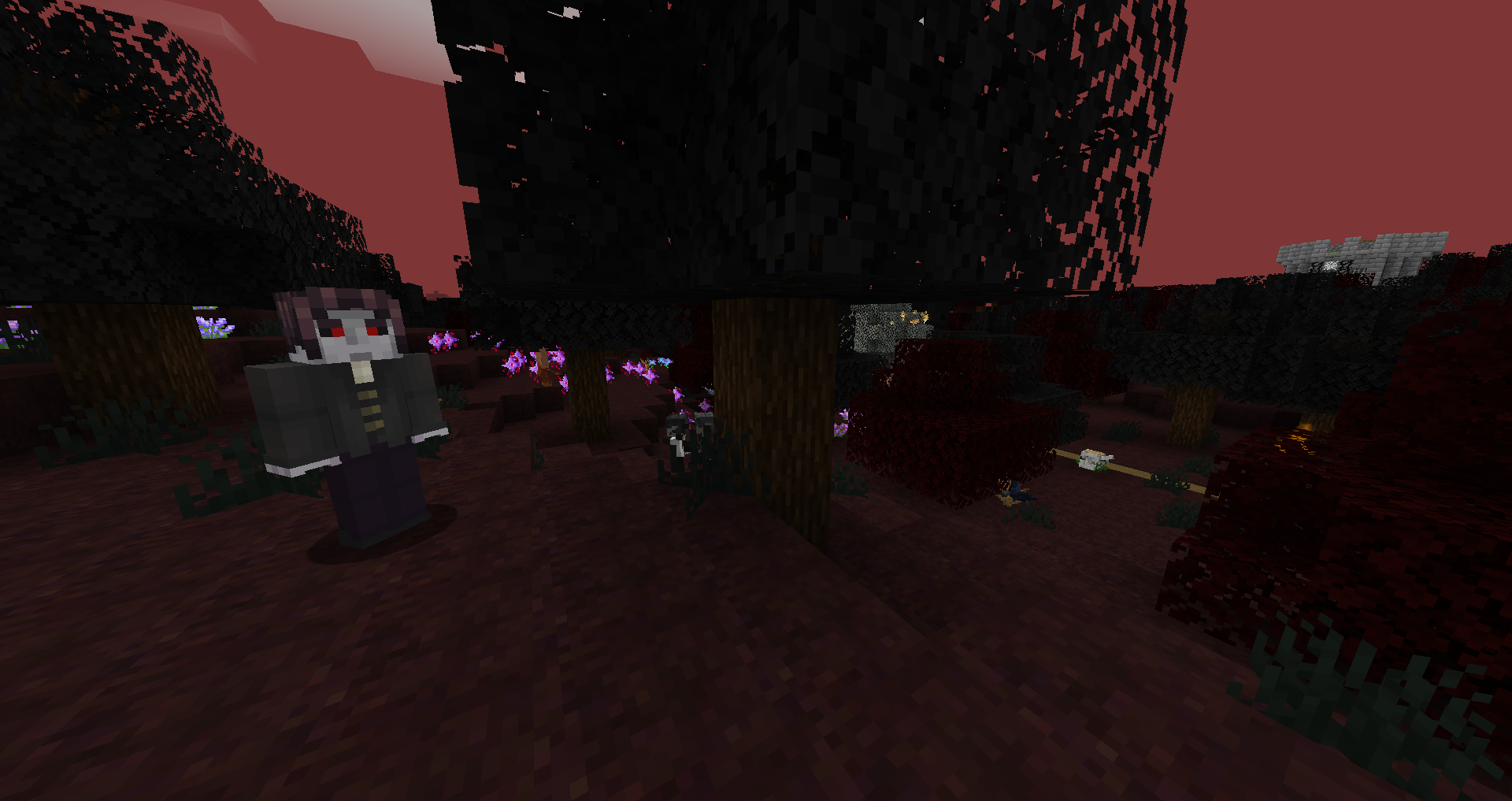
◆ Becoming a werewolf
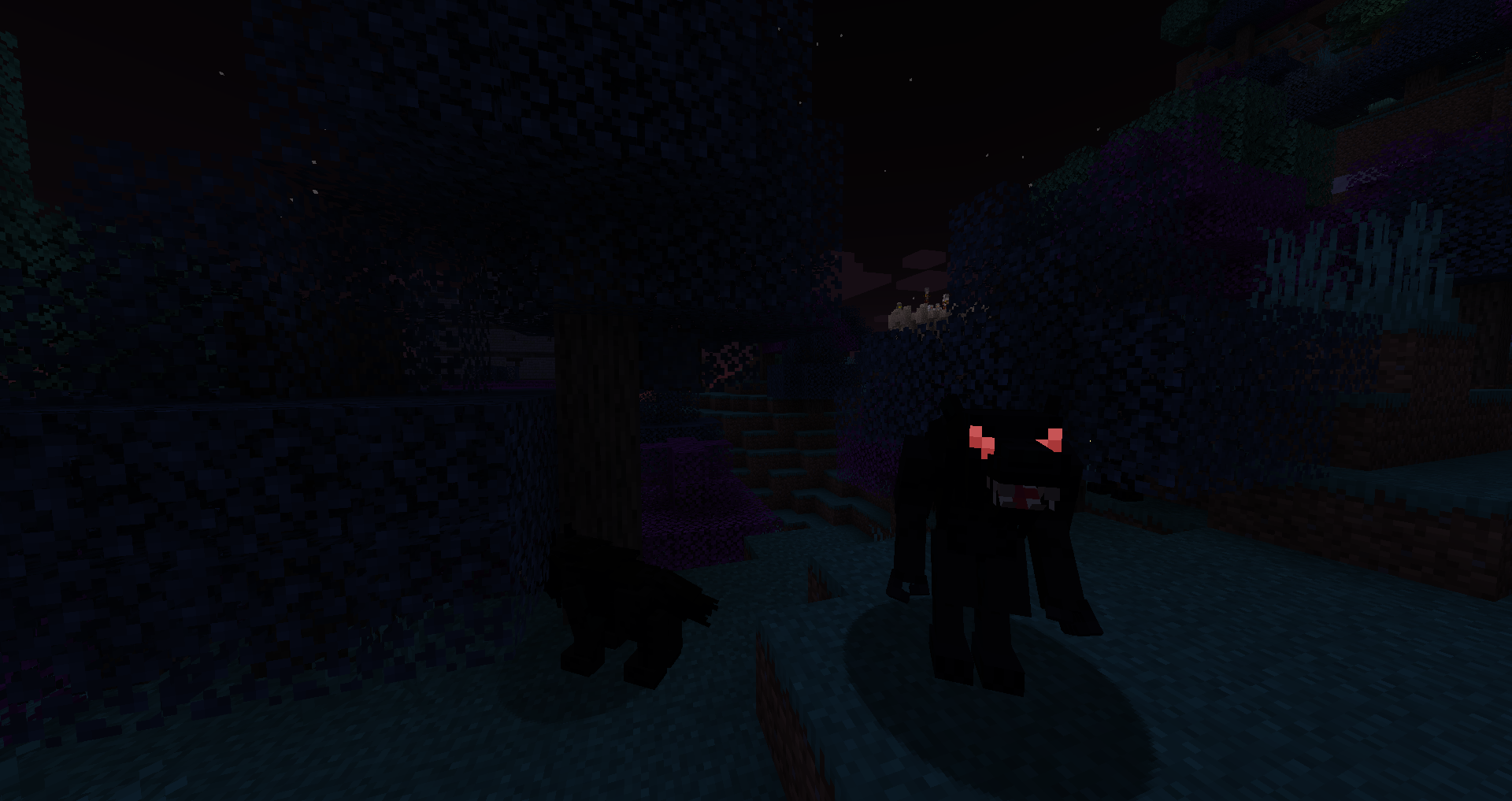
◆ Becoming a ghost
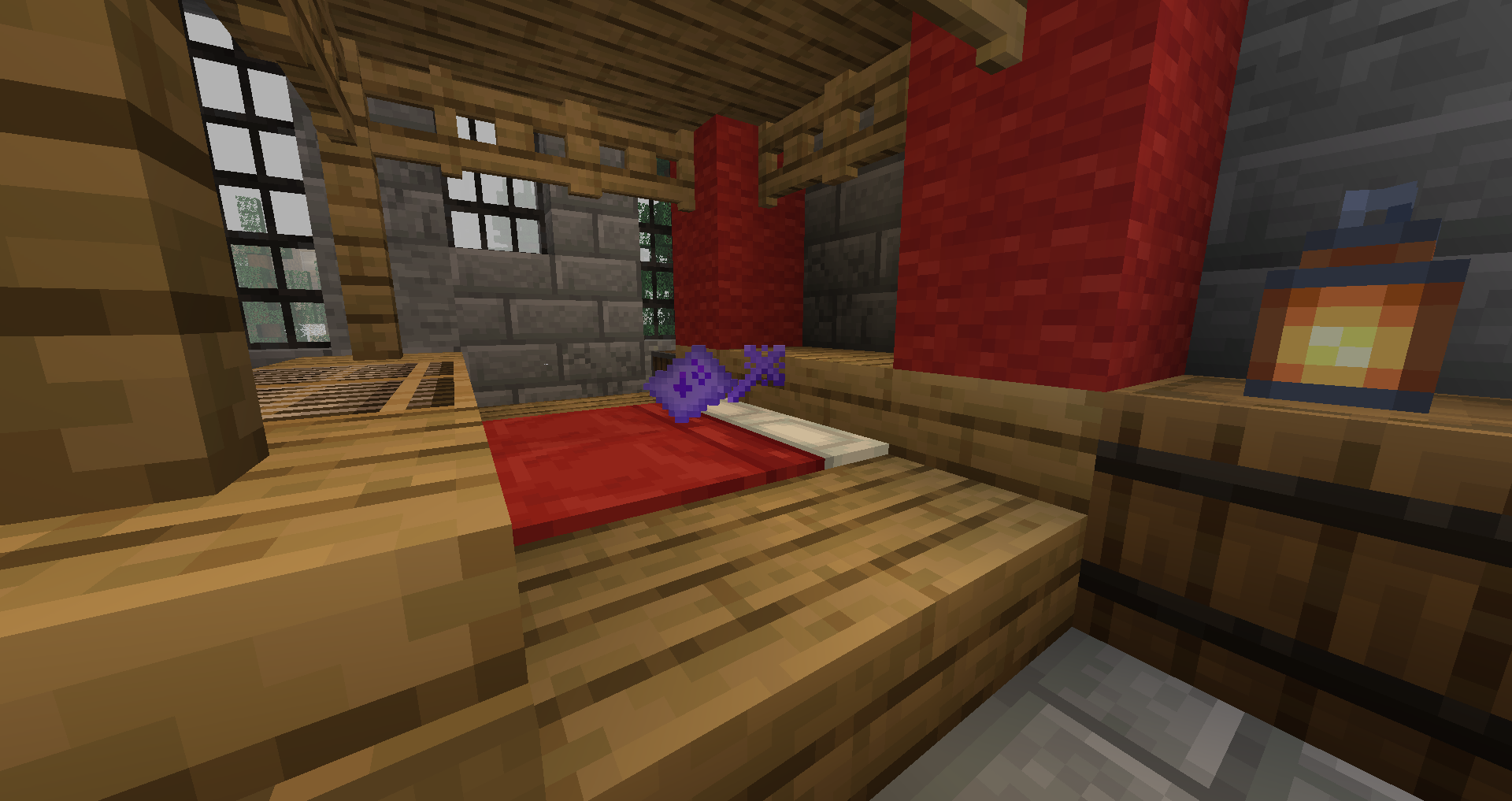
◆ Using alchemy
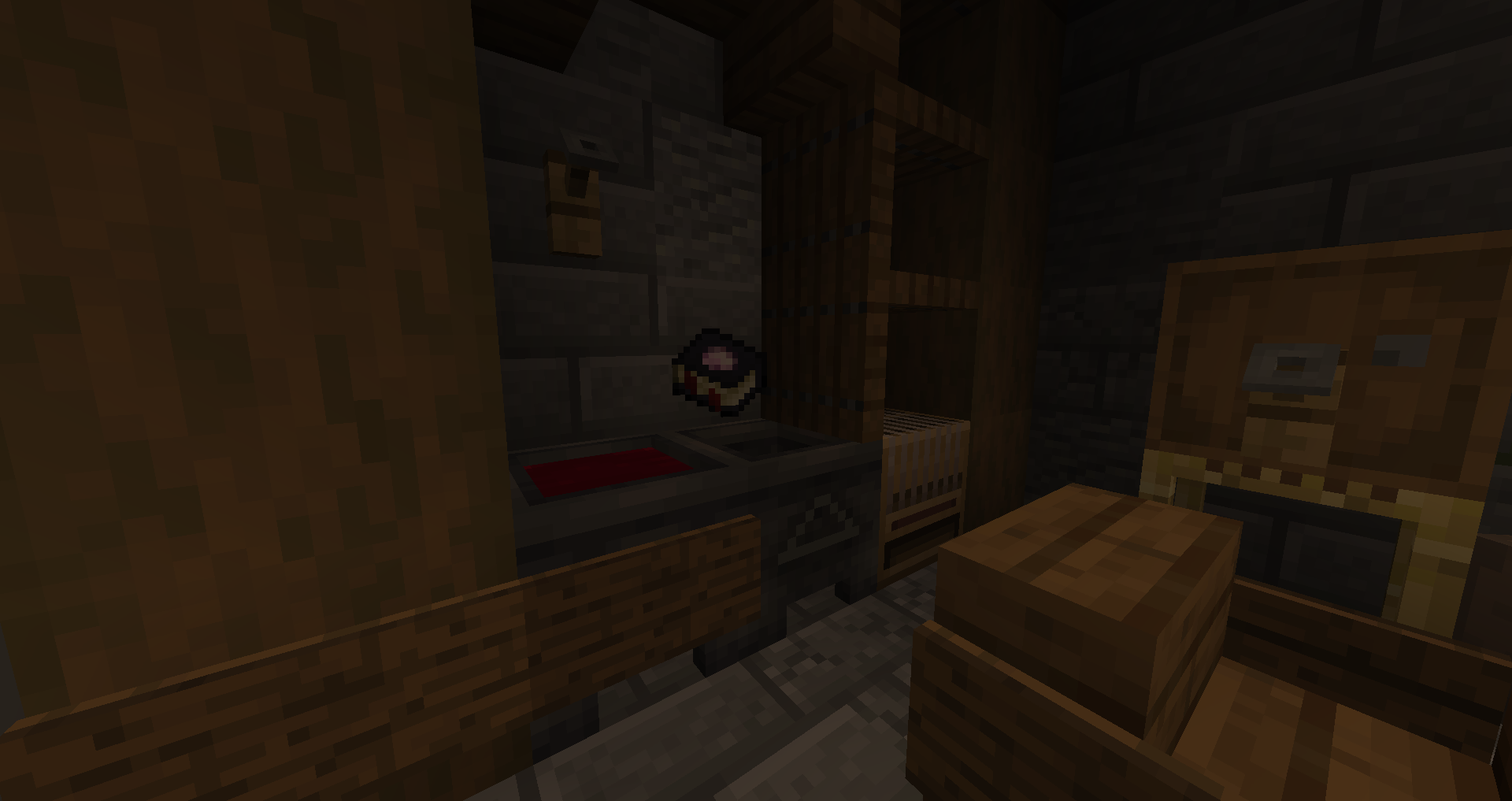
◆ Harnessing the powers of seeds
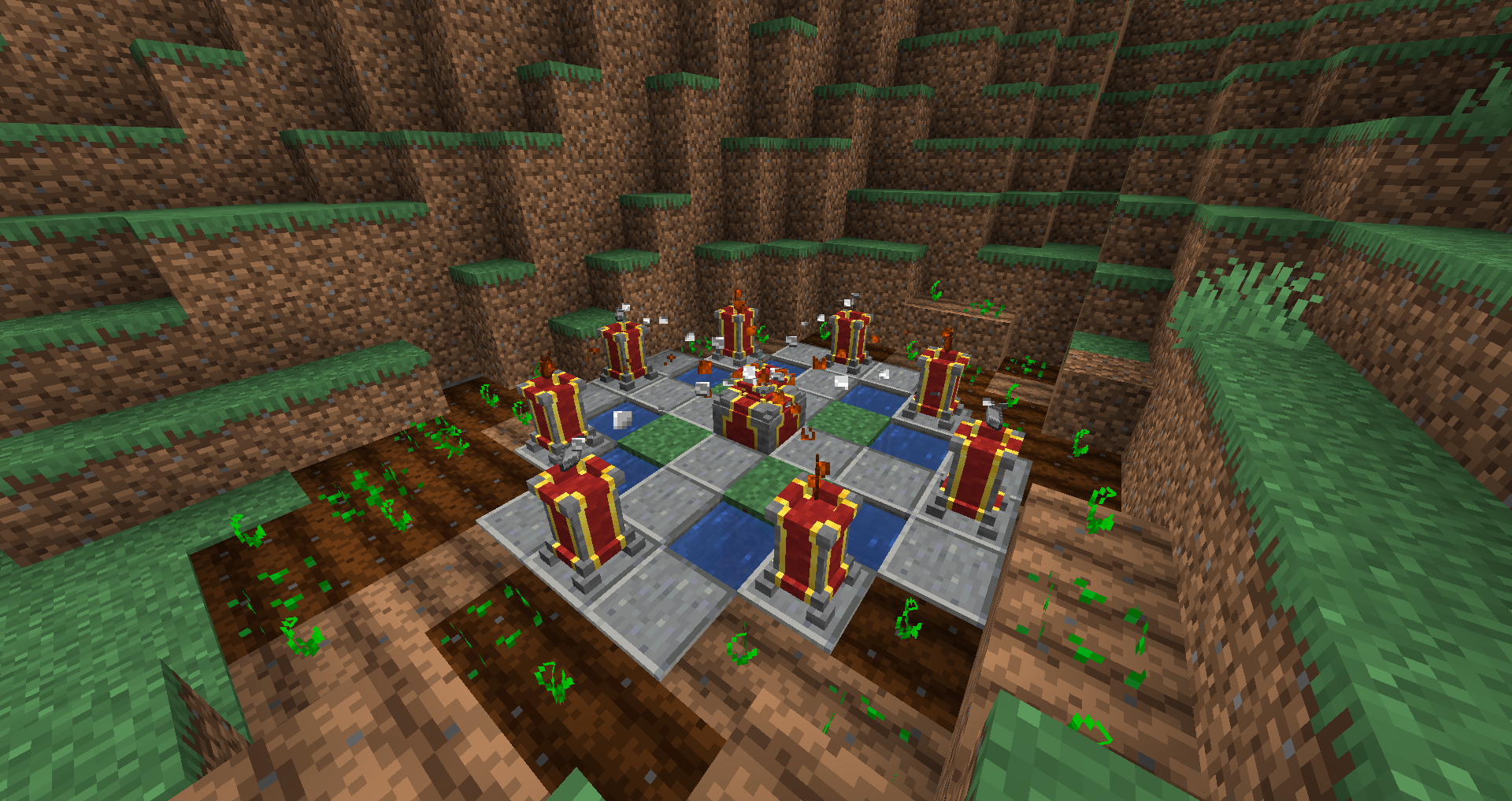
◆ Exploring dungeons
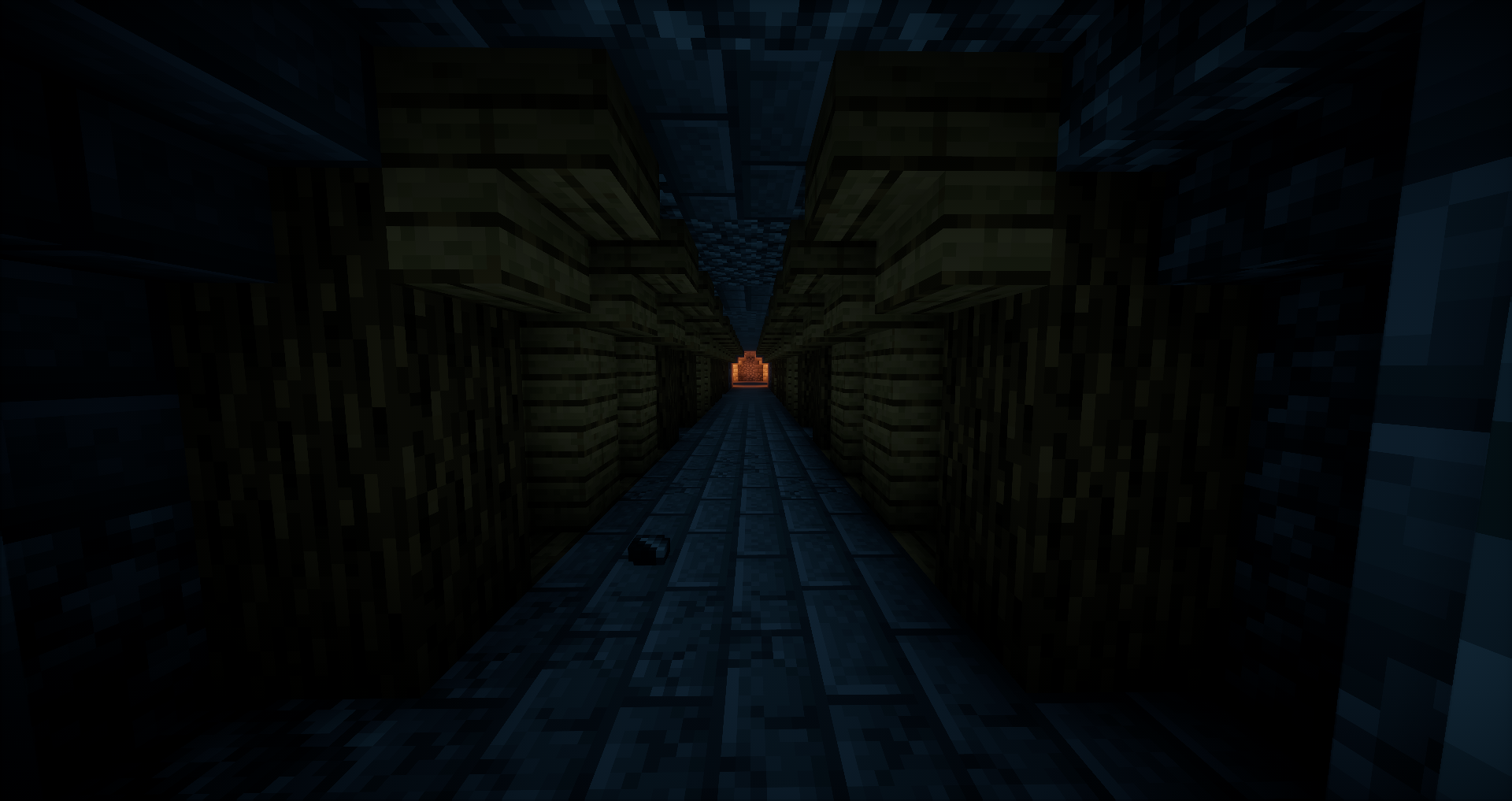
◆ Fighting the corruption
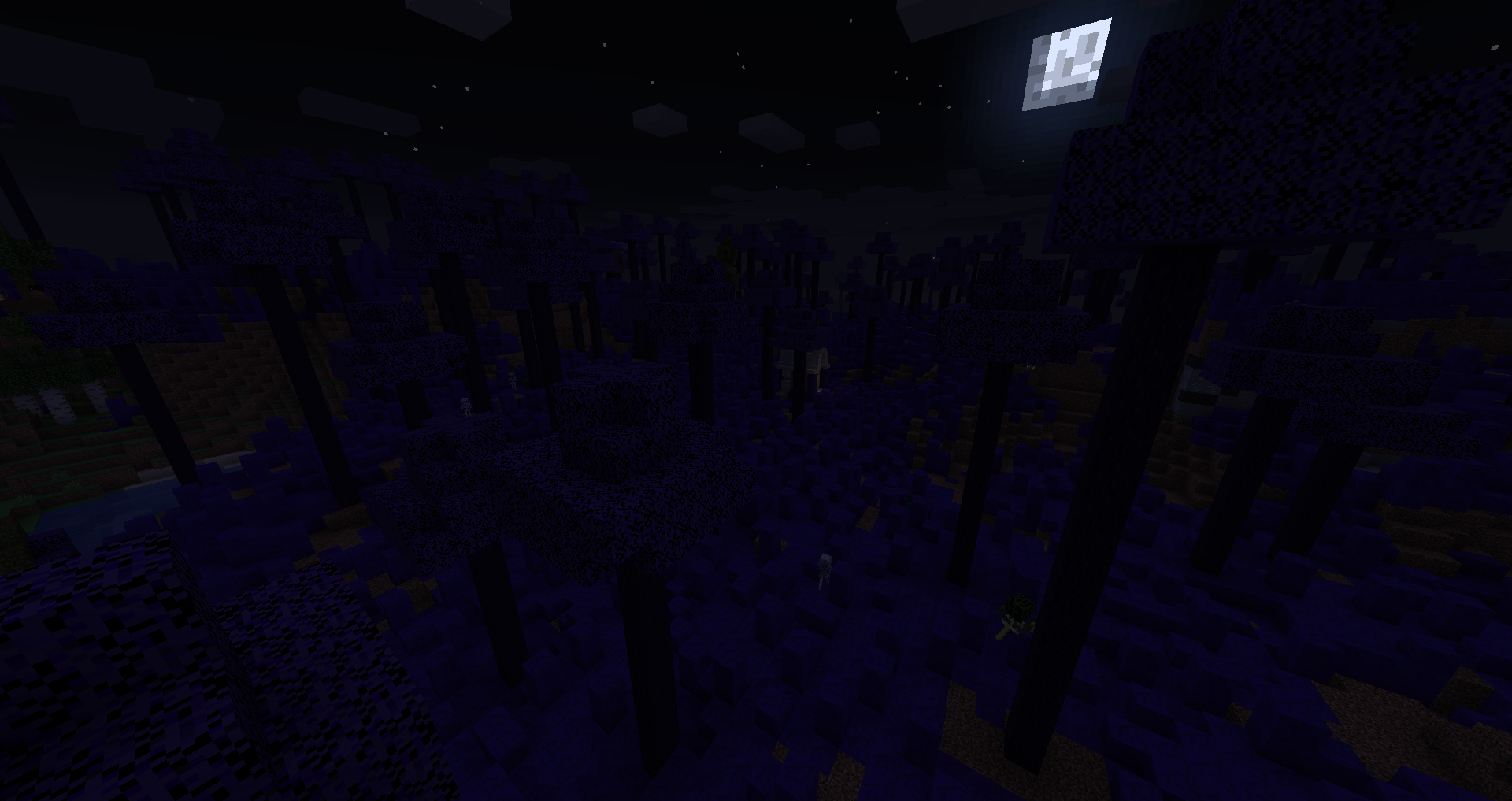
◆ Slaying dragons
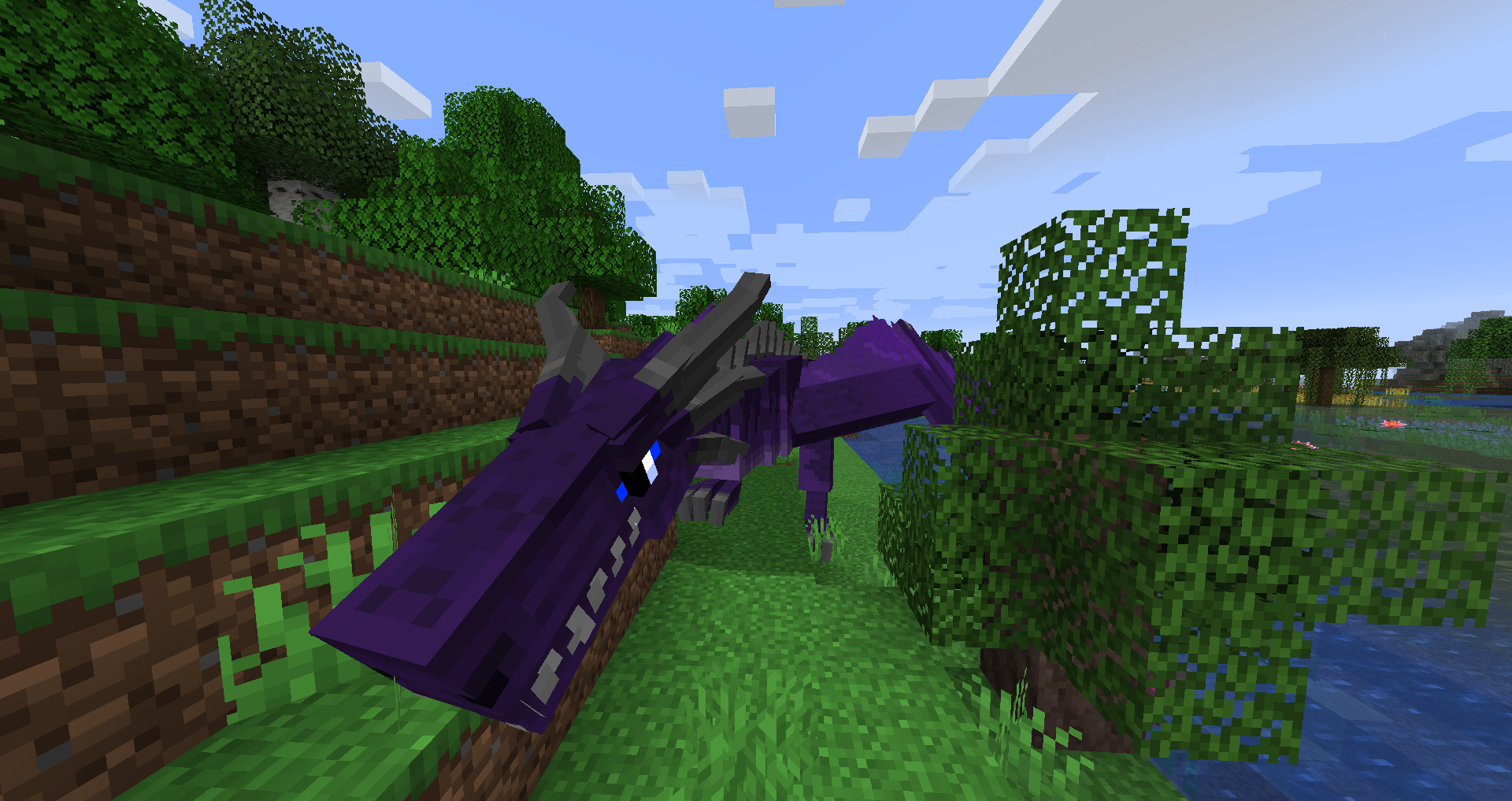
◆ Defeating bosses
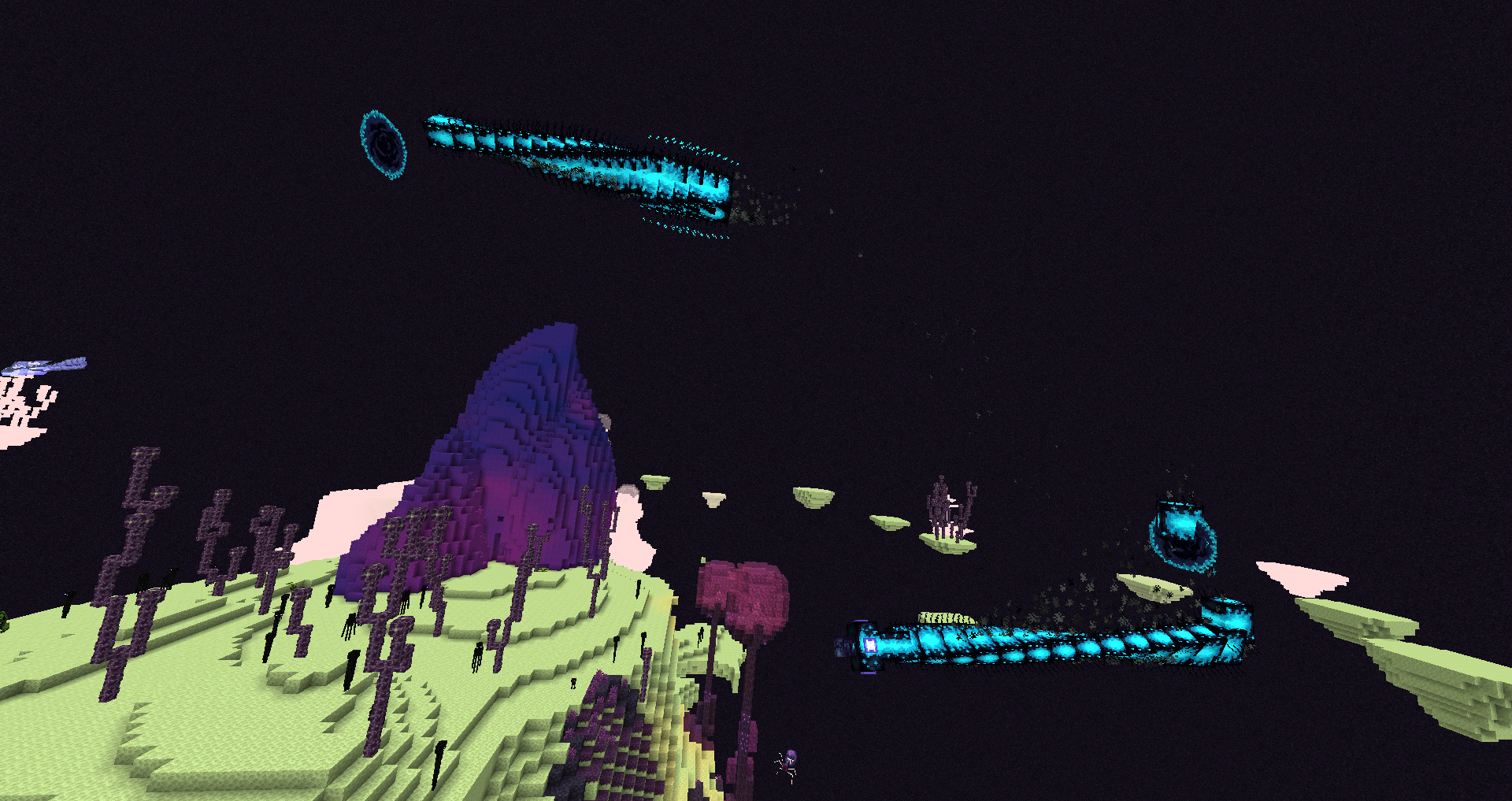
◆ Dying
◆ Obtaining broken enchantments
◆ Ascending to Godhood
◆ And much much more!
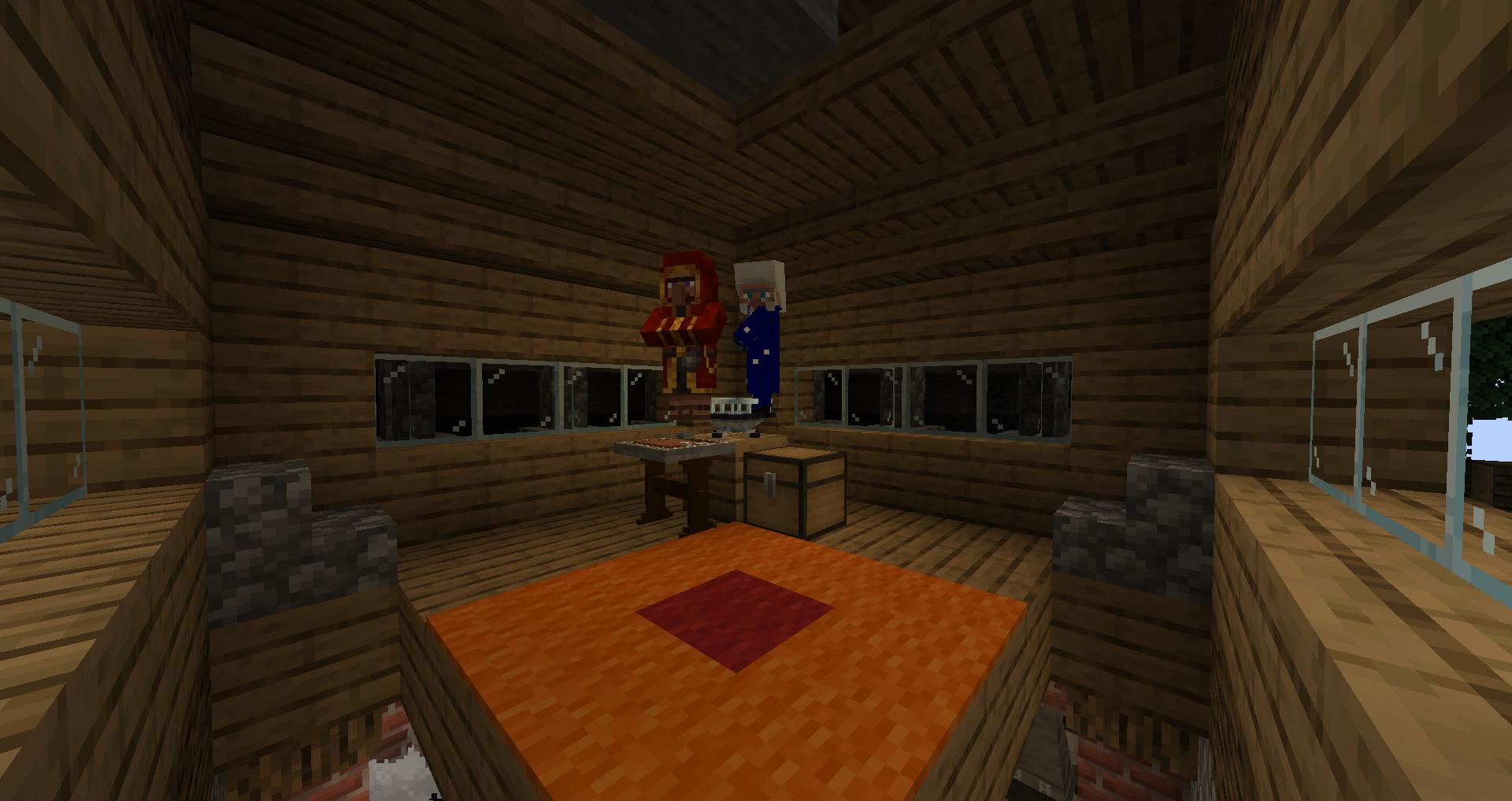
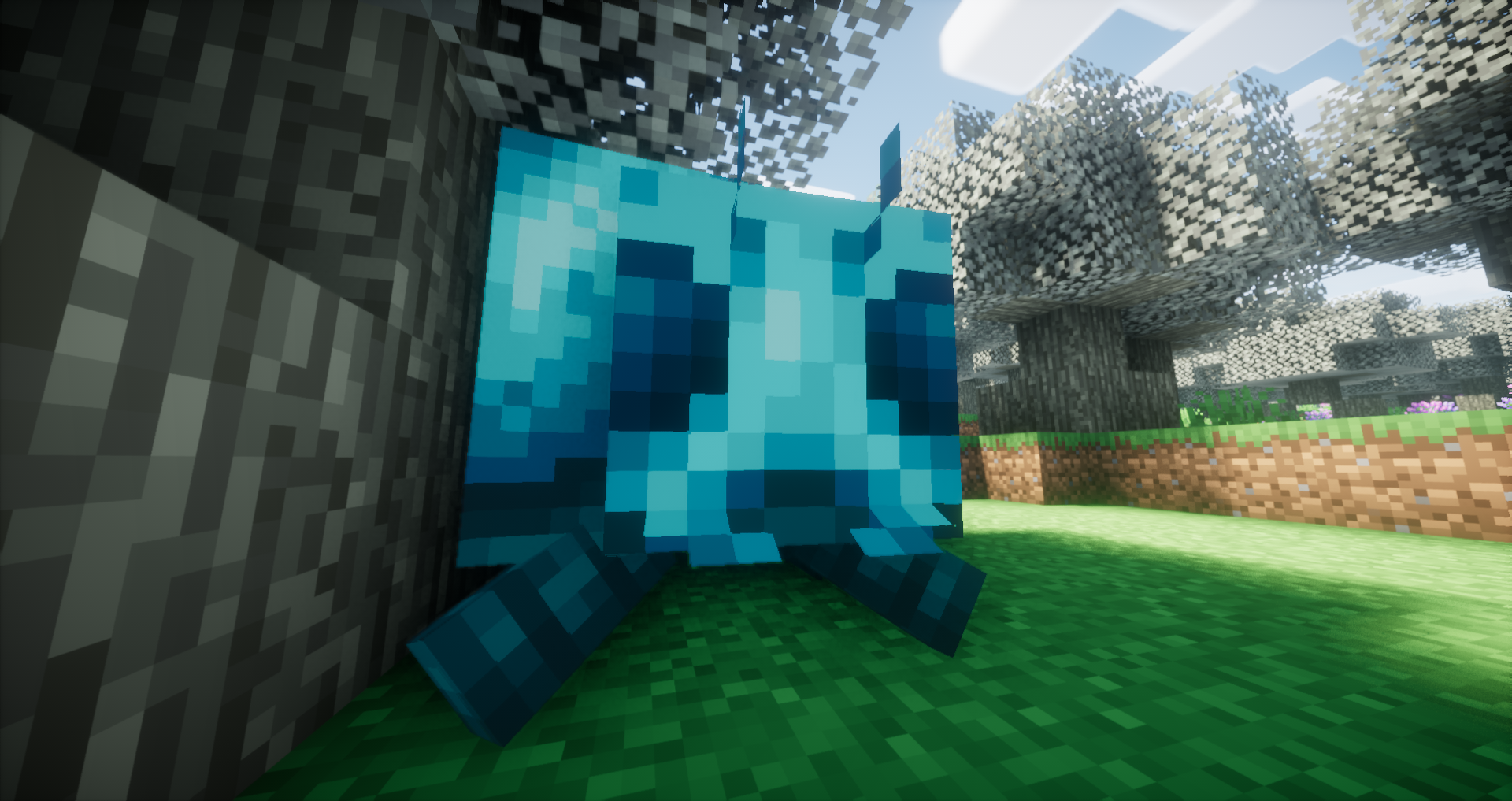
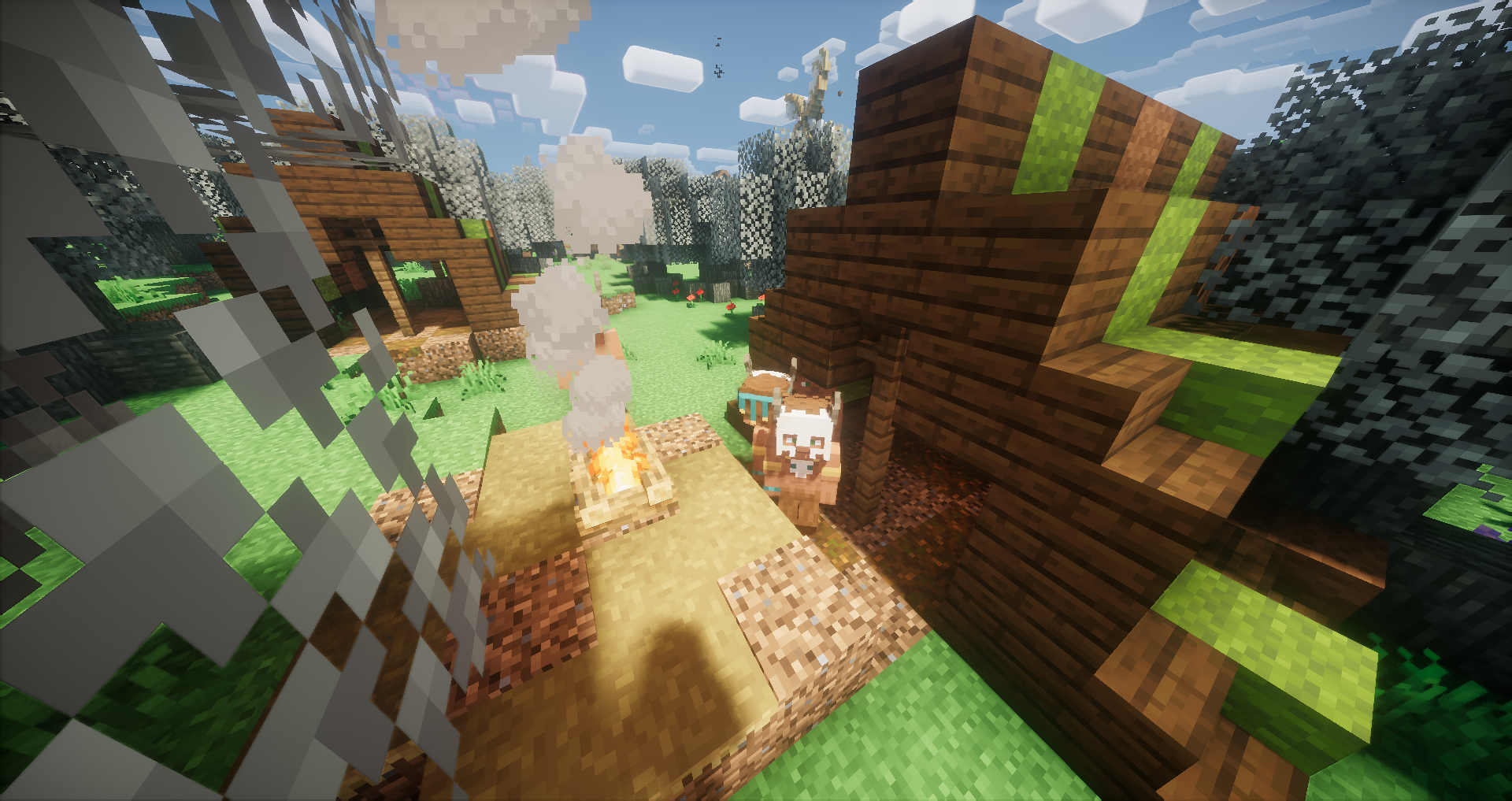
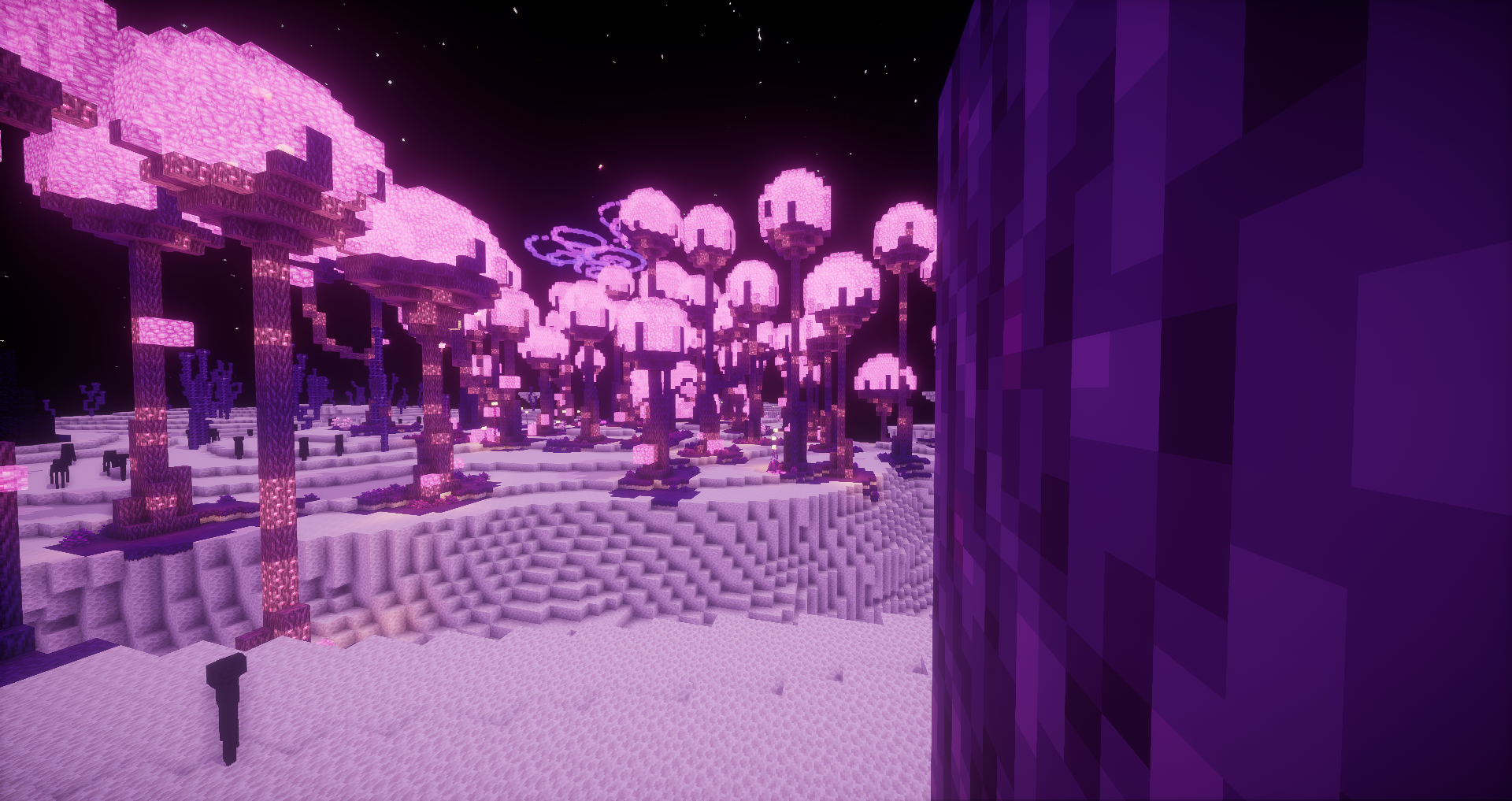
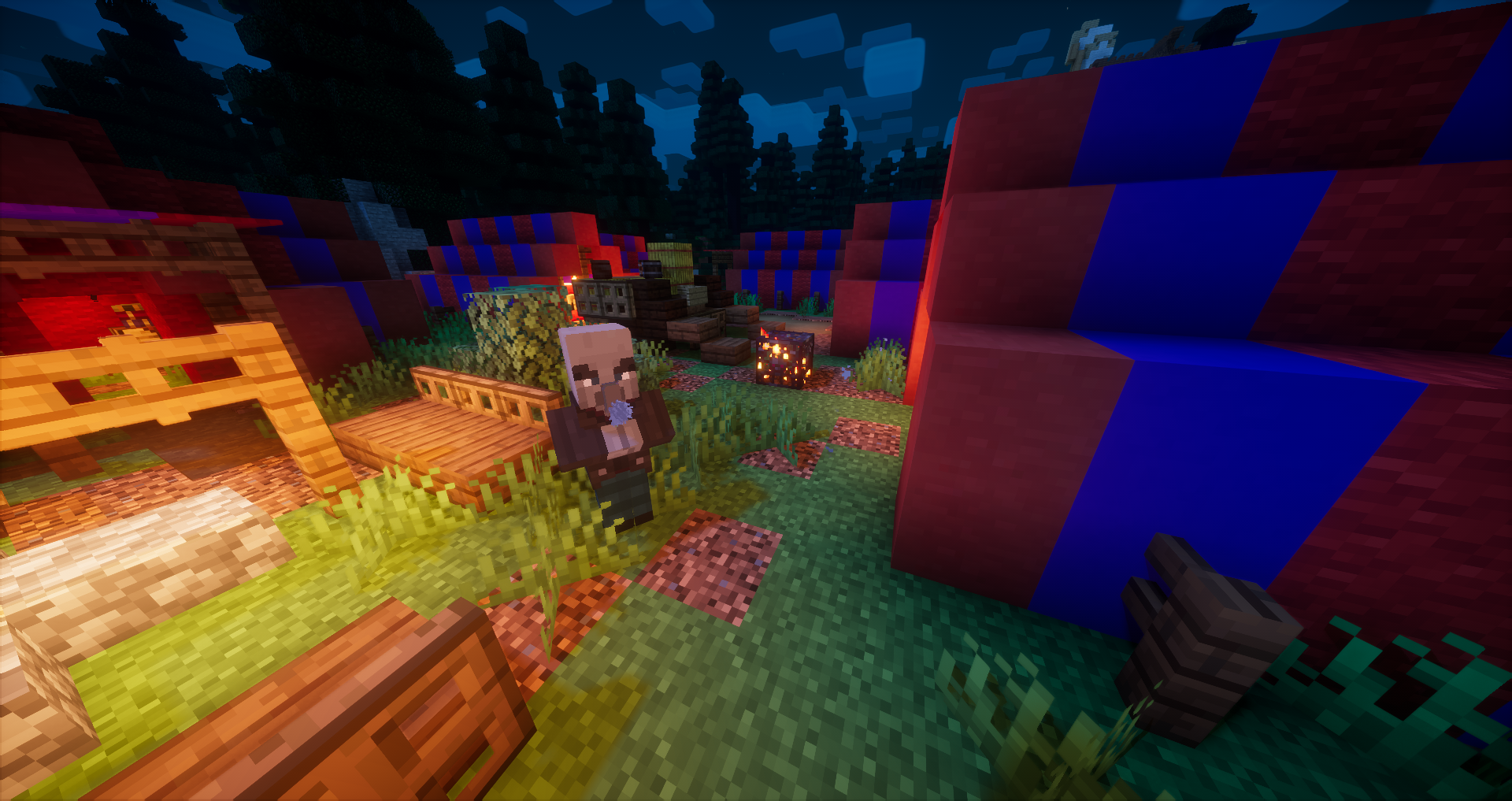

OccultCraft 4th Edition [1.18]:
OccultCraft 4th edition is for Forge 1.18. It is as best of a port of 3rd edition as time and updated mods allow. It has been discontinued for the making of 5th edition.
OccultCraft 5th Edition [1.19]:
5th edition of OccultCraft is for Forge 1.19. More info TBA.
OccultCraft 6th Edition [1.20] (Beta):
6th edition of OccultCraft is for Forge 1.20.1. More info TBA.
If you are interested in hosting a server for Minecraft or other games, click the image above and use code OCMastery to get 25% off your first month! I'd recommend at least 6GB of RAM for a server with OccultCraft installed.
--- In Development ---
Adding quests to 6th edition
Adding proper 5th & 6th edition tabs in the CF page.
--- Done ---
Making a 5th edition for 1.19
Adding quests for the 5.X version
Reworking the CF page
Adding quests
Updating to 1.18
Making a server pack
Updating to forge 36.2.2
OccultCraft কীভাবে ইনস্টল করবেন
With Millida Launcher
Install Millida Launcher
The launcher is free: download it at millida.net/launcher and sign in with any nickname.
Click “Install” on this page
The launcher opens and installs the modpack for Minecraft 1.18.1–1.20.6 on Forge automatically.
Launch the game
A profile with it appears in the launcher: click “Play”.
Manually
Download the modpack archive
In the version list above, pick the file OccultCraft-6.8.zip (3.2 MB).
Import it into a launcher
A launcher that supports modpacks (Millida Launcher, Prism) takes the archive via “Add modpack”, then “From file”. No need to unpack it yourself.
Allocate memory
Modpacks need more memory than the plain game: set 4–6 GB in the profile settings.
On a server
Use the “To server” button
On Millida Hosting, the button at the top of the page uploads the file to your server and restarts it for you.
Invite friends: they install the same modpack
To join the server, every player needs the same modpack version.
Minecraft 1.20.6 runs on Java 21: with a different Java version the game may close right after launch.
ভার্সন
ডিপেন্ডেন্সিসহ
| Minecraft | লোডার | ফাইল | তারিখ | অ্যাকশন |
|---|---|---|---|---|
| 1.20.2 | Forge | OccultCraft 6.83.2 MB ৭ | ||
| 1.20.2 | — | OccultCraft 6.12.6 MB | ||
| 1.19.3 | — | OccultCraft 5.6681 KB | ||
| 1.19.3 | Forge | OccultCraft 5.4512 KB | ||
| 1.18.1 | — | OccultCraft 4.0558 KB |
FAQ
Which Minecraft versions does OccultCraft work on?
There are files for 1.18.1–1.20.6, 13 versions in total. The newest is 1.20.6.
Is OccultCraft for Forge or Fabric?
Only for Forge: 1.19–1.20.6.
Which Java does OccultCraft need?
Minecraft 1.20.6 runs on Java 21. If the game closes right after launch, the usual cause is the wrong Java version in the profile settings.
Where can I download OccultCraft safely?
On this page: the file OccultCraft-6.8.zip (3.2 MB) is stored on Millida’s server, with no link shorteners. SHA-1 checksum: bca3e68a7e1e4264ddc8e68dfa908f6003630304.
রিভিউ
OccultCraft-এ প্রথম রেটিং দিন


